Source: MiniDisc Wiki contributors · September 3, 2026 snapshot · CC BY 4.0, except where otherwise credited.
Attribution and changes
Adapted from “Aiwa AM-HX55”. Links, layout and file names normalized; missing database fields restored; remote embeds replaced with links. Manufacturer manuals and separately credited photographs retain their original attribution.
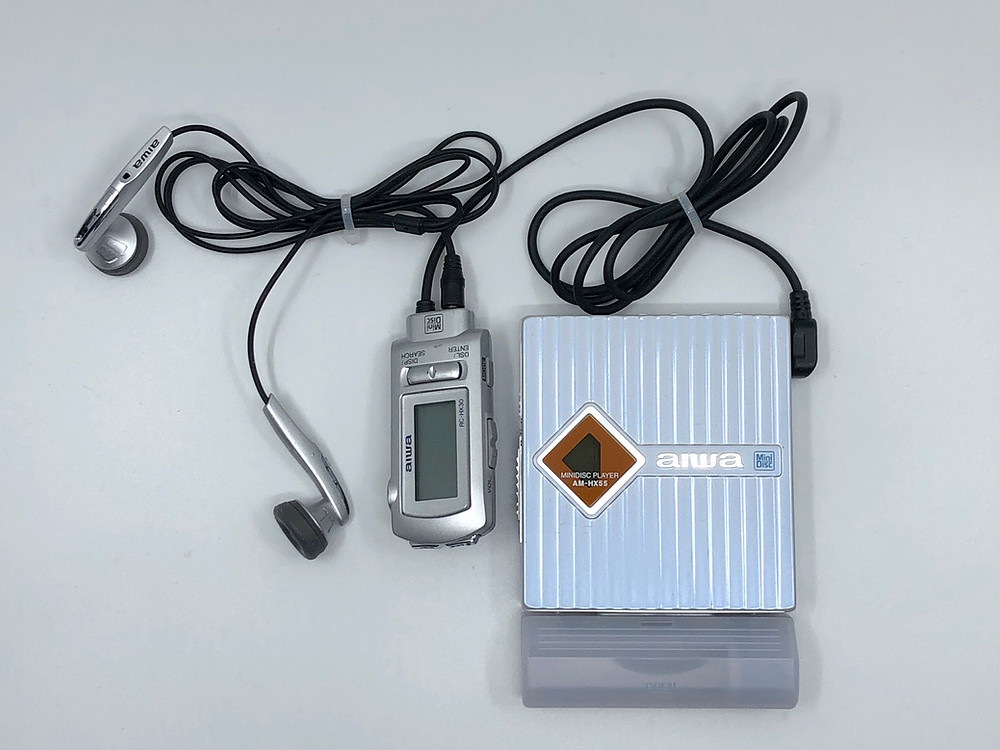
| Name | AM-HX55 |
|---|---|
| Manufacturer | Aiwa |
| Released | 1999/08 |
| Device type | portable |
| Recorder | Player |
| MDLP | No |
| NetMD | No |
| Hi-MD | No |
| Radio | No |
| Dimensions | 71.6mm W x 14.5mm H x 78.5mm D |
| Weight | 91g (inc battery) |
| ATRAC ver | Not recorded |
| Battery | Not recorded "Gumstick" |
| Battery notes | Not recorded |
| Sidecar (depr) | 1xAA |
| Voltage | 1.5 |
| Power cable | Not recorded |
| Price (launch) | Not recorded |
| ¥29 800 | |
| - | |
| Inputs | Not recorded |
| Outputs | 3.5mm headphone |
| Control | Not recorded |
Features: 25 track program play mode, 40-second anti-skip buffer, alarm function, program search, backlit LCD
Specs: headphone output 8mW per channel (load impedance 16 ohms), NiMH battery DC1.2V, 1 AA alkaline battery DC1.5V, 100 VAC household current.
Battery Life NiMH Play: 19hr. Recharge 70 min
Battery Life AA Play: 27hr. Both (NiMH + AA) 50hr.
Additional settings on the supplied remote RC-HX55:
- Alarm
Press "DISP/SEARCH" and "MODE" at the same time. Change the value from 10 minutes to 3 hours with the "FORWARD" and "REVERSE" buttons. Cancel the alarm by pressing "STOP" two times. If the counter reaches 0 you will hear a beep and the music stops playing until you press a button.
- Program play
Press the "MODE" button 4 times. Select the first track number and press "DSL/ENTER". Select the next number. If you press "PLAY" your program will be played.
- Special settings: Beep, EarGRD and Contrast
- To use these options press play, then stop, hold down the DISP/SEARCH button for approximately 3 seconds.
- Then you will see "BEEP ON" on the display. To change this value press "DSL/ENTER". When "BEEP OFF" is selected you won't hear the sounds that indicate actions.
- EarGRD is to prevent the volume from damaging your ears by limiting the max volume to level 12. This can be disabled by pressing DSL/ENTER. The max volume is 20.
- For the contrast settings, use the volume buttons to adjust the contrast for a range of 0-15.
Content adapted from: Minidisc.org page and Aiwa AM-HX55 Review of the remote settings Aiwa Press Release Aiwa Press Release (MiniDisc Wiki mirror)
Manuals
Repair
Photos
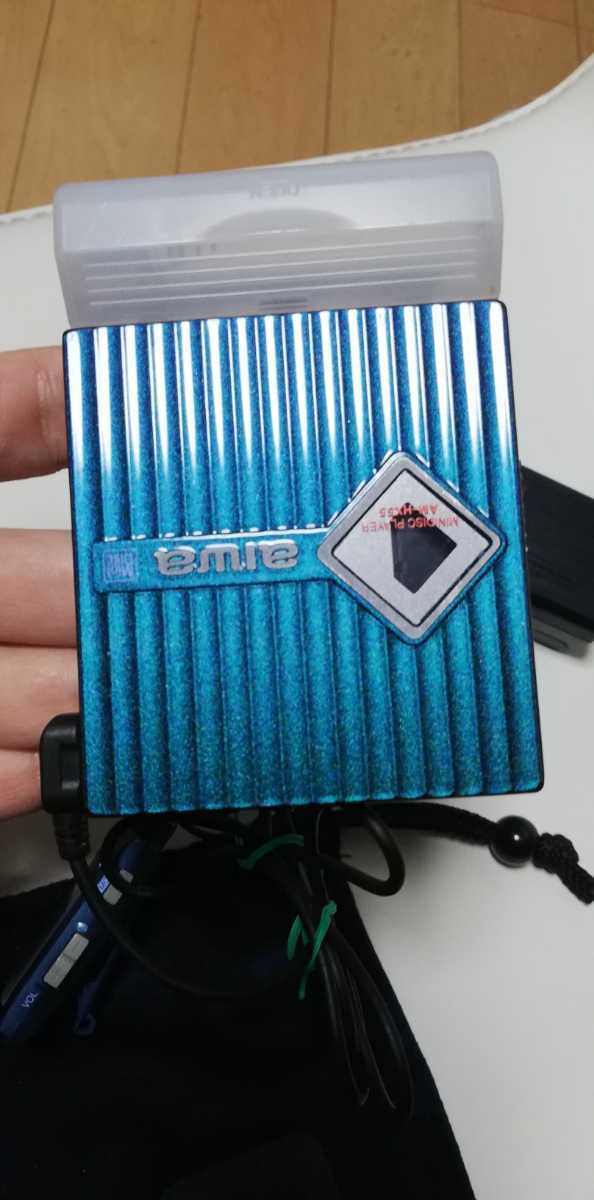
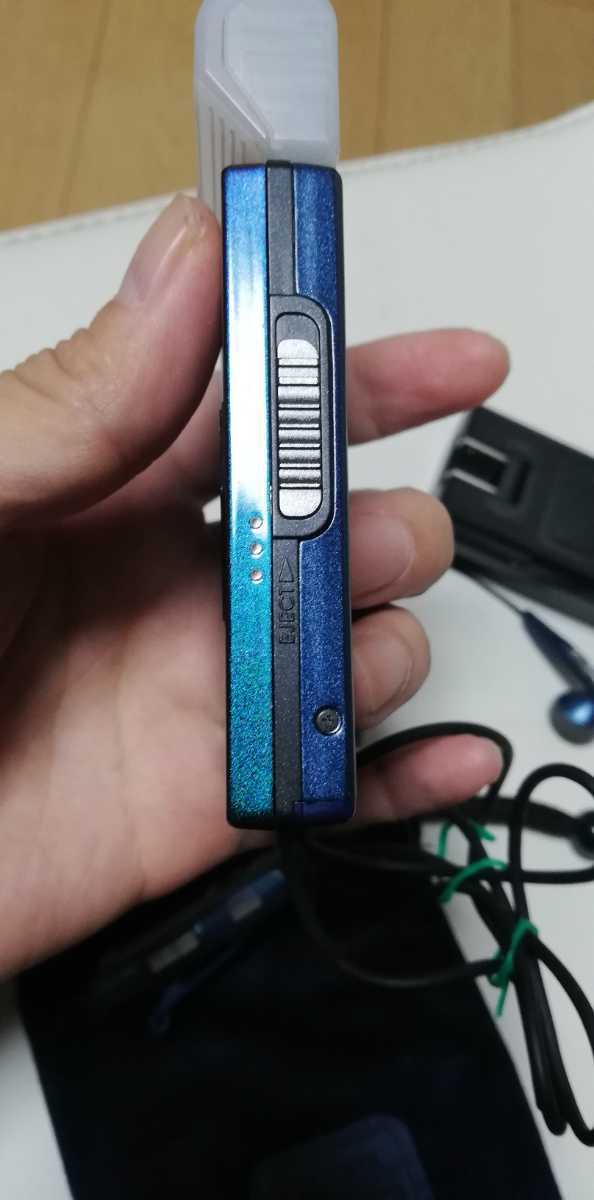
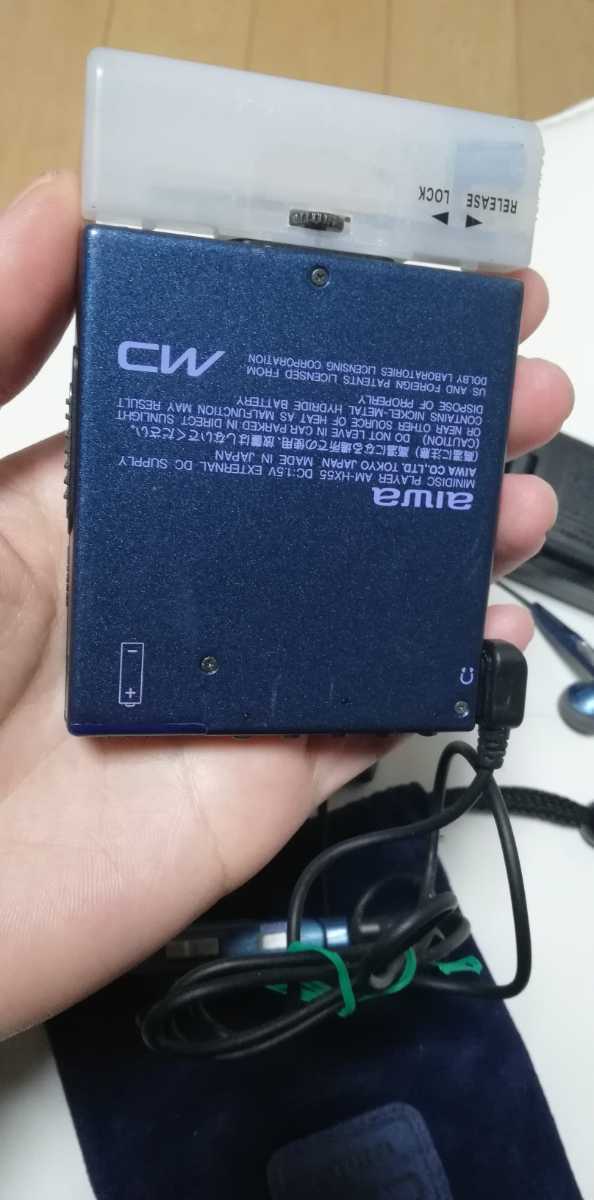
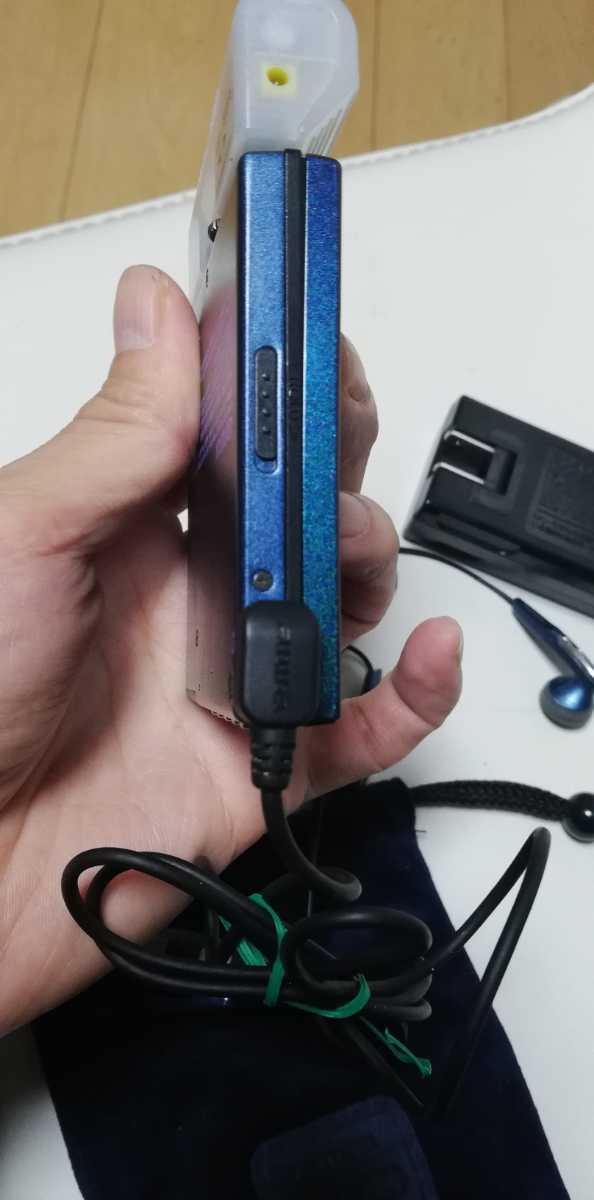
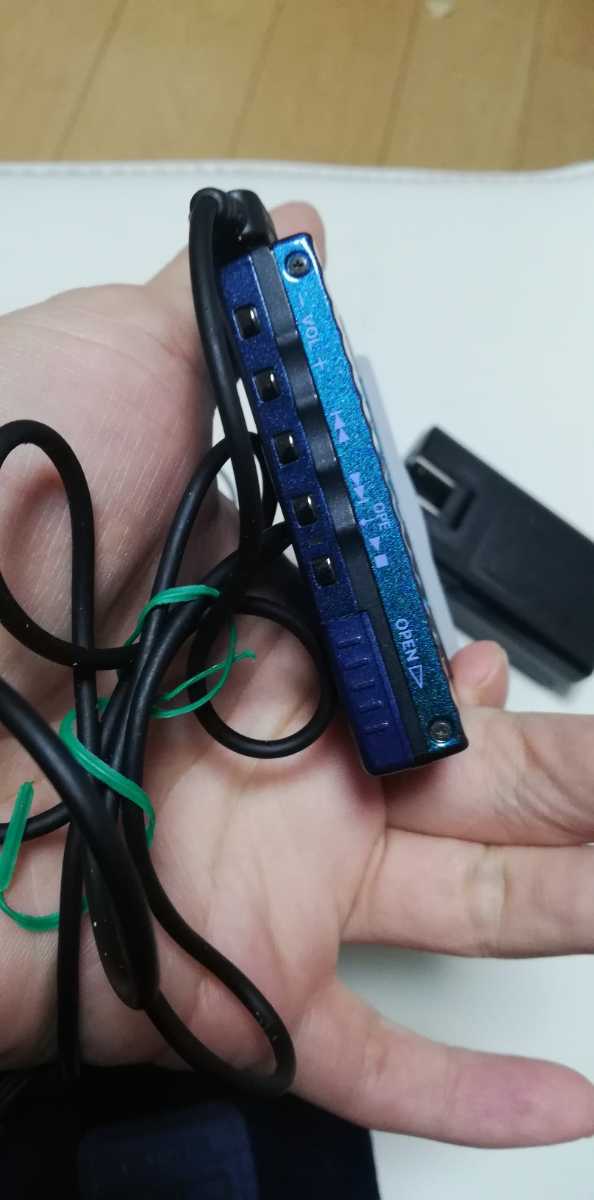
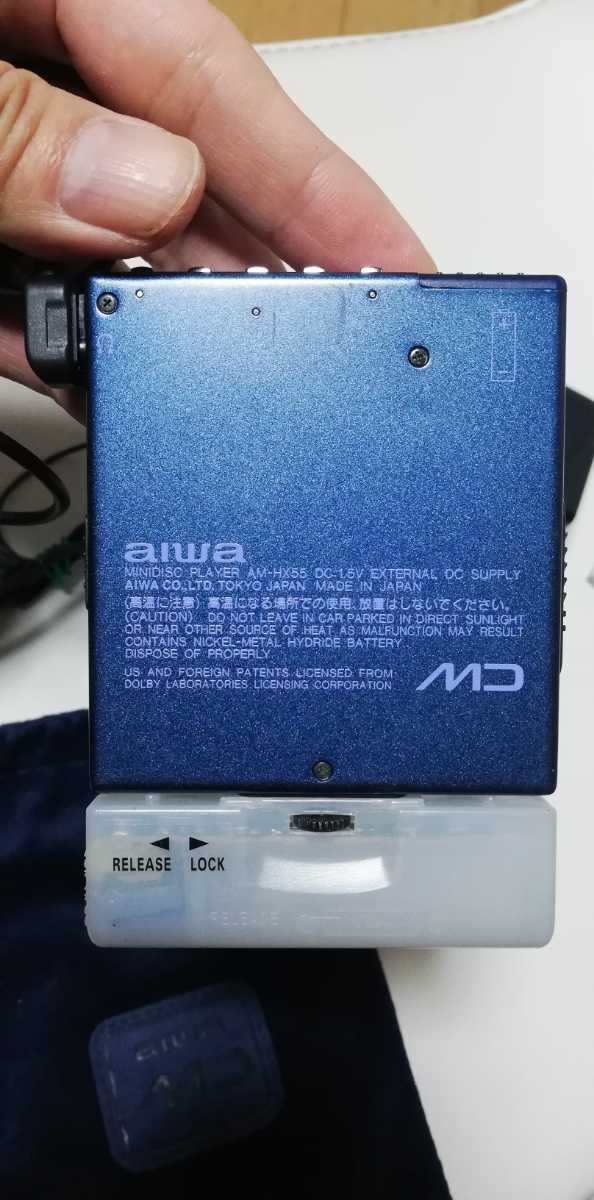
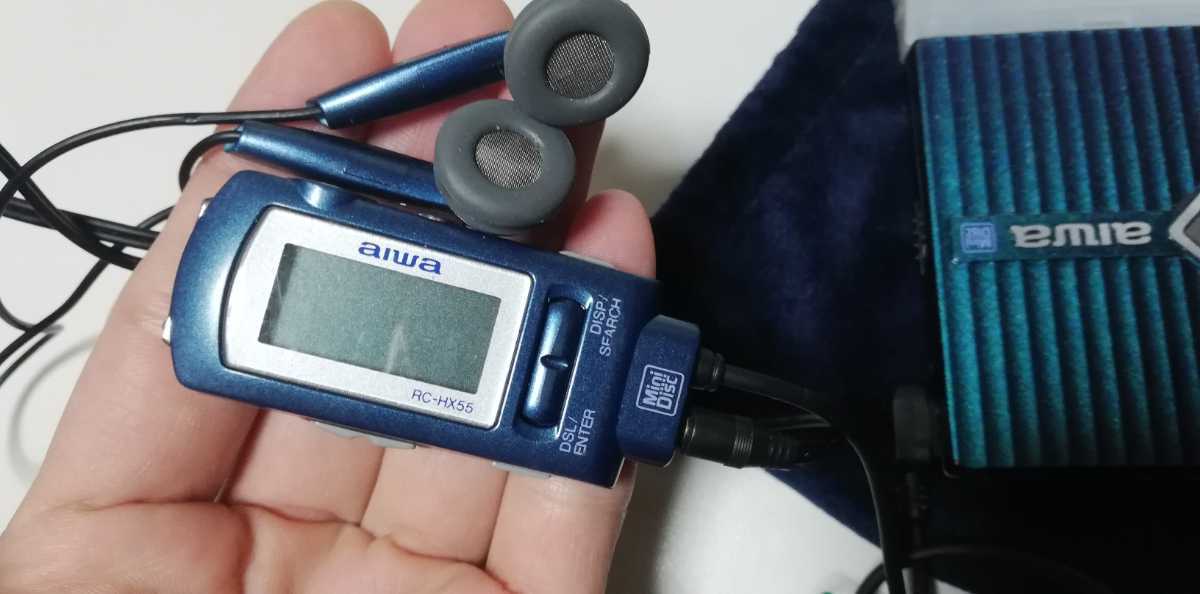
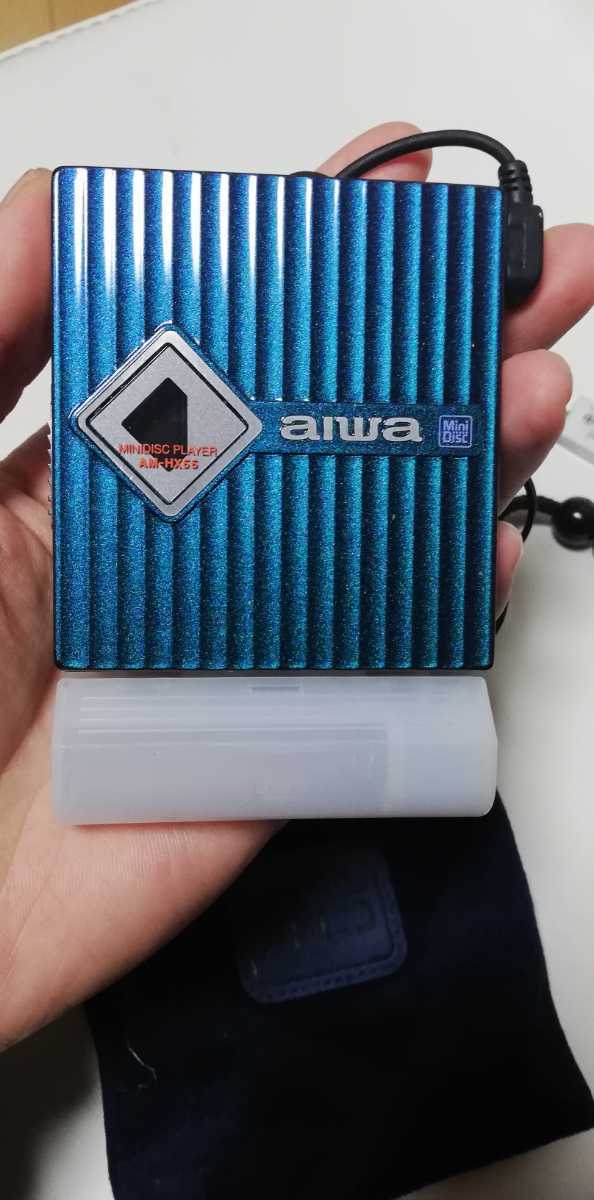
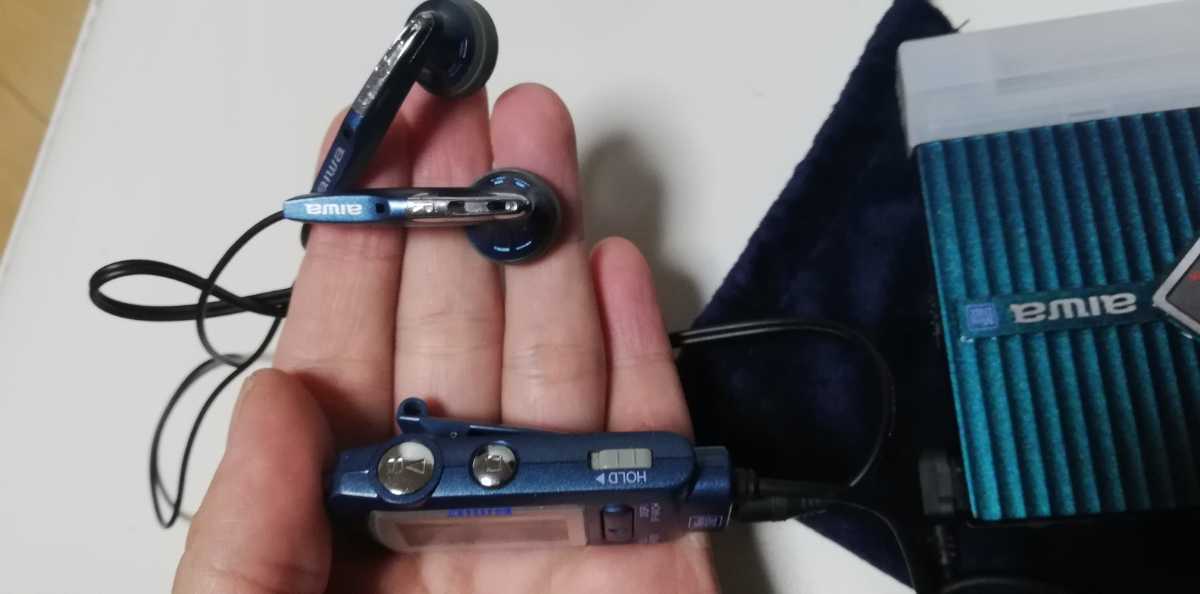
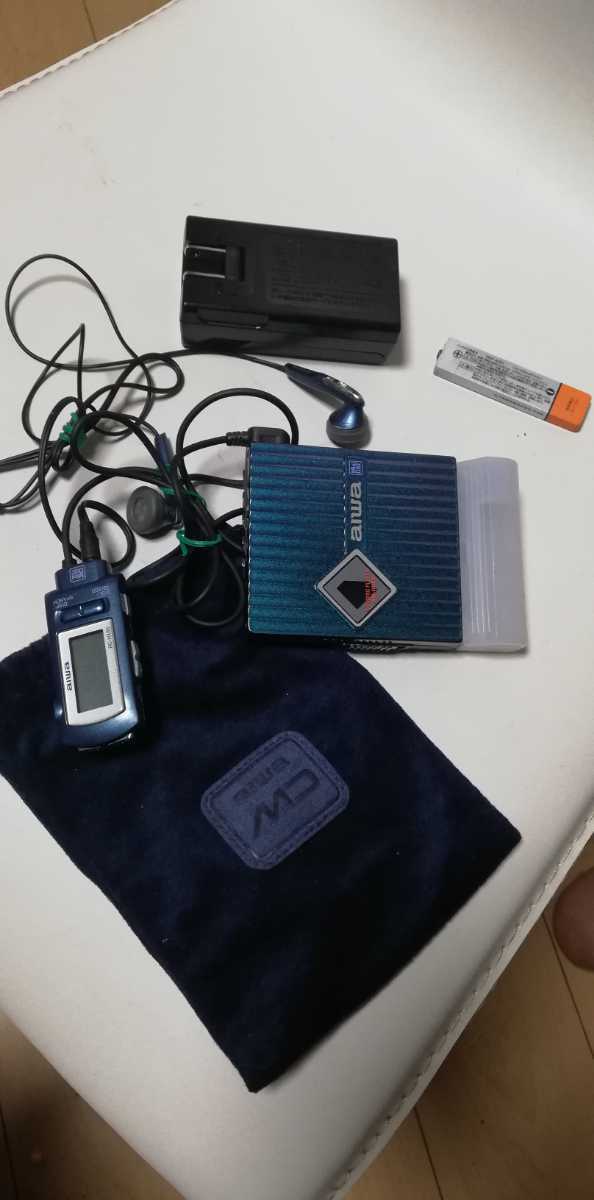
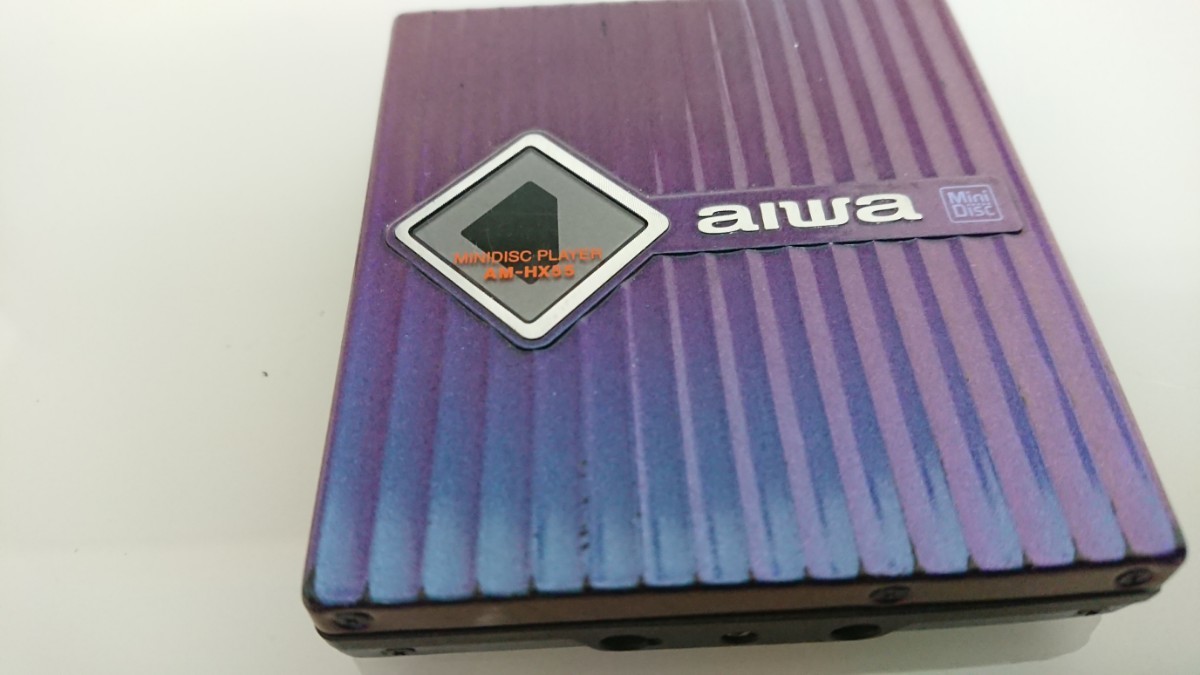
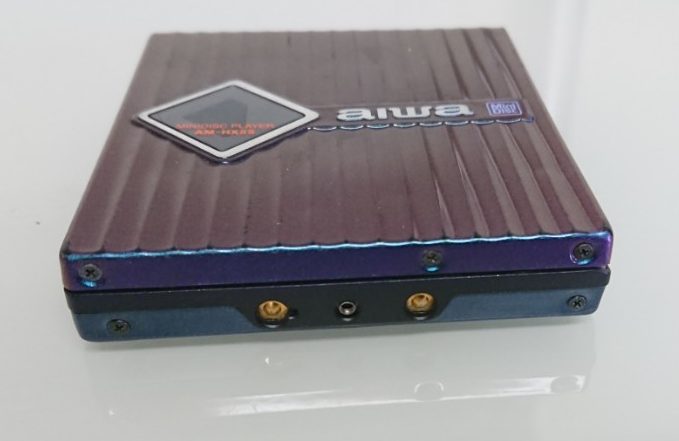
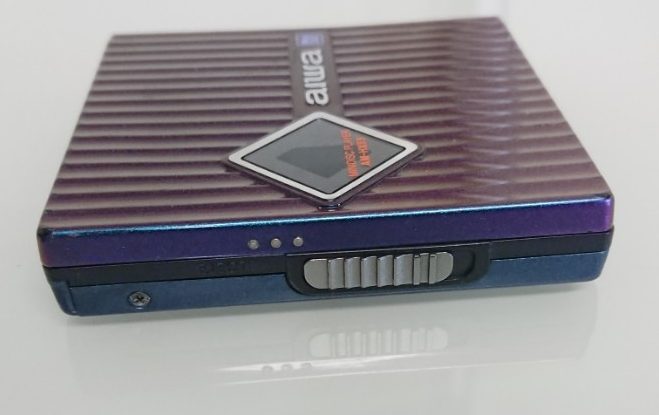
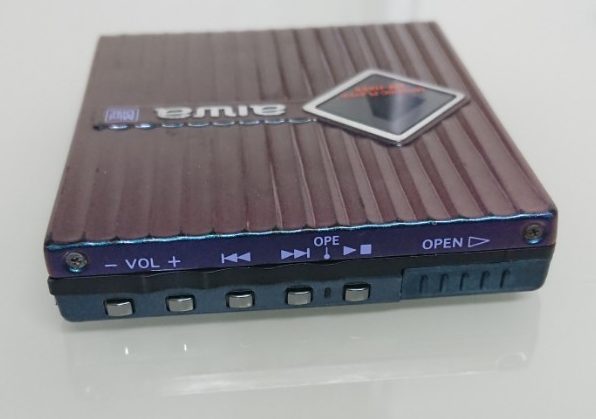
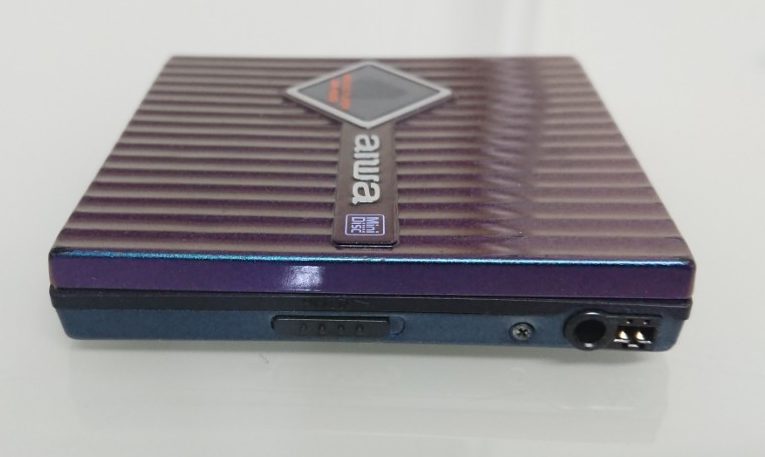
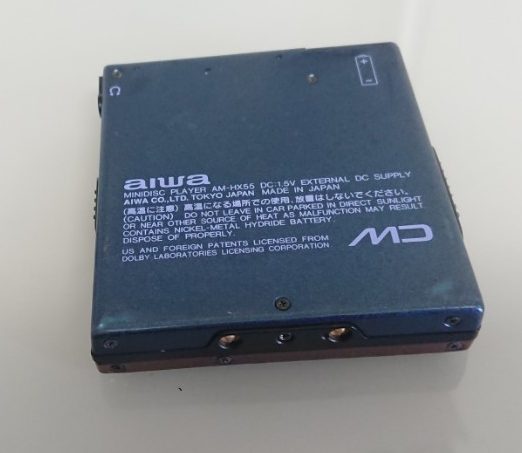
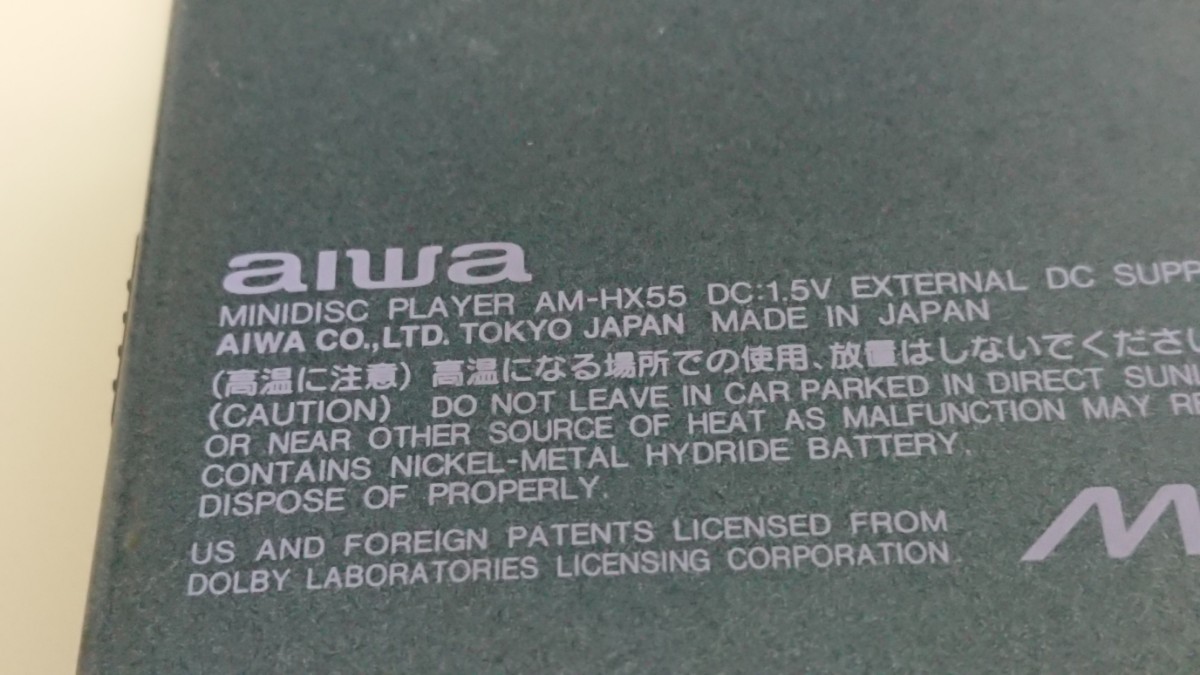
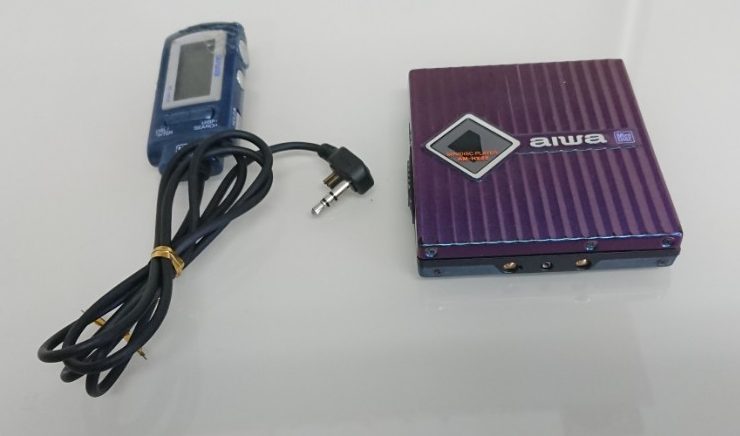
Have photos or data to add? Edit the page! We do not accept contributions via email..
Additional specifications and references
| Web Md | No (not NetMD) |
|---|---|
| Manual | Service manual, other |
| Region | Japan |