Source: MiniDisc Wiki contributors · September 3, 2026 snapshot · CC BY 4.0, except where otherwise credited.
Attribution and changes
Adapted from “Clarion MAX9700DT”. Links, layout and file names normalized; missing database fields restored; remote embeds replaced with links. Manufacturer manuals and separately credited photographs retain their original attribution.
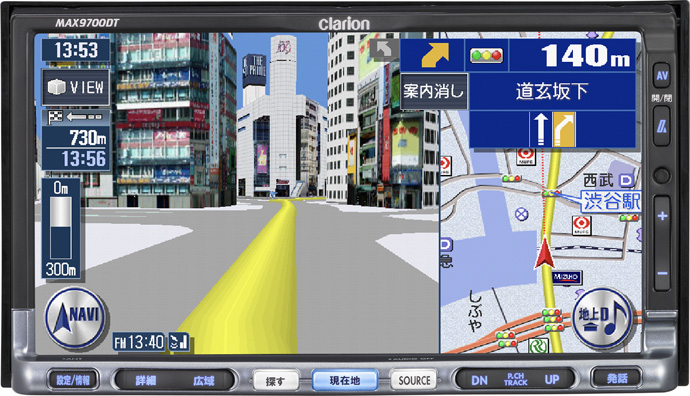
| Name | MAX9700DT |
|---|---|
| Manufacturer | Clarion |
| Released | 2007/06 |
| Device type | auto |
| Recorder | Player |
| MDLP | Yes |
| NetMD | No |
| Hi-MD | No |
| Radio | Not recorded |
| Dimensions | 178 (W) x 100 (H) x 185 (D) mm |
| Weight | 3530 |
| ATRAC ver | Not recorded |
| Battery | Not recorded Not recorded |
| Battery notes | Not recorded |
| Sidecar (depr) | Not recorded |
| Voltage | 12 |
| Power cable | Not recorded |
| Price (launch) | $2 868 |
| ¥341 250 | |
| - | |
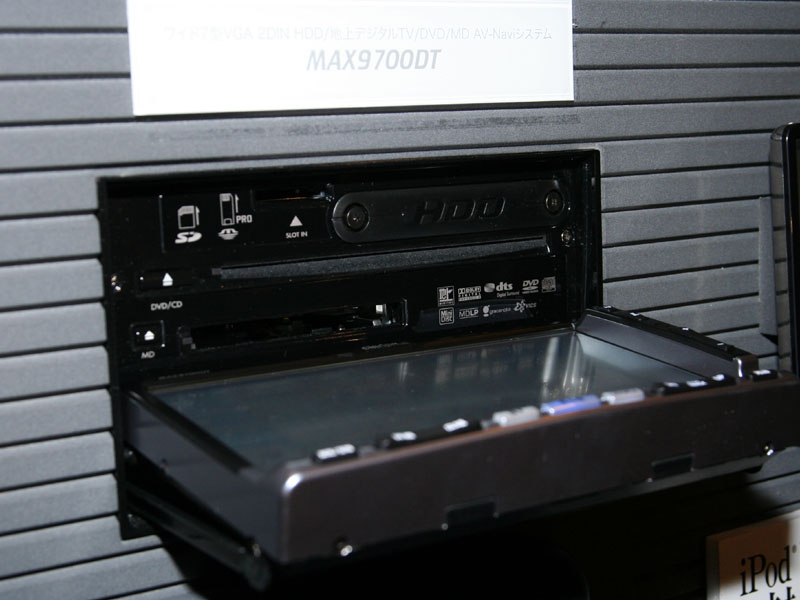
| Inputs | CD |
| Outputs | Speaker amplifier |
| Control | Not recorded |
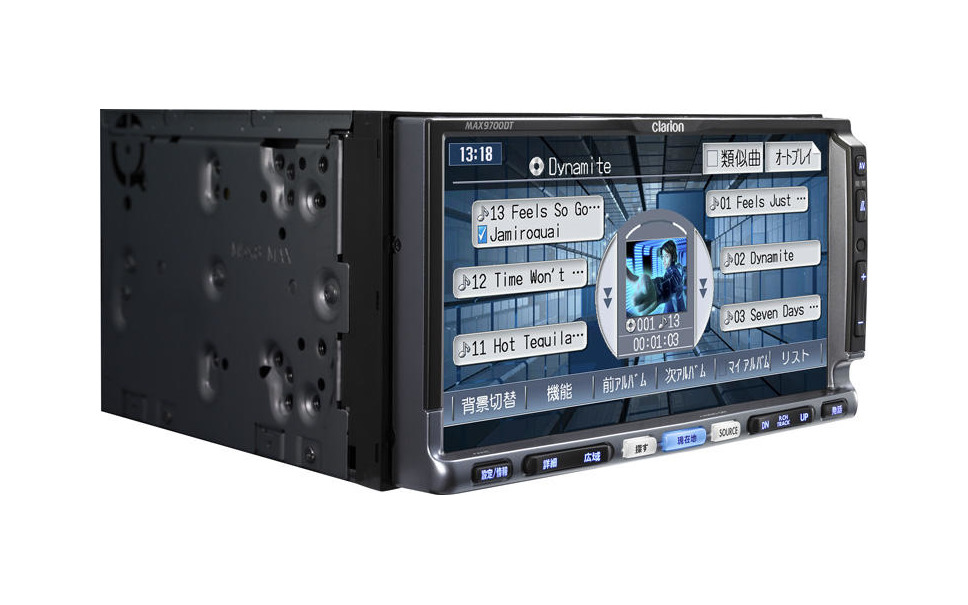
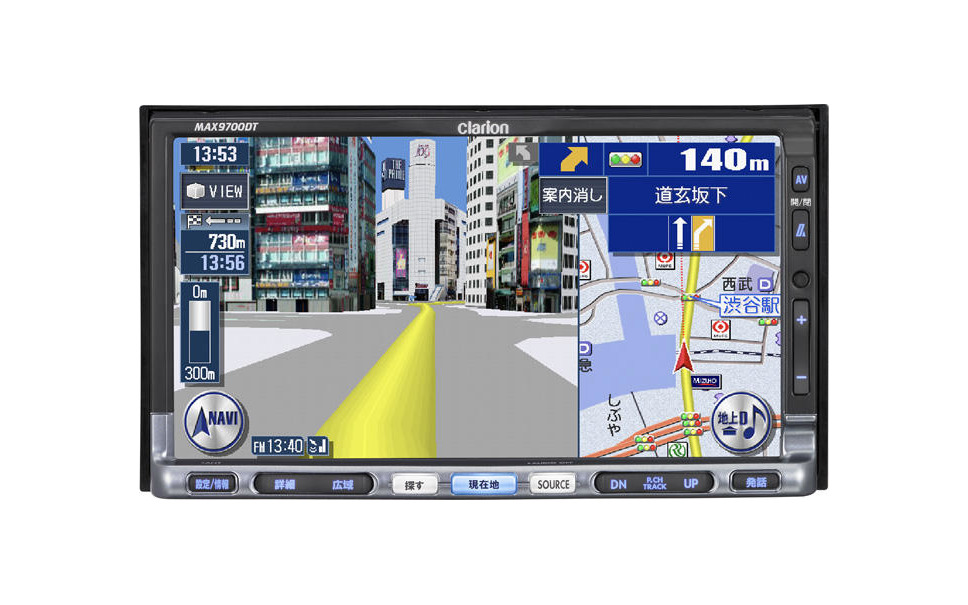
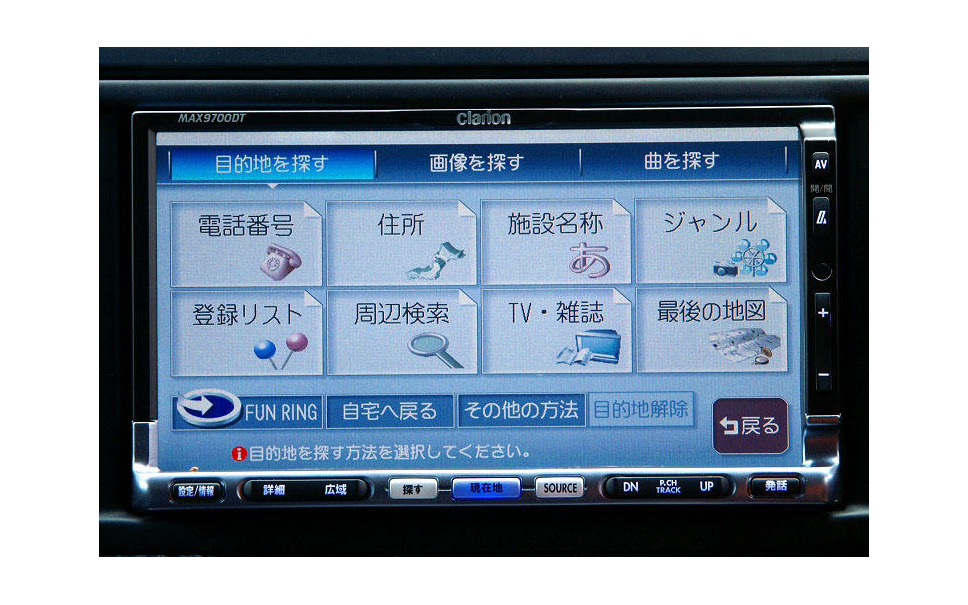
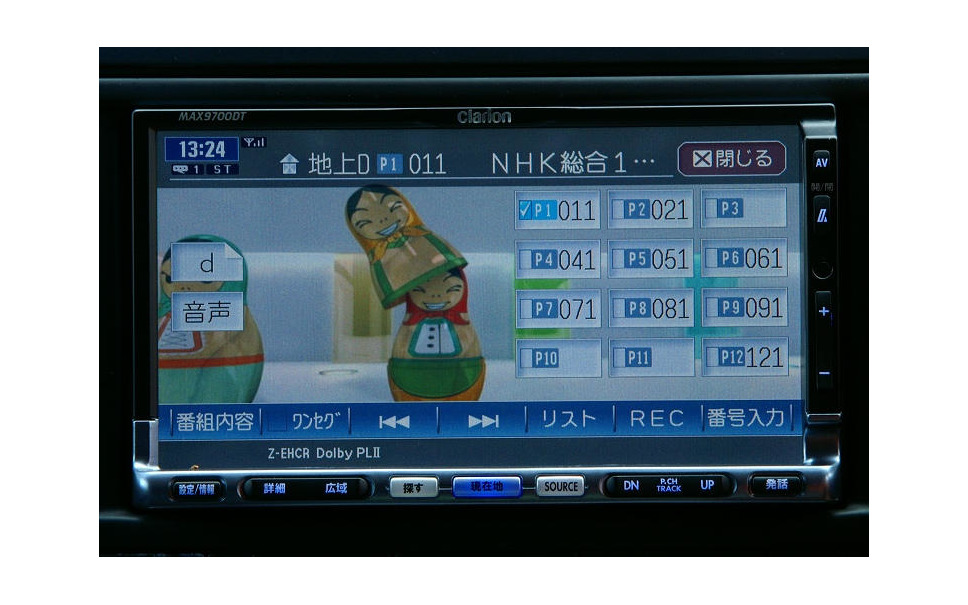
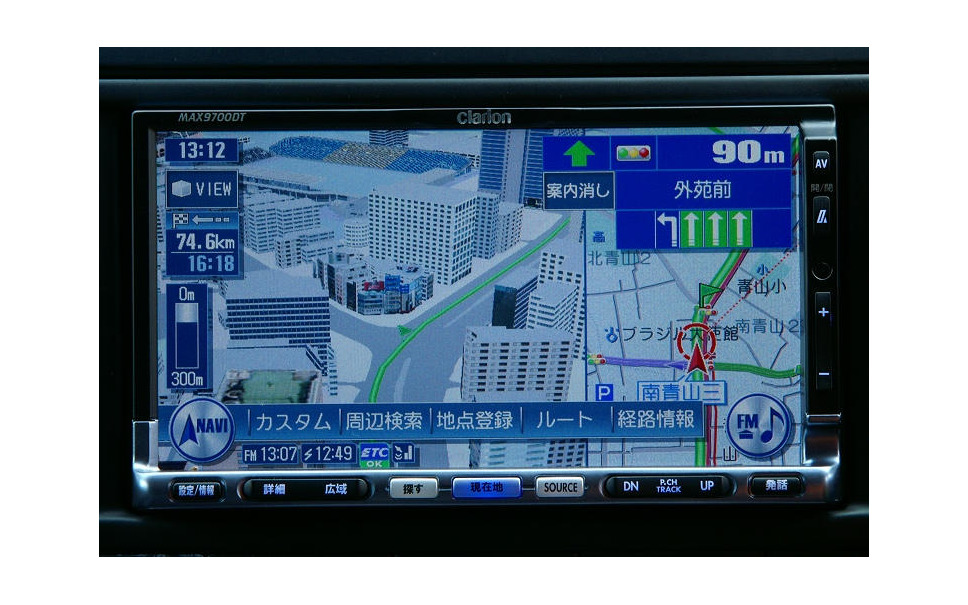
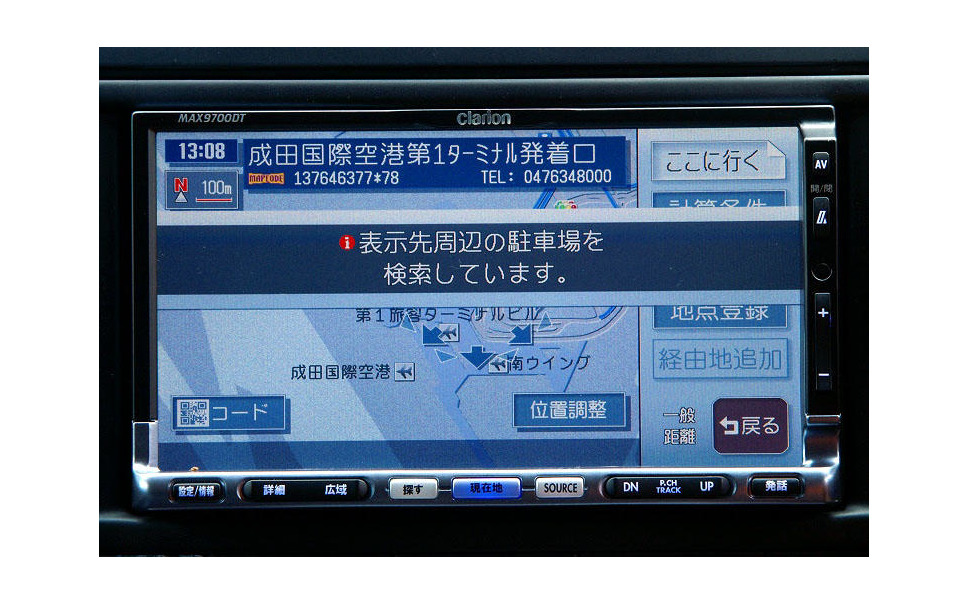
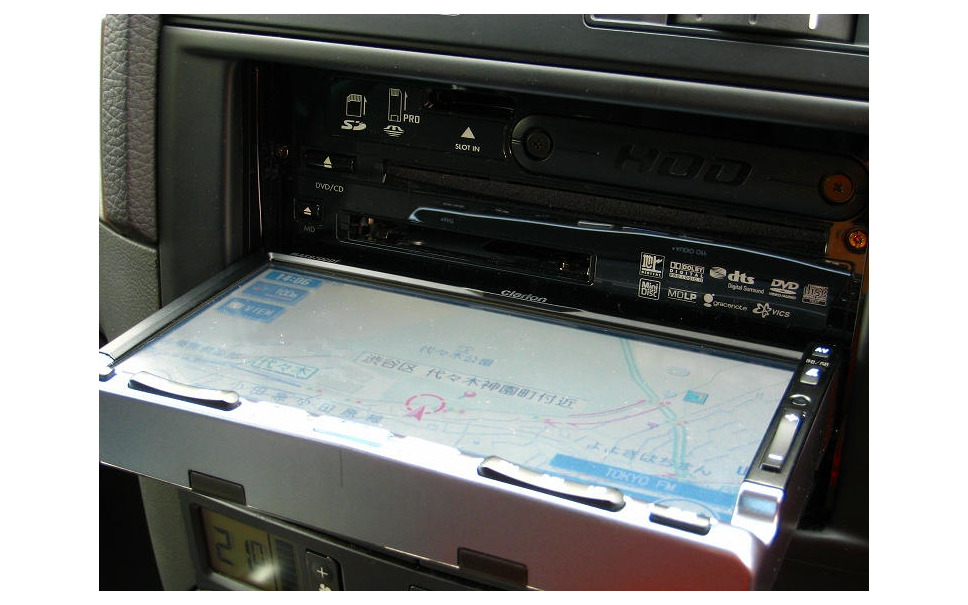
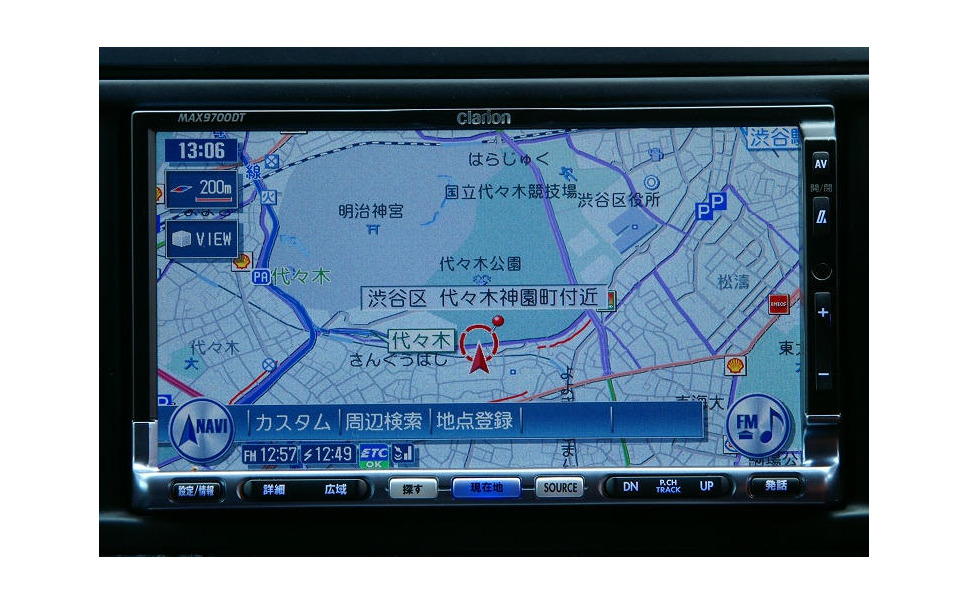
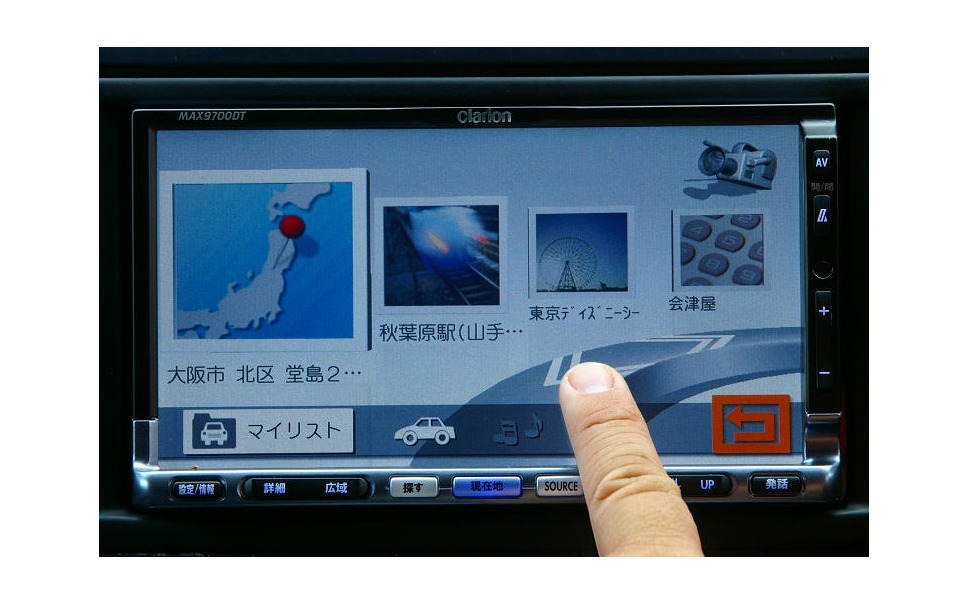
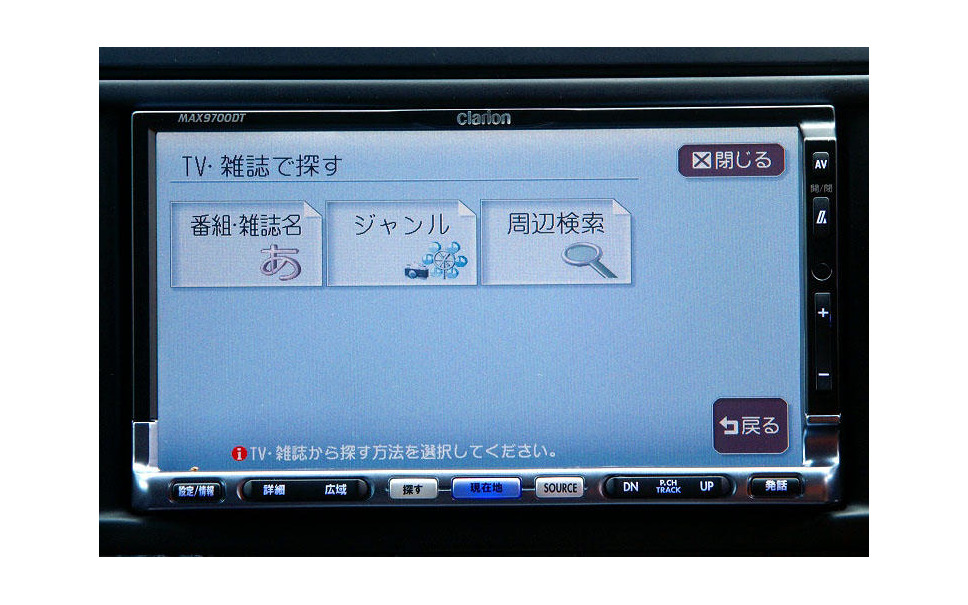
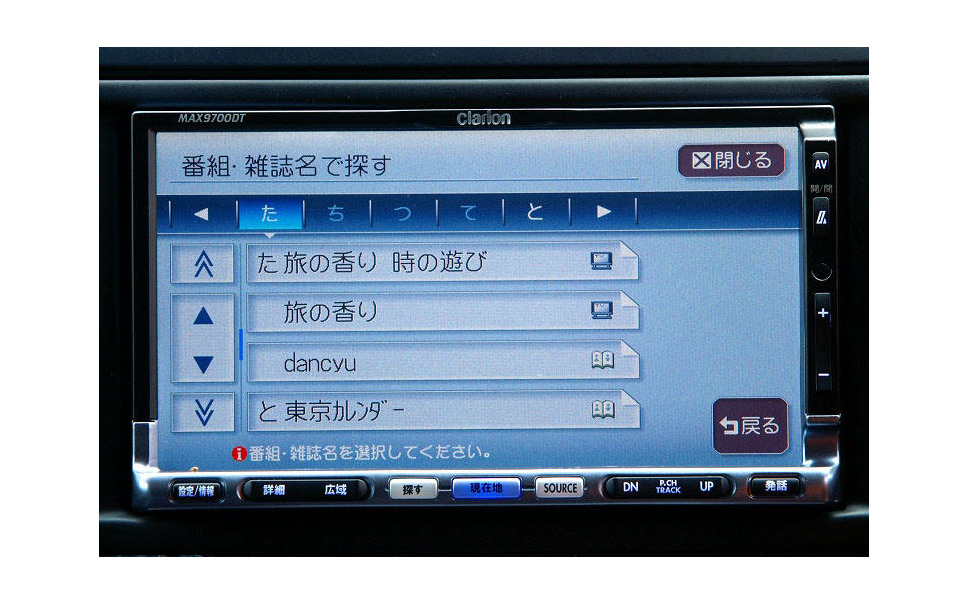
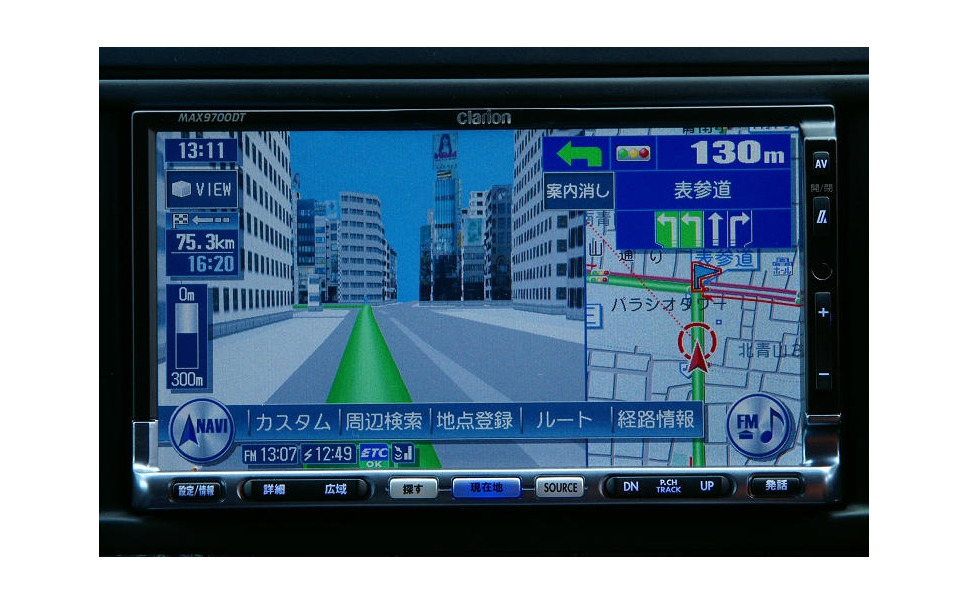
7 inch TFT Touch pane screen. Number of pixels 1,152,000 pixels
CD / DVD player section
- Frequency characteristic 20Hz-20kHz
- SN ratio 90dB
- Total harmonic distortion 0.02% (1kHz)
MD player part
- Frequency characteristic 20Hz-20kHz
- SN ratio 90dB or more
- Total harmonic distortion 0.02% (1kHz)
It takes about 5 seconds for the navigation screen to appear after the key is turned on
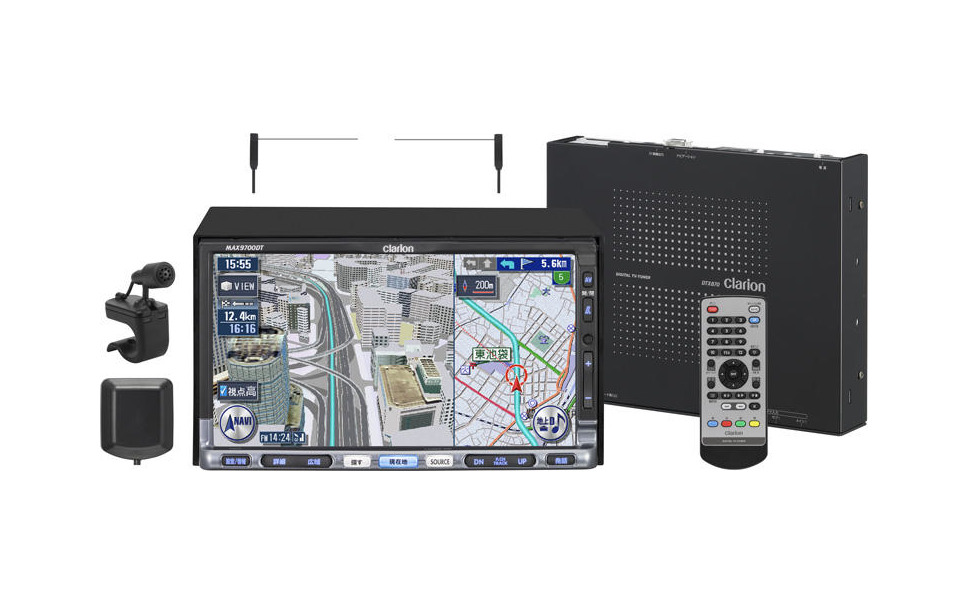
Optional Bluetooth module: BLT570(EA-1316A-A)
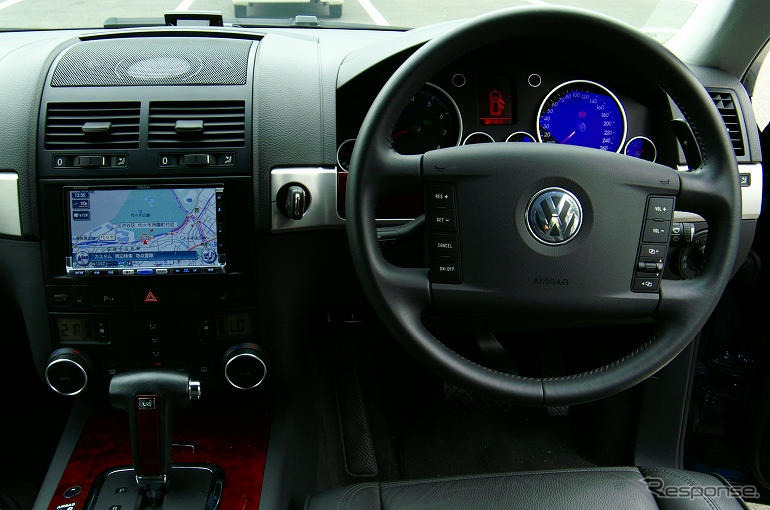
Content adapted from: MAX9700DT response.jp impressions/review page response.jp article
Manuals
Repair
Uses a Panasonic DVD unit: https://shigezobase.eshizuoka.jp/e1478598.html
Photos
Have photos or data to add? Edit the page! We do not accept contributions via email.