Source: MiniDisc Wiki contributors · September 3, 2026 snapshot · CC BY 4.0, except where otherwise credited.
Attribution and changes
Adapted from “Clarion MDC625”. Links, layout and file names normalized; missing database fields restored; remote embeds replaced with links. Manufacturer manuals and separately credited photographs retain their original attribution.
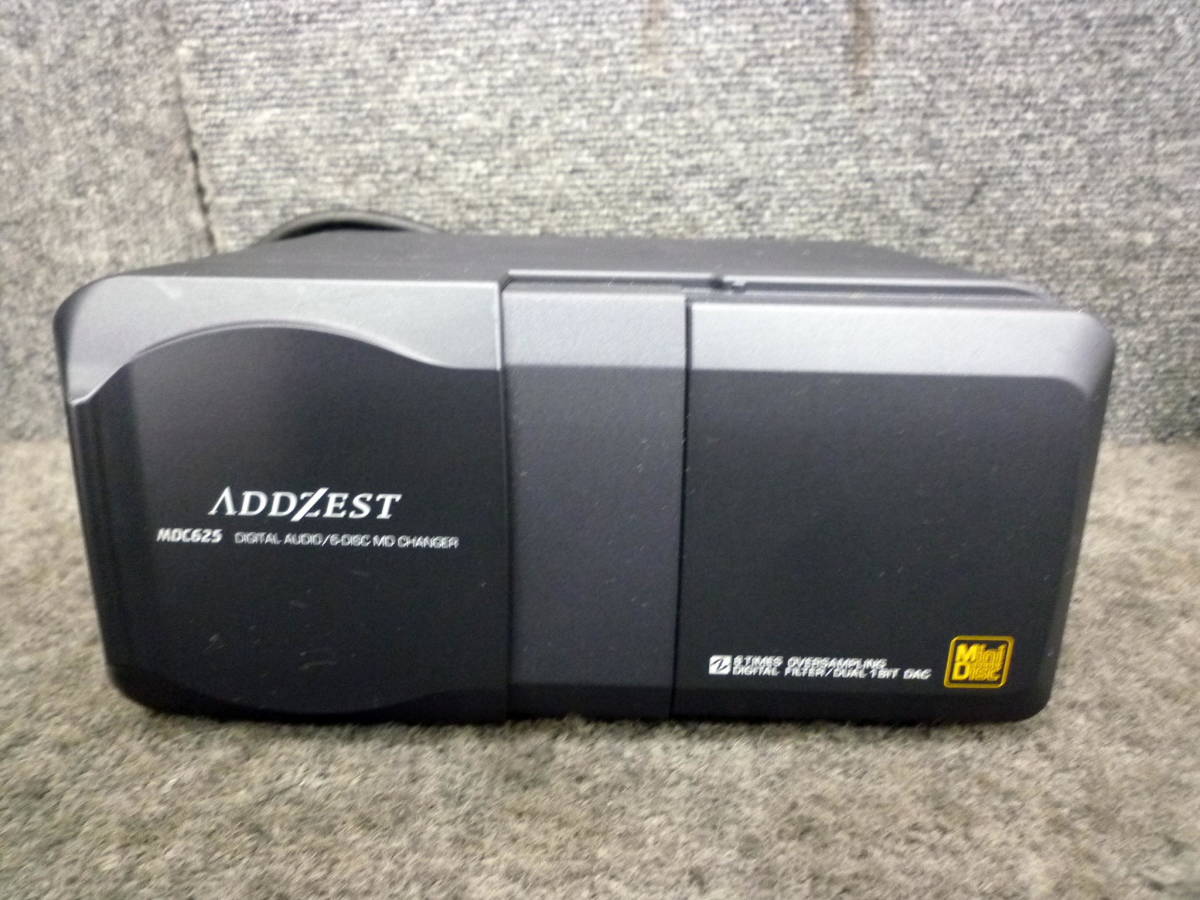
| Name | MDC625 |
|---|---|
| Manufacturer | Clarion |
| Released | 1996/01 |
| Device type | auto |
| Recorder | Player |
| MDLP | No |
| NetMD | No |
| Hi-MD | No |
| Radio | No |
| Dimensions | Not recorded |
| Weight | Not recorded |
| ATRAC ver | Not recorded |
| Battery | Not recorded Not recorded |
| Battery notes | Not recorded |
| Sidecar (depr) | Not recorded |
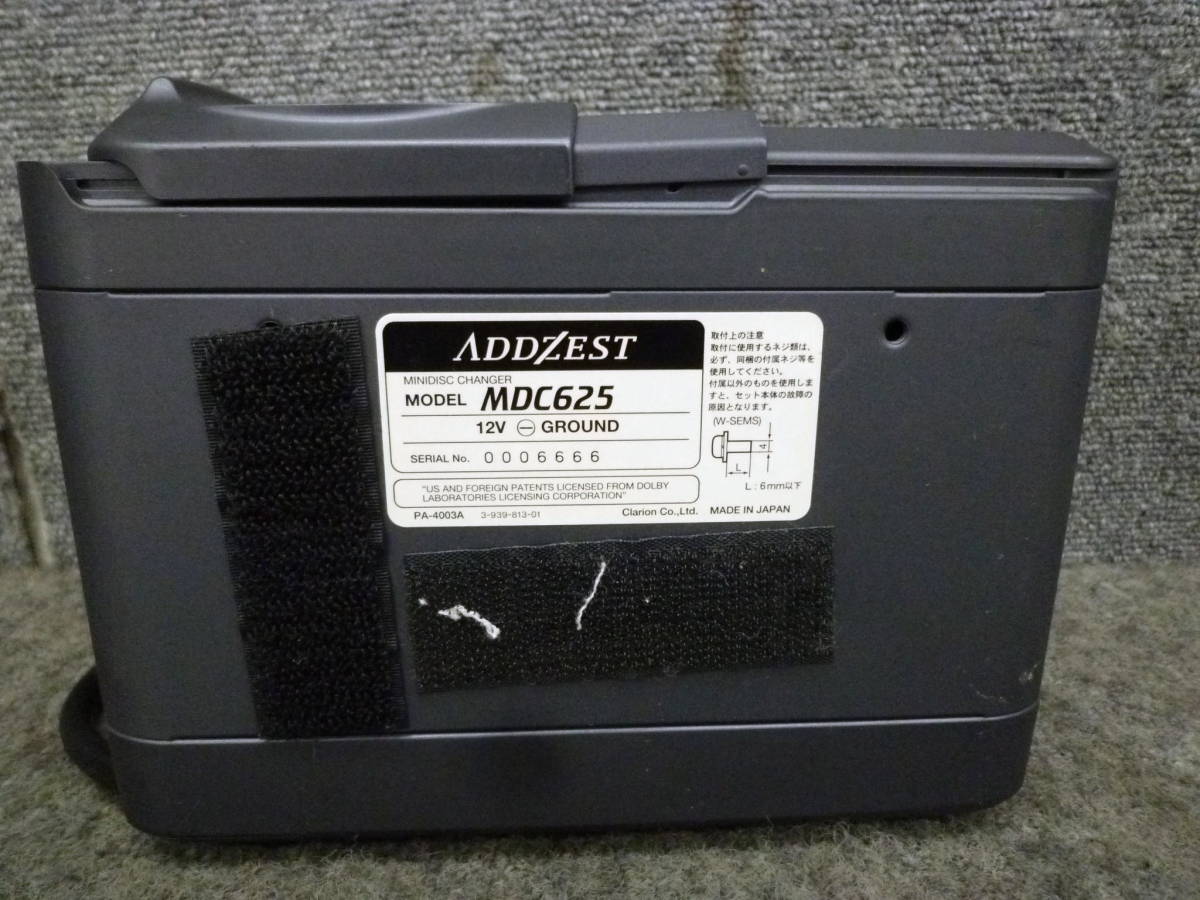
| Voltage | 12 |
| Power cable | Not recorded |
| Price (launch) | Not recorded |
| Not recorded | |
| - | |
| Inputs | Not recorded |
| Outputs | Not recorded |
| Control | Not recorded |
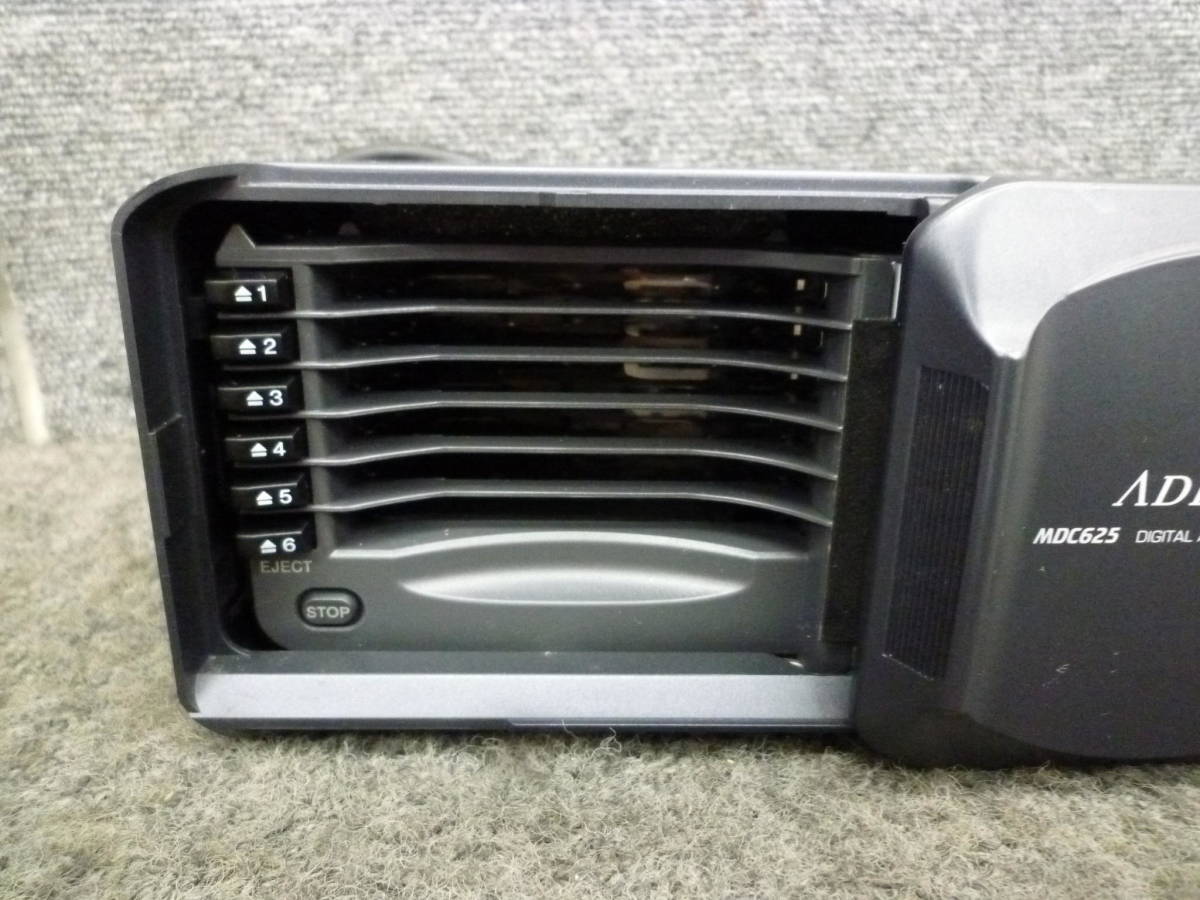
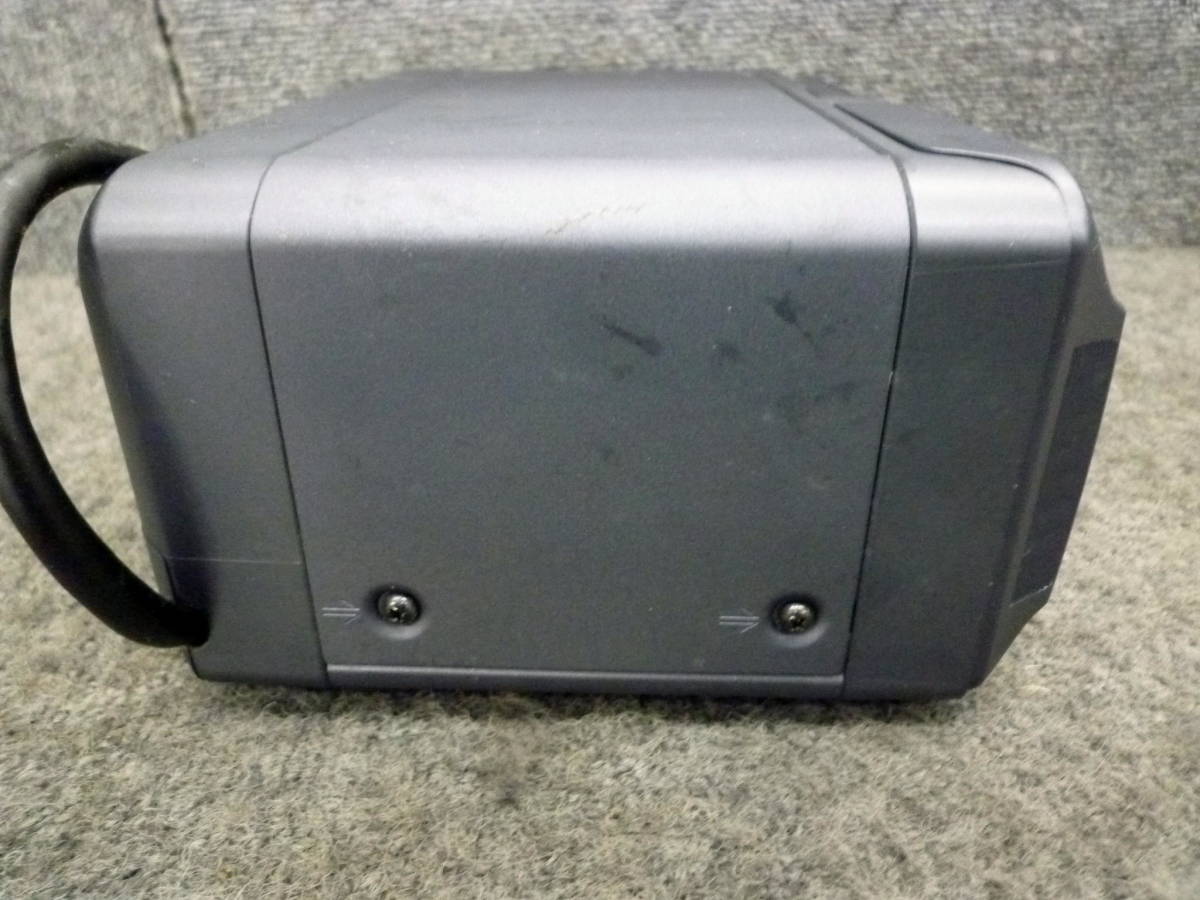
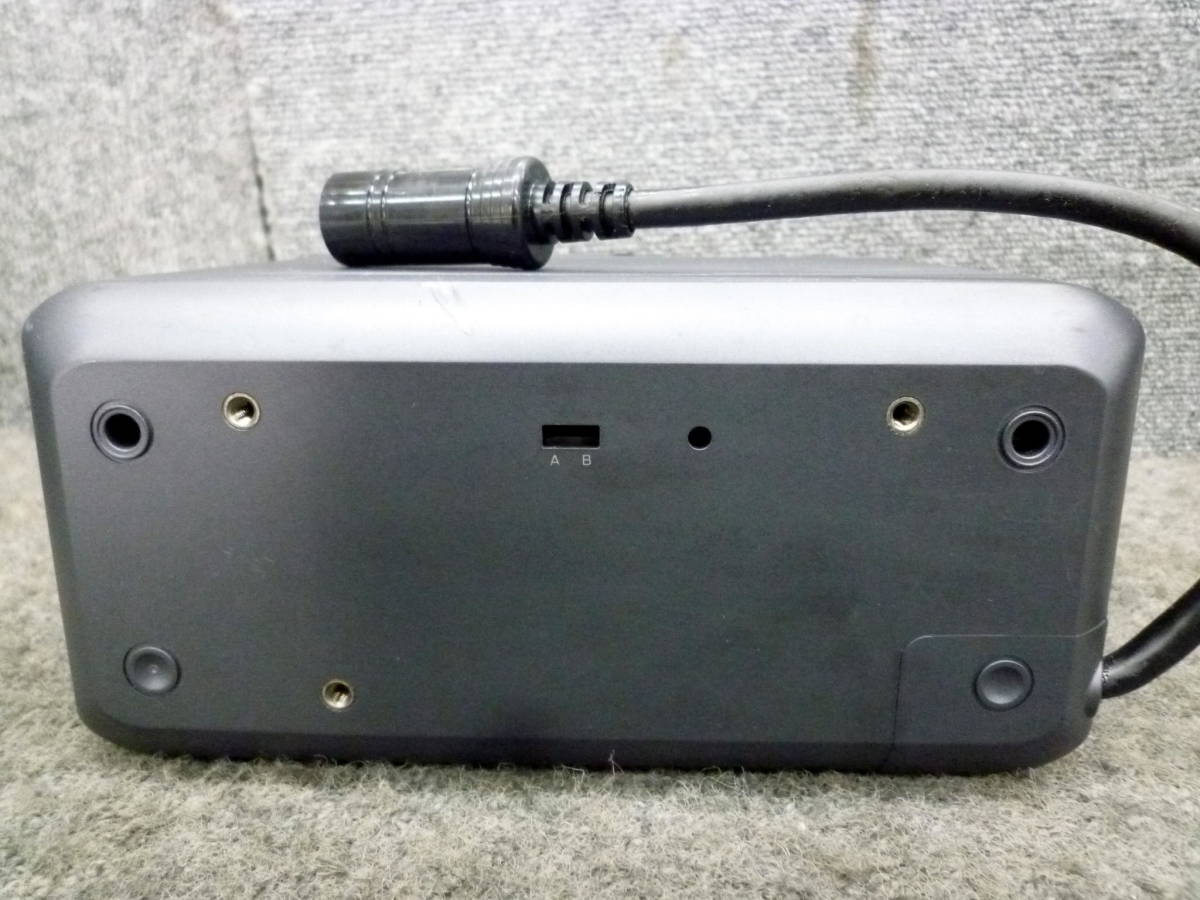
Clarion ADDZEST MDC625. Has a CD (emulation?) mode for older units that don't understand MD. See links below. Apparently buggy behavior increases when using CD mode.
1. It has a 13pin C-BUS connection terminal.
2.6 It is a series of equipment.
3. For MD, it has a CD mode.
In the case of MD, it only operates in compatibility mode and has the following adverse effects.
1. The battery load is heavy (the battery goes up if you don't move it for a while).
2. Sometimes it stops.
3. Due to compatibility with Sky Sound and individual differences, DISK 6 does not return to 1.
The following is the recognition method in MDC635.
1. First, connect with all power turned off.
2. Set the changeover switch to A CD mode.
3. Press the reset switch as shown below.
4. Turn on Sky Sound and switch to CD mode.
5. Insert an MD and play it.
6. If it is not recognized, try pressing the reset switch with the power turned on.
Content adapted from: miyavoux.net/pp1/ lares.dti.ne.jp Approximate Release Date pre 1997
Manuals
Video
Photos
Have photos or data to add? Edit the page! We do not accept contributions via email.
Additional specifications and references
| Web Md | No (not NetMD) |
|---|---|
| Manual | |
| Region | Japan |