Source: MiniDisc Wiki contributors · September 3, 2026 snapshot · CC BY 4.0, except where otherwise credited.
Attribution and changes
Adapted from “Eclipse E3301MDT”. Links, layout and file names normalized; missing database fields restored; remote embeds replaced with links. Manufacturer manuals and separately credited photographs retain their original attribution.
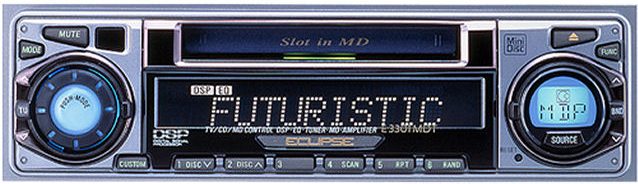
| Name | E3301MDT |
|---|---|
| Manufacturer | Eclipse |
| Released | 2001/04 |
| Device type | auto |
| Recorder | Player |
| MDLP | No |
| NetMD | No |
| Hi-MD | No |
| Radio | Yes |
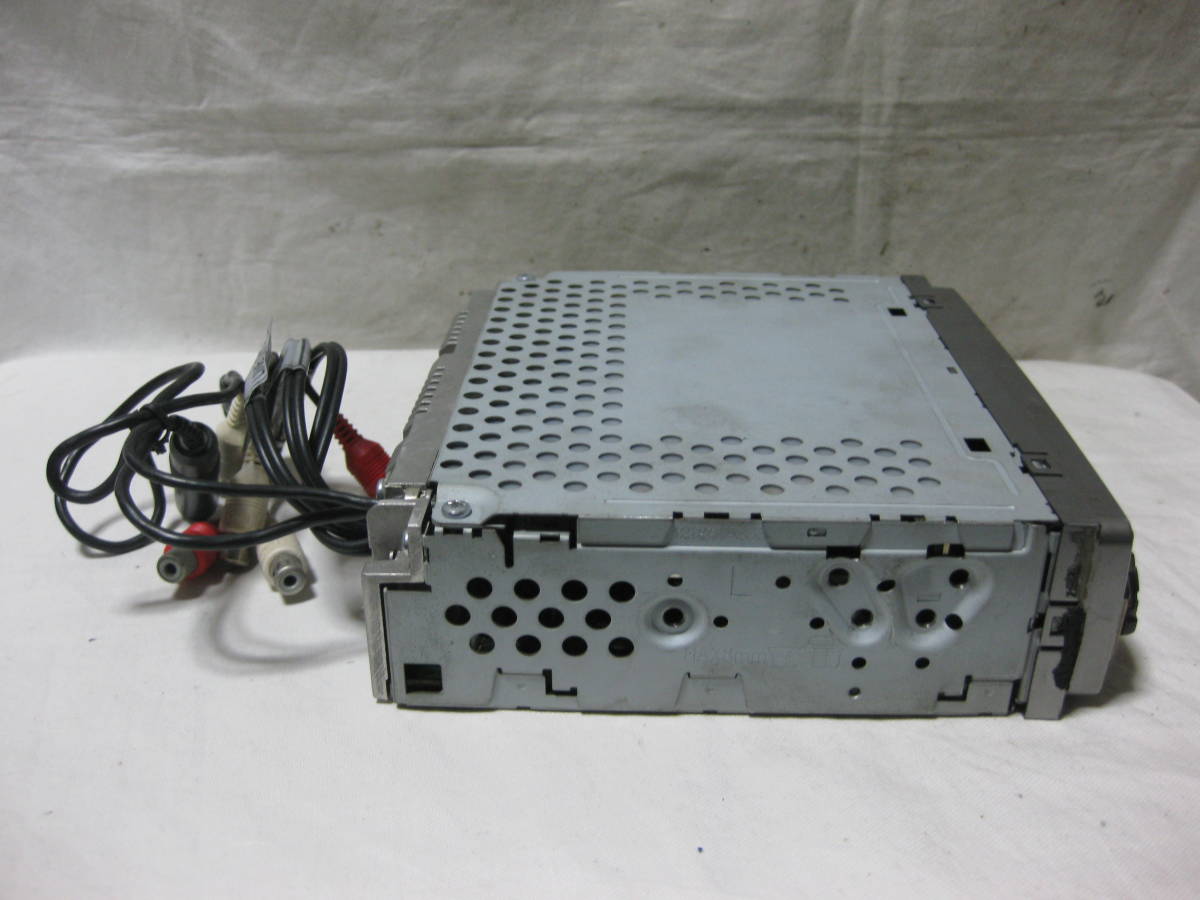
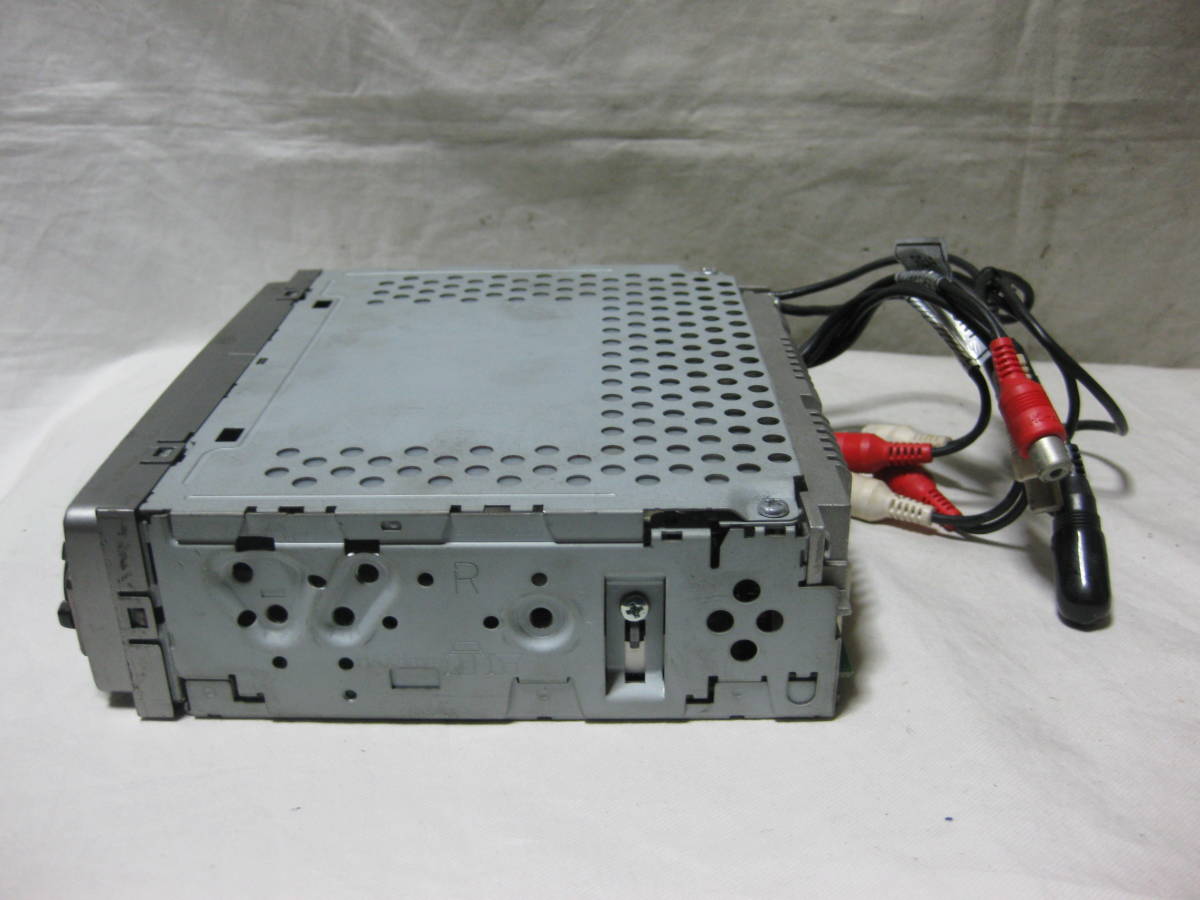
| Dimensions | 178 (W) x 50 (H) x 155 (D) mm |
| Weight | 1200 |
| ATRAC ver | Not recorded |
| Battery | Not recorded Not recorded |
| Battery notes | Not recorded |
| Sidecar (depr) | Not recorded |
| Voltage | 12 |
| Power cable | Not recorded |
| Price (launch) | Not recorded |
| ¥38 000 | |
| - | |
| Inputs | Not recorded |
| Outputs | Not recorded |
| Control | Not recorded |
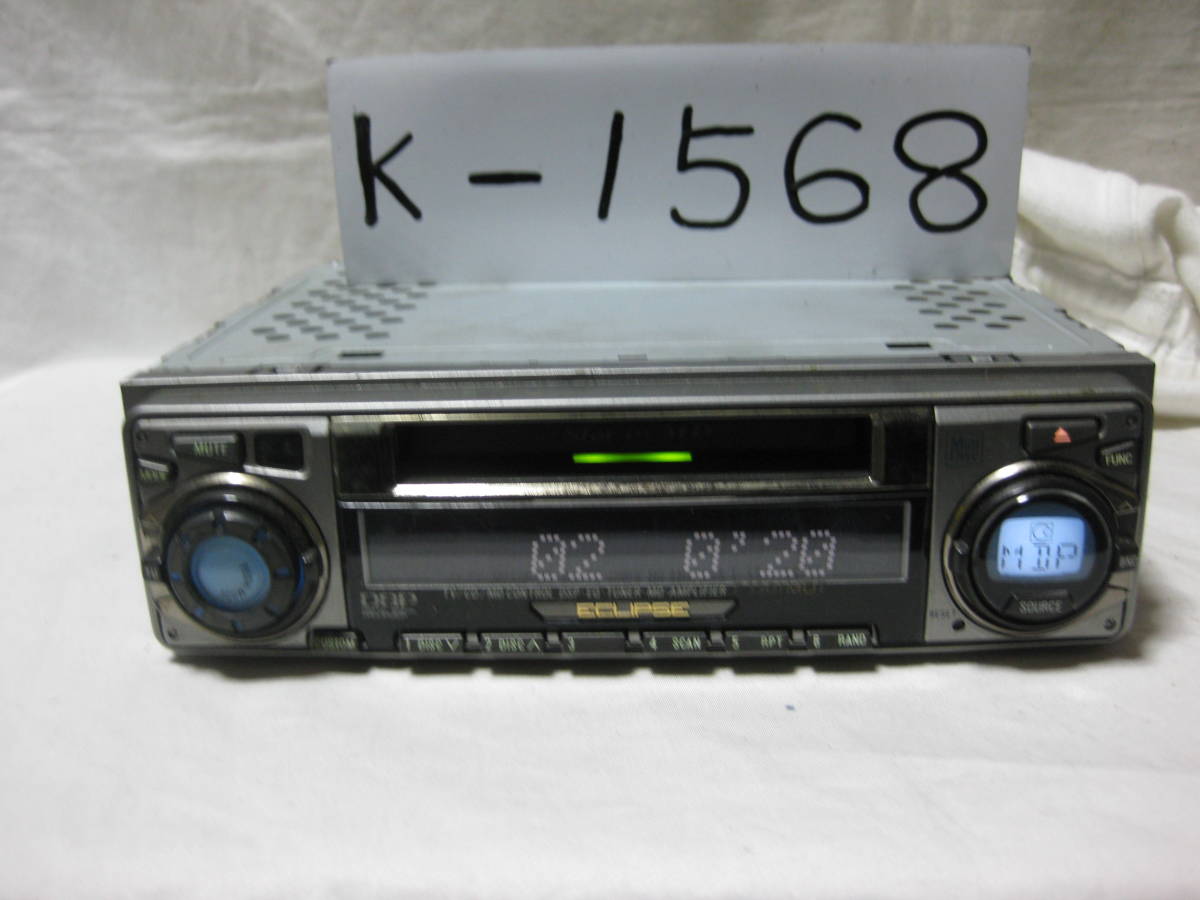
■ 5-mode DSP and 6-mode 9-band equalizer that create a comfortable space with a sense of realism You can make complicated adjustments with one touch using the pre-stored 5-mode (concert, live, cathedral, stadium, club) DSP. In addition, the equalizer has 6 modes (pop, news, rock, jazz, classical, vocal) stored in advance, and the 9-band equalizer allows fine adjustment.
■ 11-step contrast adjustment to make the LCD screen easier to see The display contrast can be adjusted in 11 steps according to the mounting position of the vehicle and the tilt of the console.
■ "Hands-free call" that allows you to speak as it is by pausing the audio when you receive a call from your mobile phone Using the auto call function of your mobile phone, the audio is automatically paused when you receive a call and the voice is output from the audio speaker. You can make a hands-free call as it is. (Note) Some mobile phone models cannot be connected. Also, some mobile phones may have limited functionality. (Note) The separately sold hands-free kit "E301HF" is required.
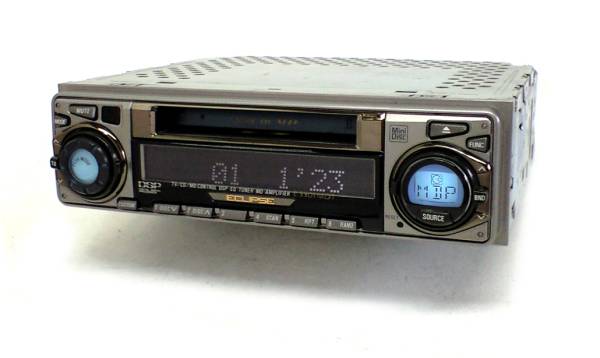
■ Adopting "LCD smart jog" that allows you to see the source you are listening to at a glance "Smart jog" that integrates multiple operations such as audio source switching, track up / down, volume, etc. is arranged on the left and right. In addition to the conventional elastomer jog volume, it is equipped with a self-return knob, making each operation easy. In addition, the source you are listening to is displayed on the LCD part built into the "Smart Jog" so that you can distinguish between CDs and radios at a glance.
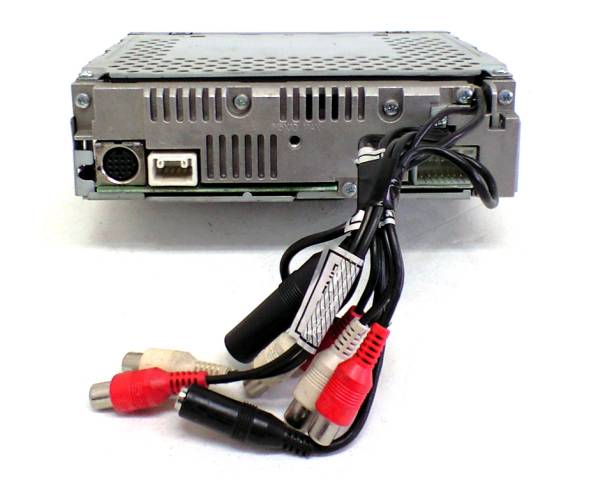
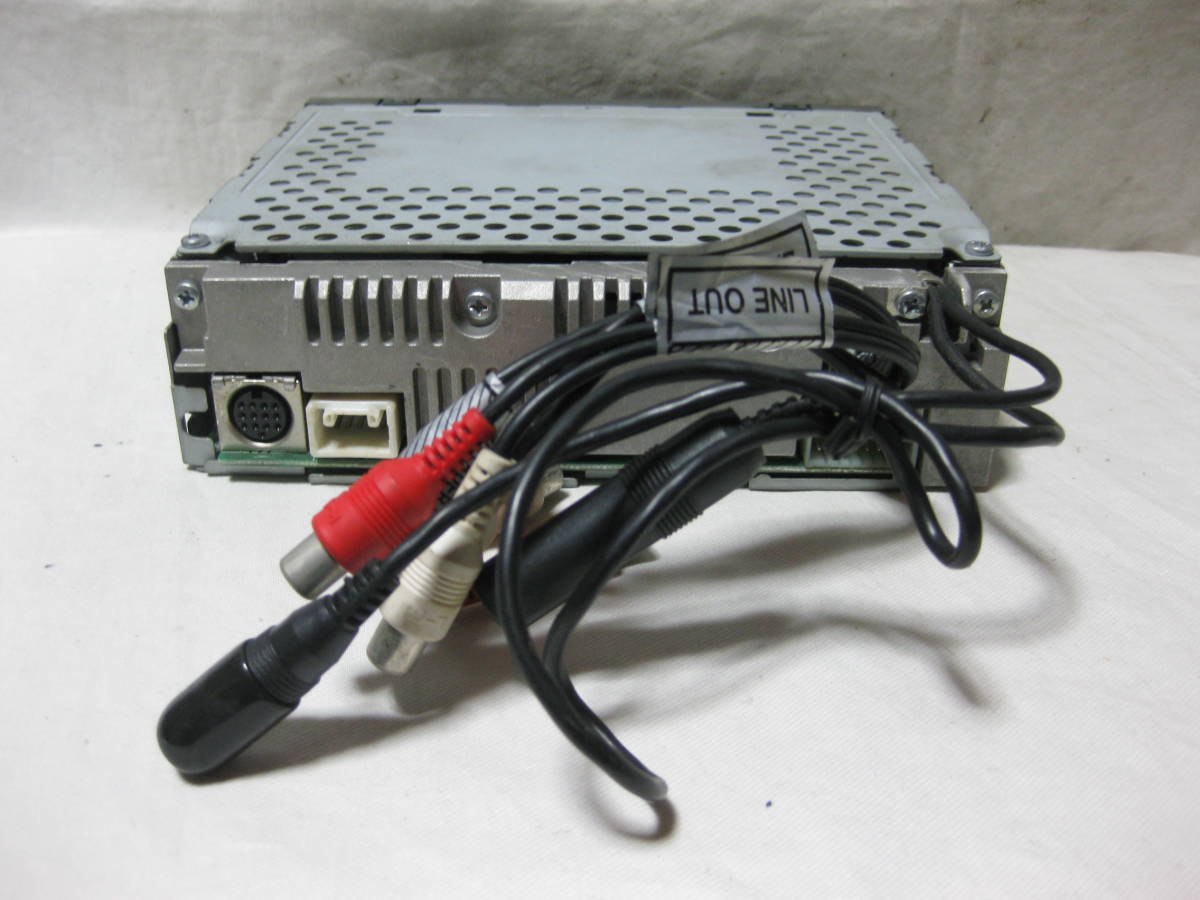
■ AUX terminal that can connect popular silicon audio such as portable MP3 player External sources such as portable MP3 player can be connected, and it is also possible to support popular silicon audio. (Note) When connecting to an external unit such as a portable MP3 player, a commercially available mini pin cable may be required.
■ "43W x 4 amplifier" that reproduces powerful high-quality sound
—- Content adapted from: Denso-Ten Press Release av.watch Winner of the Good Design award
Manuals
Repair
Photos
Have photos or data to add? Edit the page! We do not accept contributions via email.
Additional specifications and references
| Web Md | No (not NetMD) |
|---|---|
| Manual | User manual, other |
| Region | Japan |