Source: MiniDisc Wiki contributors · September 3, 2026 snapshot · CC BY 4.0, except where otherwise credited.
Attribution and changes
Adapted from “Eclipse E3701CMT”. Links, layout and file names normalized; missing database fields restored; remote embeds replaced with links. Manufacturer manuals and separately credited photographs retain their original attribution.
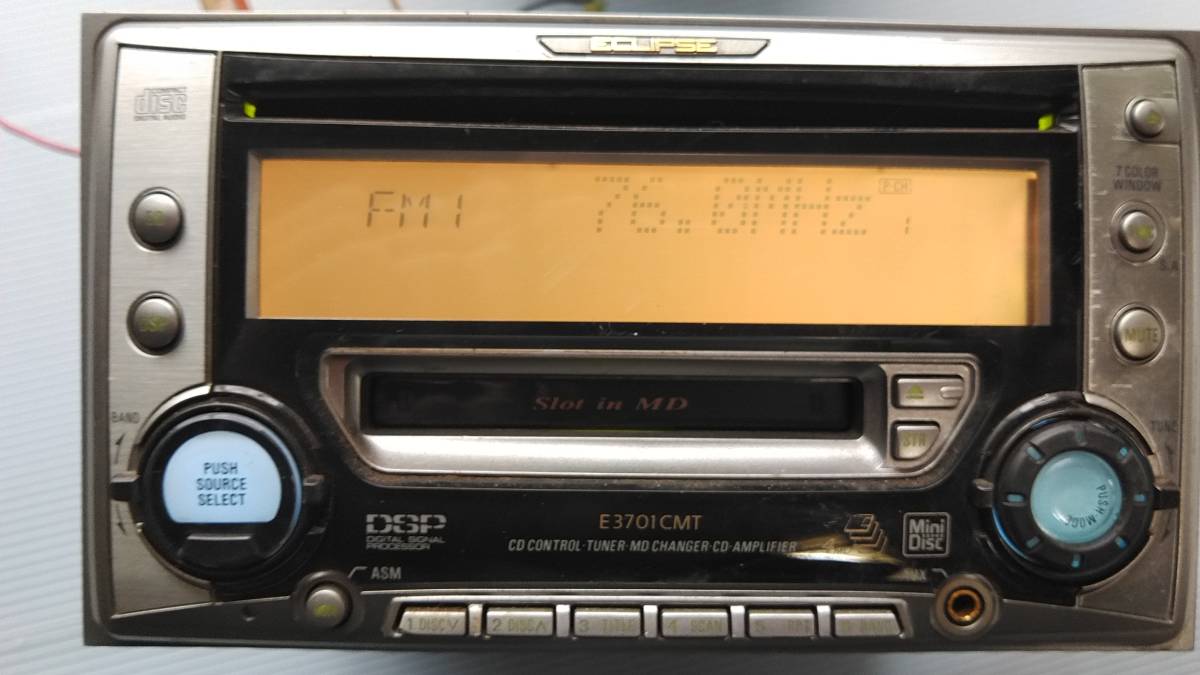
| Name | E3701CMT |
|---|---|
| Manufacturer | Eclipse |
| Released | 2001/04 |
| Device type | auto |
| Recorder | Player |
| MDLP | No |
| NetMD | No |
| Hi-MD | No |
| Radio | Yes |
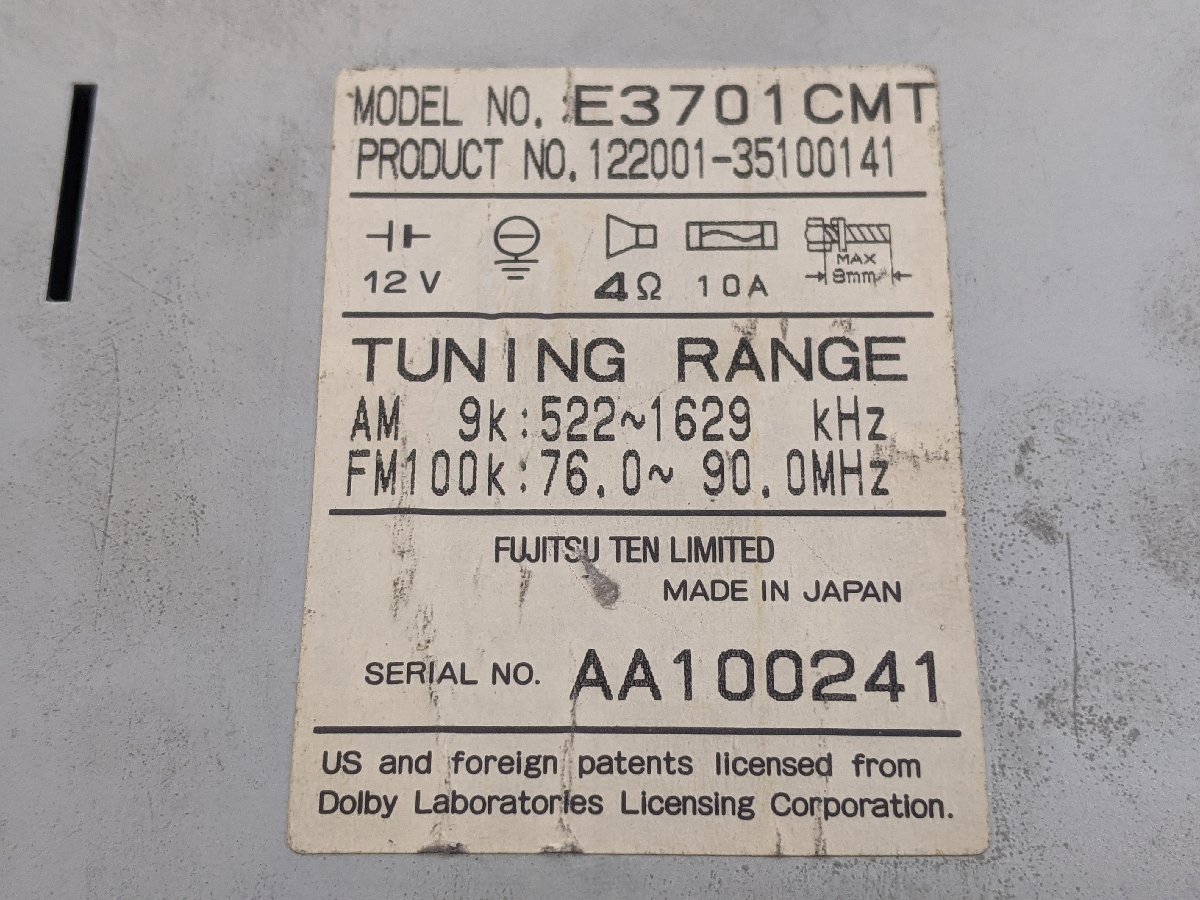
| Dimensions | 178 (W) x 100 (H) x 165 (D) mm |
| Weight | 2800 |
| ATRAC ver | Not recorded |
| Battery | Not recorded Not recorded |
| Battery notes | Not recorded |
| Sidecar (depr) | Not recorded |
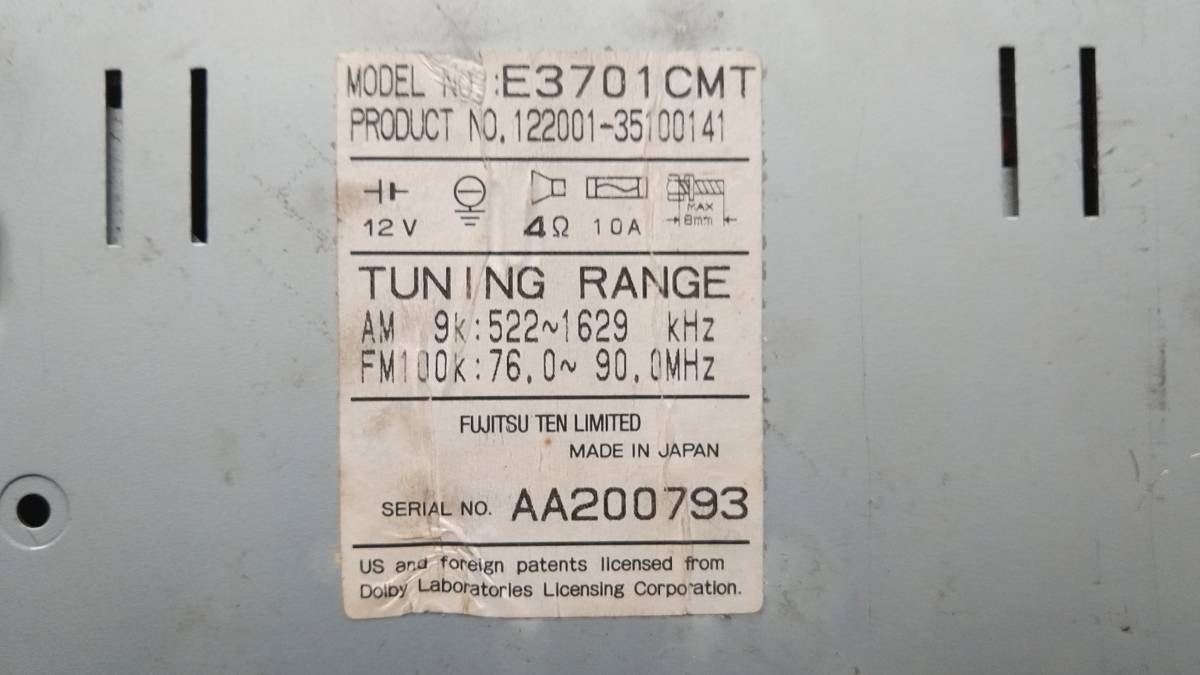
| Voltage | 12 |
| Power cable | Not recorded |
| Price (launch) | Not recorded |
| ¥63 000 | |
| - | |
| Inputs | 3.5mm line in (analog-only), CD |
| Outputs | Not recorded |
| Control | Not recorded |
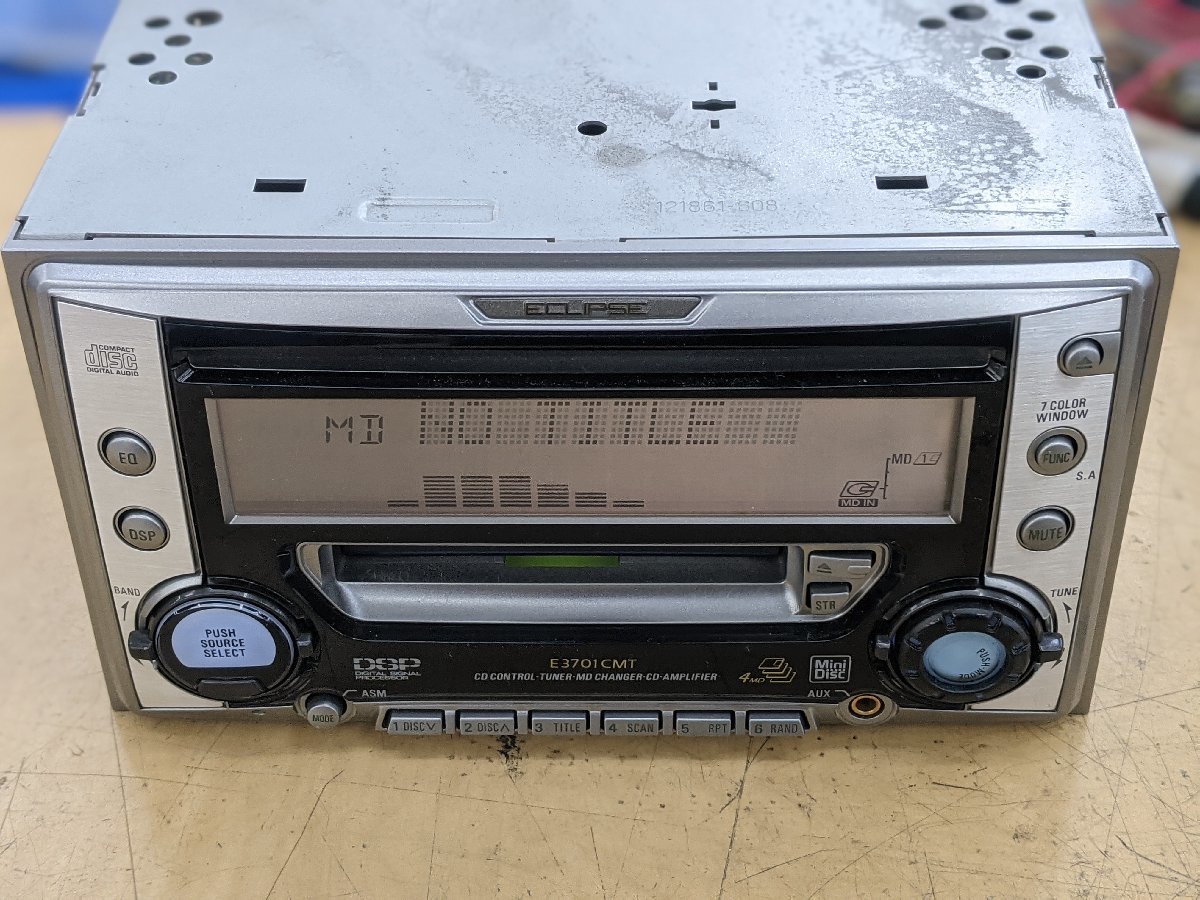
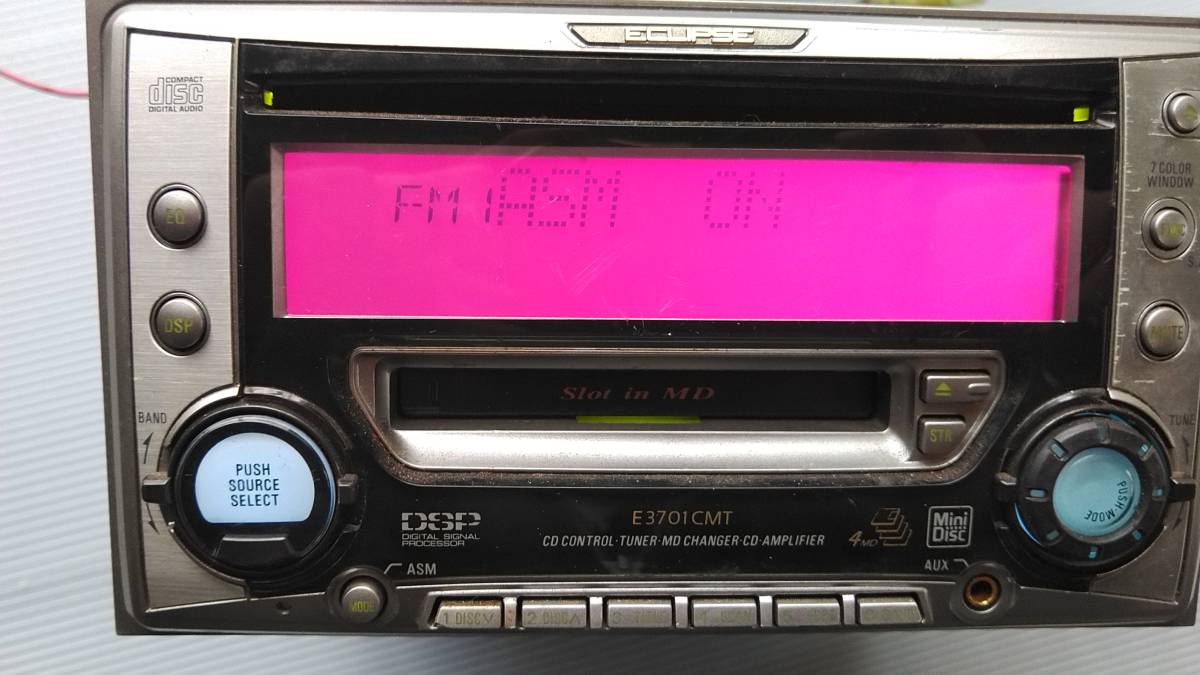
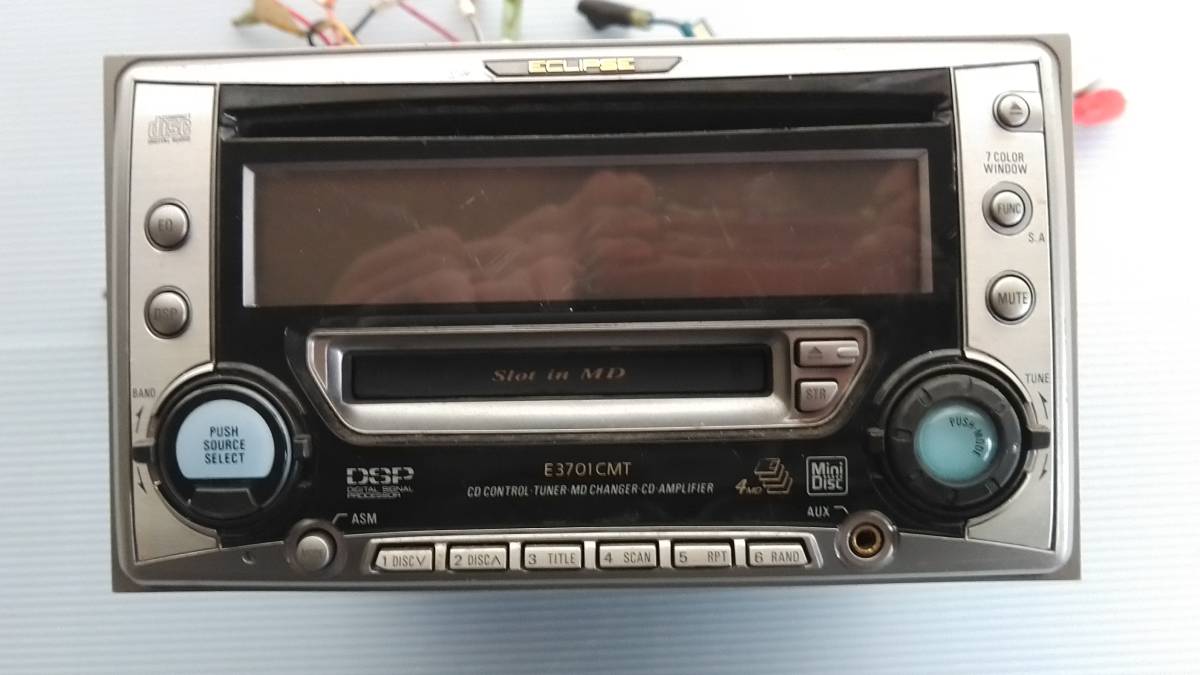
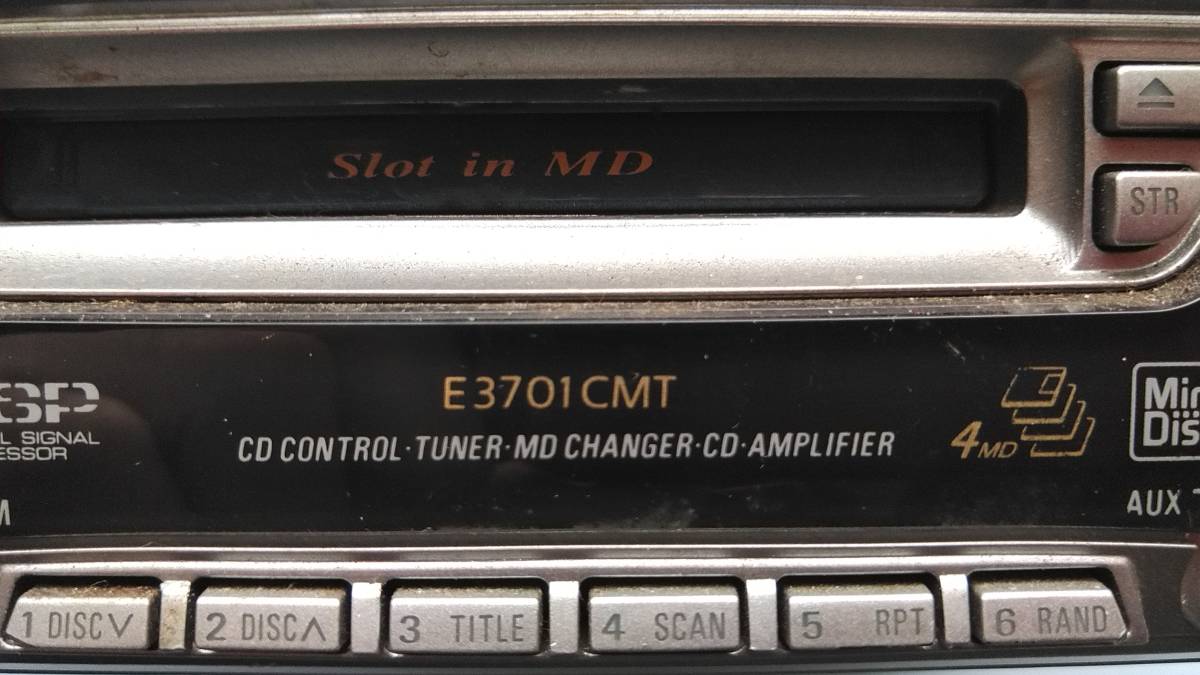
ECLIPSE E3701CMT. CD / 4MD changer main unit
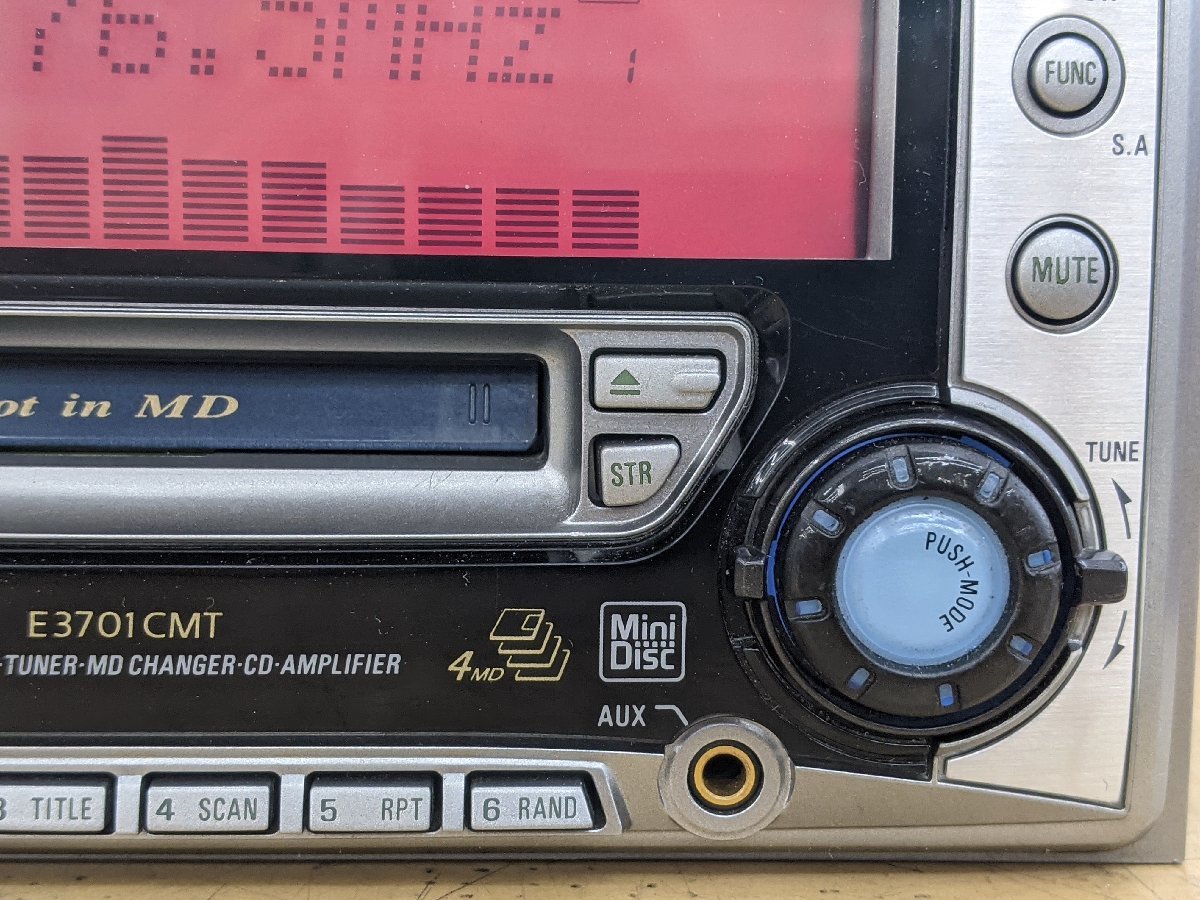
AUX terminal
5-mode DSP and 6-mode 9-band equalizer
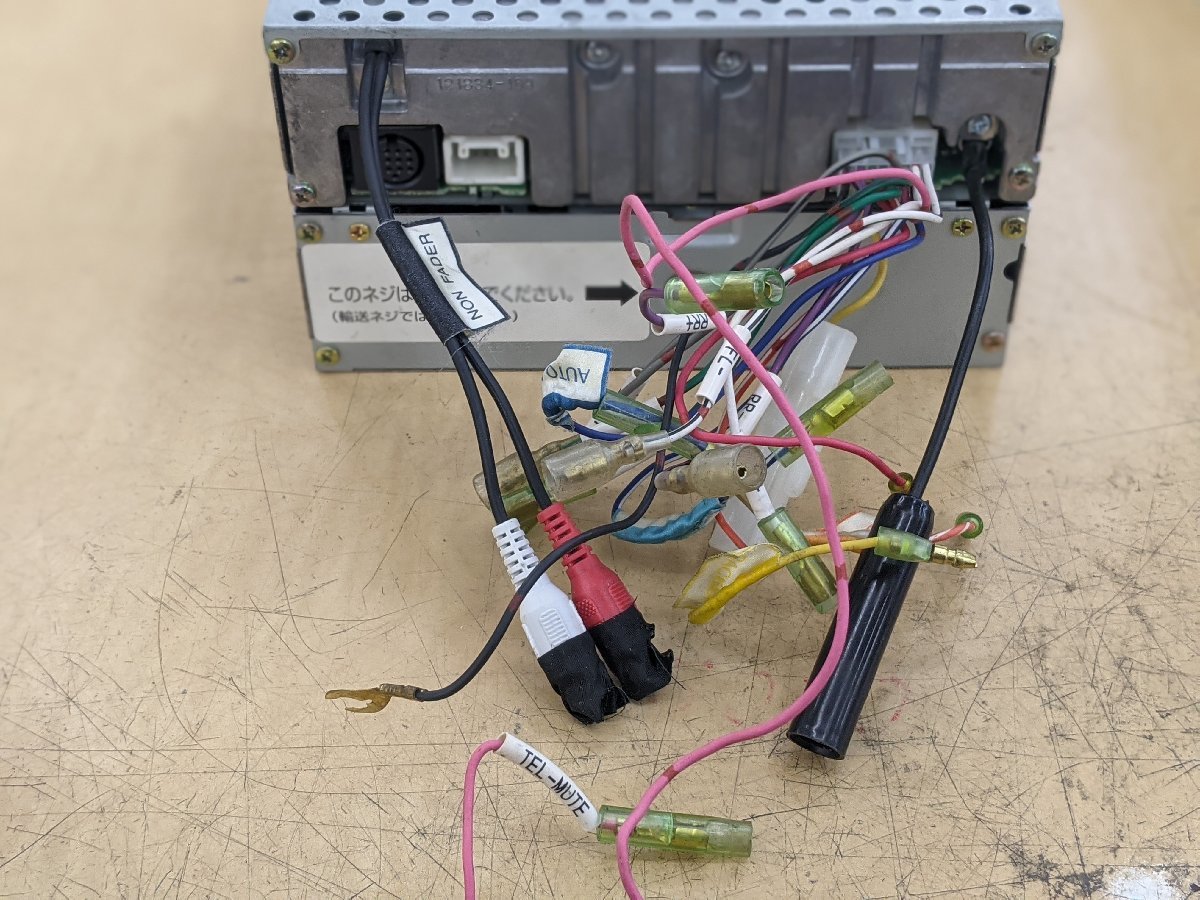
"Hands-free call" (Note) The separately sold hands-free kit "E301HF" is required.
"Non-stress 4MD" (E3701CMT) that shortens the time when a song is interrupted due to a disc change Since the disc is changed to the next MD while playing the last 11 seconds of the last song, the time when the song is interrupted can be shortened. You can play 3 MDs continuously for . (When using 80-minute MD) * (Note) The changer function does not work while four MDs are inserted in the main unit.
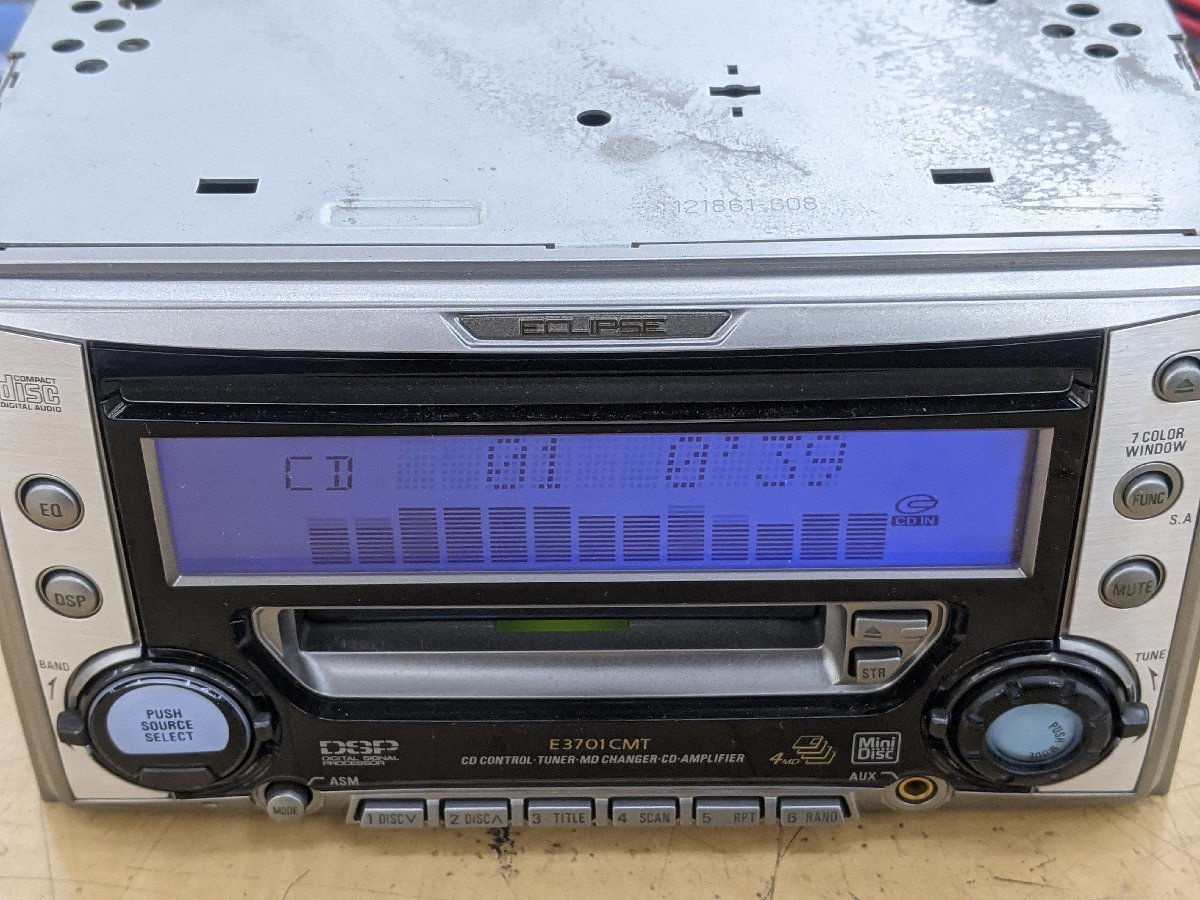
"Multi-color display" that allows you to select the background color of the display from 7 colors according to the driving situation and taste. The background color of the display is red (Red Beans) according to the ease of viewing the display, the mood of the day, and the atmosphere inside the vehicle. -You can choose from yellow (Lemon Lime) , magenta (Candy Grape), green (Pure Green), cyan (AQUA), blue (Blue Moon), and white (Ash White). -11-step contrast adjustment
Content adapted from: Denso-Ten Press Release response.jp Eclipse Manual Page
Manuals
Repair
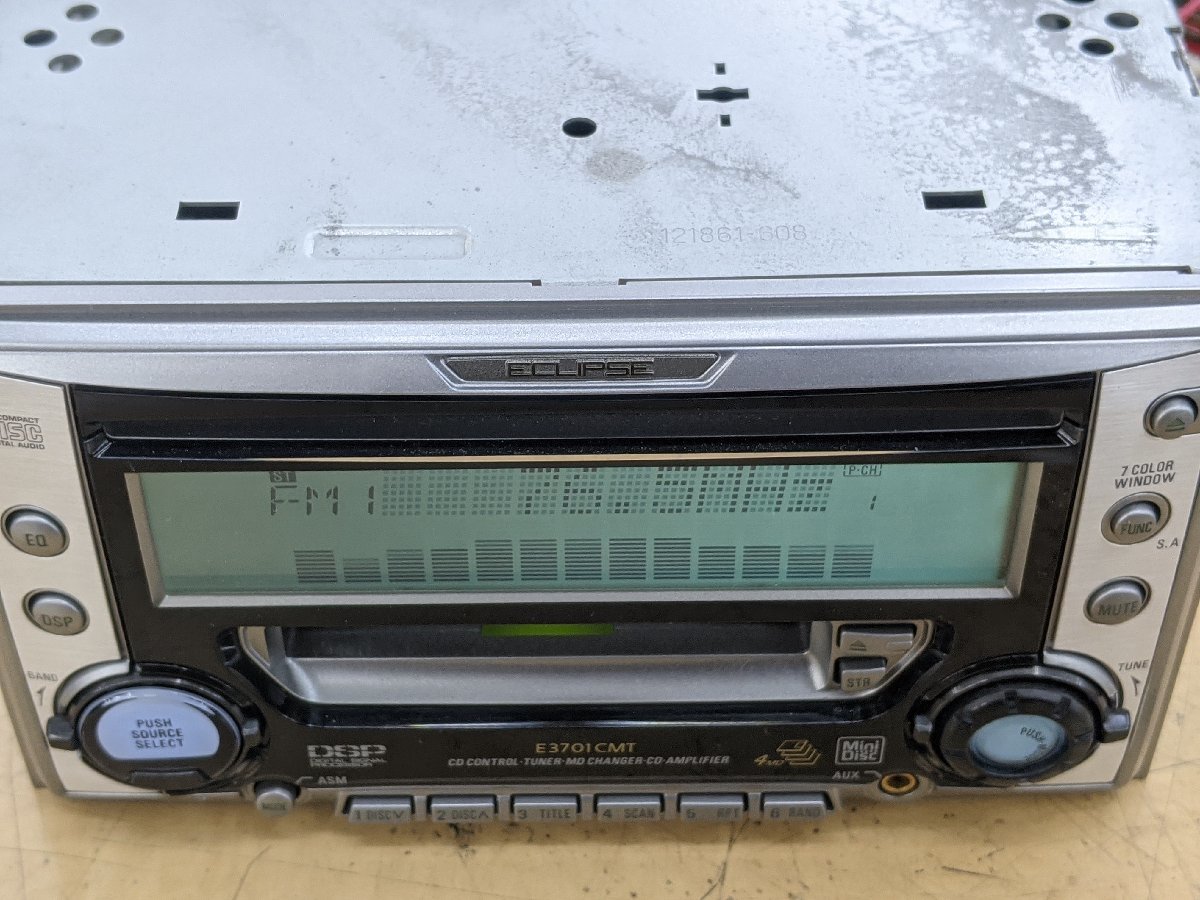
Photos
Have photos or data to add? Edit the page! We do not accept contributions via email.
Additional specifications and references
| Web Md | No (not NetMD) |
|---|---|
| Manual | User manual |
| Region | Japan |