Source: MiniDisc Wiki contributors · September 3, 2026 snapshot · CC BY 4.0, except where otherwise credited.
Attribution and changes
Adapted from “Kenwood DMC-V55”. Links, layout and file names normalized; missing database fields restored; remote embeds replaced with links. Manufacturer manuals and separately credited photographs retain their original attribution.
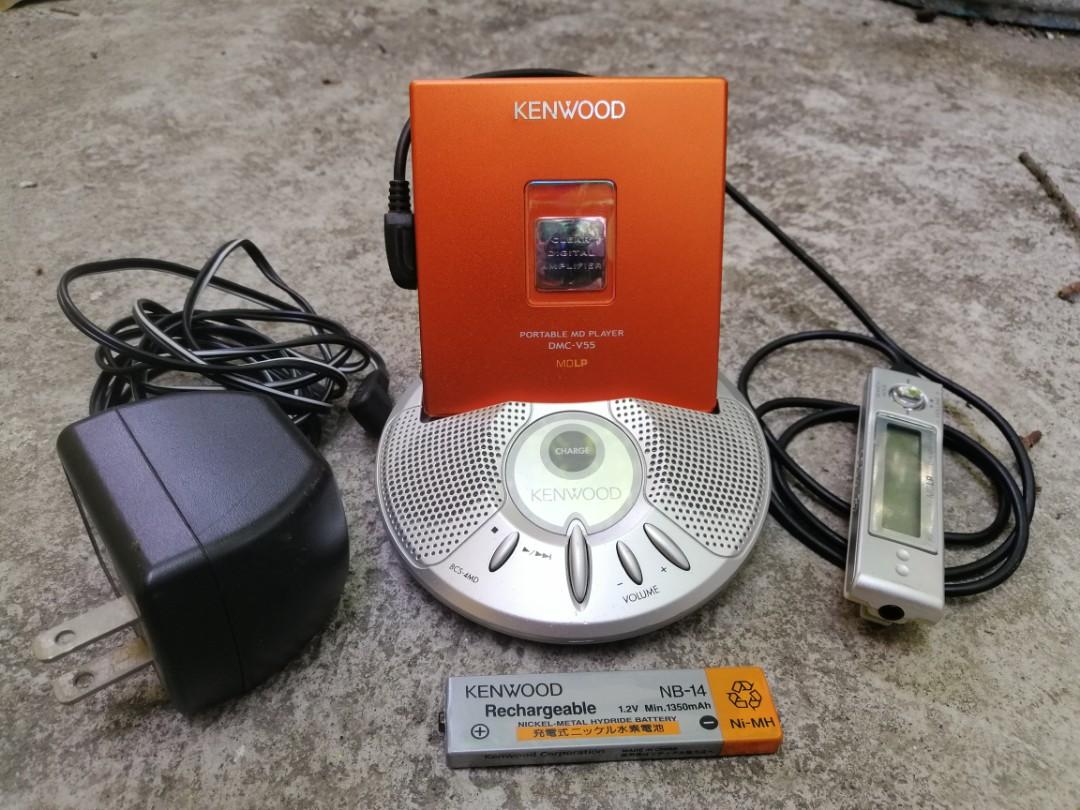
| Name | DMC-V55 |
|---|---|
| Manufacturer | Kenwood |
| Released | 2005/10 |
| Device type | portable |
| Recorder | Player |
| MDLP | Yes |
| NetMD | No |
| Hi-MD | No |
| Radio | No |
| Dimensions | 72.3 x78.0x16.6mm |
| Weight | 63.8g |
| ATRAC ver | Not recorded |
| Battery | Not recorded "Gumstick" |
| Battery notes | Not recorded |
| Sidecar (depr) | 1xAA |
| Voltage | 100 |
| Power cable | AC |
| Price (launch) | Not recorded |
| ¥20 000 | |
| - | |
| Inputs | N/A |
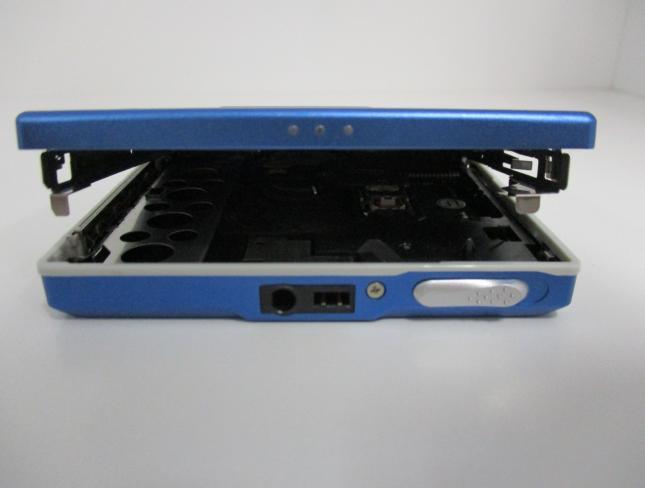
| Outputs | 3.5mm headphone |
| Control | Not recorded |
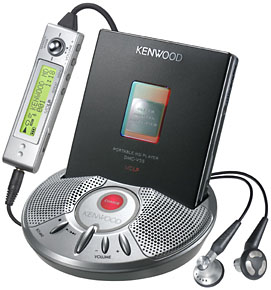
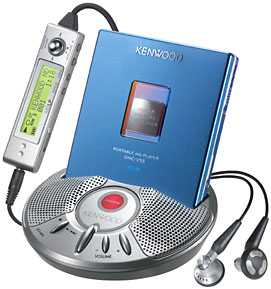
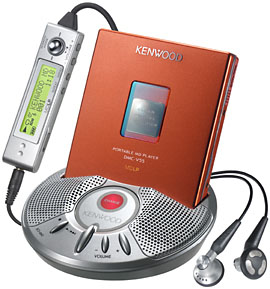
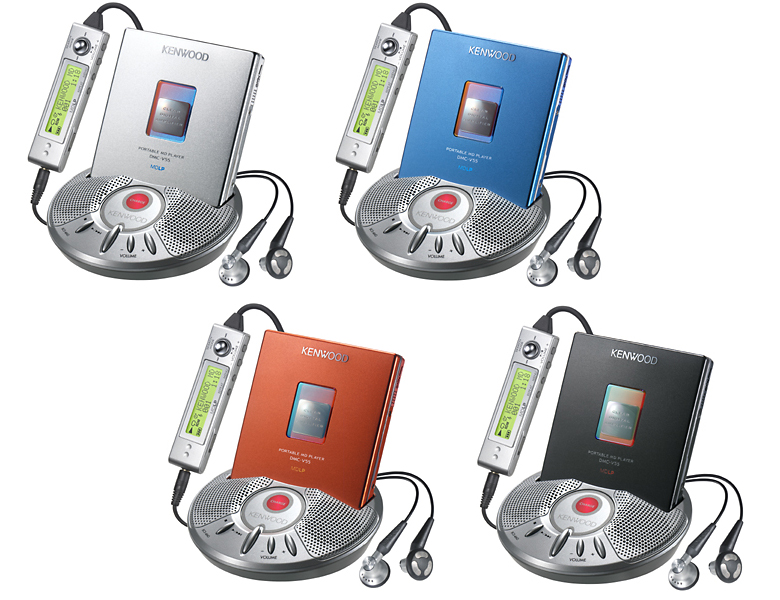
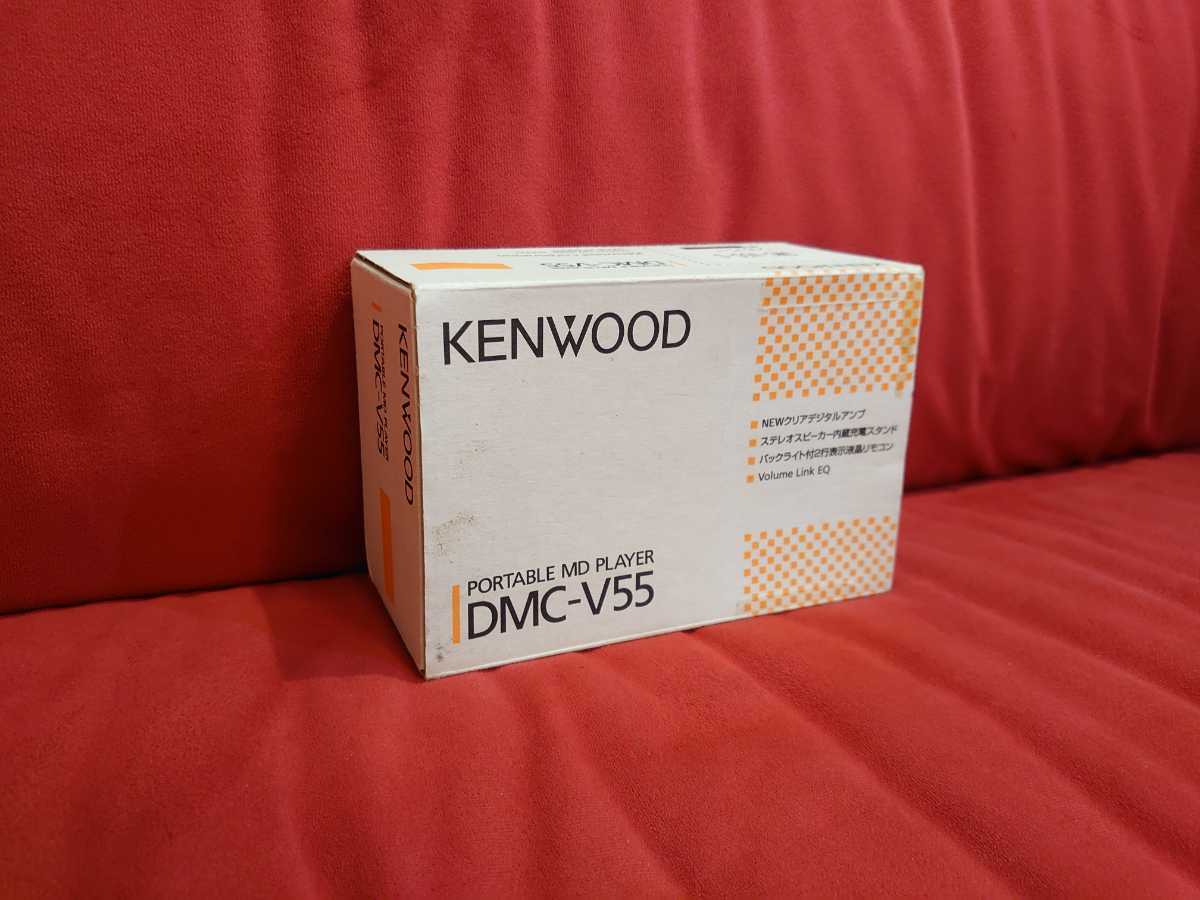
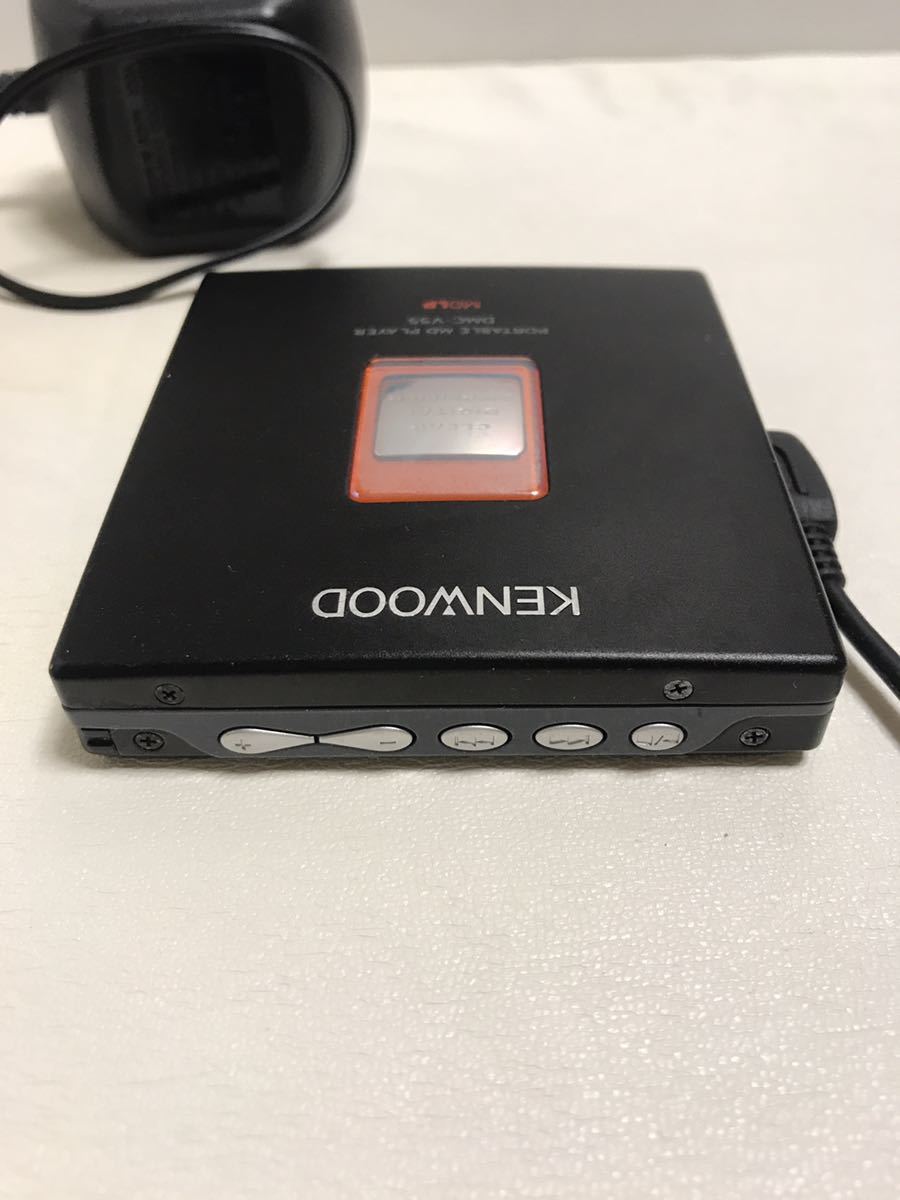
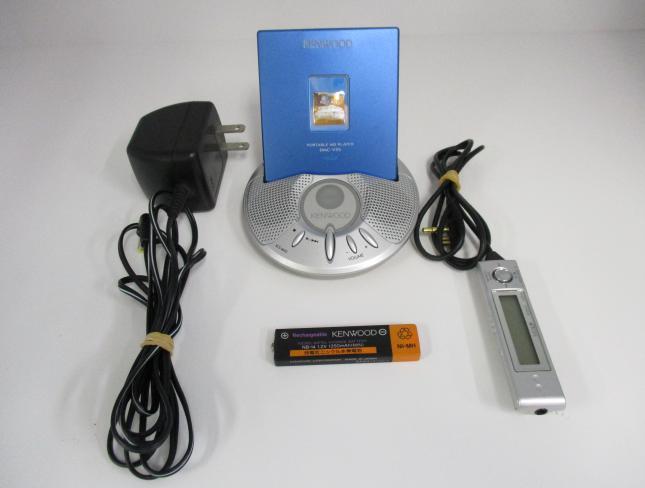
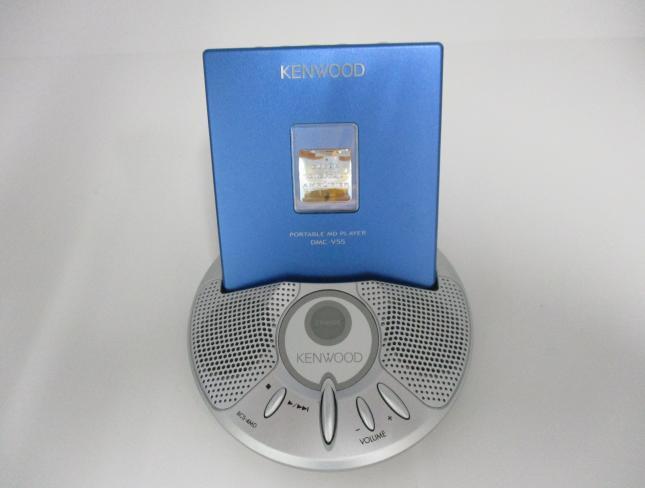
The DMC-V55 comes in 4 colors: silver (S), red (R), blue (L), and black (B).
See also: DMC-V33
Features "NEW clear digital amplifier" and "DSP section" that is integrated into a single chip to optimize the signal path with a sensing amplifier that is installed in the power supply circuit. Provides stable and clean power, greatly improves sound distortion, with optimized playback.
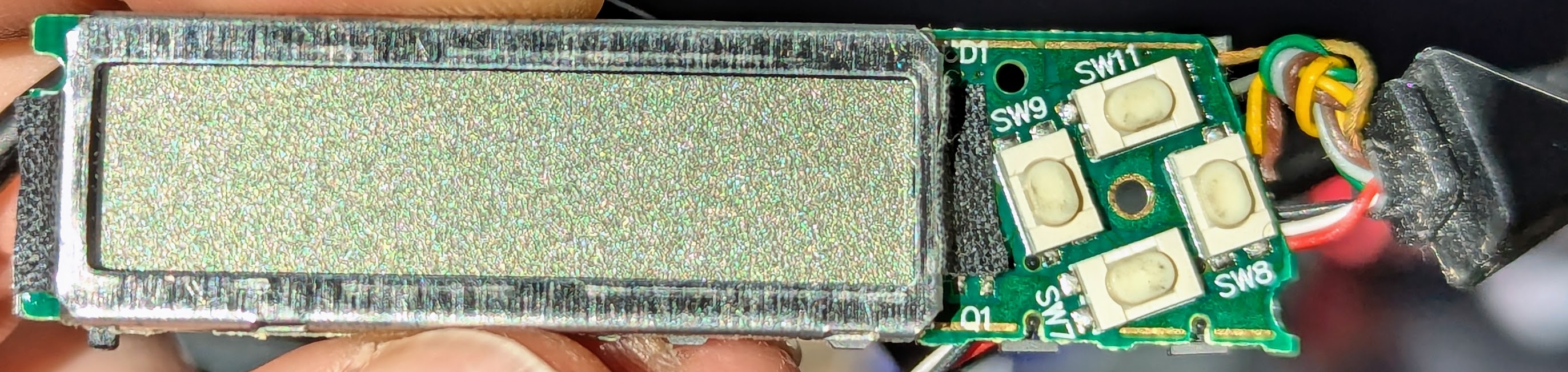
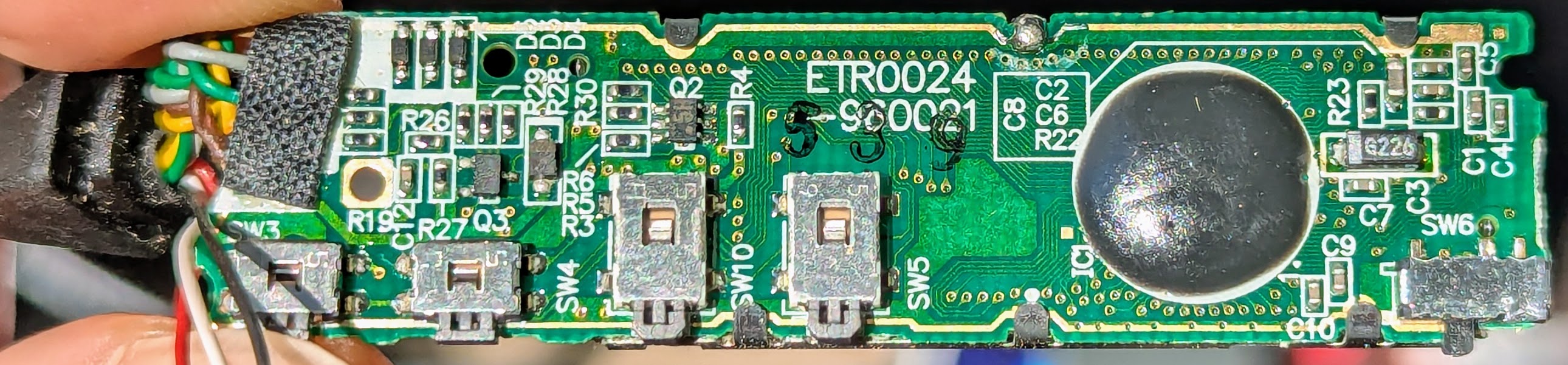
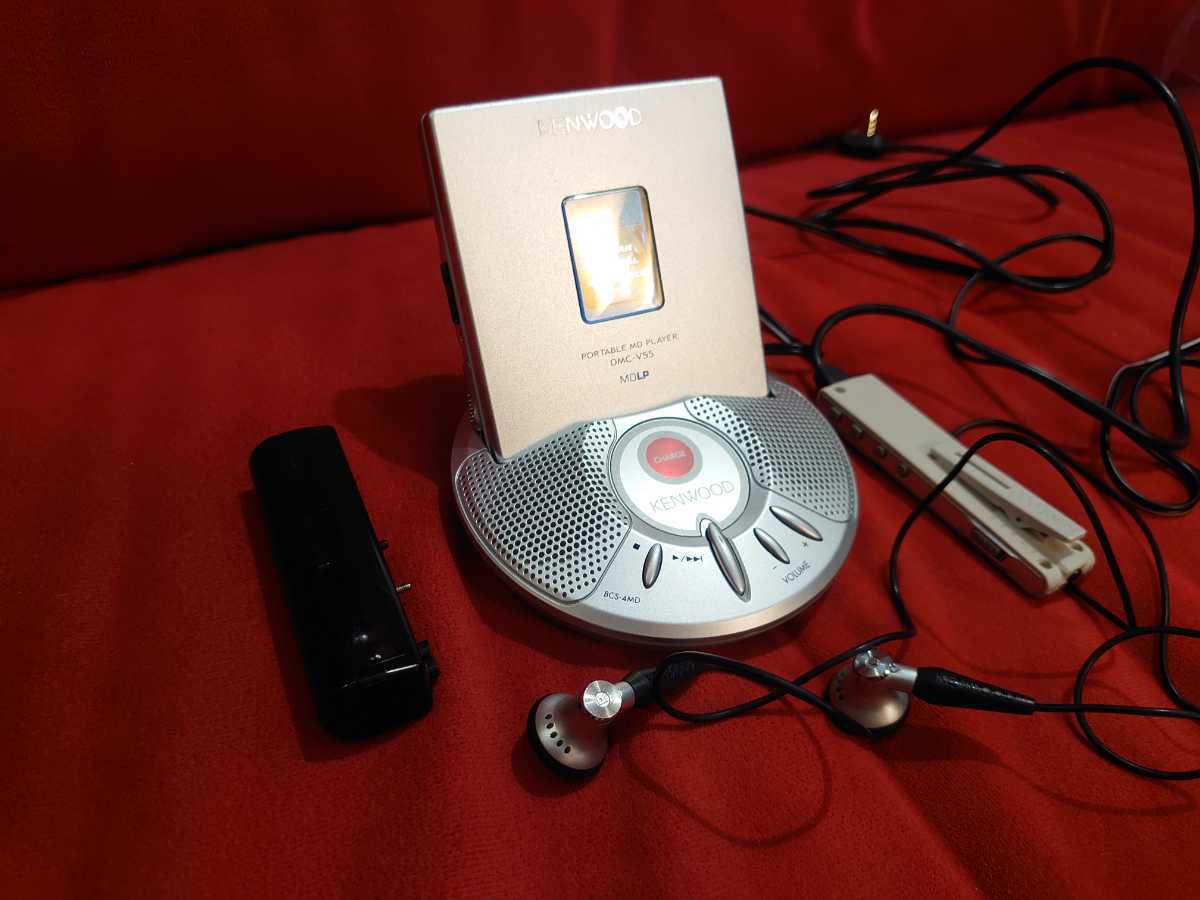
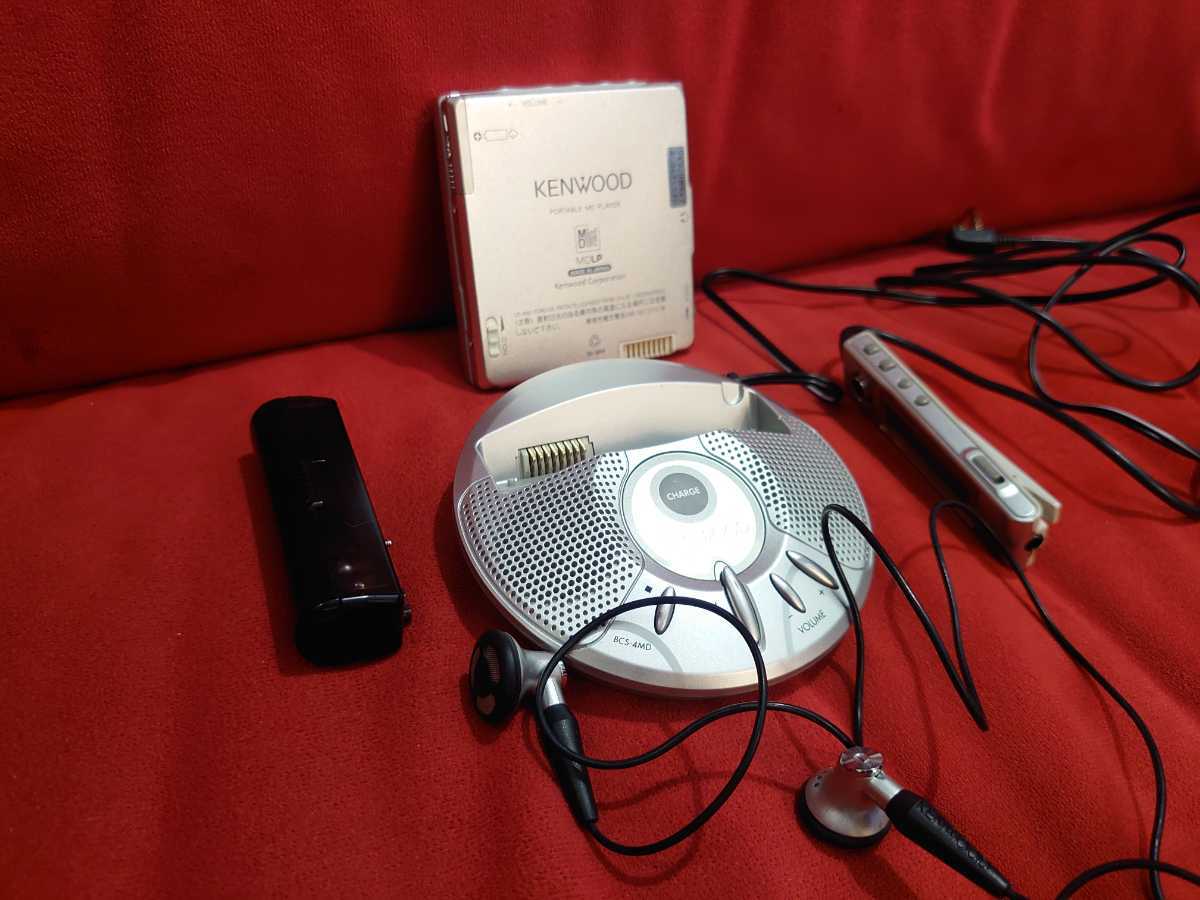
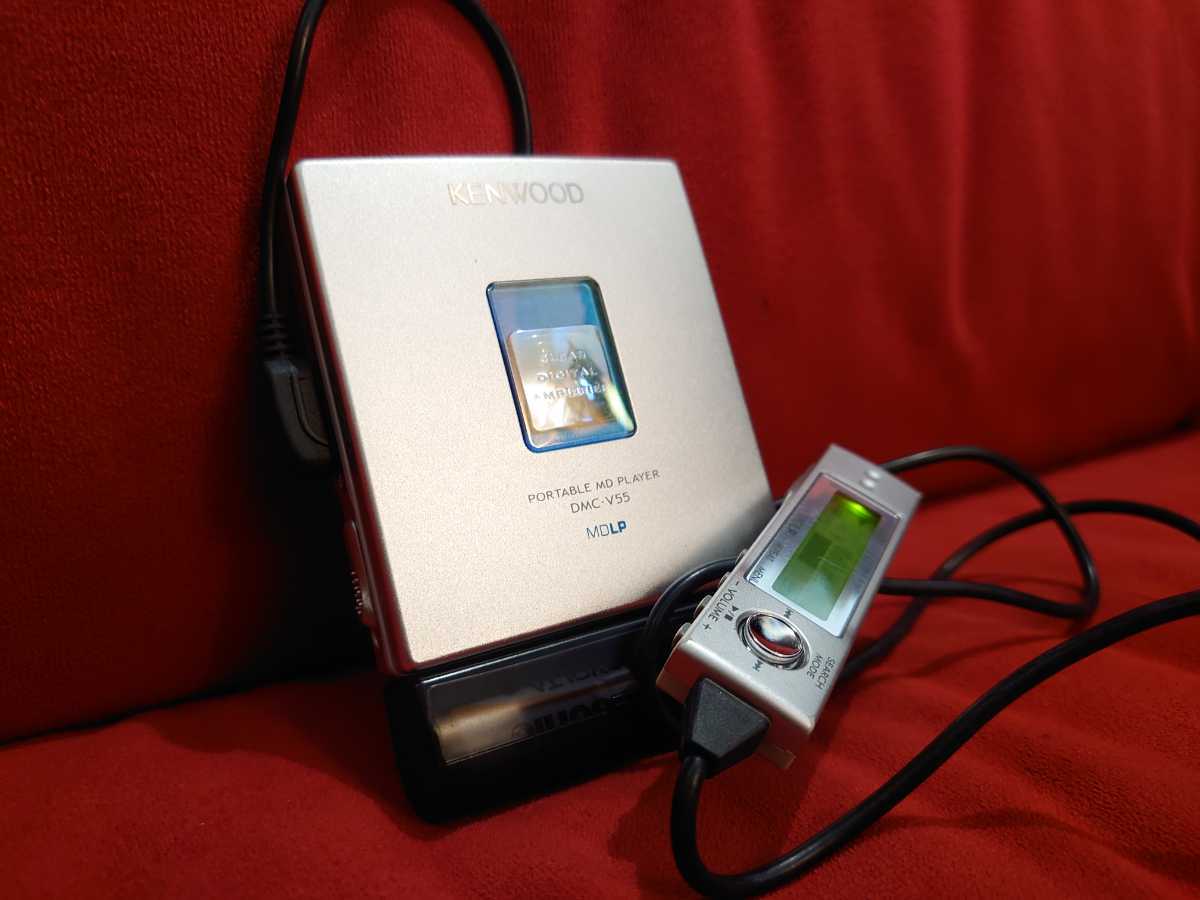
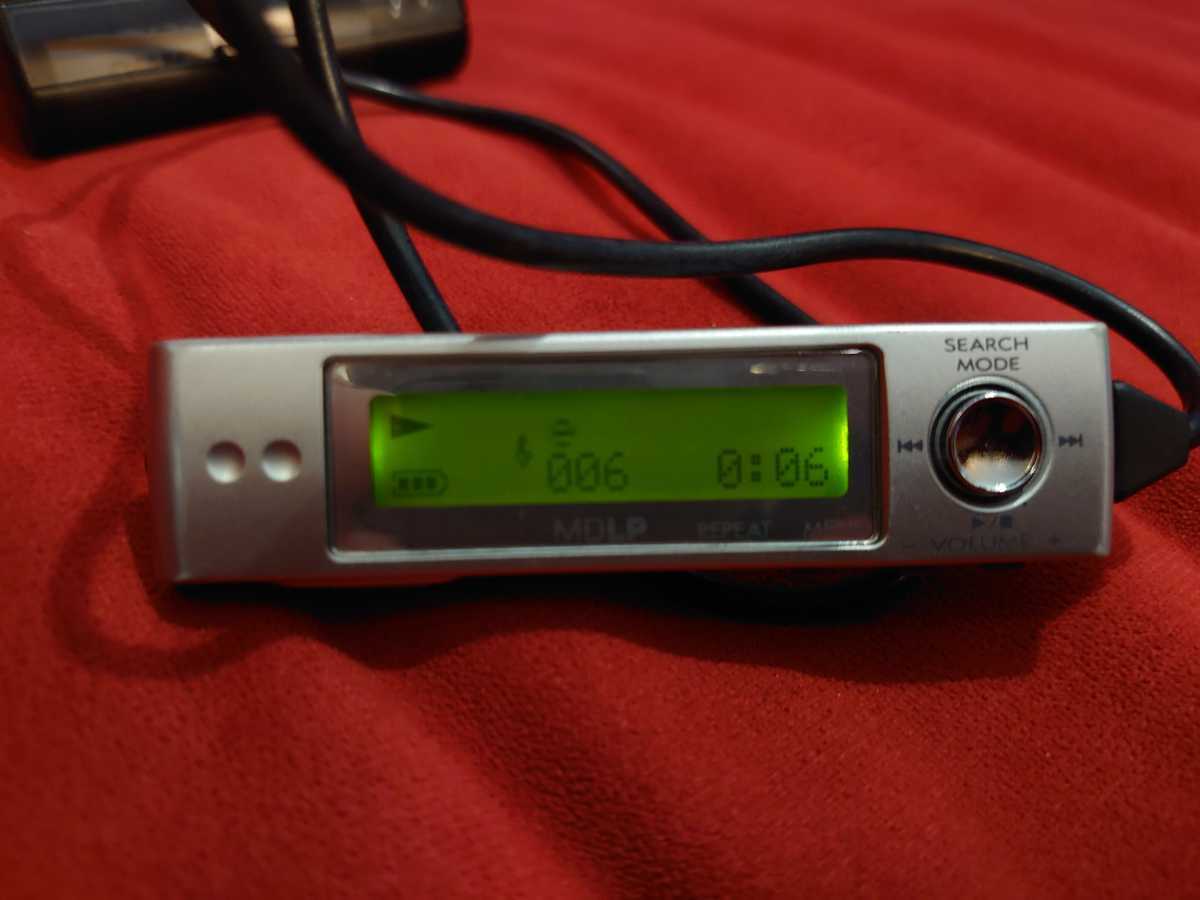
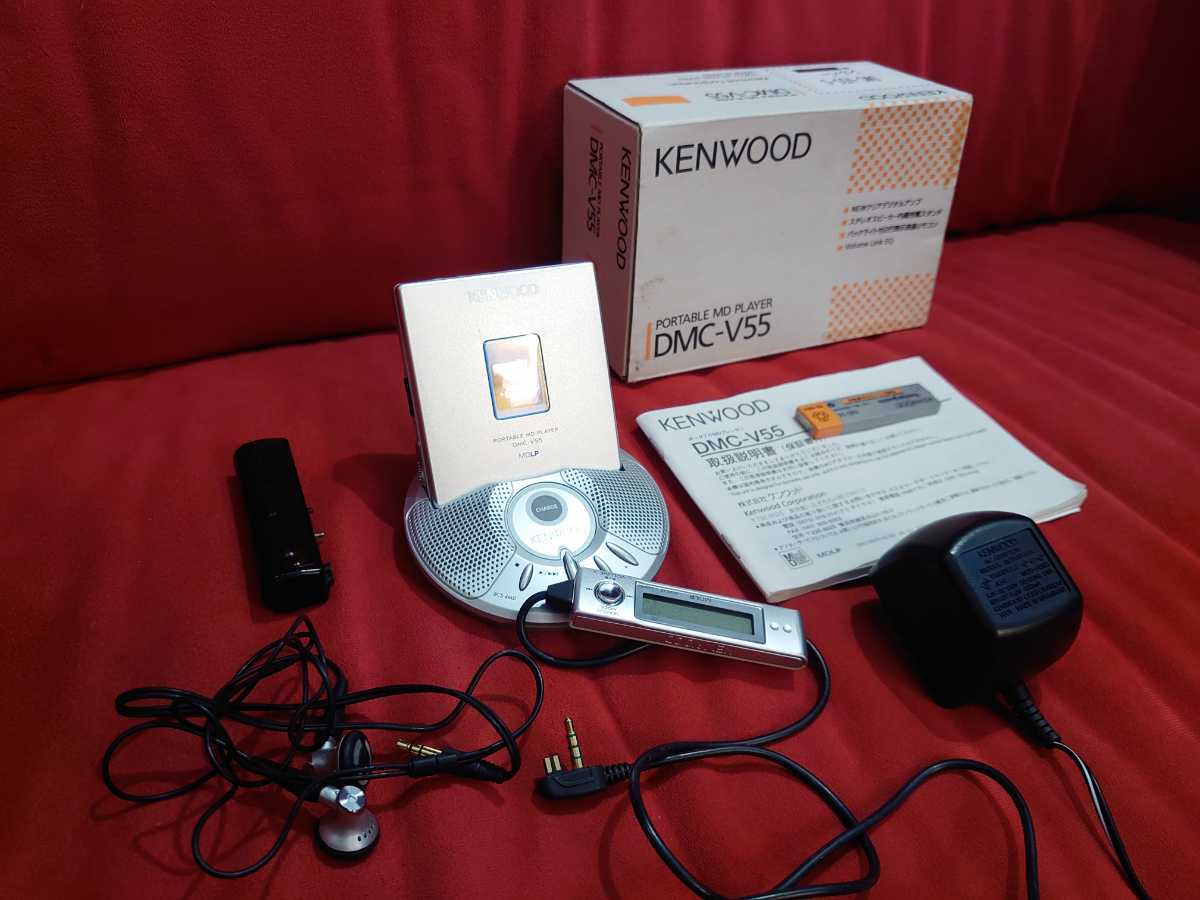
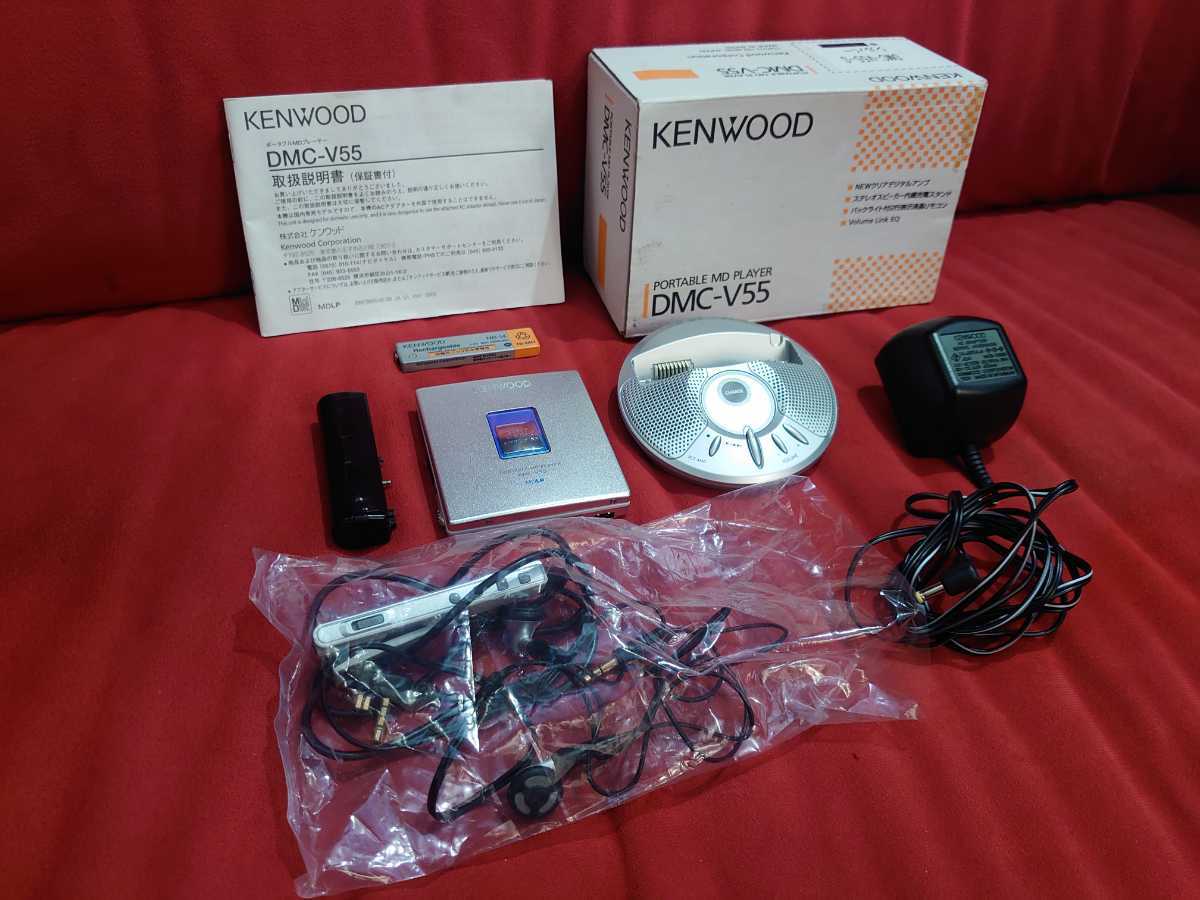
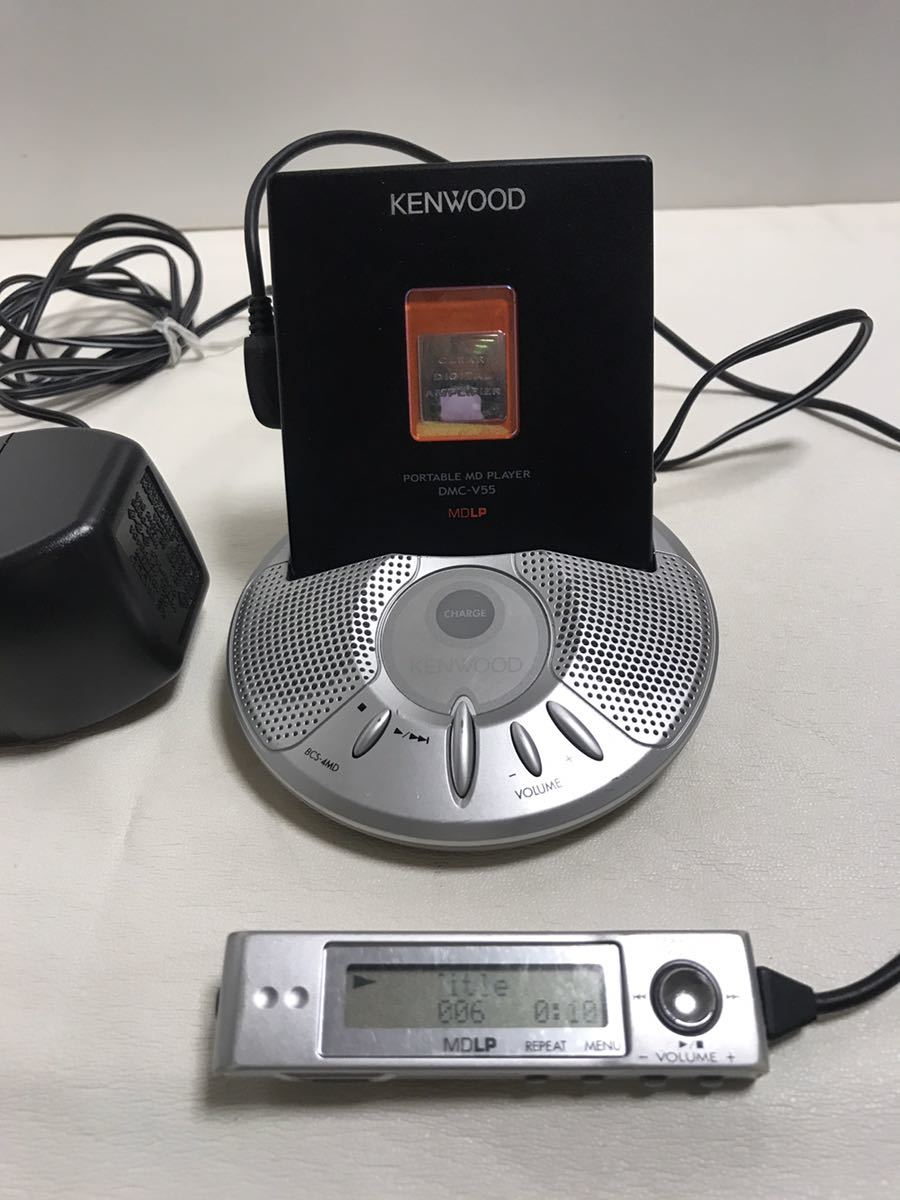
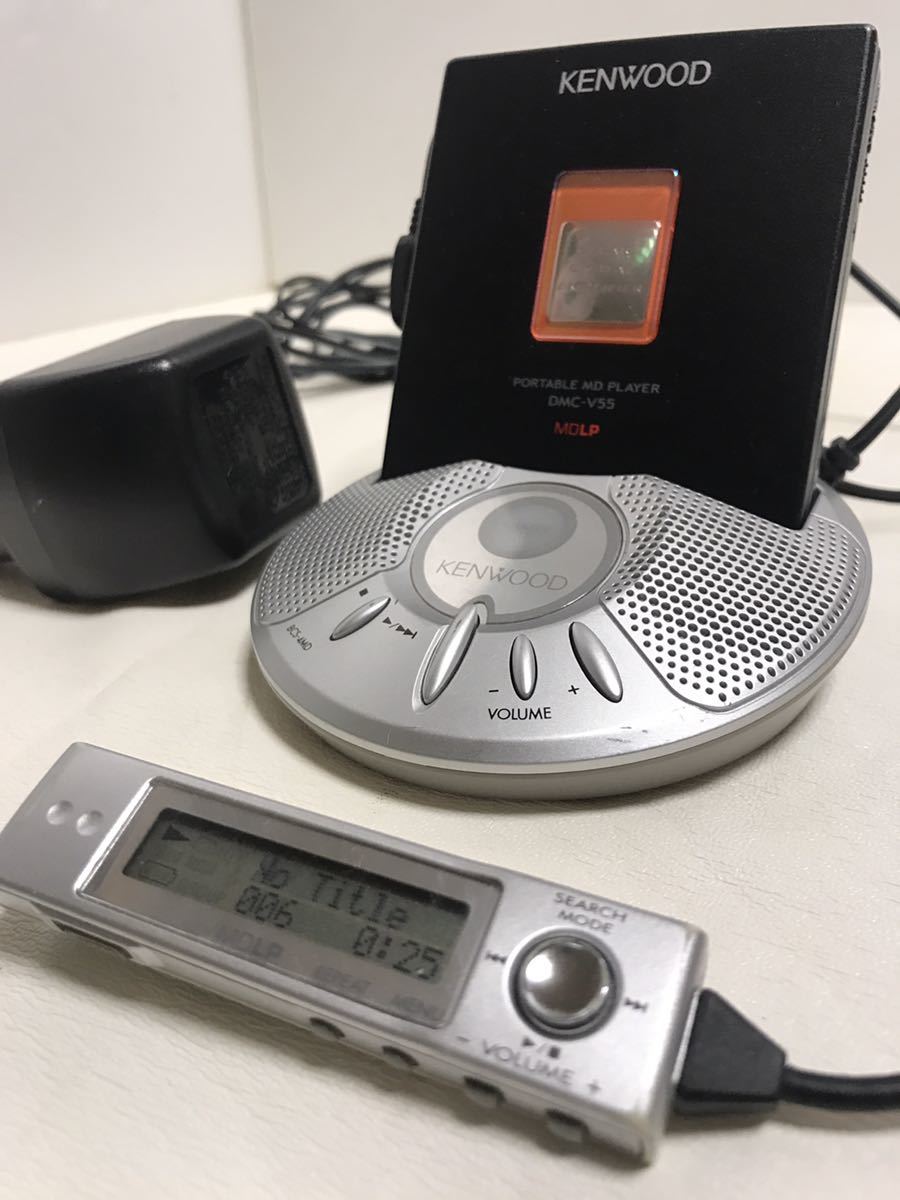
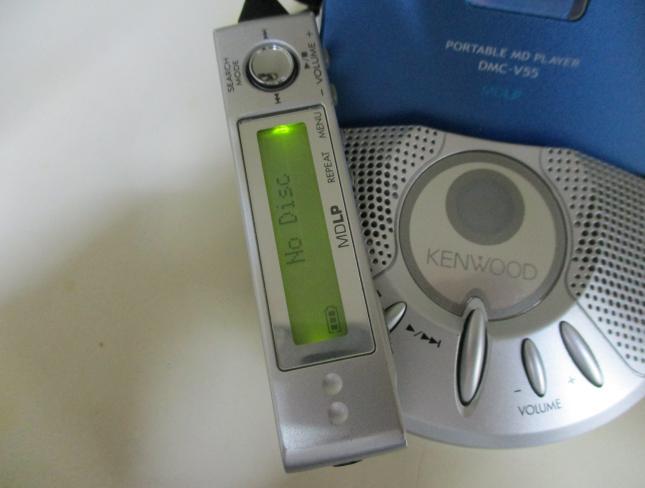
- LCD remote control with clip
- Despite looking very similar to DMC-T(33|55|77) remote (without clip) - the remotes aren't compatible and won't work between different device series
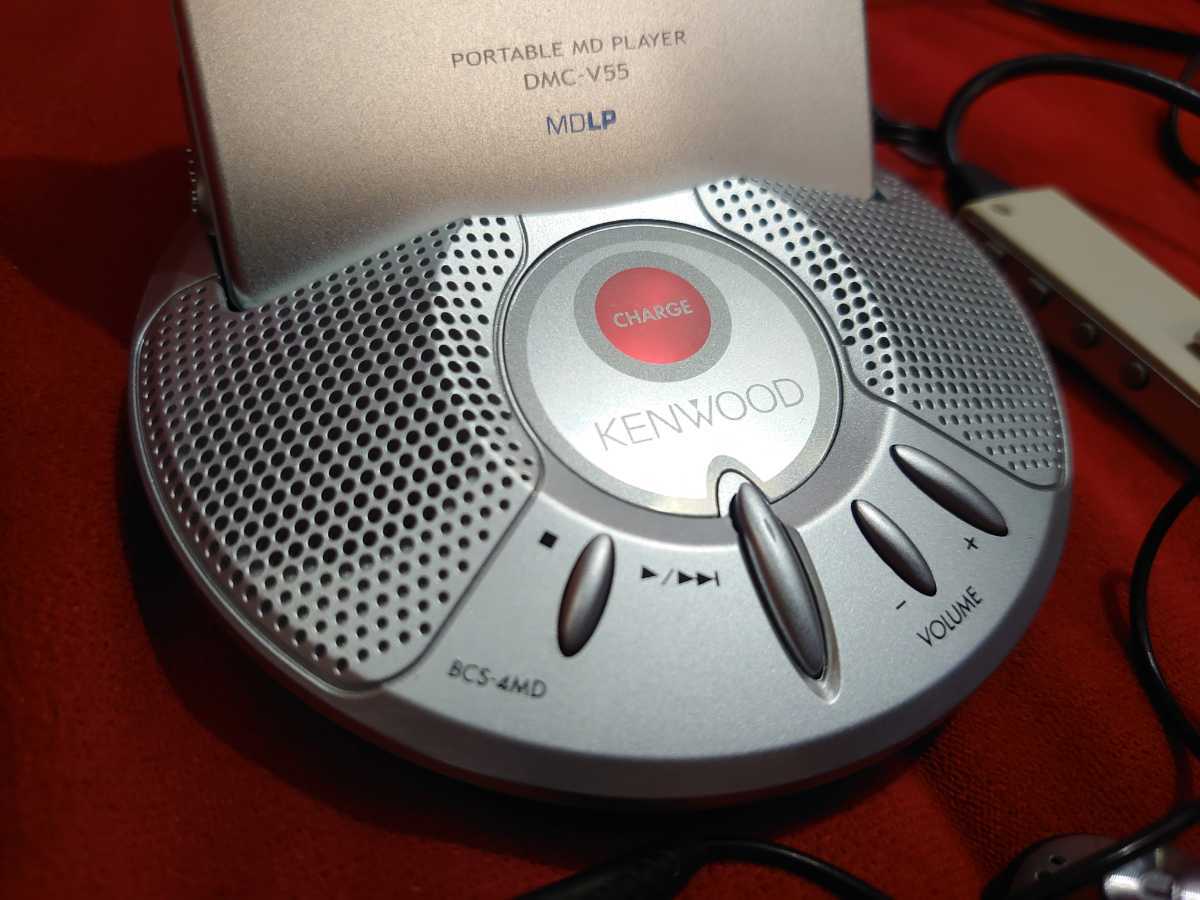
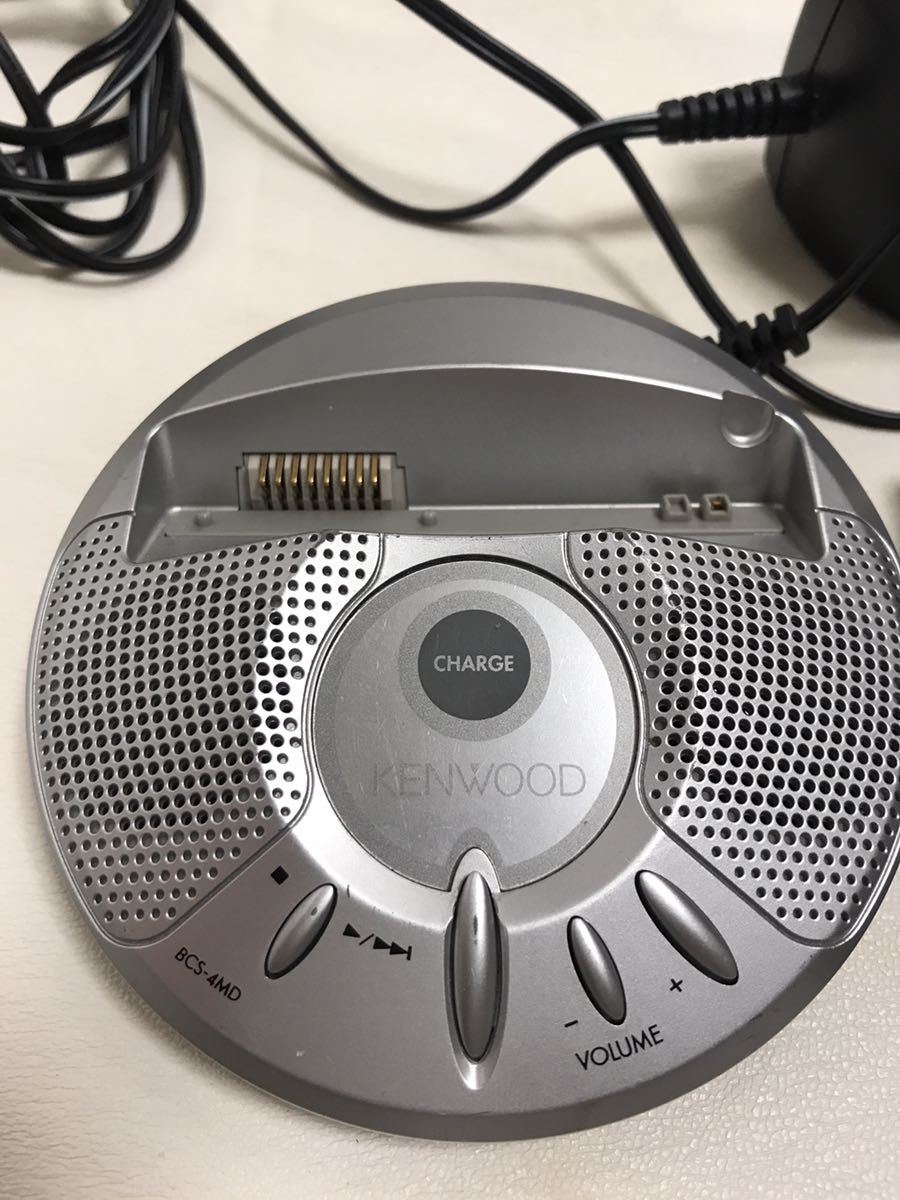
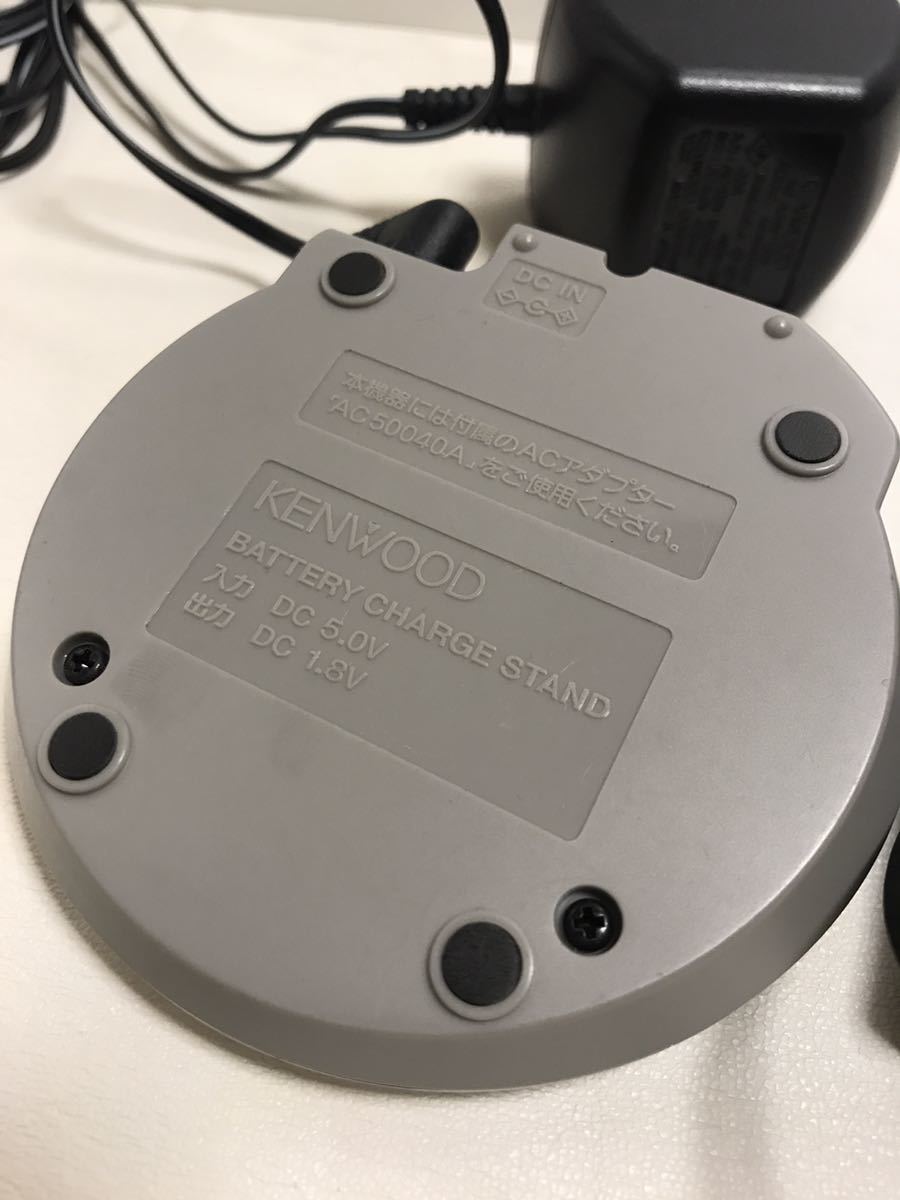
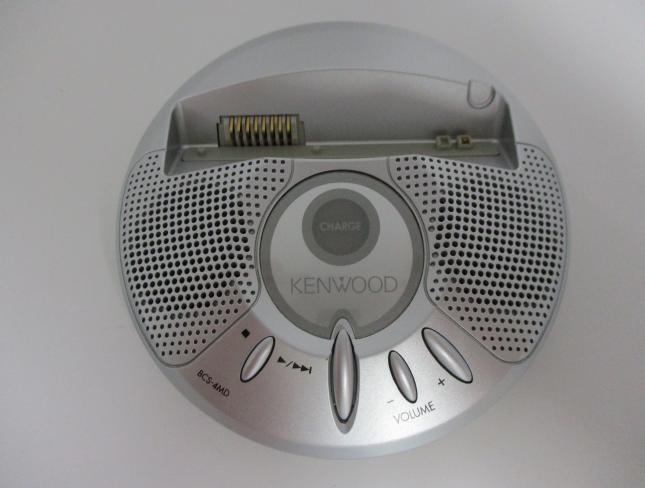
- charging stand with built-in stereo speaker
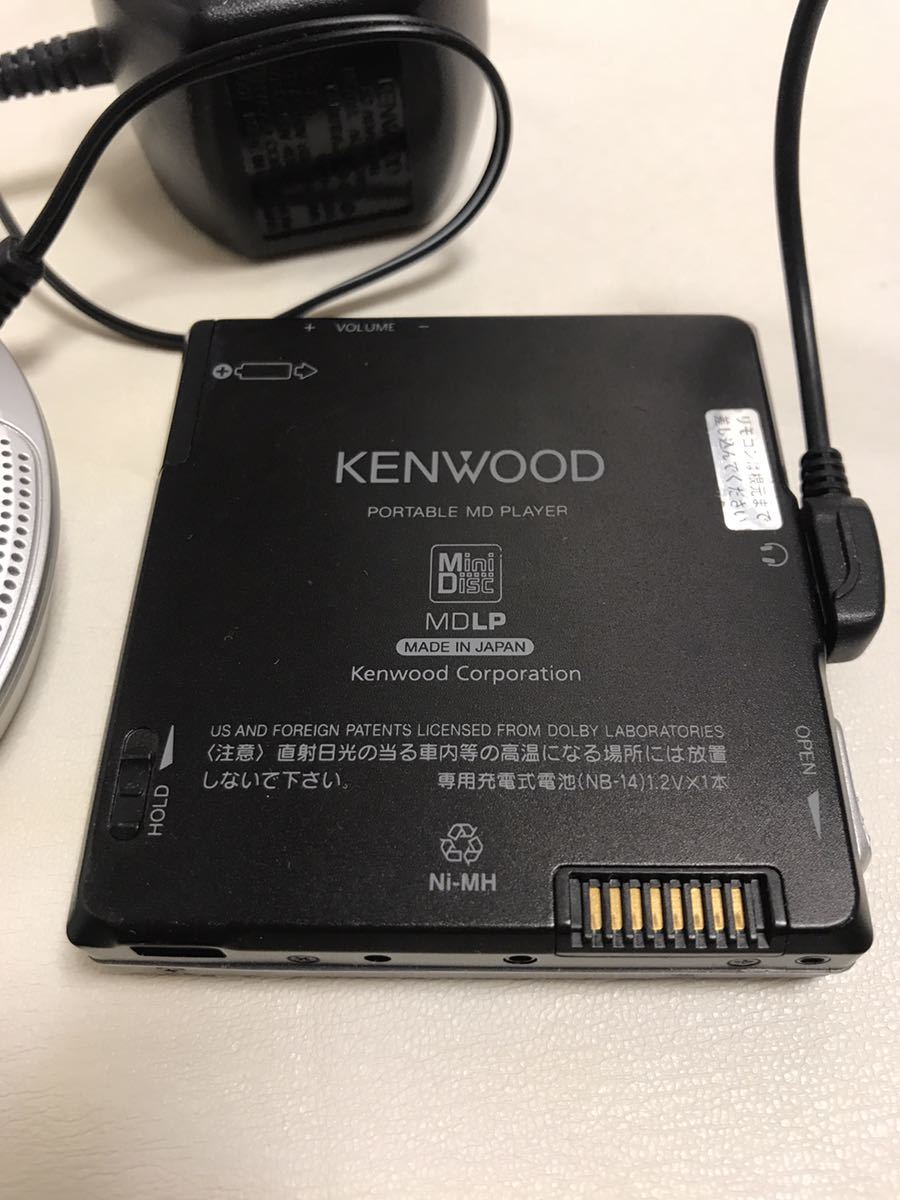
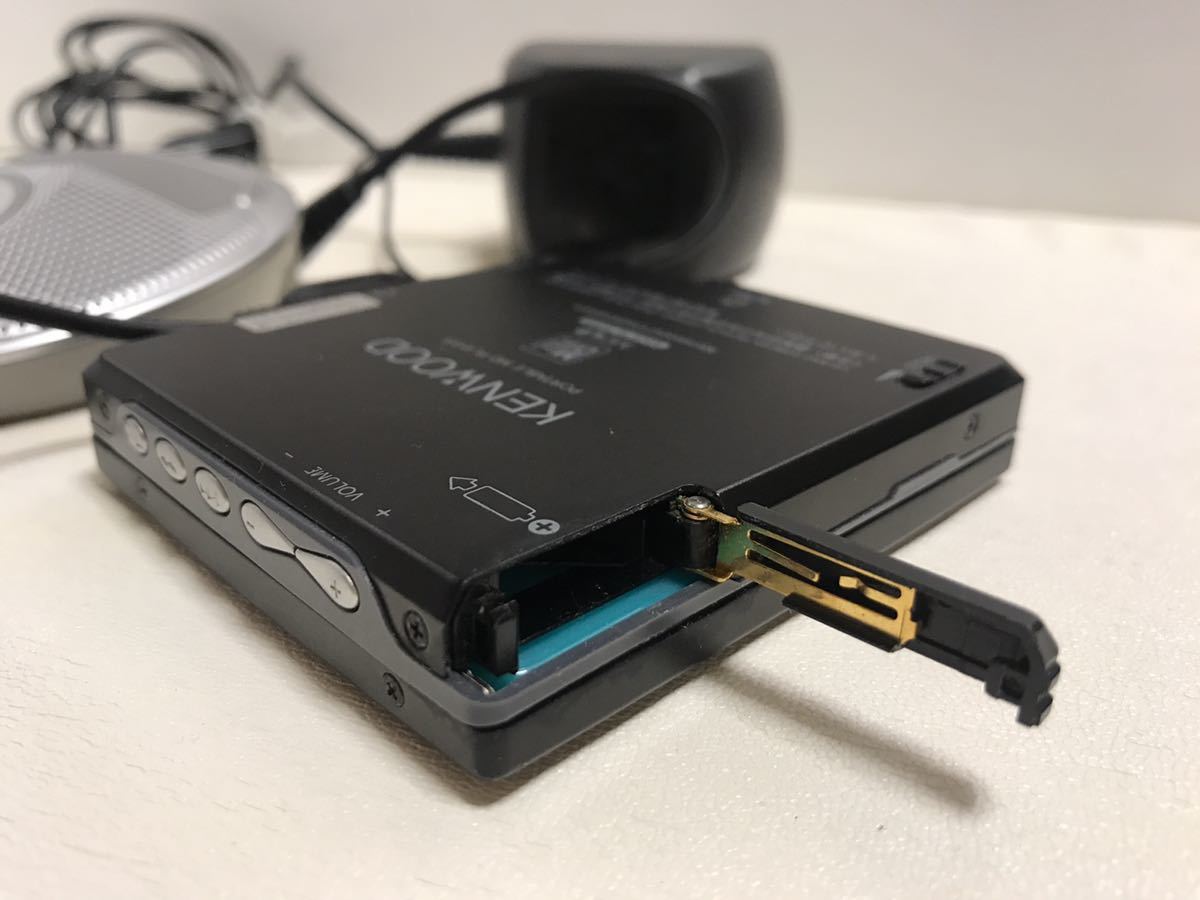
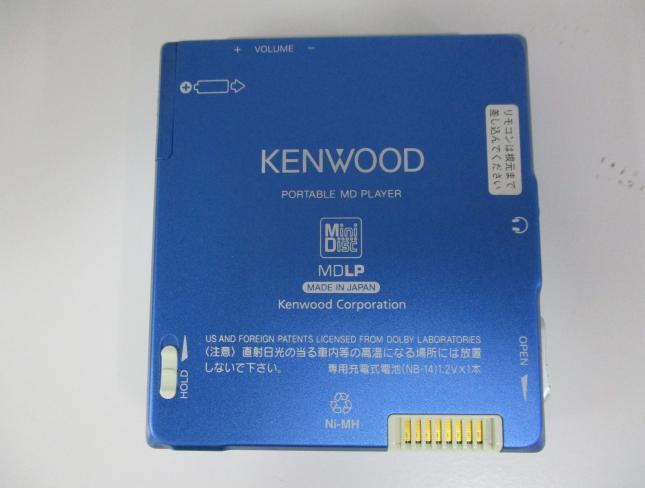
- nickel-metal hydride rechargeable battery (NB-14 / with case)
Headphone amp: 4.5mW + 4.5mW (16 ohm)
Shock Guard: 45 seconds (180 seconds in LP4)
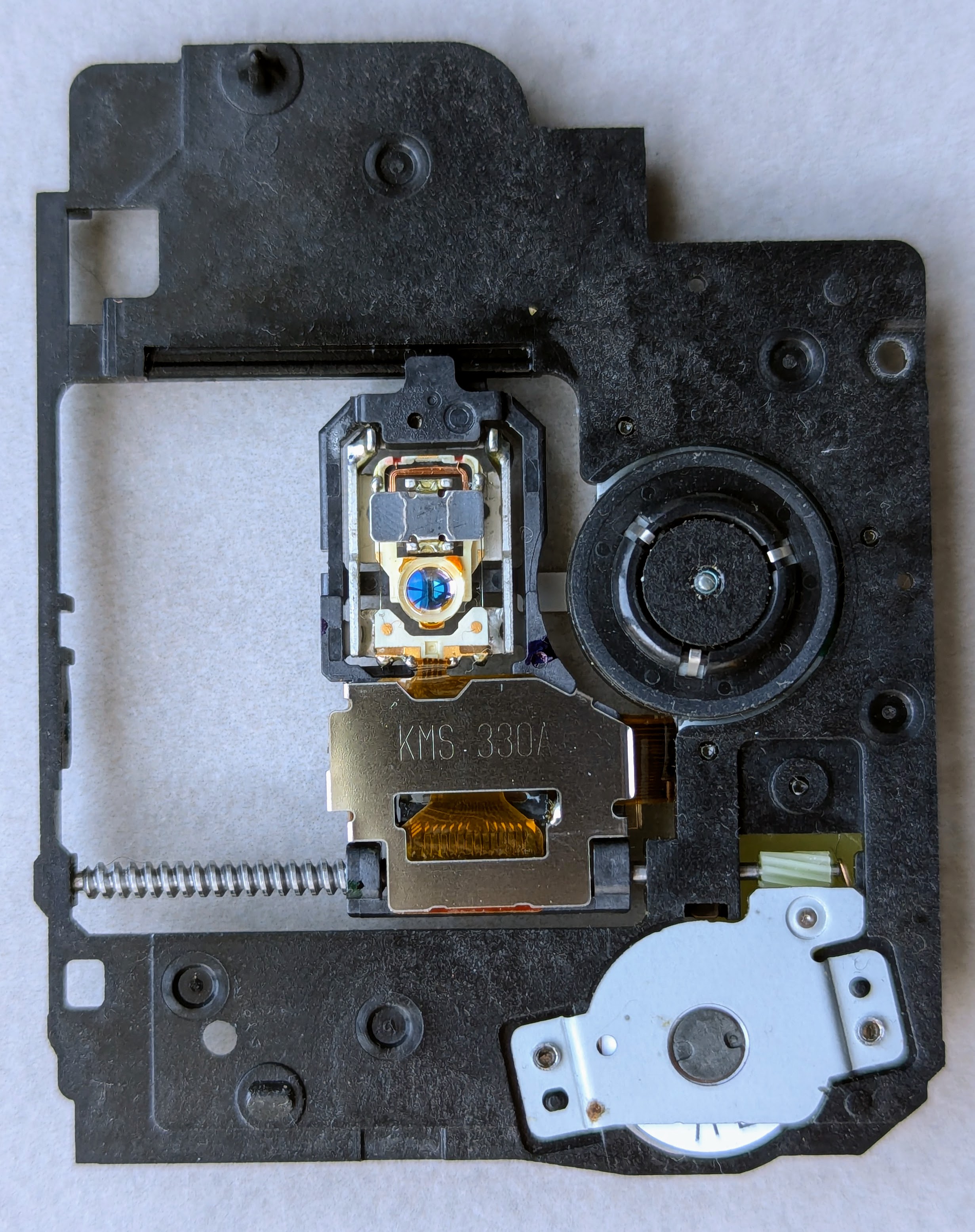
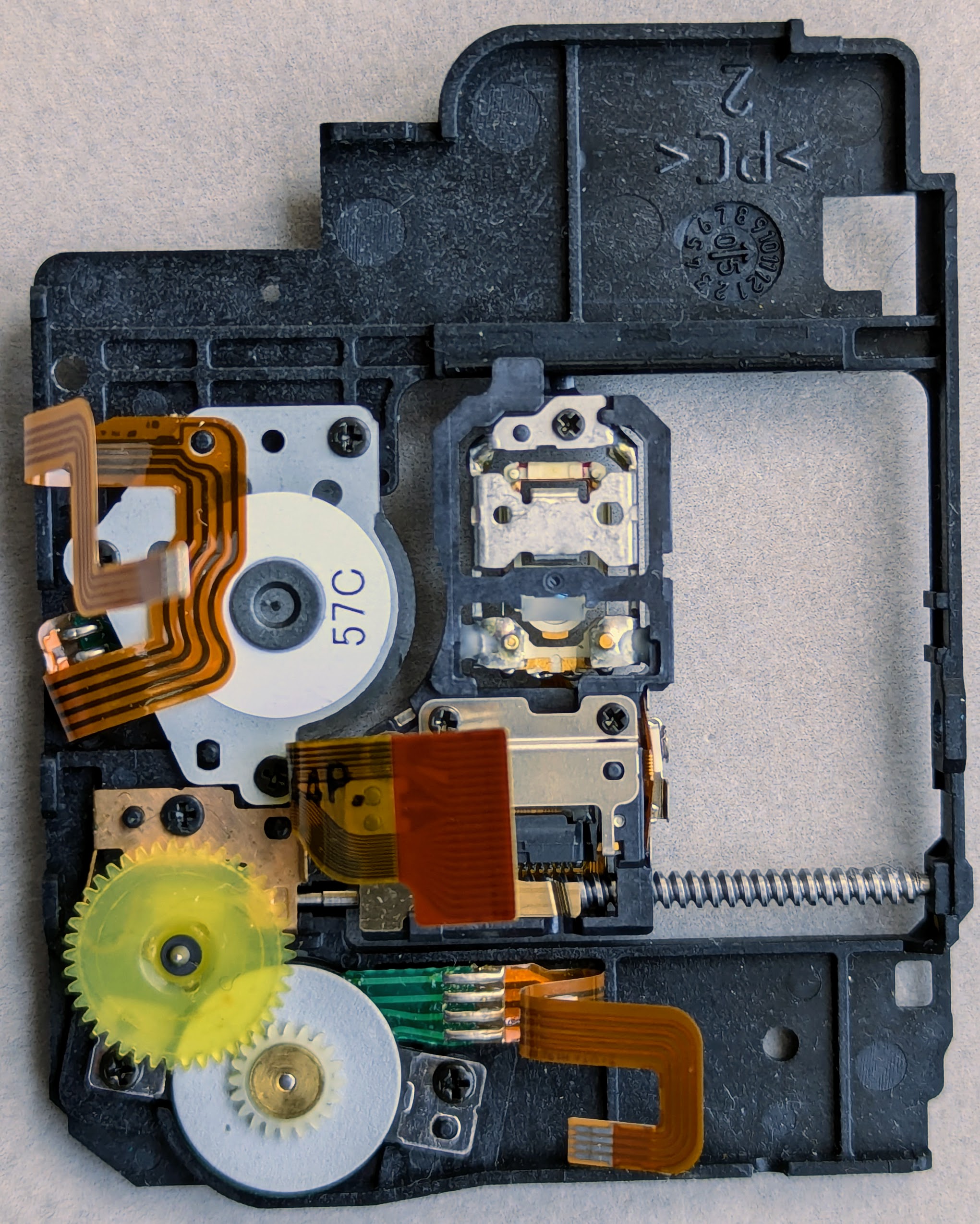
Optical pick-up: KMS-330A
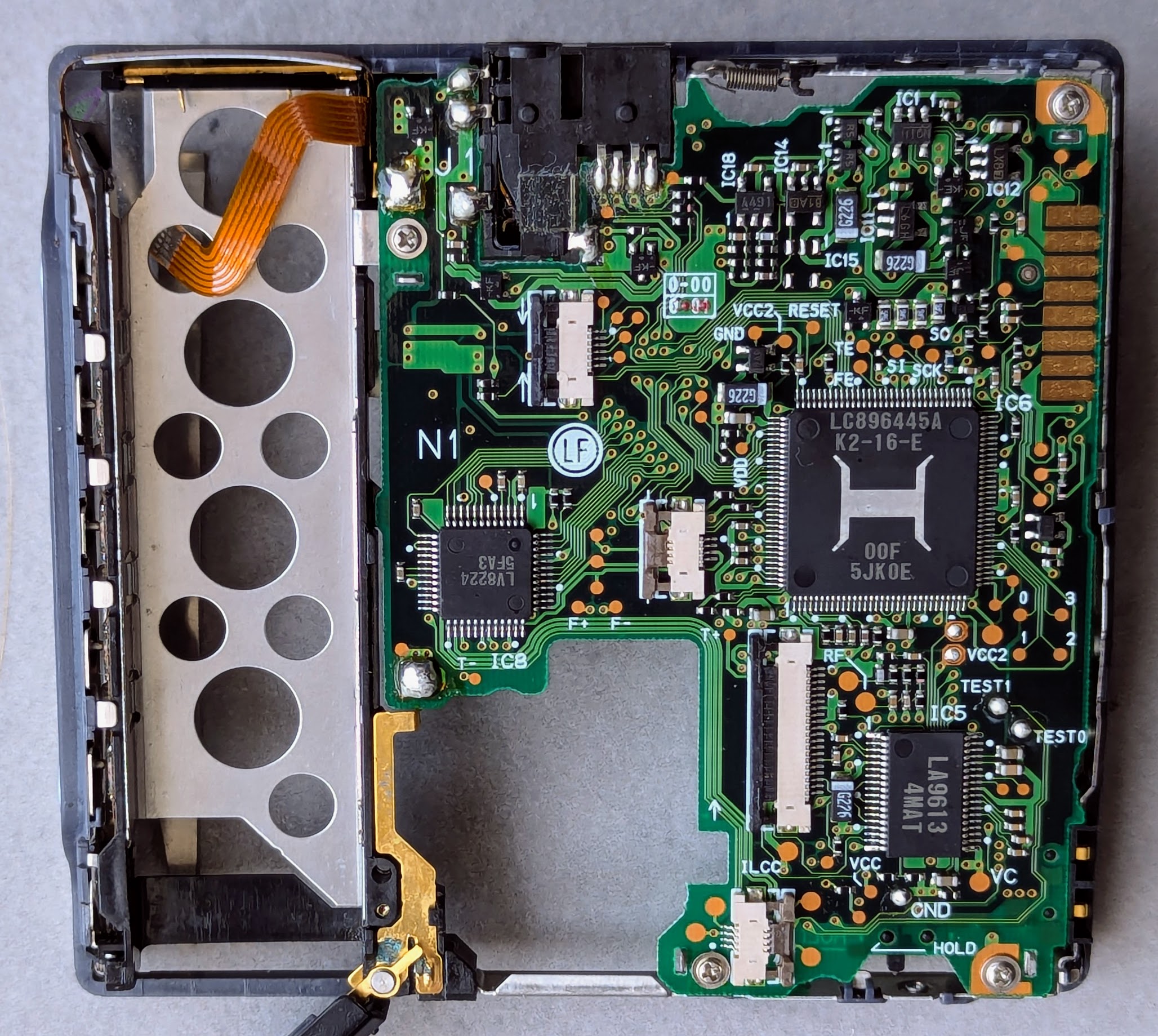
ATRAC IC: 128 (32x4) pin Sanyo LC896445A
- seems to integrate Shock Guard DRAM, DAC and audio amplifier (dedicated ICs that usually implement those are nowhere to be found on the PCB)
- the closest available datasheet is definitely different and smaller, 120 (30x4) pin Sanyo LC896431
A unique feature of DMC-V55 (as well as its DMC-V33 sibling) is resuming playback from exact spot where the disk was ejected. You can swap disks, power the player off, but once the original disk is back - the player will continue playback from the position it left off.
The "resume playback" feature is permanently "on" and keeps track of up to 16 [last used?] disks. There is no way to disable this feature.
Despite being very useful in some cases (think of accidentally opening the player while in the middle of 4+ hour LP4 audiobook on a conventional player and not having a remote around - good luck finding the spot where the playback stopped) it could also be annoying in others. To force the player onto first track after the disk is inserted follow these steps:
- Insert the disk
- Wake up the player by pressing on ⏵/⏹ button (you shall hear three beeps as the player wakes up and starts reading the disc TOC)
- While player is reading the TOC quickly press ⏮ followed by ⏭
- Once the TOC read is finished, playback will start from the first track
Content adapted from:
Manuals
DMC-V55 is featured in Kenwood 2005 Portable Audio Catalog (JP) (English machine-translated version)
Repair
Screw map
   s   s       L   s
 ┌───────┐   ┌───────┐
 │ Front │  L│ Back  │s
┌┘ cover │   │ cover └┐
│Eject   │   │   Eject│
└┐       │  L│       ┌┘
 └───────┘   └───────┘
   s   s       s   s

Legend: s - short screw, L - long screw
Once the back is removed two plastic rings on both sides of the dock connector will fall out.
Internals
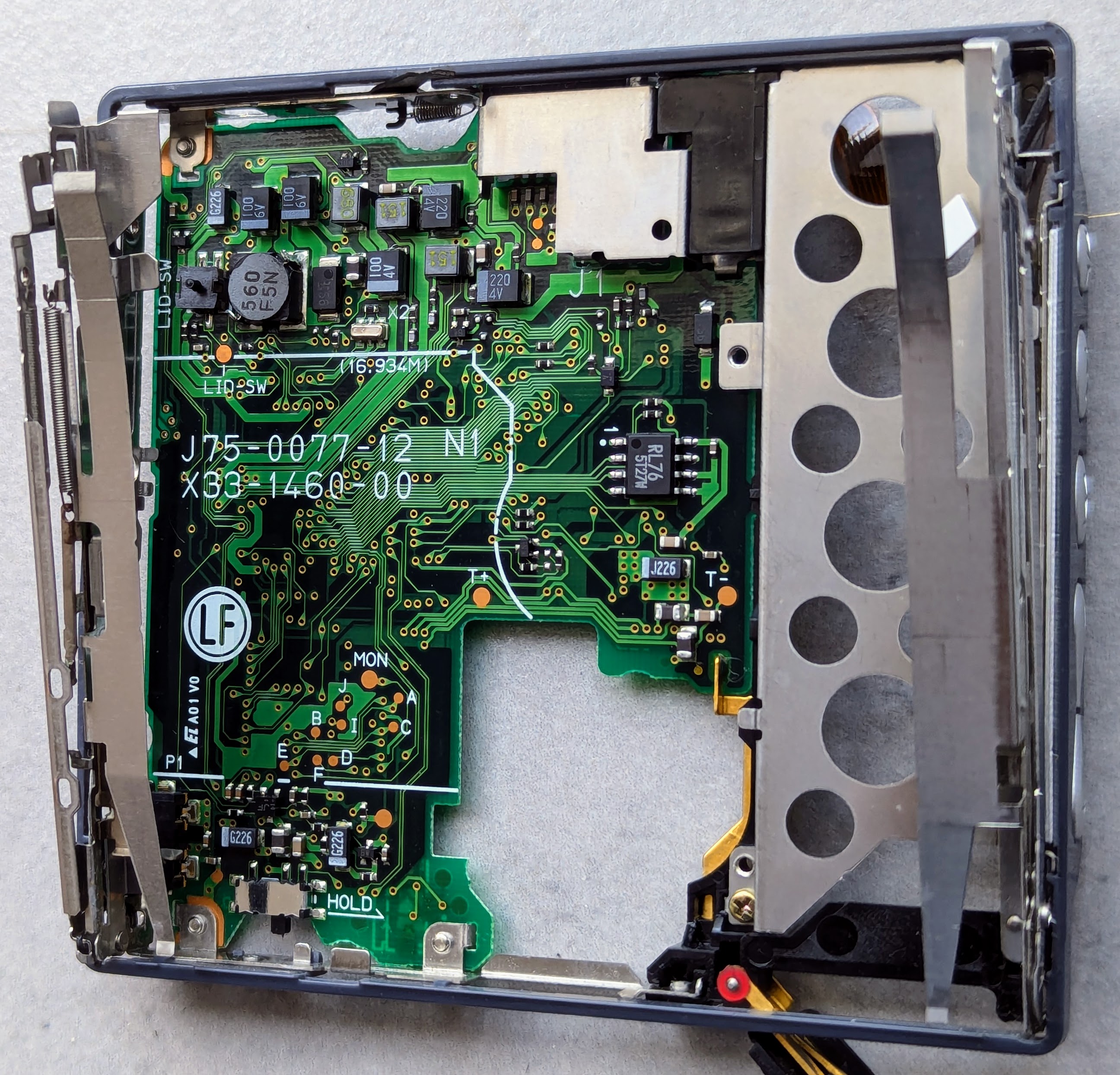
PCB front:
PCB back:
Optical pickup front:
Optical pickup back:
Remote PCB front:
Remote PCB back:
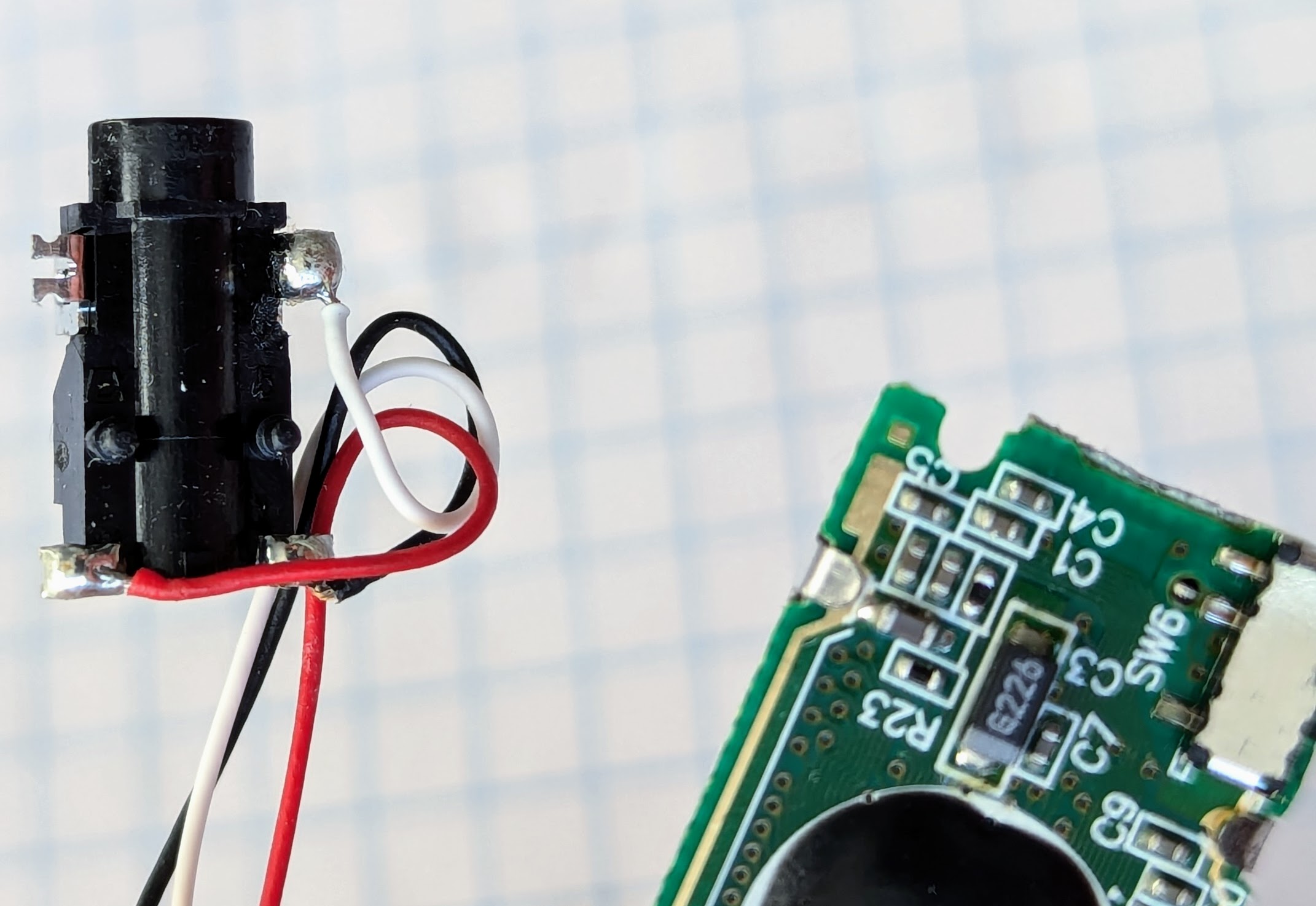
Remote audio out:
BCS-4MD charging stand PCB top: 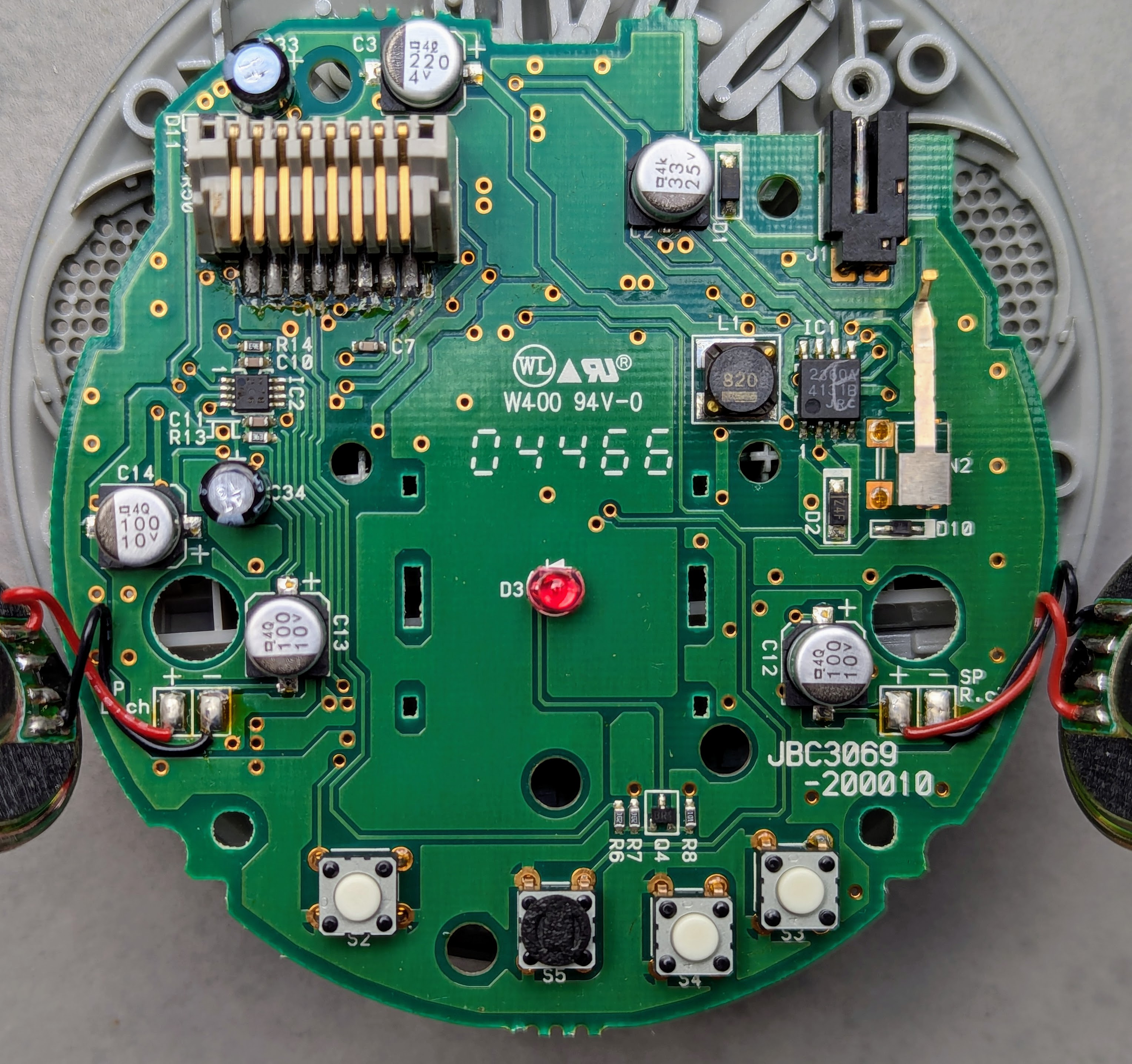
BCS-4MD charging stand PCB bottom: 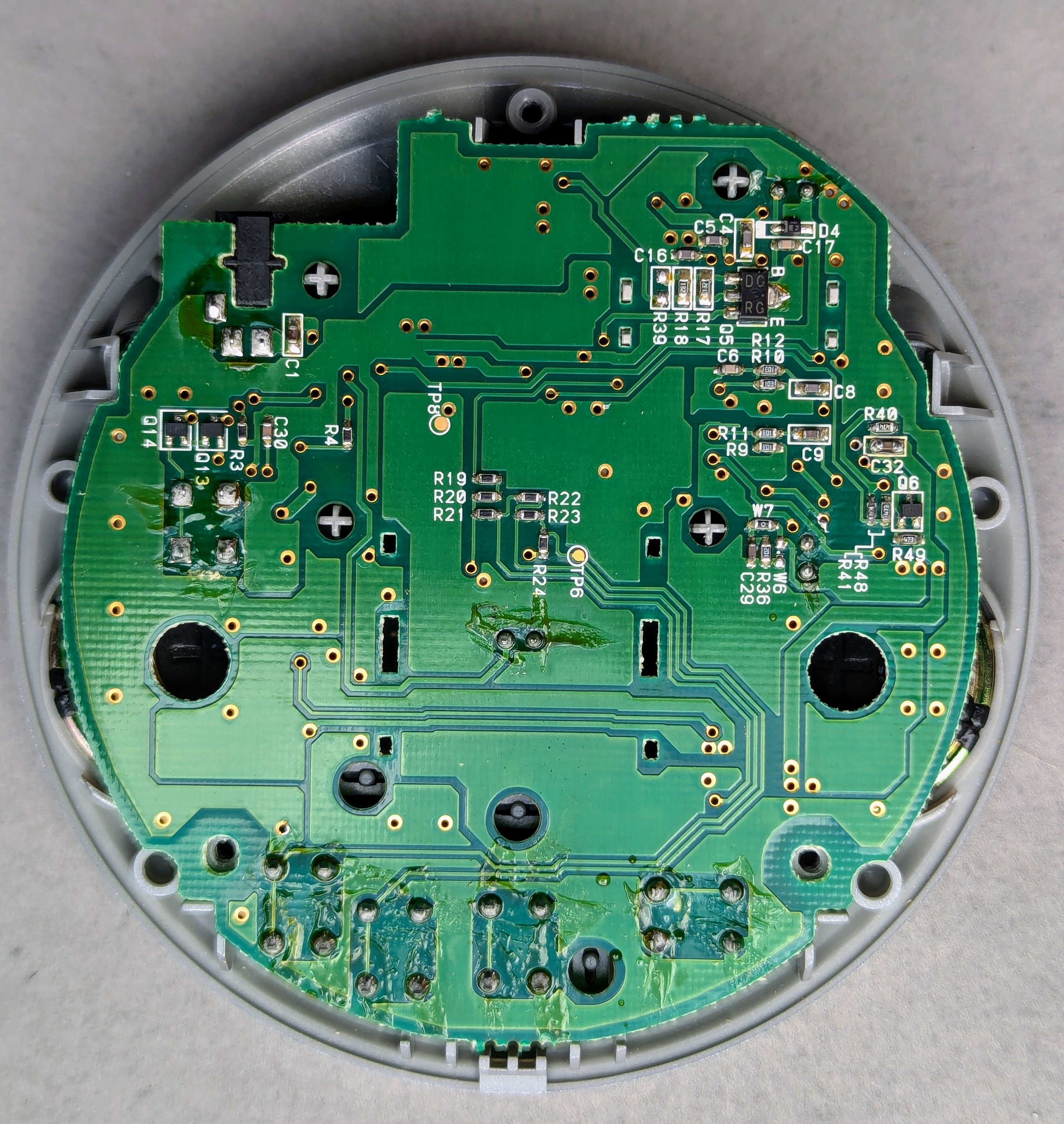
Photos
Have photos or data to add? Edit the page! We do not accept contributions via email.