Source: MiniDisc Wiki contributors · September 3, 2026 snapshot · CC BY 4.0, except where otherwise credited.
Attribution and changes
Adapted from “Sony MZ-R3”. Links, layout and file names normalized; missing database fields restored; remote embeds replaced with links. Manufacturer manuals and separately credited photographs retain their original attribution.
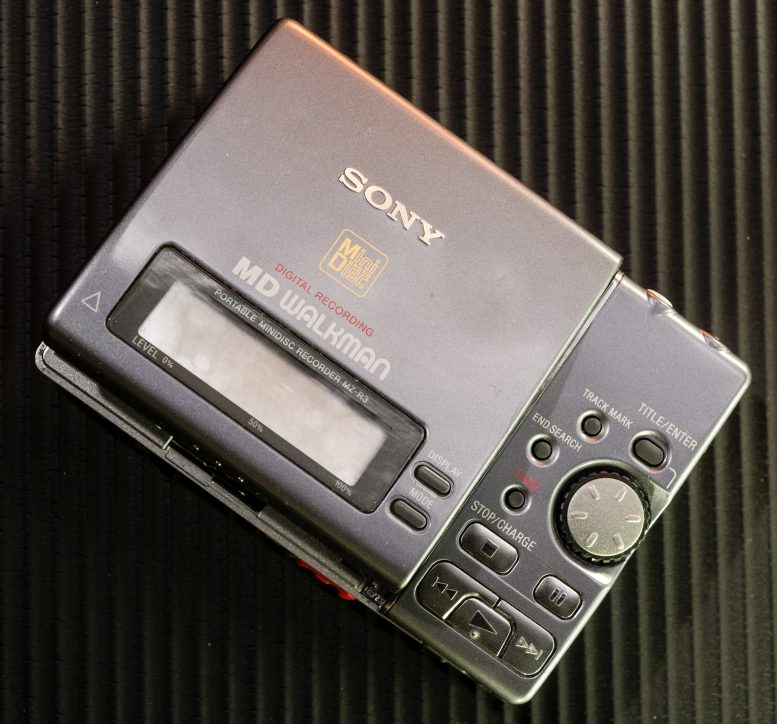
| Name | MZ-R3 |
|---|---|
| Manufacturer | Sony |
| Released | 1995/05 |
| Device type | portable |
| Recorder | Recorder |
| MDLP | No |
| NetMD | No |
| Hi-MD | No |
| Radio | No |
| Dimensions | 115.8 x 29.8 x 81.0 mm |
| Weight | 360g |
| ATRAC ver | 3 |
| Battery | Not recorded BP-DM20, AA |
| Battery notes | Not recorded |
| Sidecar (depr) | Other |
| Voltage | 4.5 |
| Power cable | Center positive |
| Price (launch) | $350 |
| ¥95 000 | |
| - | |
| Inputs | 3.5mm line in (optical multi), 3.5mm microphone |
| Outputs | 3.5mm line out (analog-only), 3.5mm headphone |
| Control | Remote (Sony) |
To get rechargeable AA's to work in an 'R3, you need press the rechargeable batteries switch. To do so, open up your MZ-R3, holding it so the bottom is facing up and the battery bay is on the far side. Pop the battery door open. On the right-hand side, you will see near the bottom a little pin. Get a bit of newspaper or eraser to hold the pin shut, then put your AA rechargeable batteries in. They should charge normally. Do this at your own risk; it isn't likely to be a Sony-approved technique. - Gian-Paolo D Musumeci (and others)
– Content adapted from MiniDisc.org page
This also works with modern rechargeable (Eneloops and the like) NiMH AAs, no modification necessary. I have not attempted to charge these while installed in the 'R3.
When titling a track or disc, you can hit the play button to quickly go the first character of the different subcategories (foreign characters (when available), A-Z, a-z, 0-9).
Works with LCD remotes, but does not use the display. Controls work as intended as well.
ATRAC Chip: CXD2536R
Optical Pickup: KMS-194A/J-N
MD Mechanism: MT-MZR3-109 (similar to the R2)
Manuals
Repair
Setting the Test Mode on the Sony MZ-R3 Setting the Test Mode on the Sony MZ-R3 (MiniDisc Wiki mirror)
Short circuit the soldering bridge of TAP801 (MODE) on the main board. (connect pin #46 to GND) and turn on the power. When the test mode is set, the LCD will display the following: ver 00.09 00
After the ROM version is displayed, there will be a pattern of all ON and all OFF. You can pause the display by pressing the PAUSE button.
There is also another (possibly the same?) test mode that can be accessed by: Make sure the HOLD switch is ON Connect a 24kohm resistor between pin 2 and 4 on the remote control input (pins are counted "1-2-3-4" directly after the audio jack).
Photos
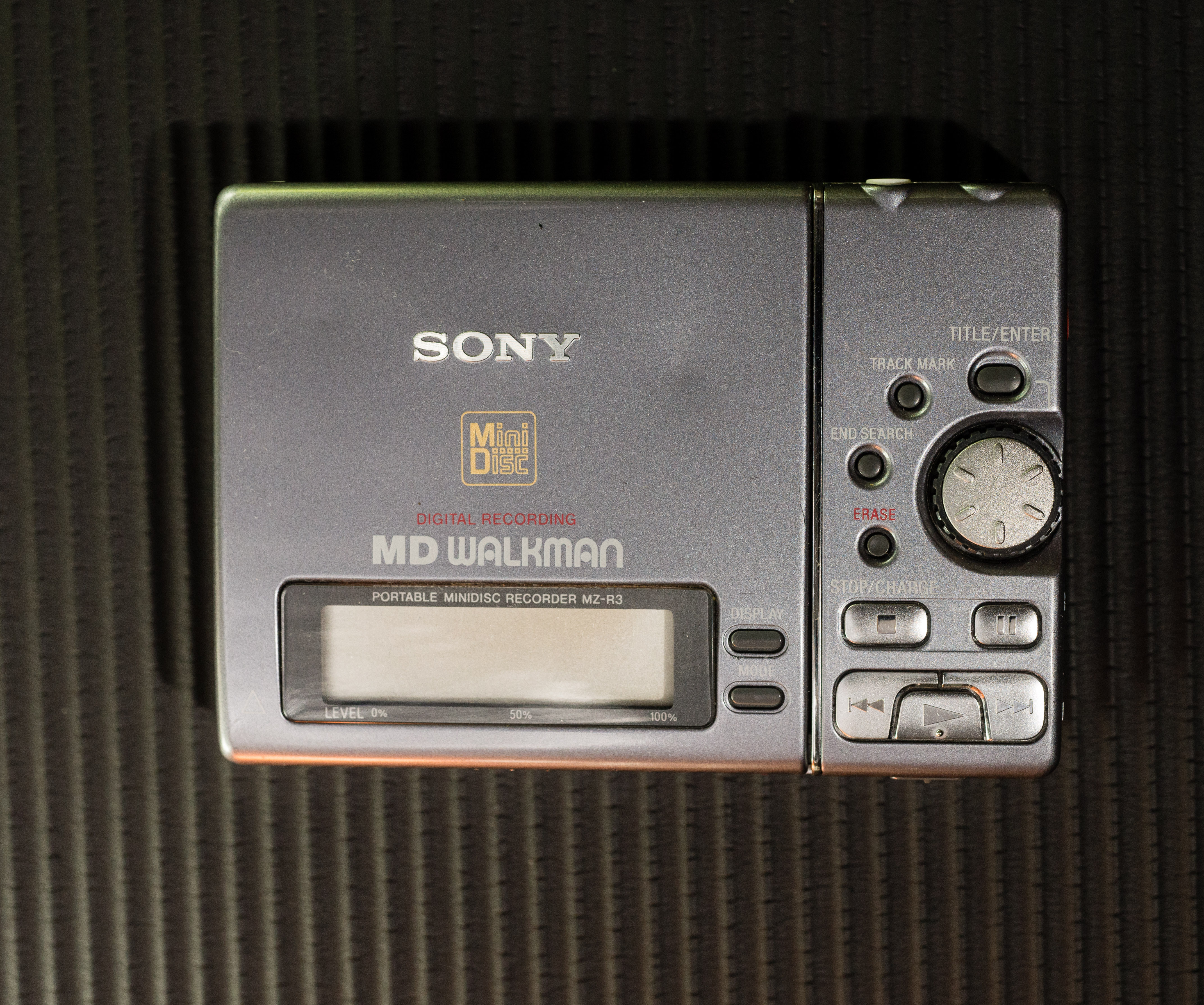
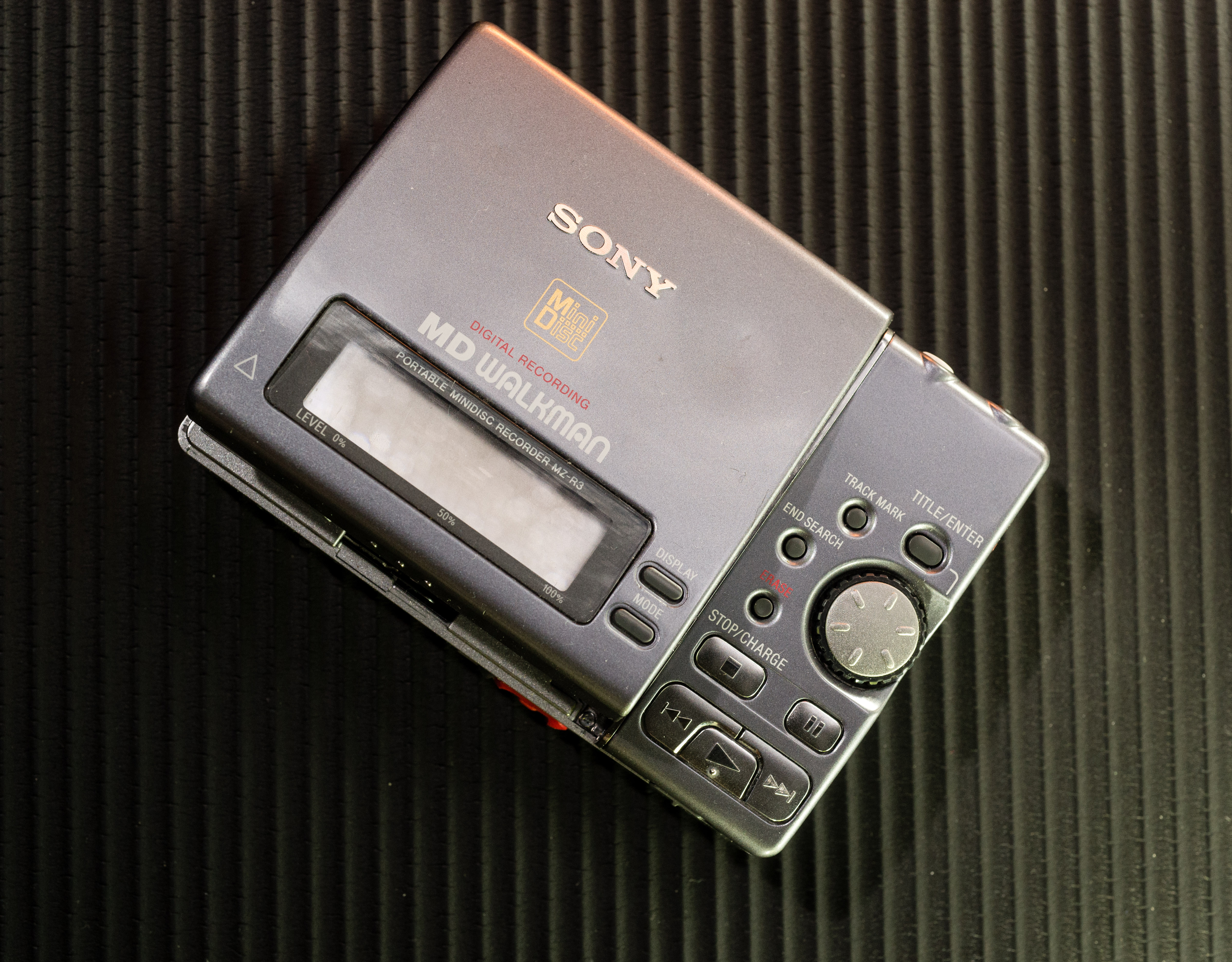
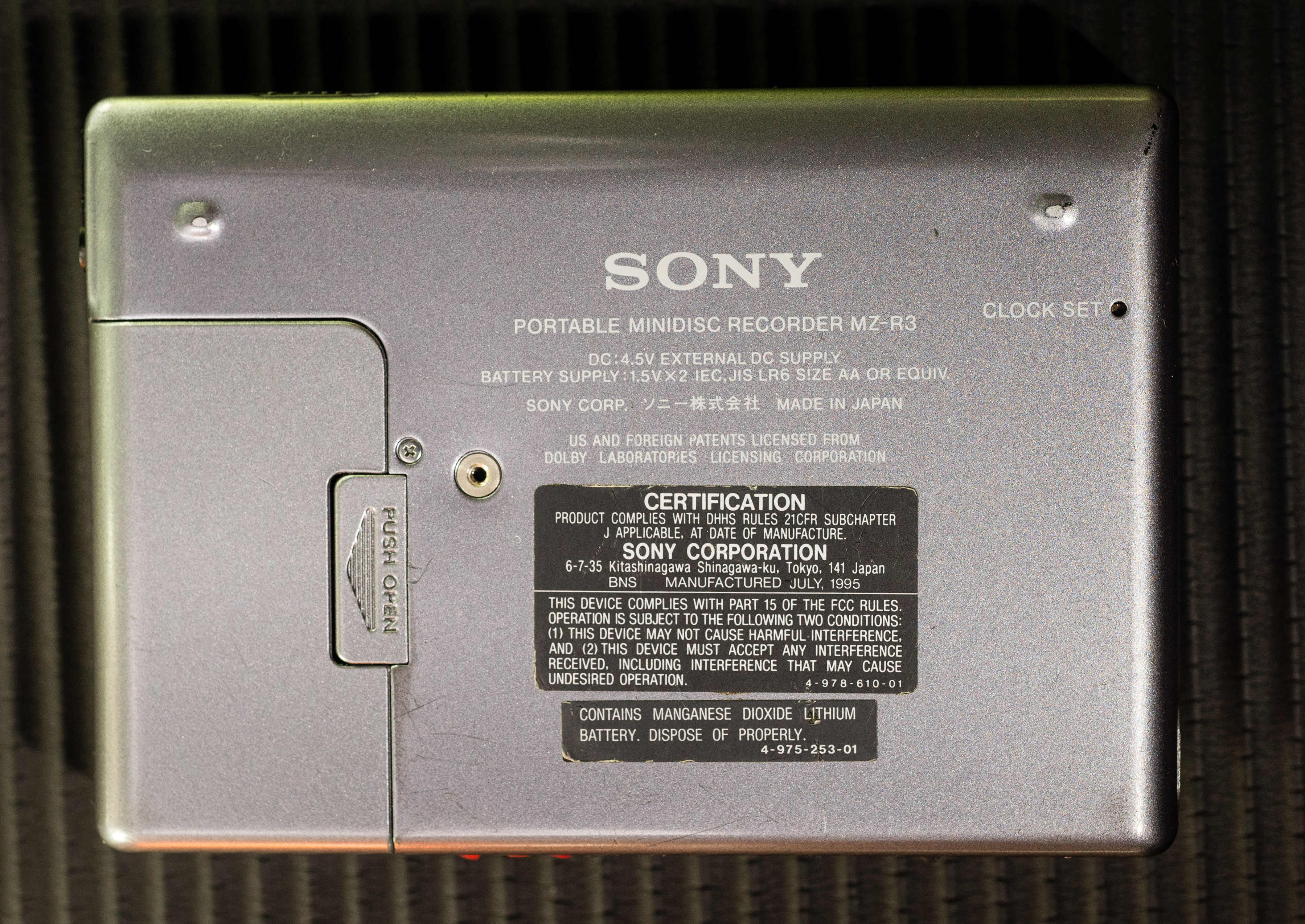
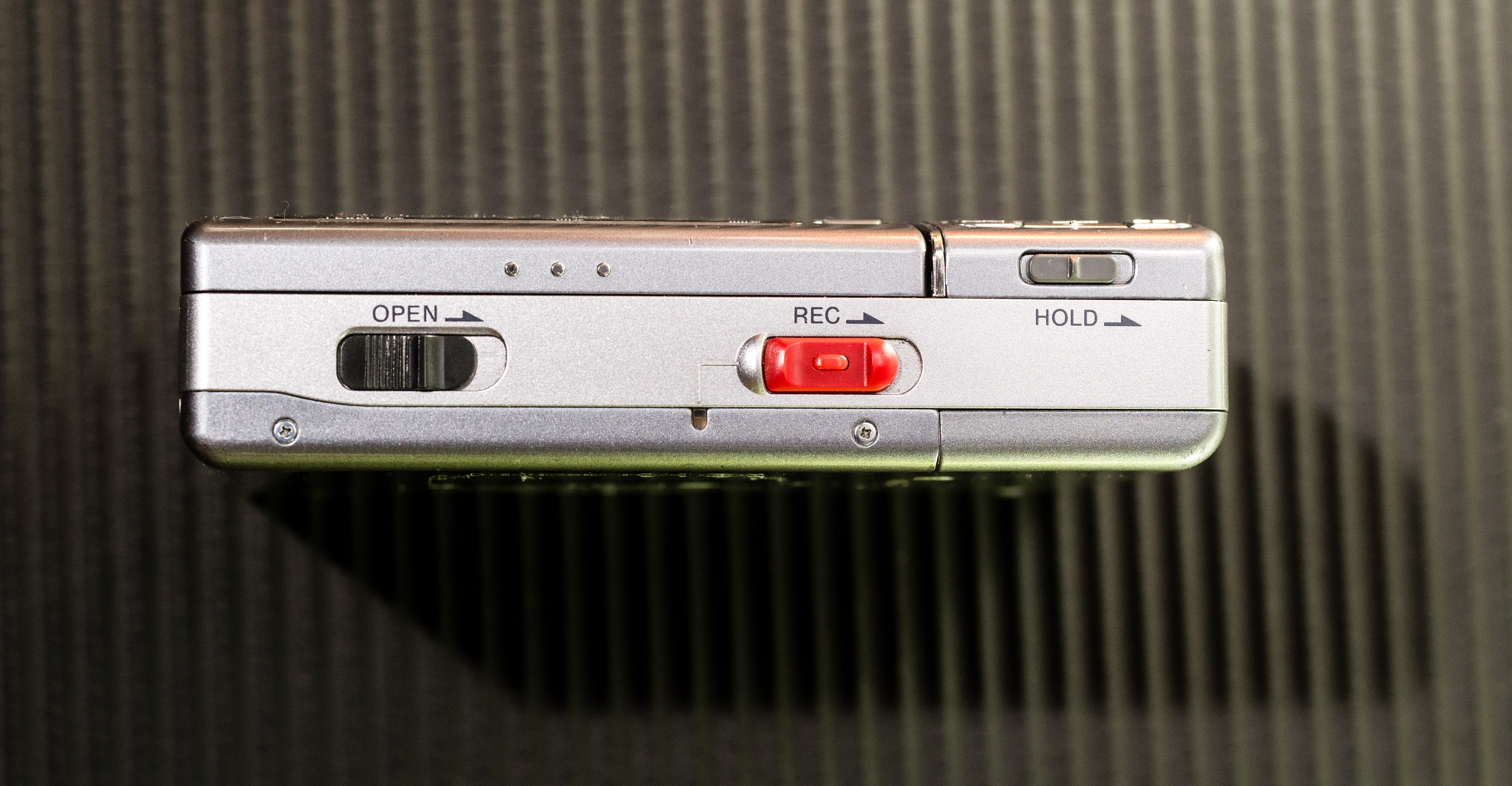
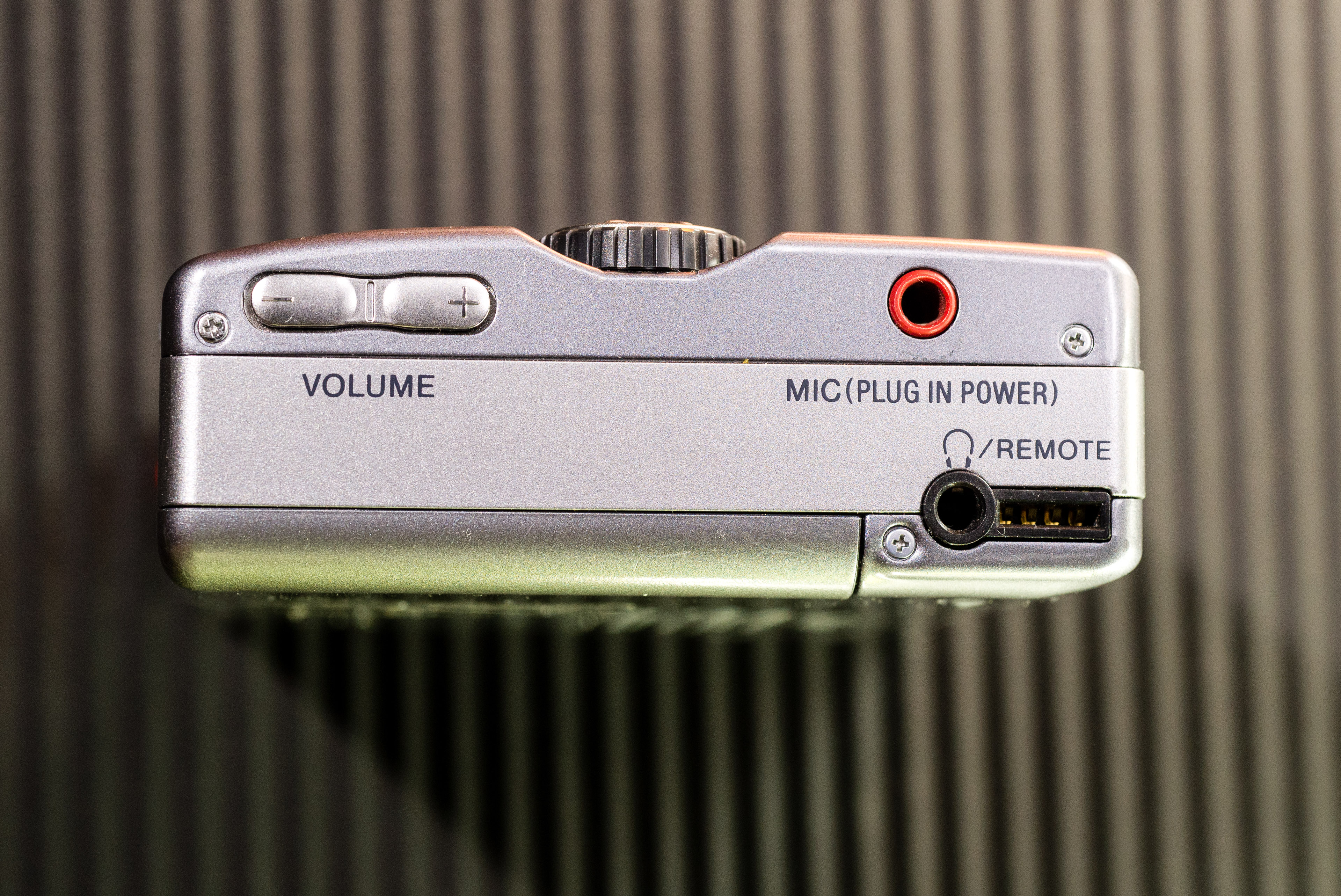
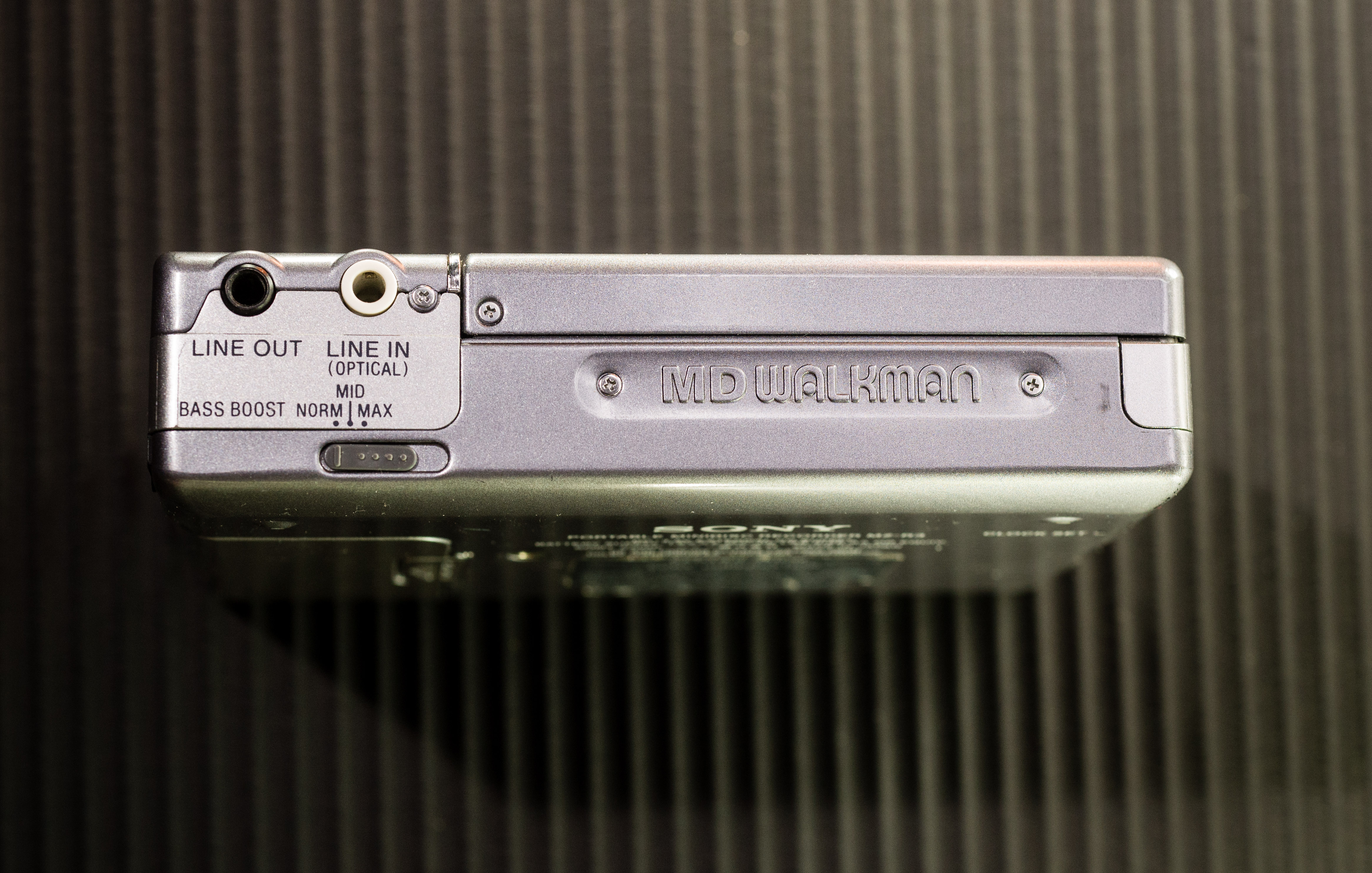
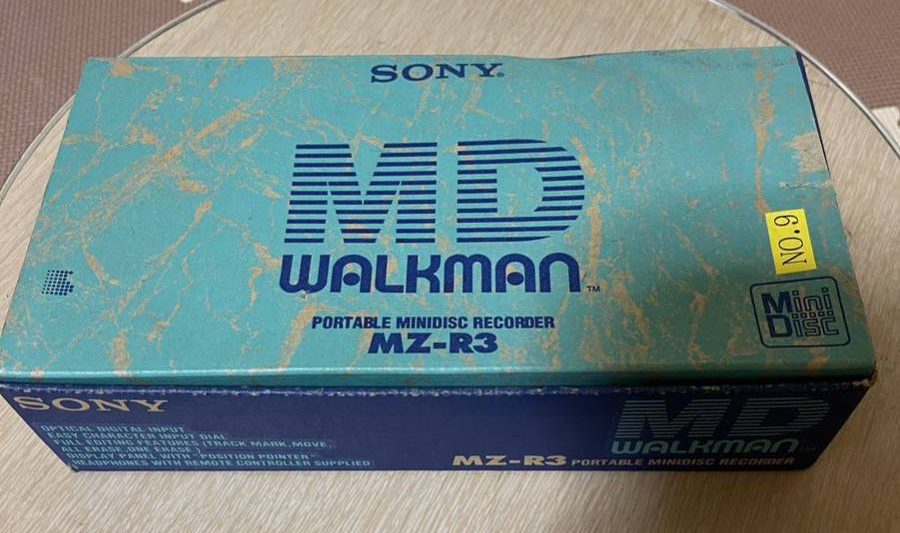
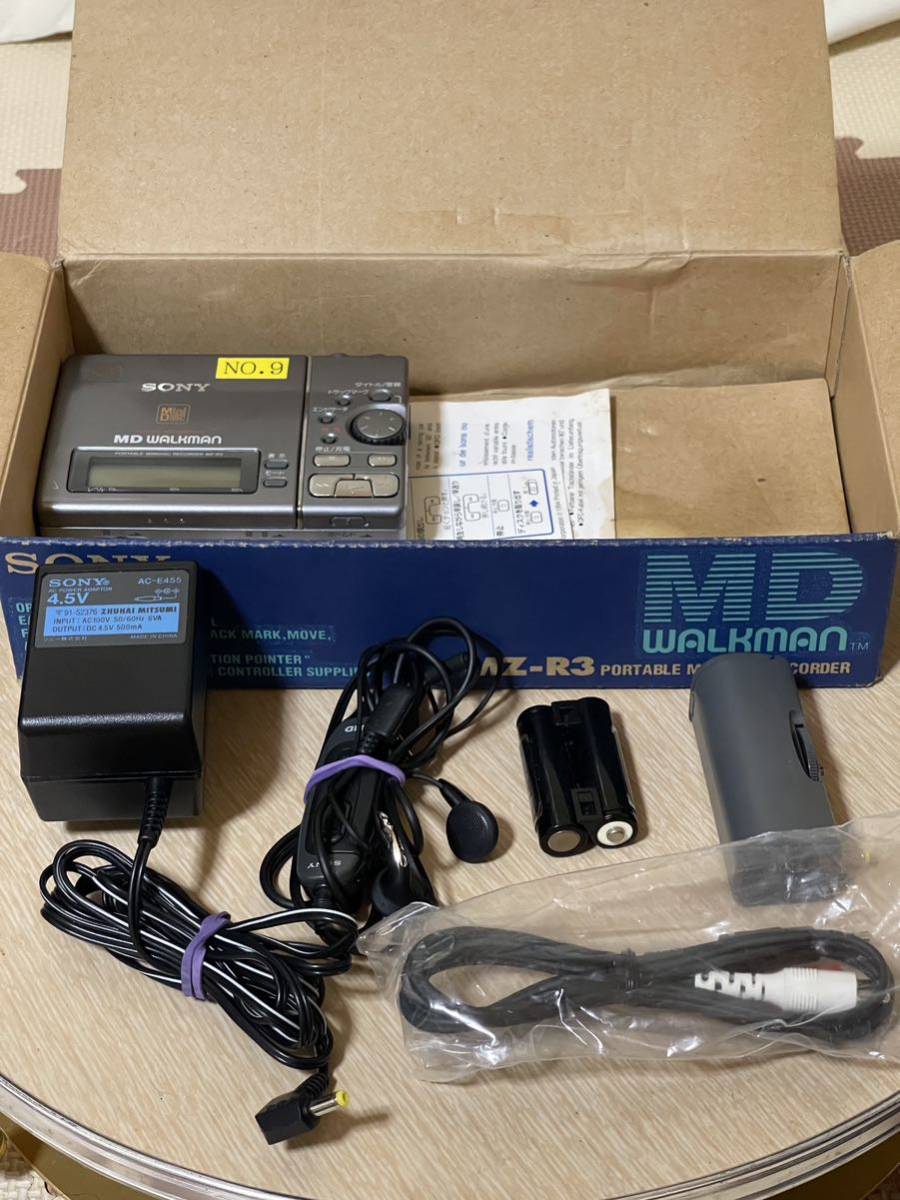
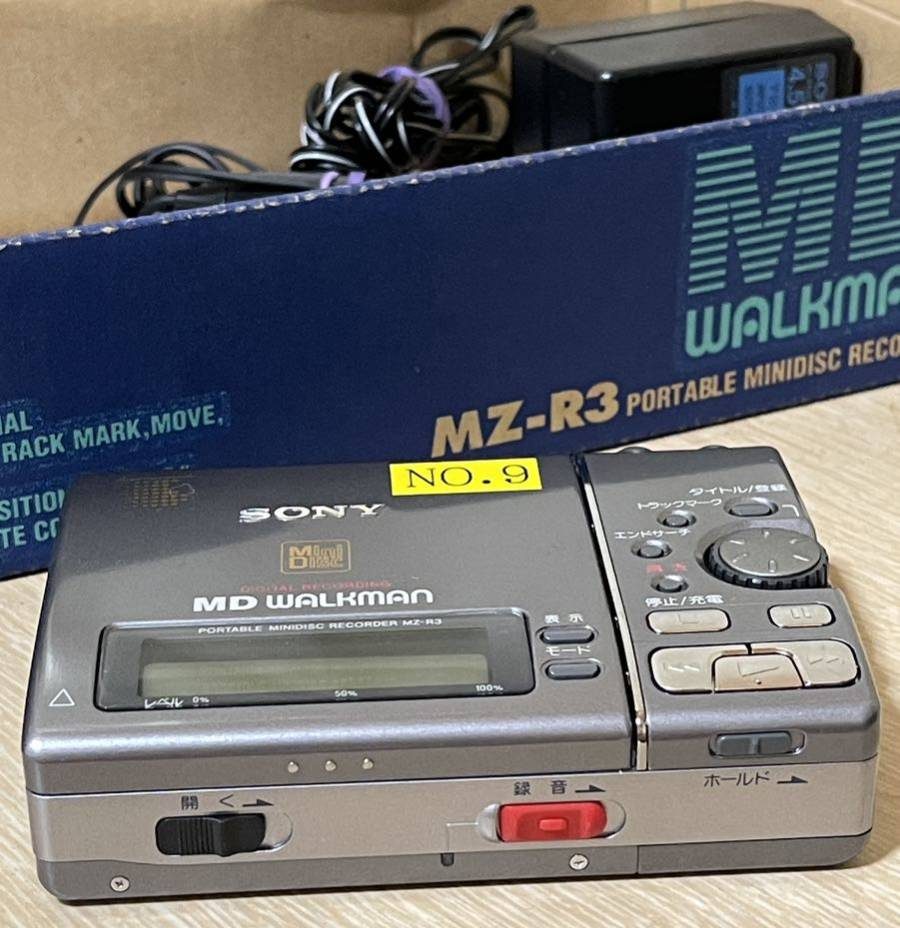
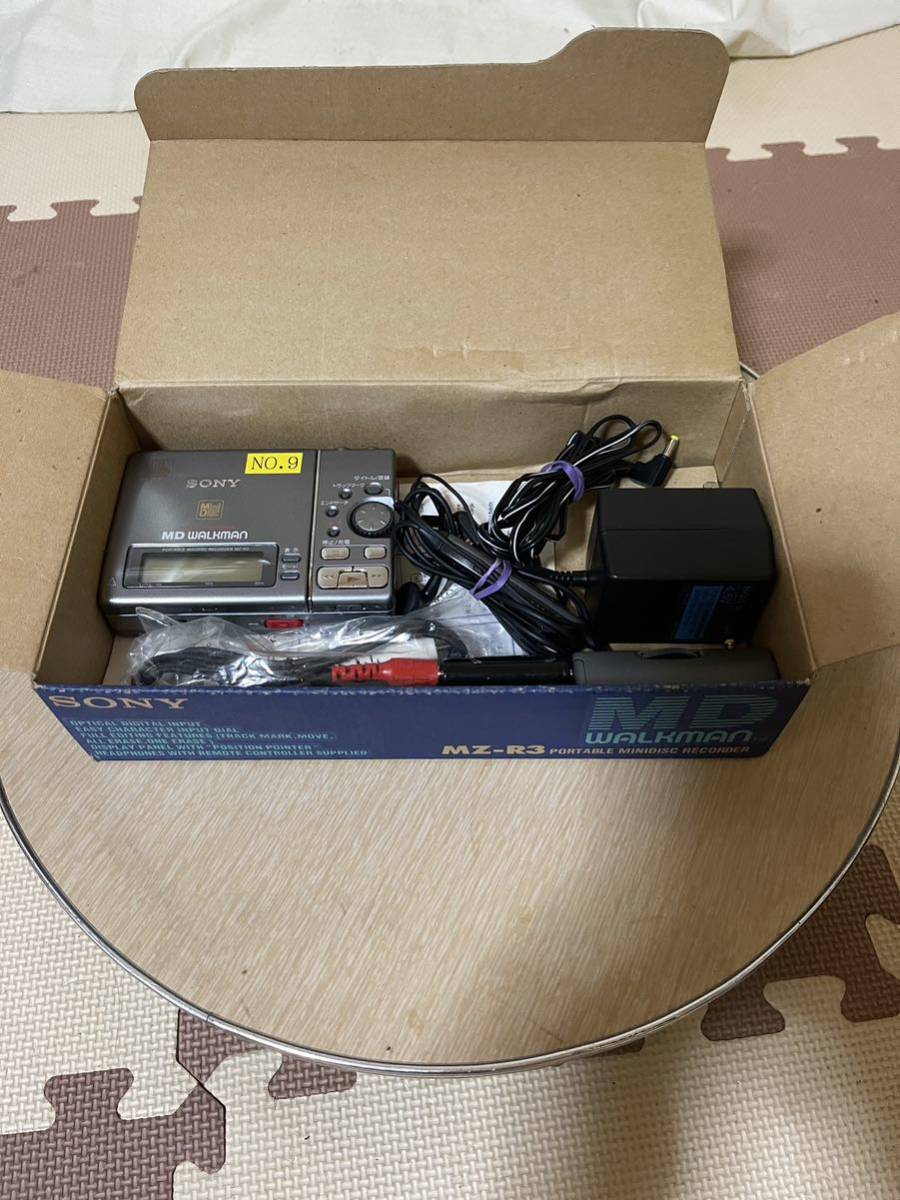
Additional specifications and references
| Web Md | No (not NetMD) |
|---|---|
| Export | No |
| Manual | User manual, Service manual, other |
| Region | Japan, US/Canada, Europe |