Source: MiniDisc Wiki contributors · September 3, 2026 snapshot · CC BY 4.0, except where otherwise credited.
Attribution and changes
Adapted from “TEAC MD-5”. Links, layout and file names normalized; missing database fields restored; remote embeds replaced with links. Manufacturer manuals and separately credited photographs retain their original attribution.
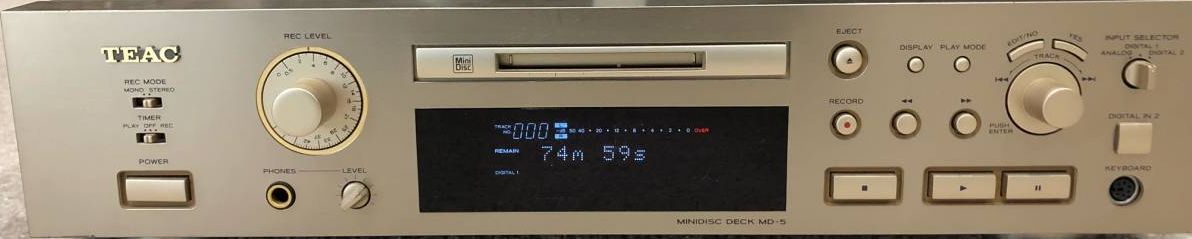
| Name | MD-5 |
|---|---|
| Manufacturer | TEAC |
| Released | 1998/01 |
| Device type | deck |
| Recorder | Recorder |
| MDLP | Not recorded |
| NetMD | Not recorded |
| Hi-MD | Not recorded |
| Radio | Not recorded |
| Dimensions | Not recorded |
| Weight | Not recorded |
| ATRAC ver | 4.5 |
| Battery | Not recorded Not recorded |
| Battery notes | Not recorded |
| Sidecar (depr) | Not recorded |
| Voltage | 100 |
| Power cable | Not recorded |
| Price (launch) | Not recorded |
| ¥50 000 | |
| - | |
| Inputs | RCA in, Digital optical (TOSLINK) |
| Outputs | 1/4 inch headphone, RCA out, Digital optical (TOSLINK) |
| Control | PS/2 keyboard |
TEAC MD-5
The 64 times oversampling A / D and 128 times oversampling DD / A converters having a 20-bit arithmetic processing capacity are adopted as each conversion part of A / D and D / A.
Ver4.5 is adopted as ATRAC which compresses and decompresses a signal.
It has a built-in sampling rate converter and automatically converts sources with different sampling frequencies such as CS / BS and DAT to 44.1kHz.
It is equipped with a sound-synchronous recording function that automatically starts and stops by detecting the input from the connected player or cassette deck.
The input signal from the input device can be monitored even when the disc is not inserted, and it can also be used as a D / A converter for digital input.
The playback mode and UTOC information of the once read disc will be saved even if the power is turned off unless it is ejected by the backup function.
As an editing function, you can perform operations such as Divide / Erase / Move / Combine / Undo. In addition, the Title Ainc (Title All Increment) function allows you to continuously enter from disc titles to all track titles without displaying the edit menu.
It is equipped with a title copy function that copies the entered title and pastes it on the specified track.
Content adapted from: Audio-Heritage.jp
Manuals
Repair
Photos
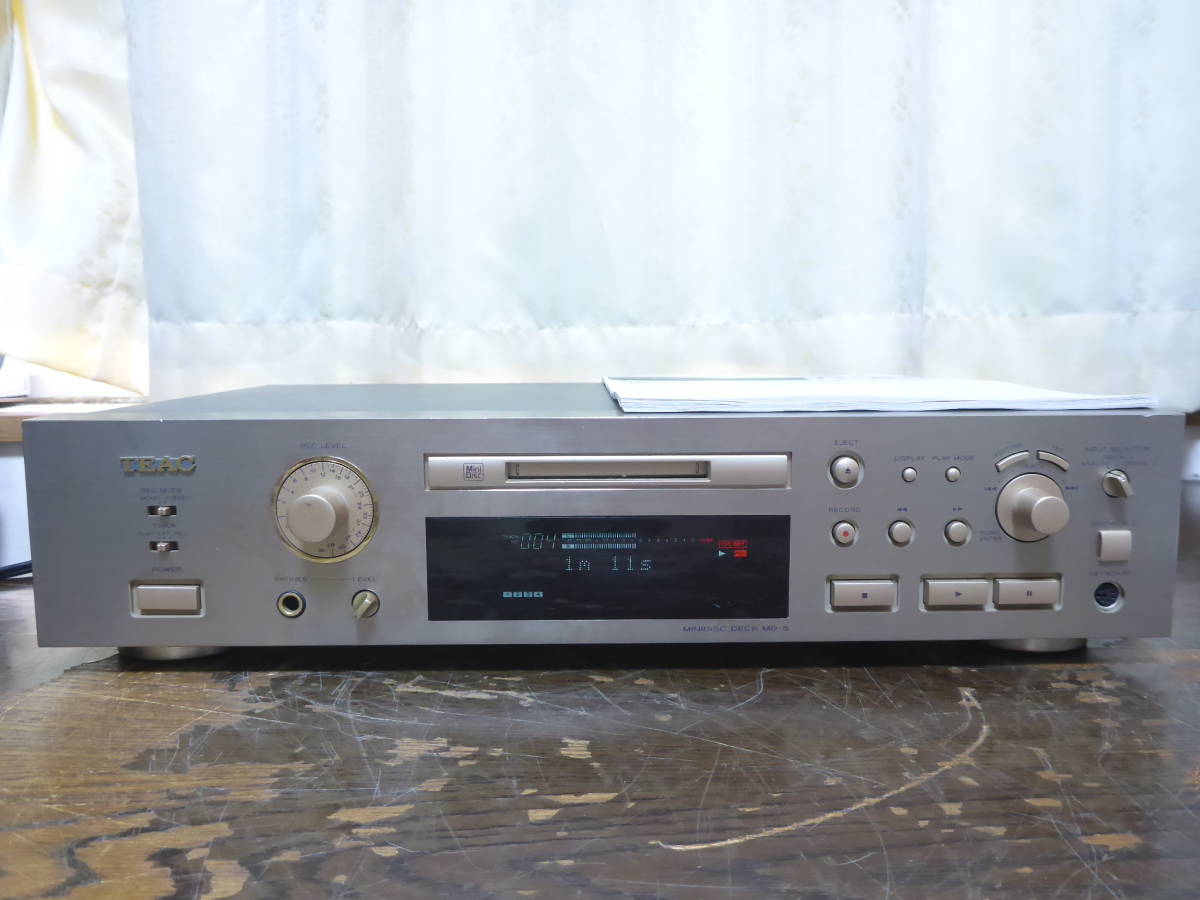
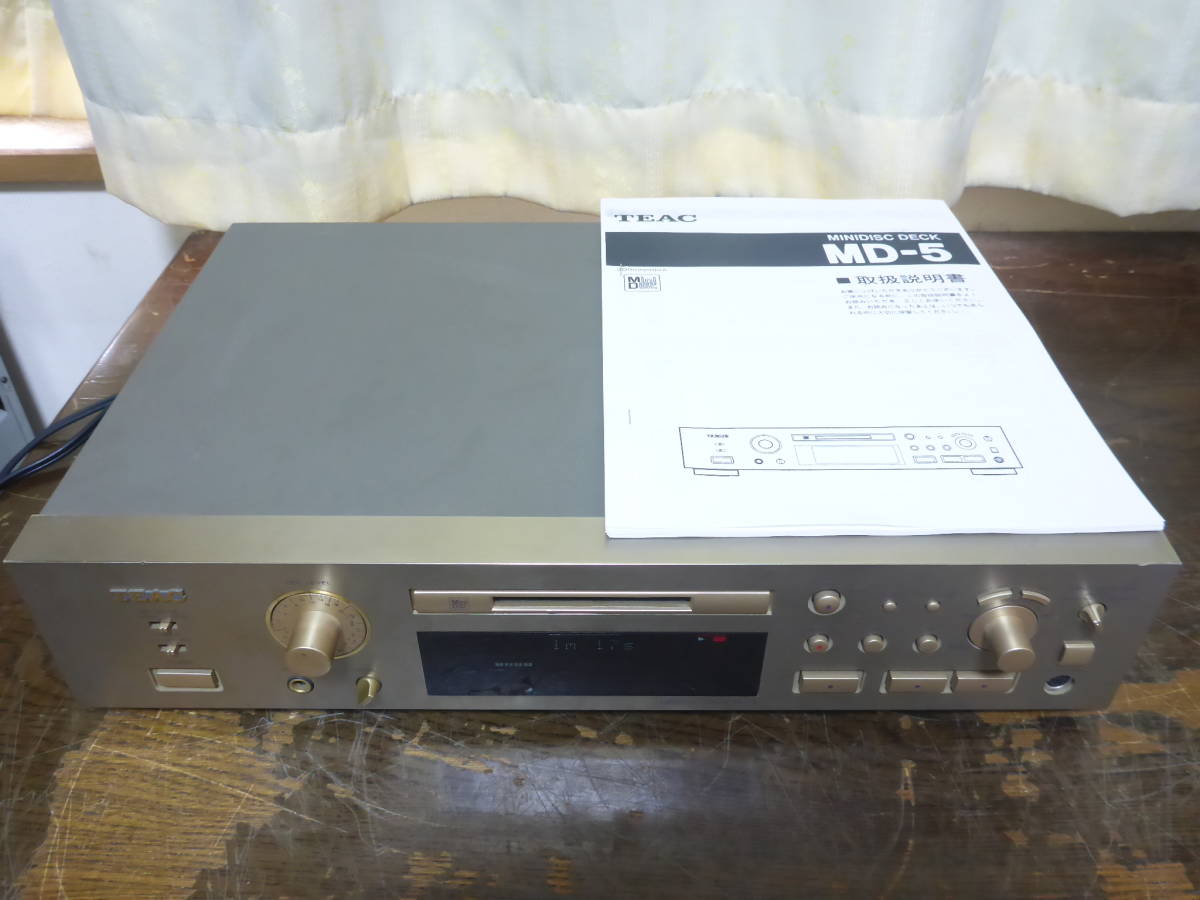
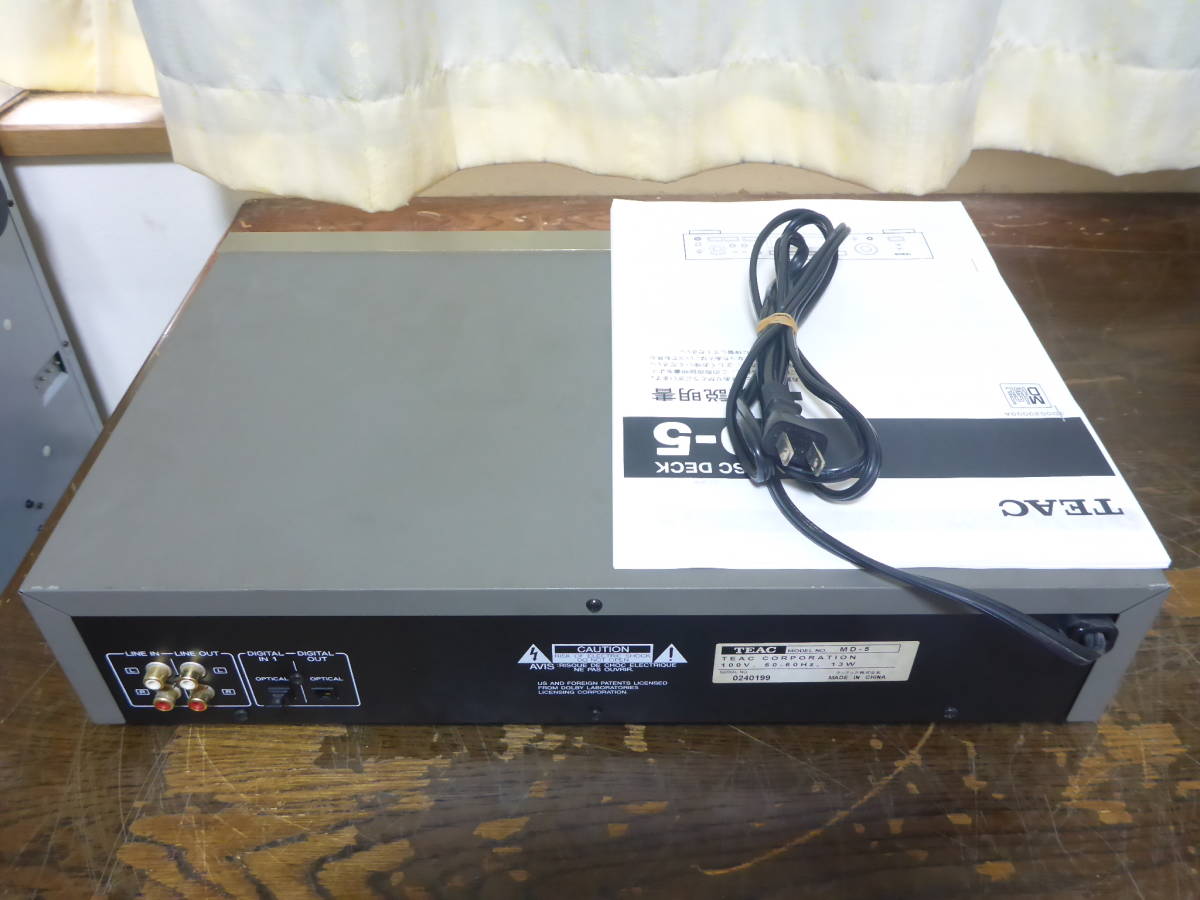
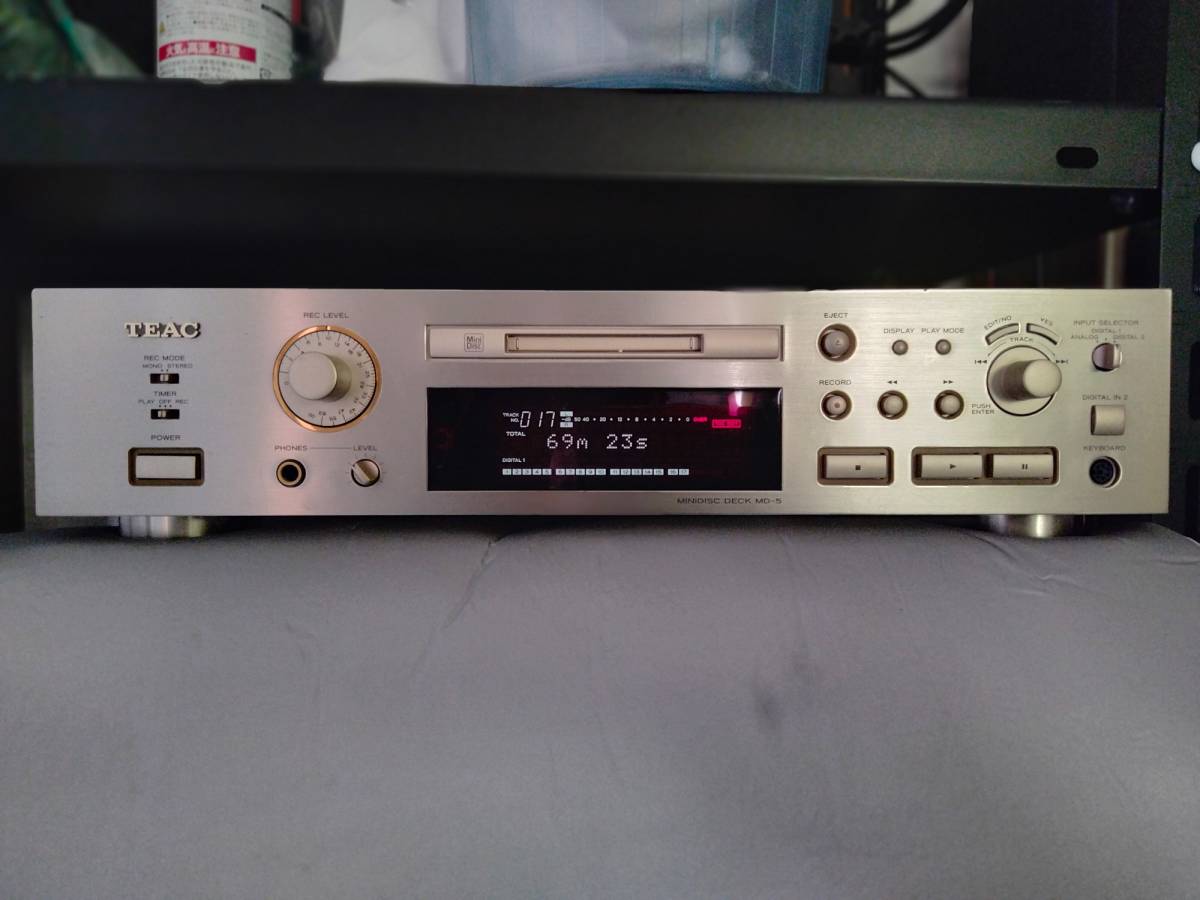
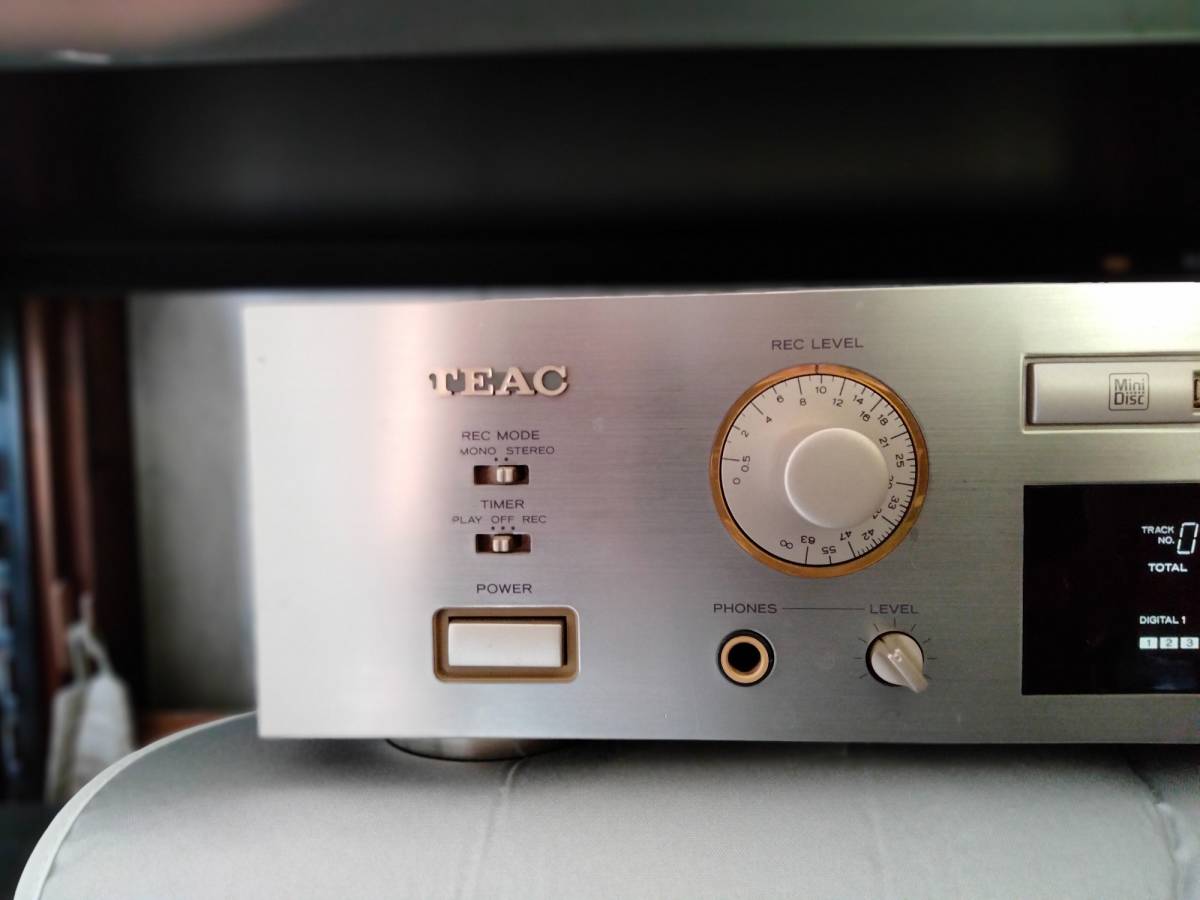
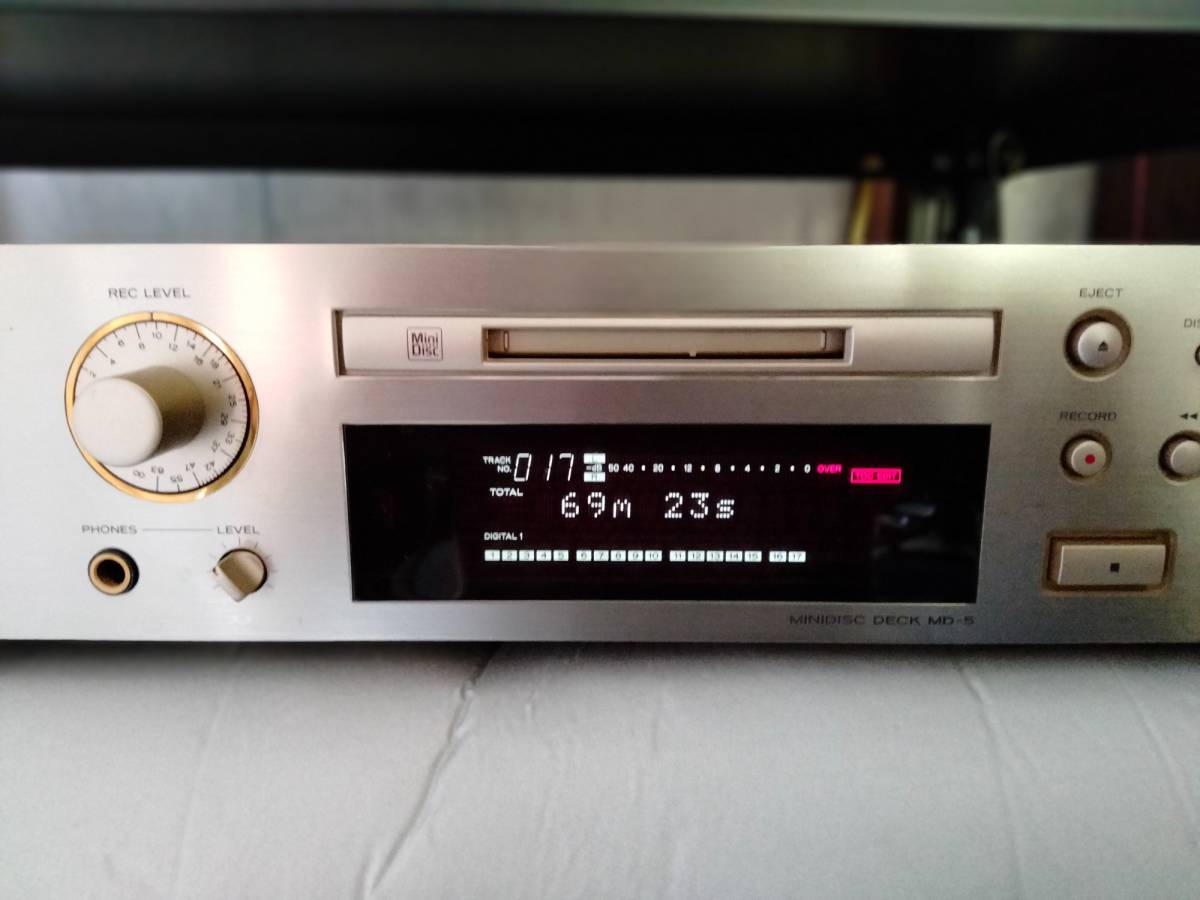
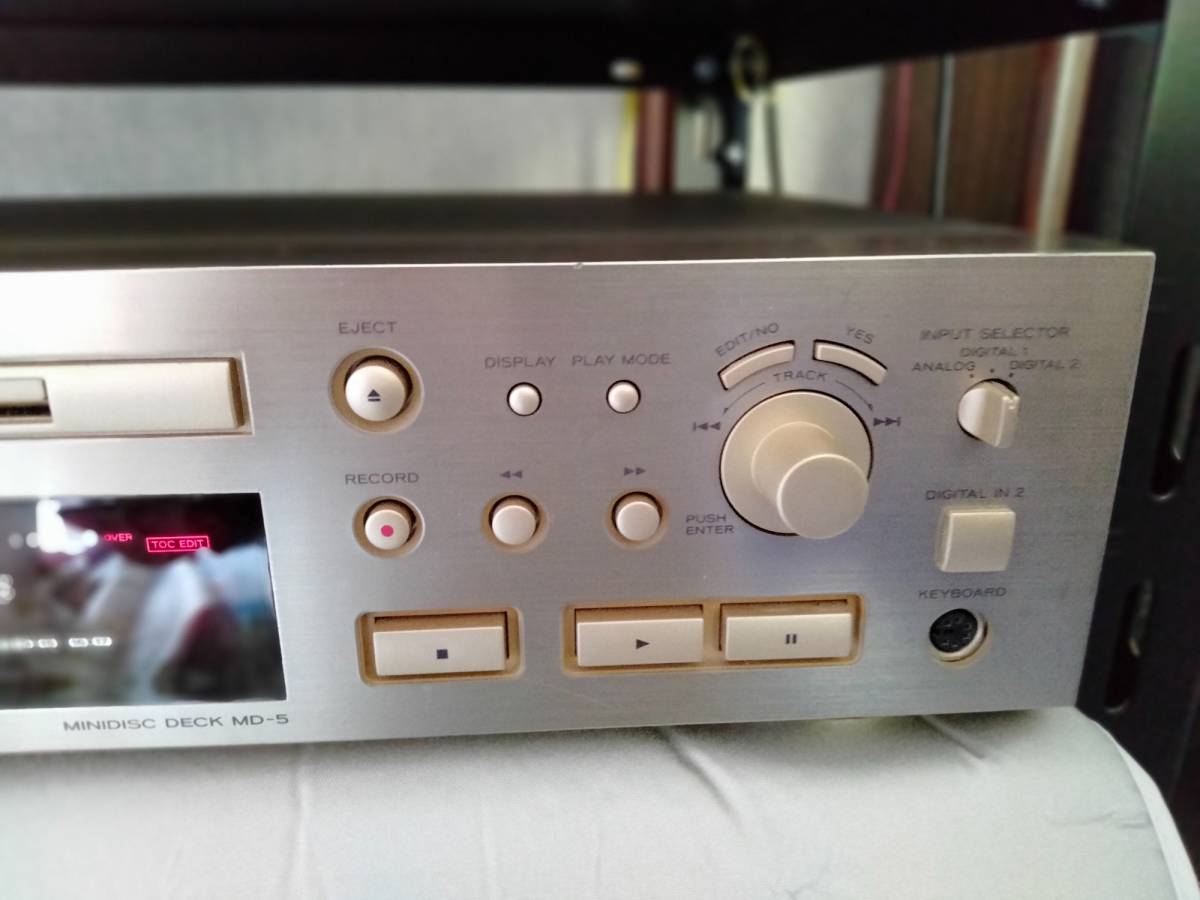
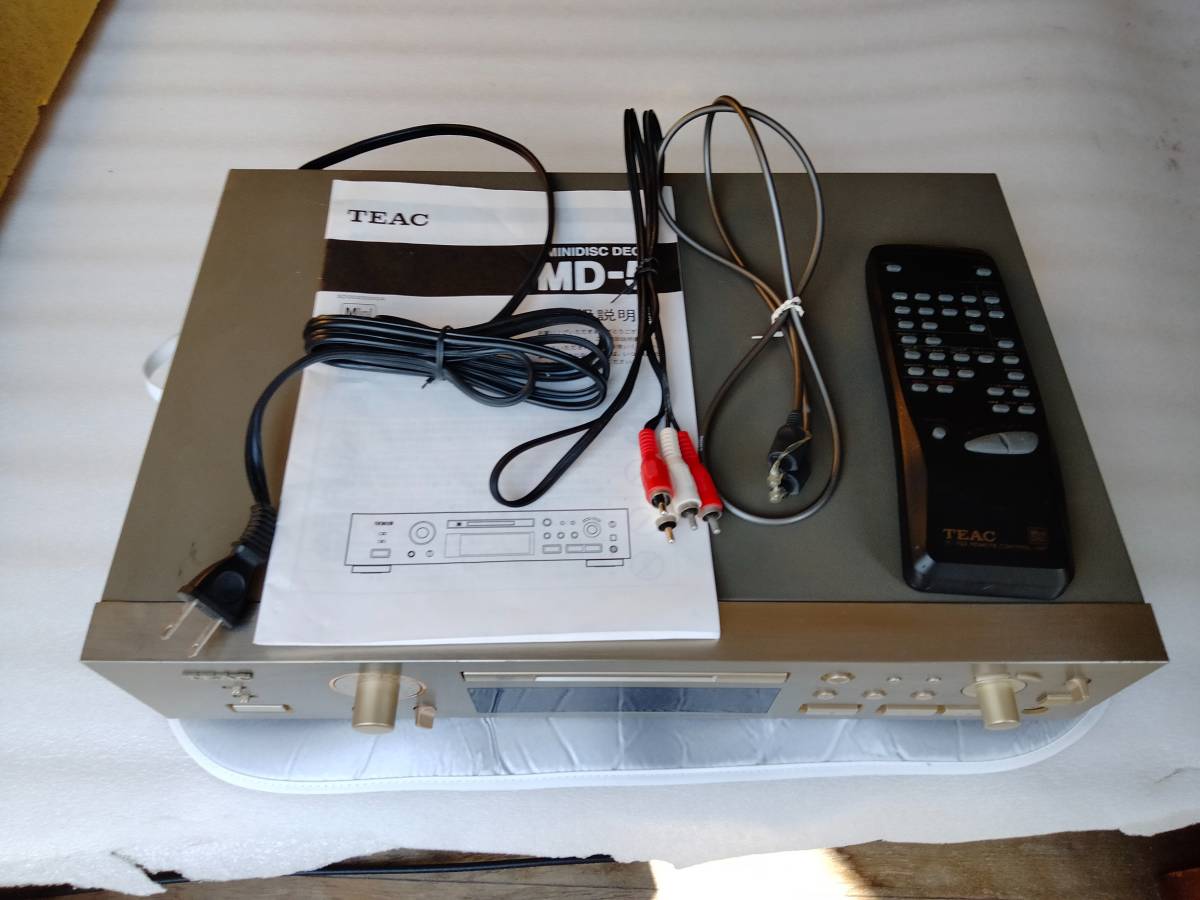
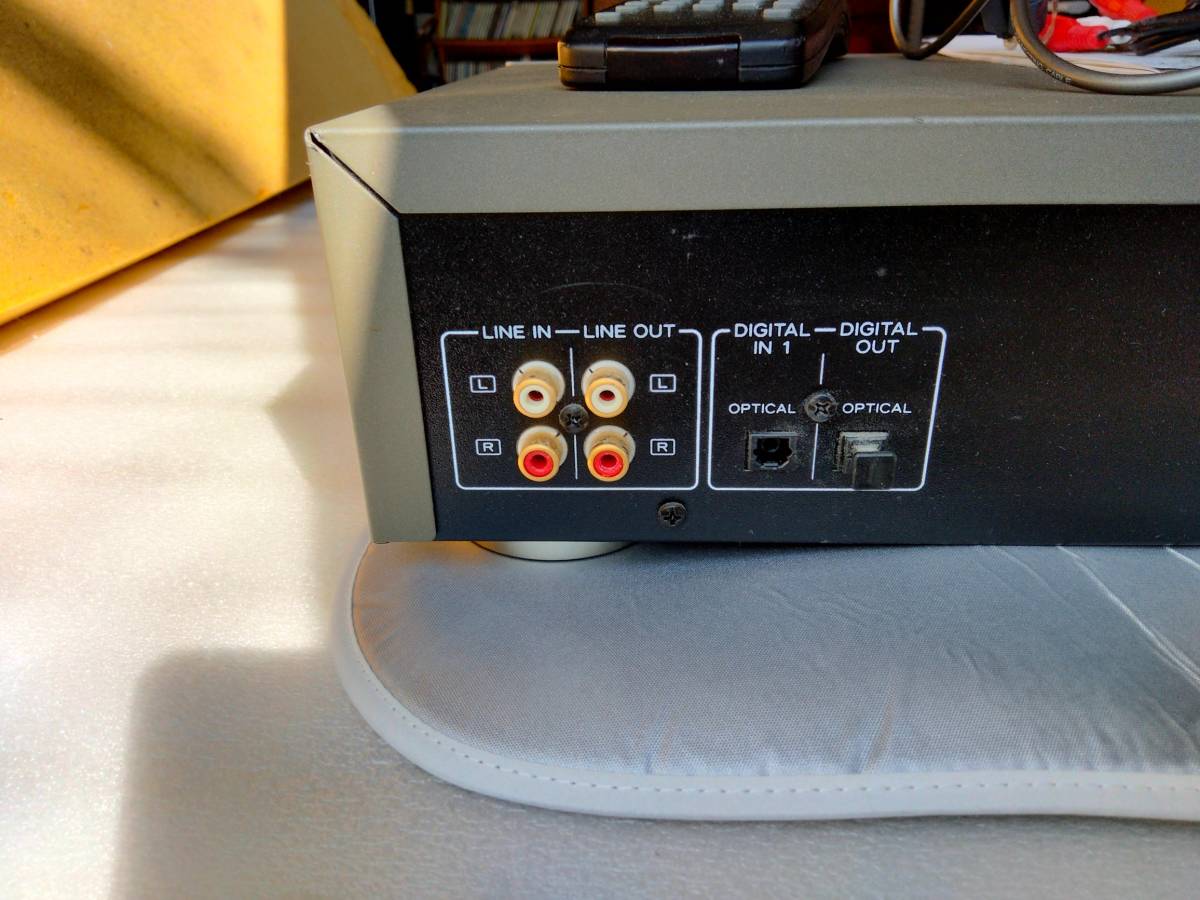
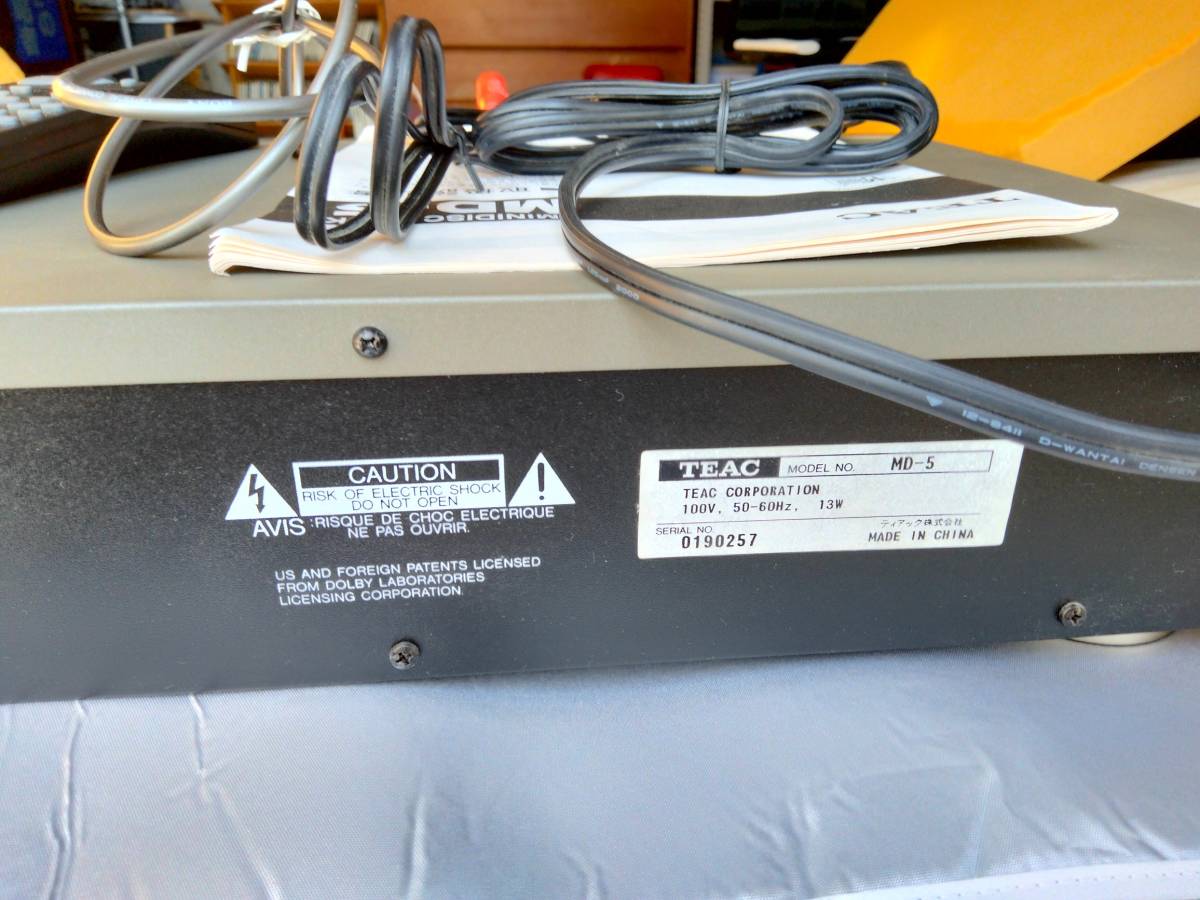
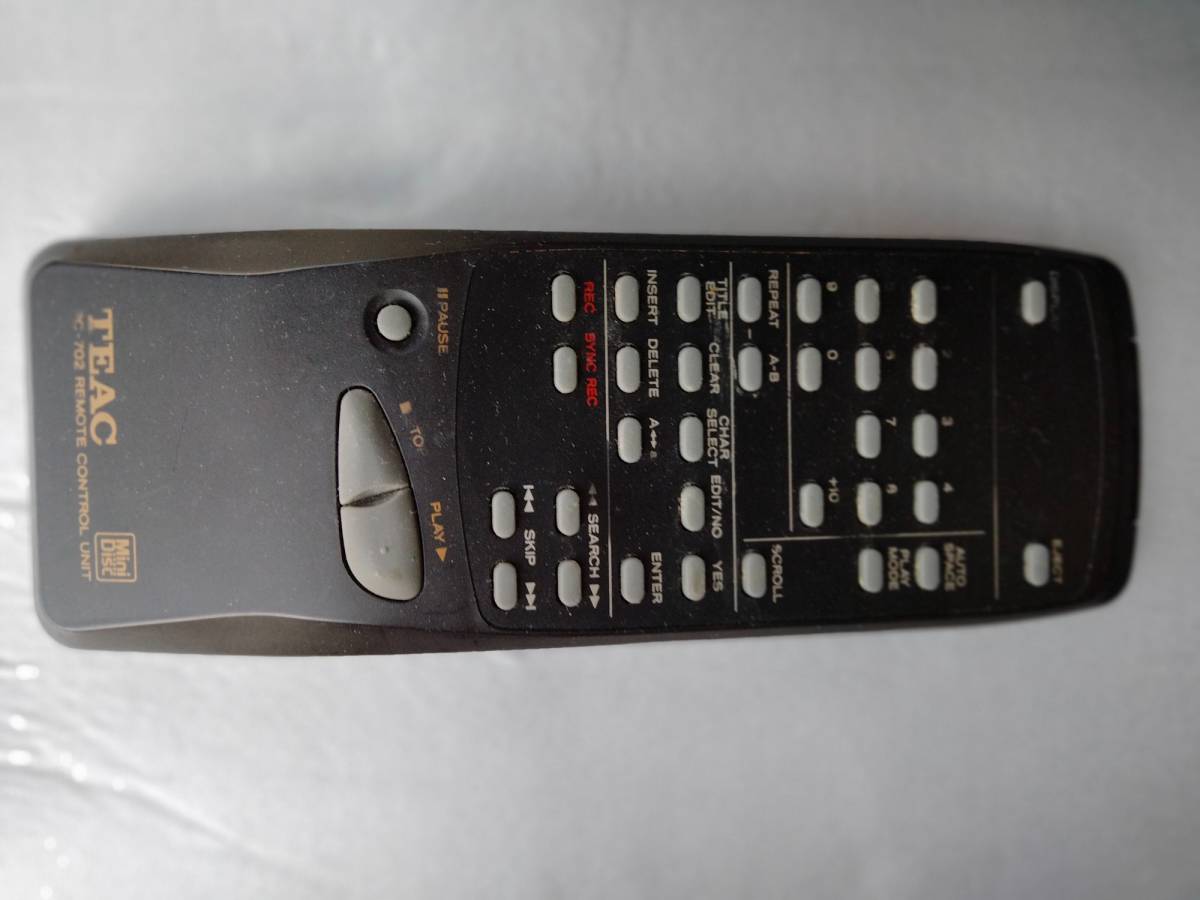
Have photos or data to add? Edit the page! We do not accept contributions via email.
Additional specifications and references
| Manual | |
|---|---|
| Region | Japan |