Source: MiniDisc Wiki contributors · September 3, 2026 snapshot · CC BY 4.0, except where otherwise credited.
Attribution and changes
Adapted from “Victor MX-WMD500”. Links, layout and file names normalized; missing database fields restored; remote embeds replaced with links. Manufacturer manuals and separately credited photographs retain their original attribution.
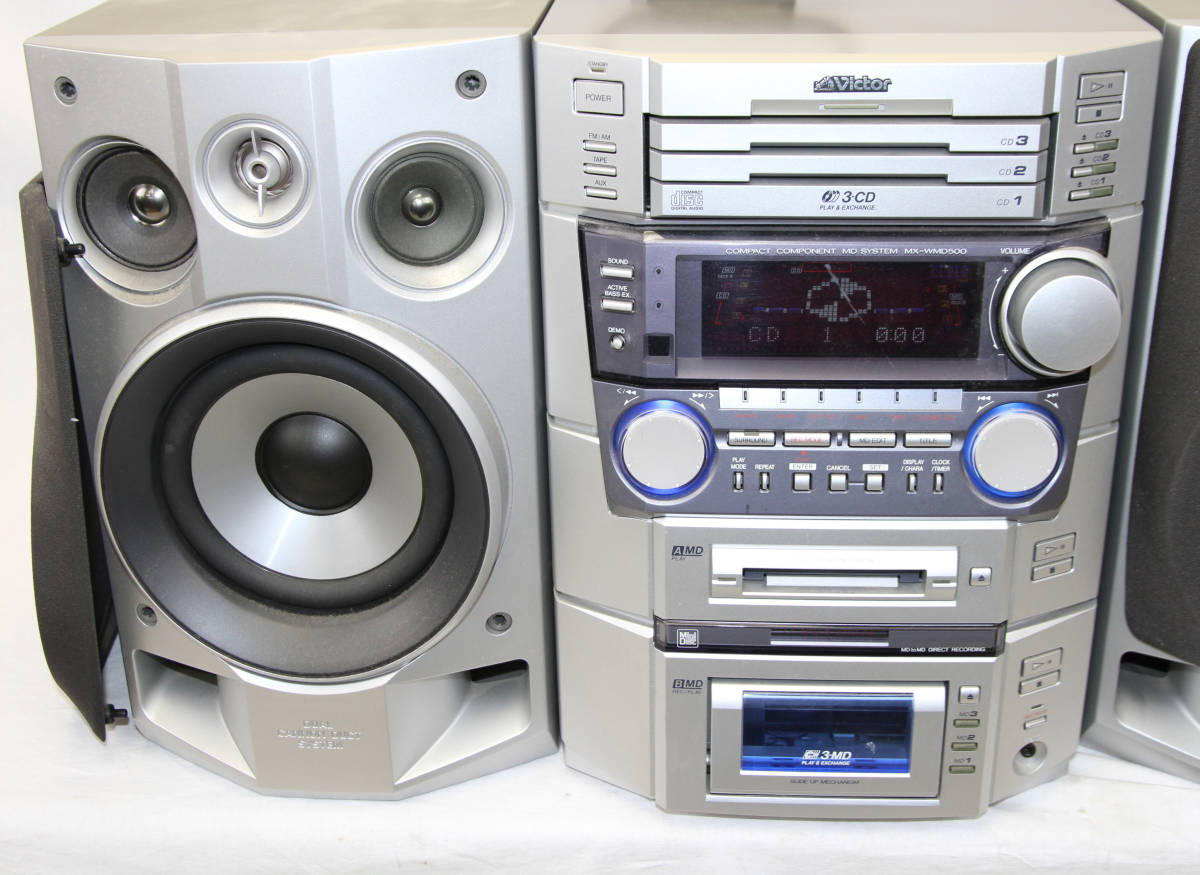
| Name | MX-WMD500 |
|---|---|
| Manufacturer | Victor |
| Released | 1998/11 |
| Device type | bookshelf |
| Recorder | Recorder |
| MDLP | Not recorded |
| NetMD | Not recorded |
| Hi-MD | Not recorded |
| Radio | Yes |
| Dimensions | (Width) 245 x (Height) 345 x (Depth) 368 mm |
| Weight | 9700 |
| ATRAC ver | Not recorded |
| Battery | Not recorded Not recorded |
| Battery notes | Not recorded |
| Sidecar (depr) | Not recorded |
| Voltage | 100 |
| Power cable | Not recorded |
| Price (launch) | Not recorded |
| ¥98 000 | |
| - | |
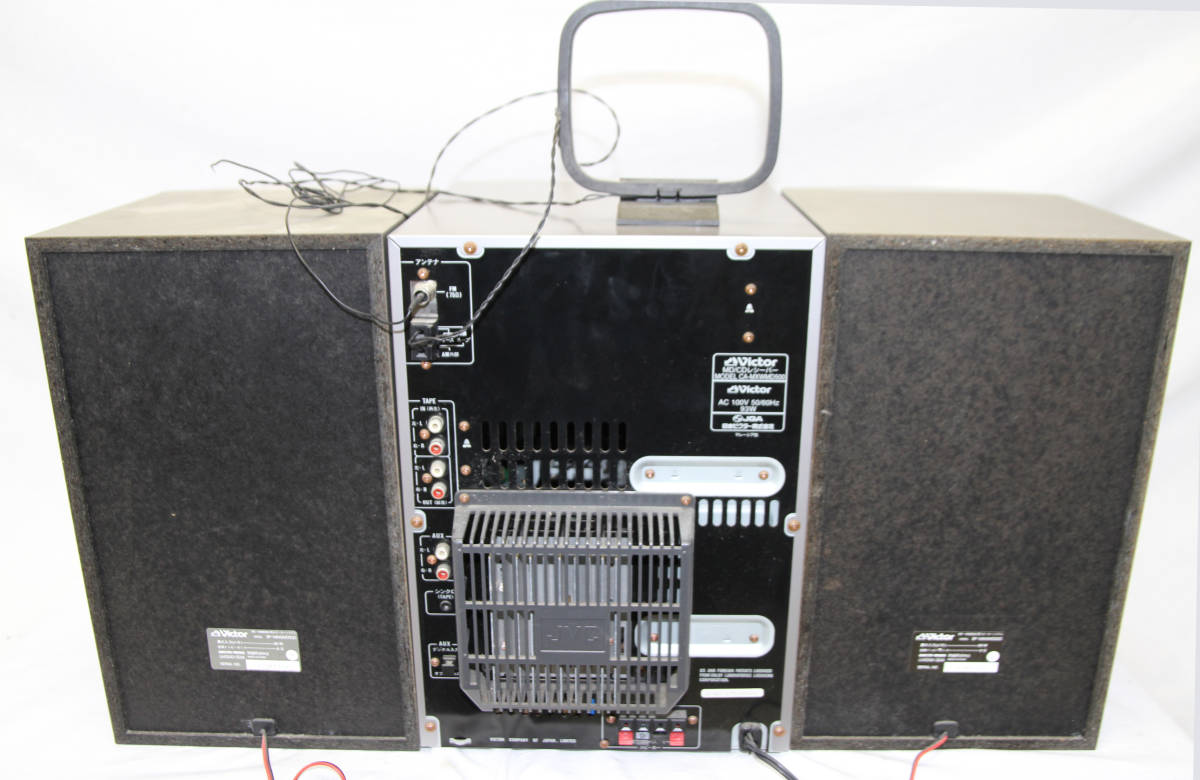
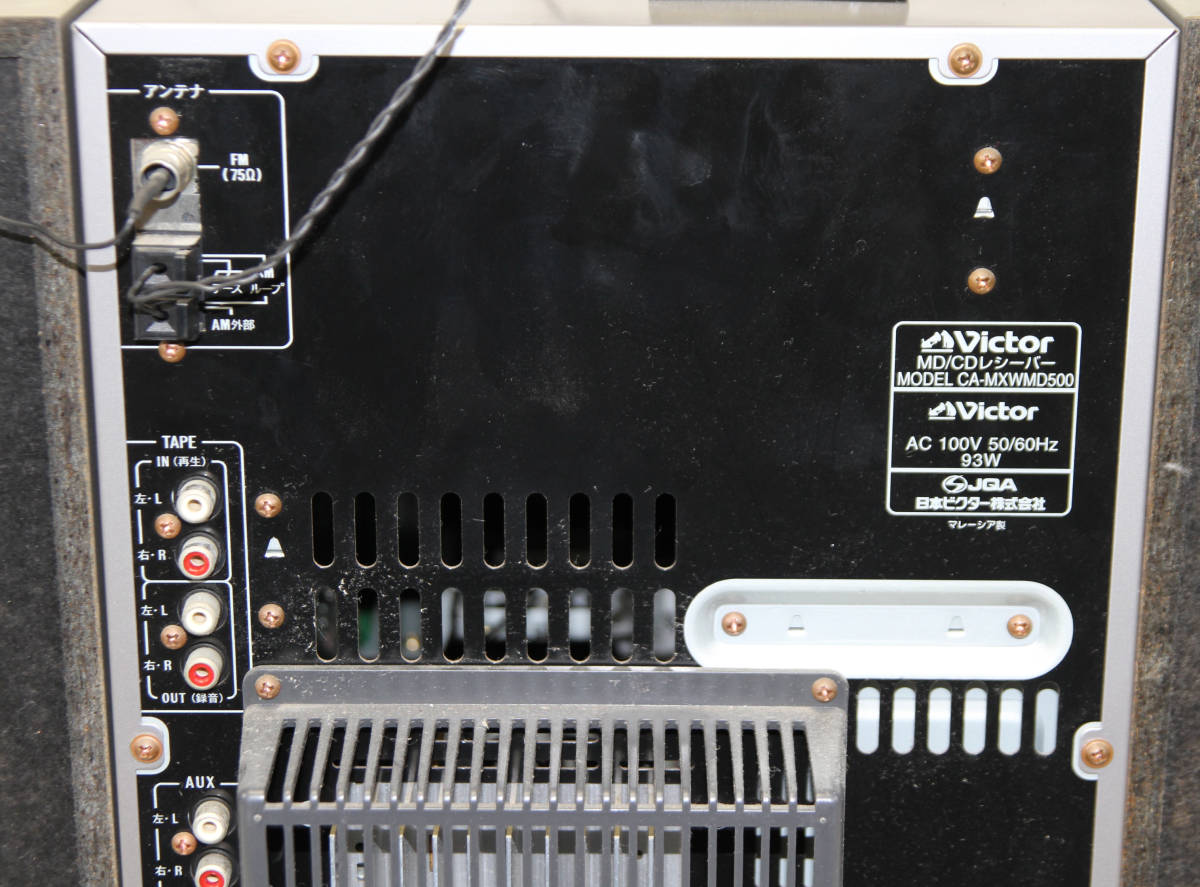
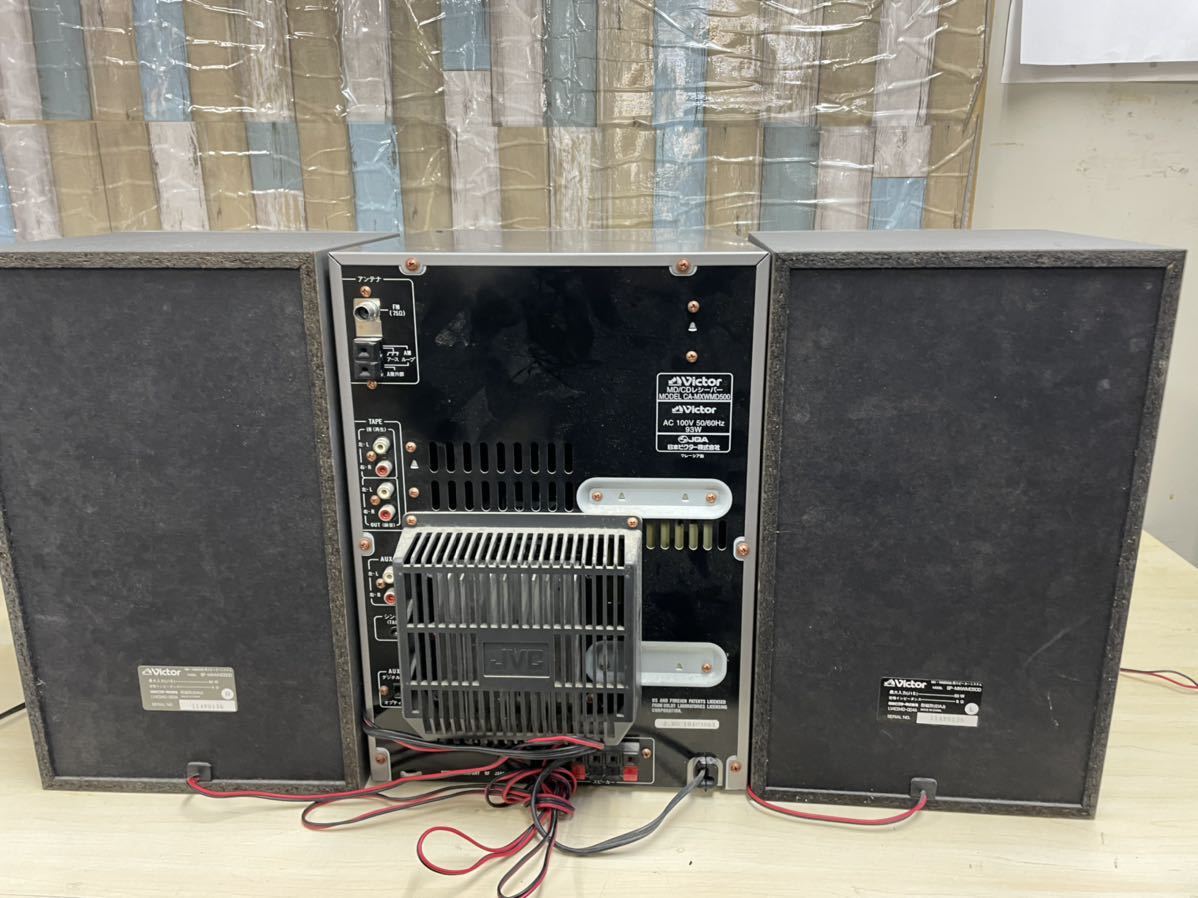
| Inputs | RCA in, CD, Tape deck |
| Outputs | Not recorded |
| Control | Not recorded |
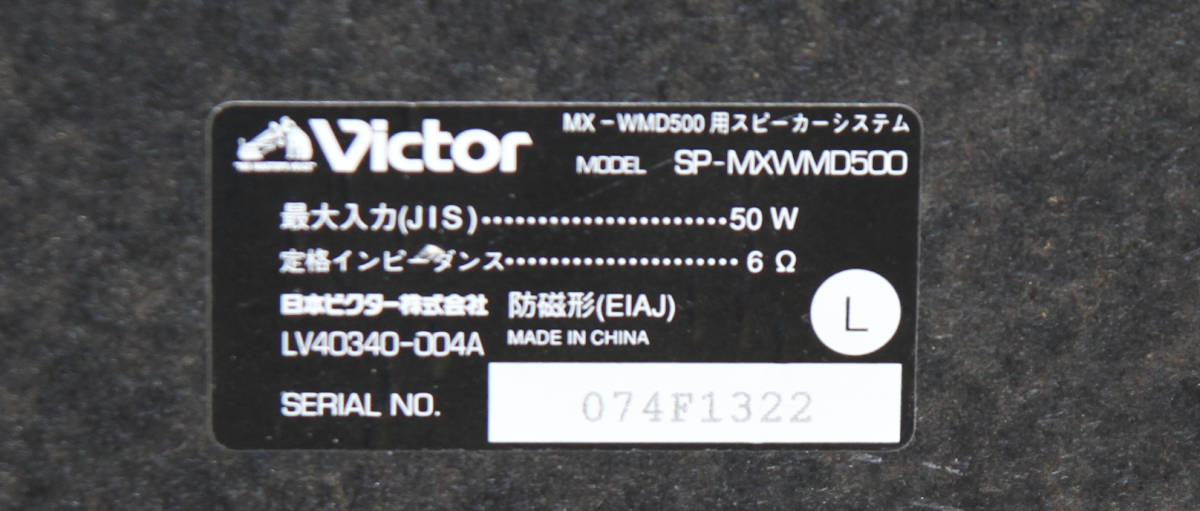
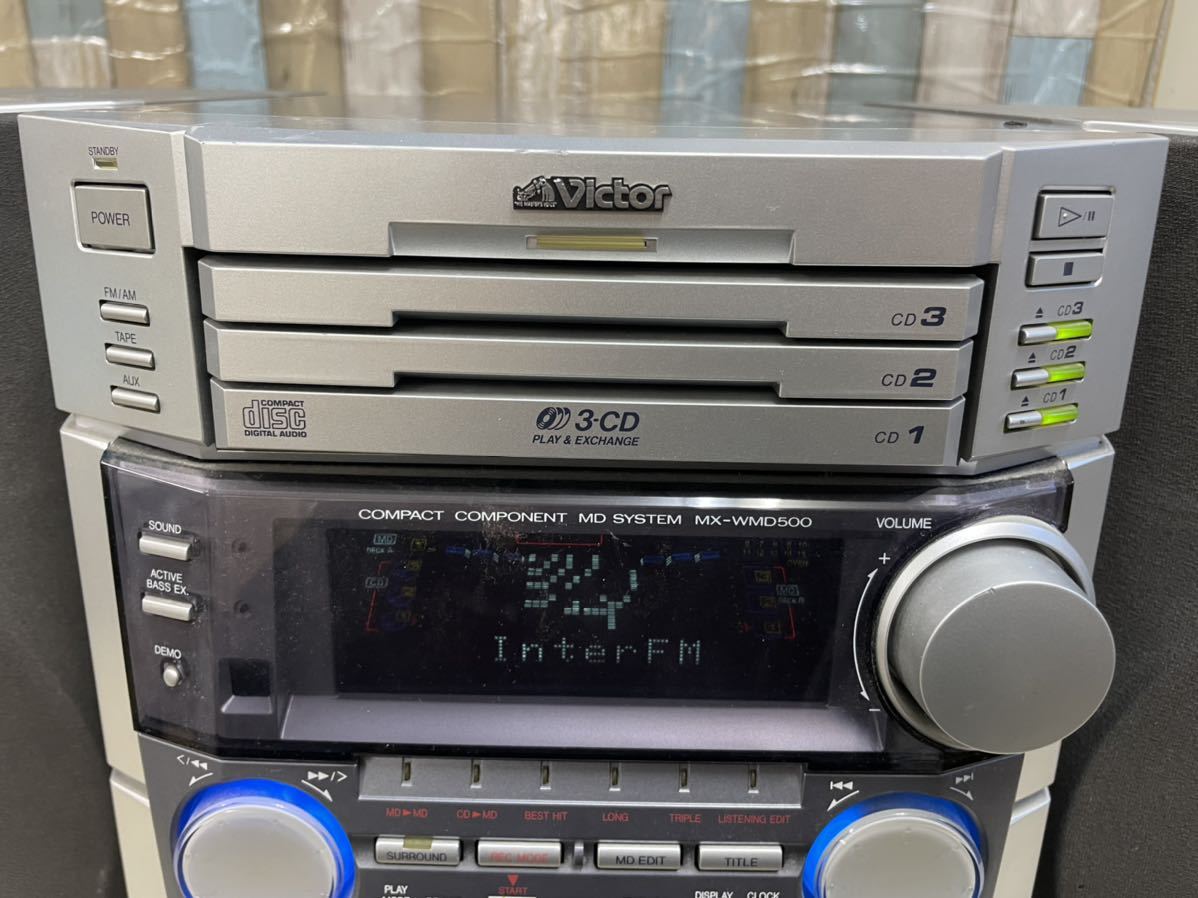
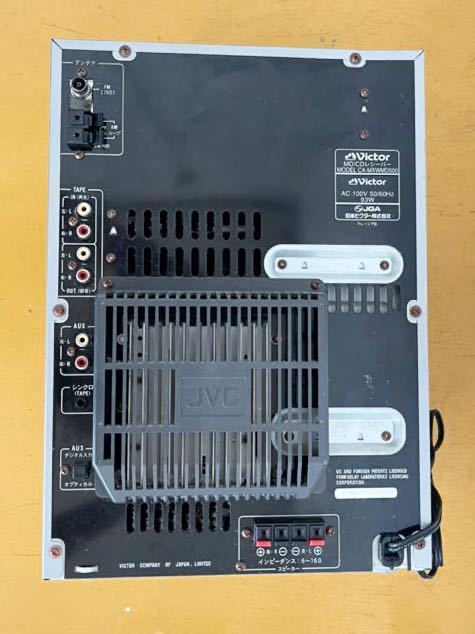
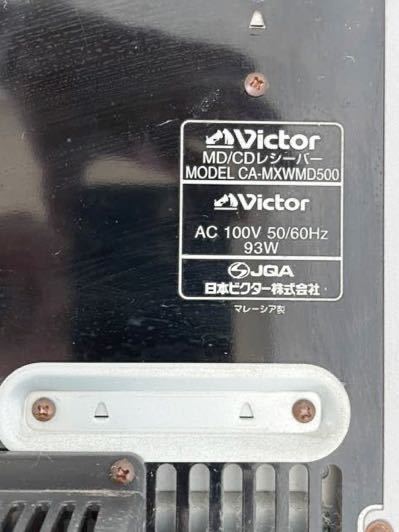
CA-MXWMD500 Is stamped on the main body.
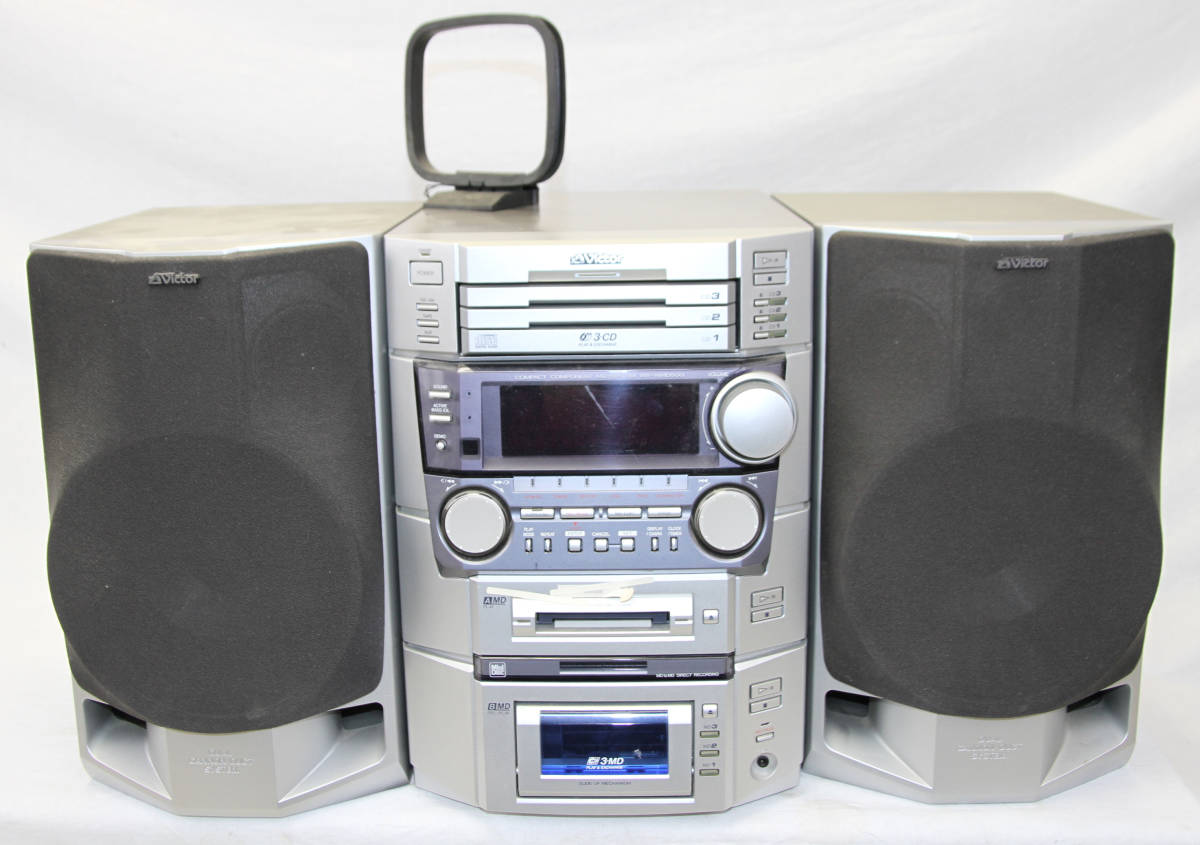
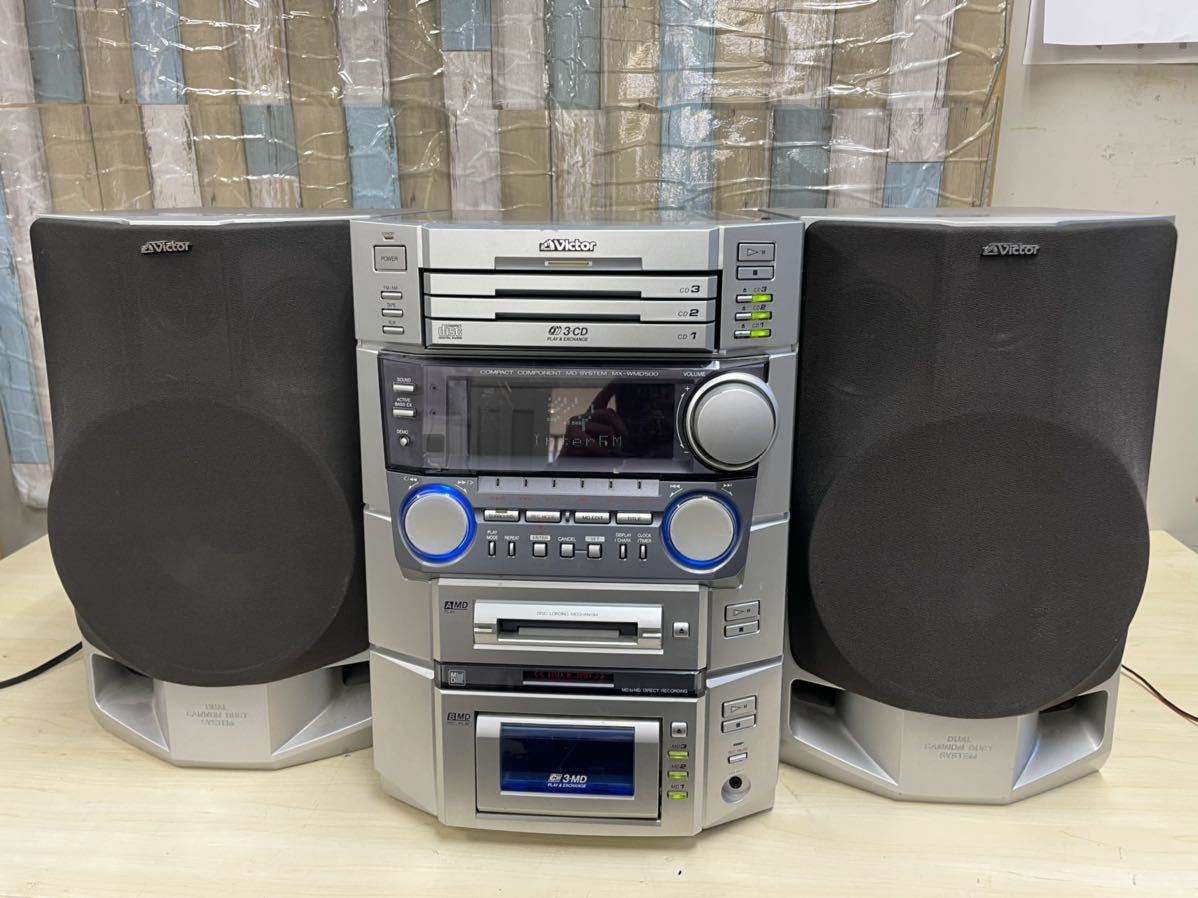
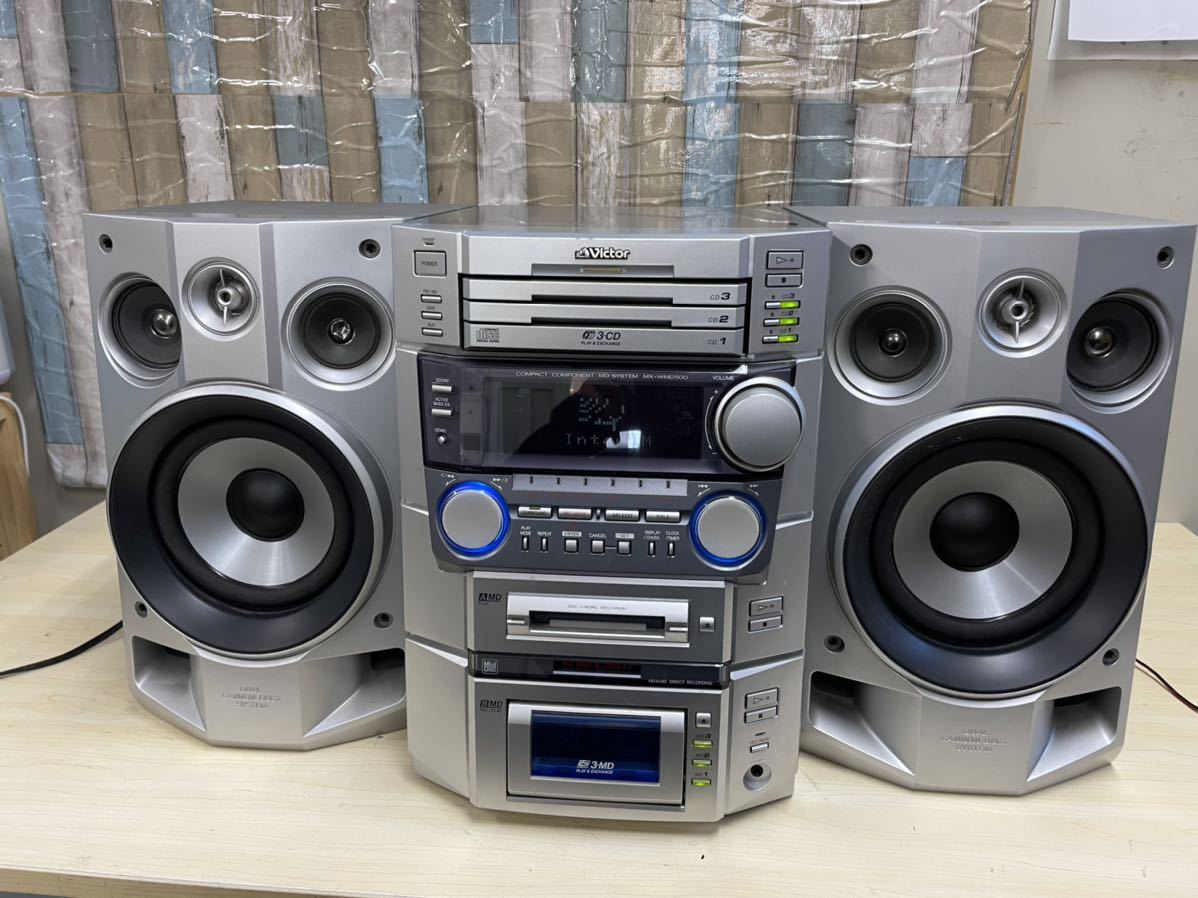
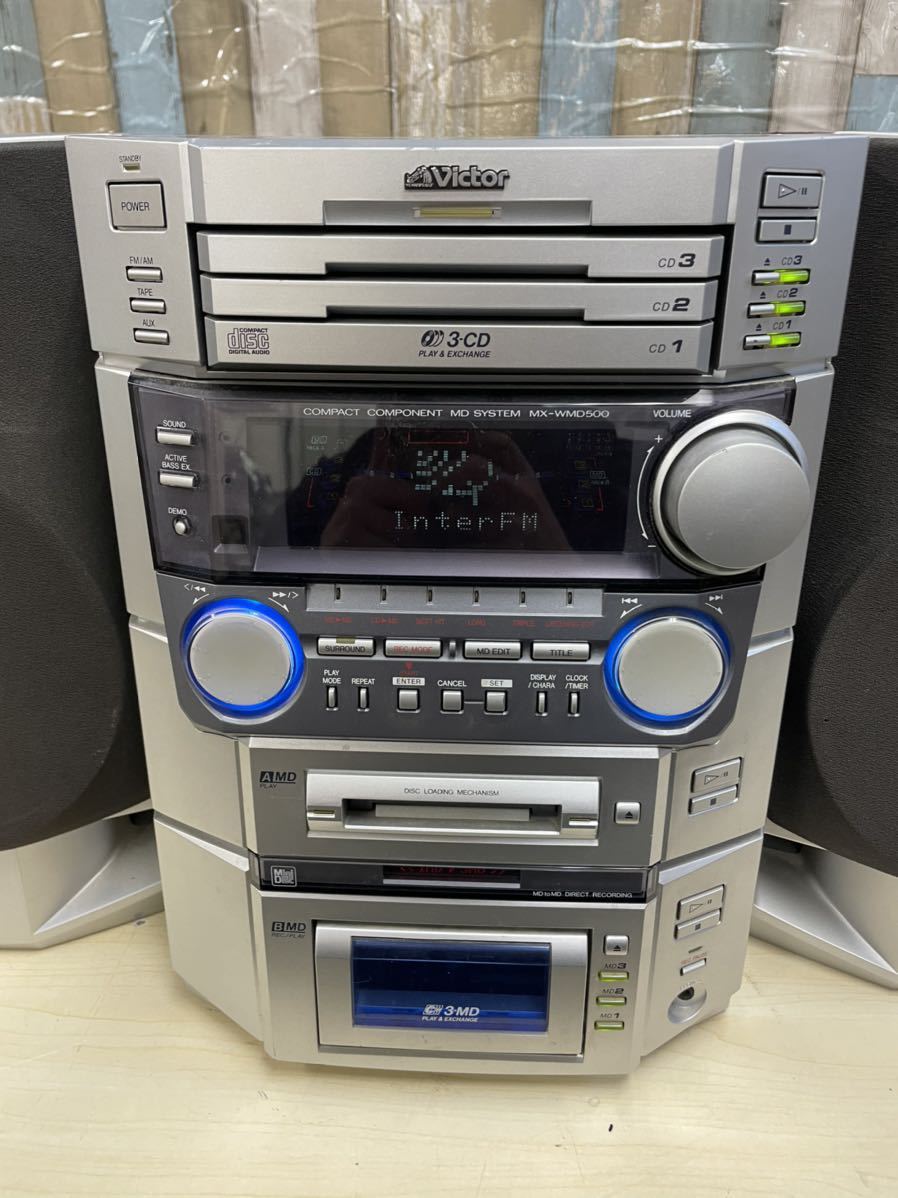
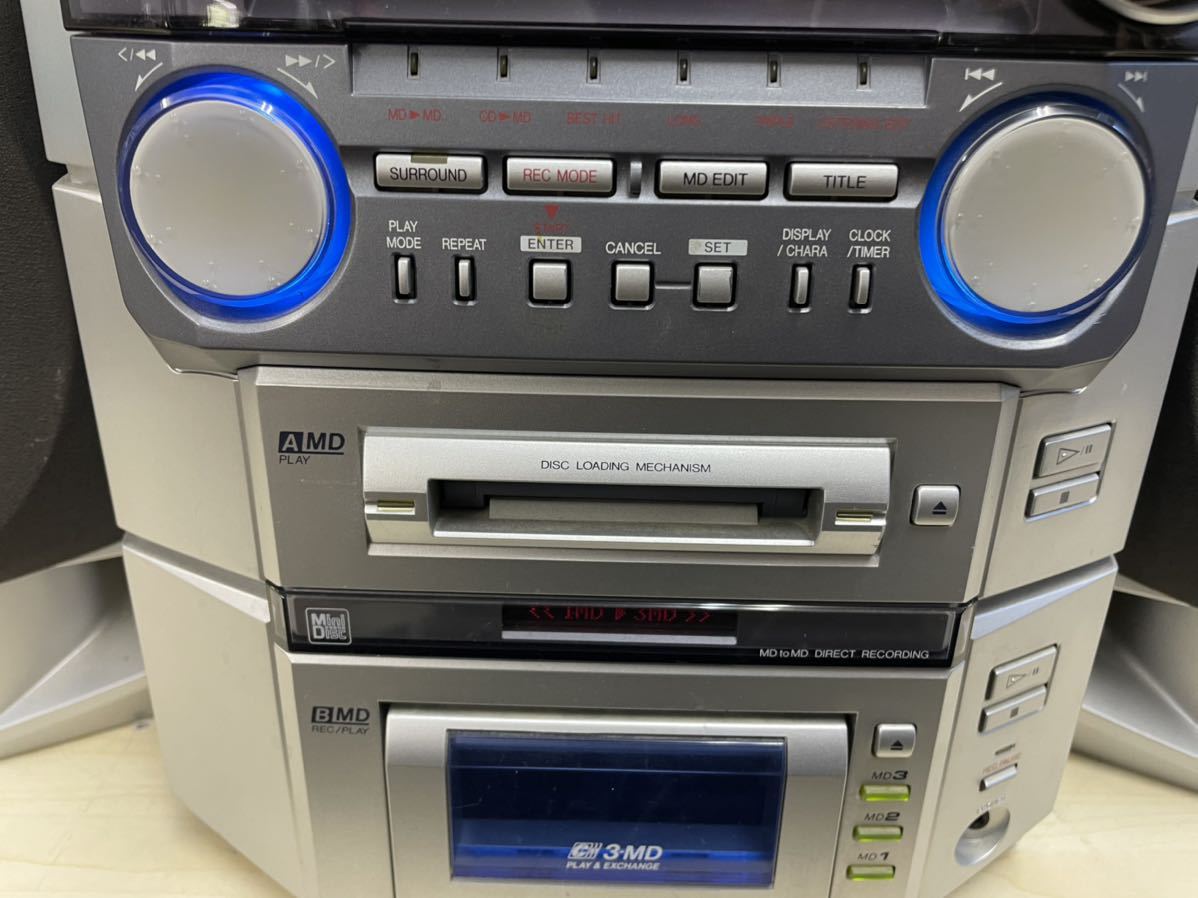
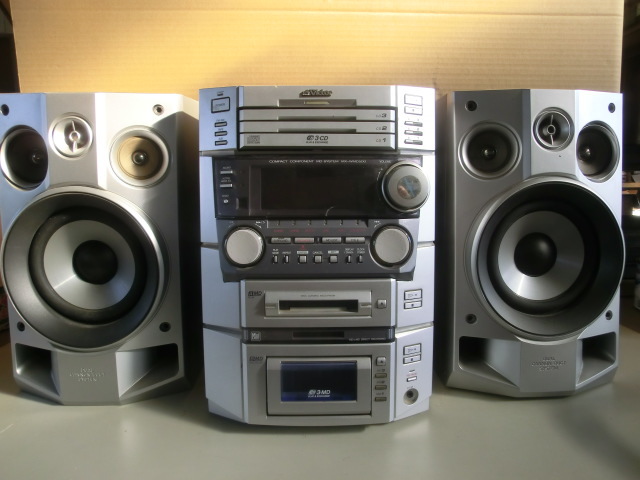
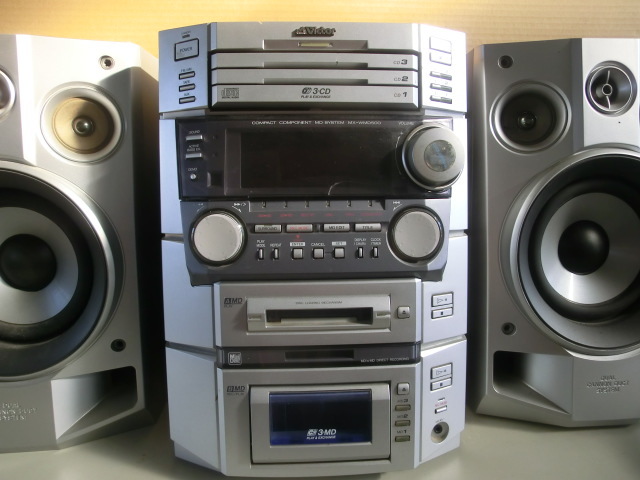
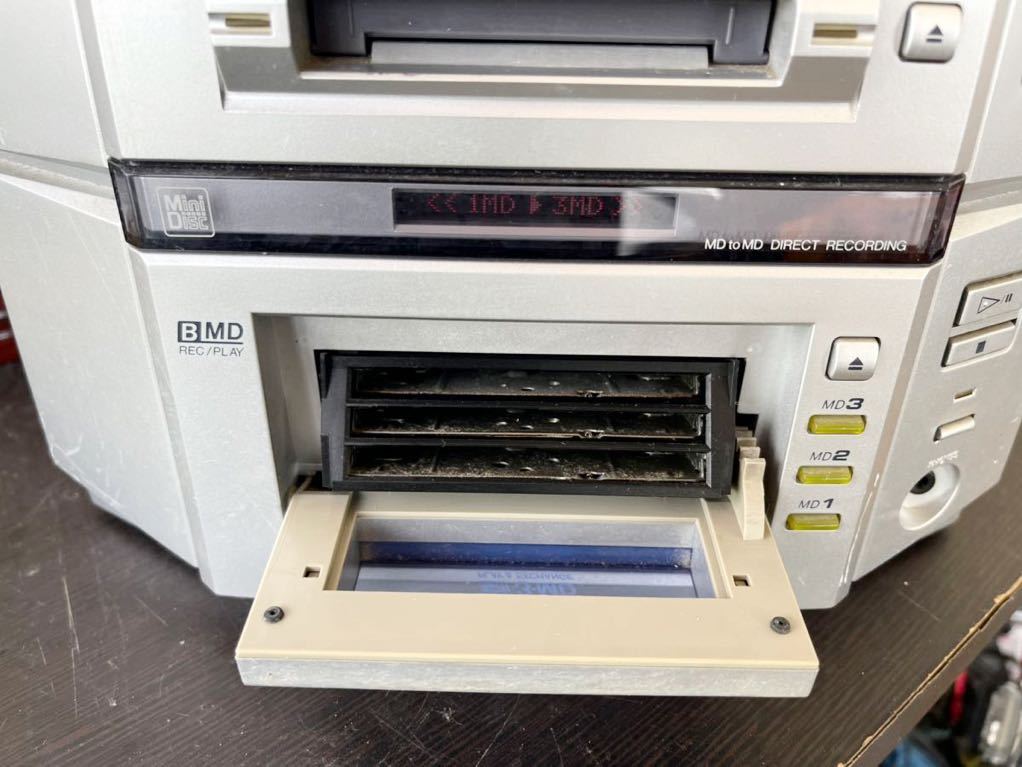
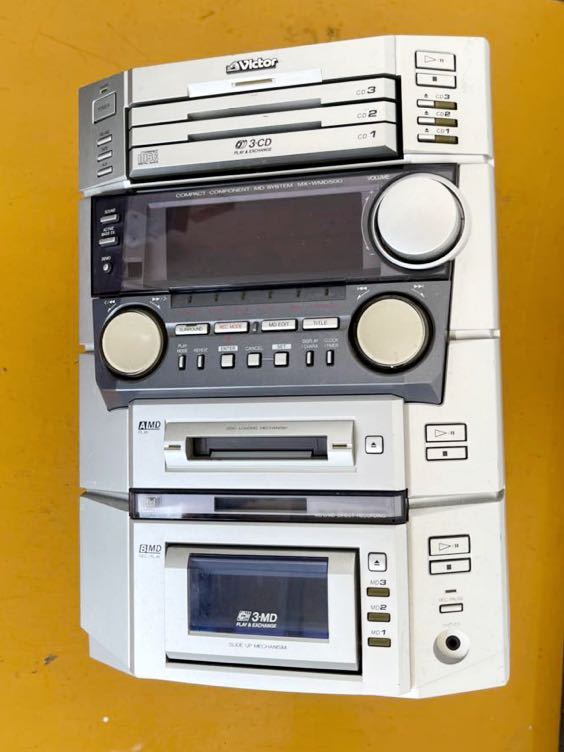
1. Equipped with a double MD deck consisting of a "3 MD changer" for the first and re-recording of a 1-box minicomputer * and a "1 MD" for playback
- When recording from MD to MD, text information such as title is also recorded at the same time.
- A long-time MD playback of 4 discs is possible.
- "Back recording function" that allows you to listen to another MD or external input while recording from a CD to an MD.
- In cooperation with a 3-CD changer, 7 types of various MD recording / editing are possible.
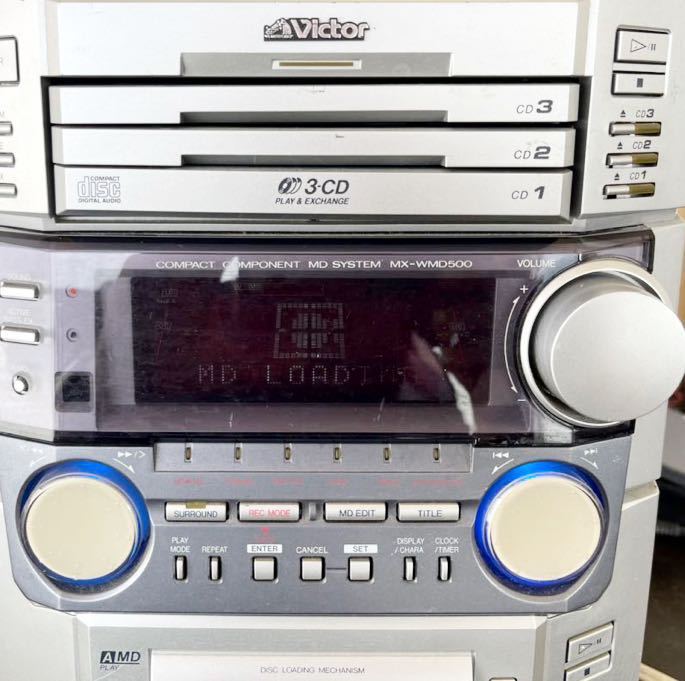
2. Equipped with a "shining double JOG" and a large "action display" to graphically control MD editing functions
- "Shining Double JOG":
- In addition to the conventional "Multi JOG", "REC Control JOG" is also equipped. Flashes in blue to guide the operation, and 7 types of various MD recording / editing modes can be easily set.
- Large "action display":
- A vivid 4-color display that displays various information pictograms in the central graphic display area. You can check the current recording / editing status at a glance.
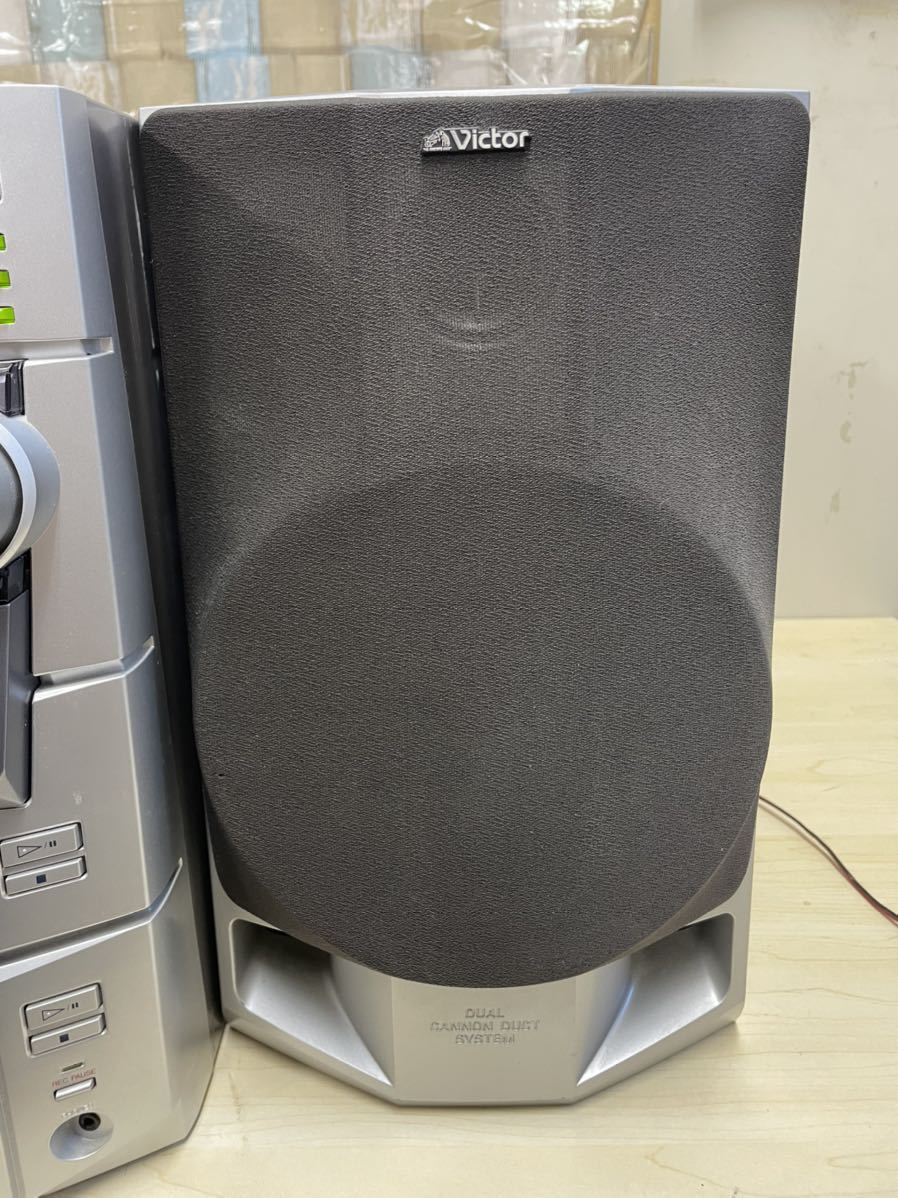
3. Three-dimensional sound field effect by "double angle 4 peaker" and "new surround circuit"
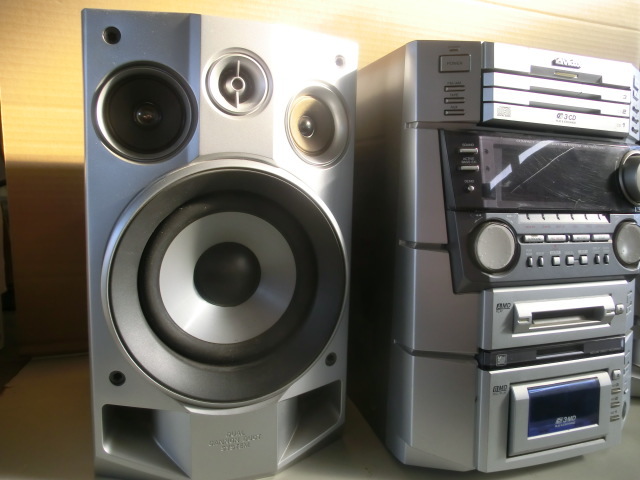
- "Double-angle 4-speaker" A 4-speaker configuration with two squawkers mounted on one speaker. A wide sound field is realized with a double-angle structure in which one of the squawkers is arranged at an angle outward.
- "New surround circuit": A new circuit that can be adjusted in 3 stages and has a remarkable surround effect is adopted. In addition, it is equipped with 7 types of "SOUND MODE" that can be set manually.
4. New function "MD Title Reserve" that can save title input time
- During MD recording, you can enter the title of up to 16 songs to be recorded in advance.
5. "MD title remote control" with the same 10-key input method as mobile phones, which allows you to enter titles at hand
<* 7 types of various MD recording / editing modes>
- MD → MD
- CD → MD
- "Triple REC": Continuous recording of 3 CDs on 3 MDs on a one-to-one basis
- "Best Hit REC": Continuous recording of only the first song from 3 CDs to MD
- "Long REC": Long-time recording on 3 MDs in a row from a long-time radio program (sound is interrupted when changing discs)
- "Listening EDIT (MD → MD)": Easily program-record the song you want to record while listening to and checking the song
- "Listening EDIT (CD → MD)": Easily program-record the song you want to record while listening to and checking the song
Content adapted from: Victor Press Release Victor Press Release (MiniDisc Wiki mirror)
Manuals
Repair
Photos
Have photos or data to add? Edit the page! We do not accept contributions via email.
Additional specifications and references
| Manual | |
|---|---|
| Region | Japan |