Source: MiniDisc Wiki contributors · September 3, 2026 snapshot · CC BY 4.0, except where otherwise credited.
Attribution and changes
Adapted from “LIP-12 Rebuild”. Links, layout and file names normalized; missing database fields restored; remote embeds replaced with links. Manufacturer manuals and separately credited photographs retain their original attribution.
Rebuild guide curtesy of @DanielMcGregor#4040 on the Mizucat Discord. This is a short and simple guide to rebuilding the LIP-12 battery. It uses a standard 18650 battery and is a rather quick fix.
If you'd like to watch a video, there's a link at the bottom.
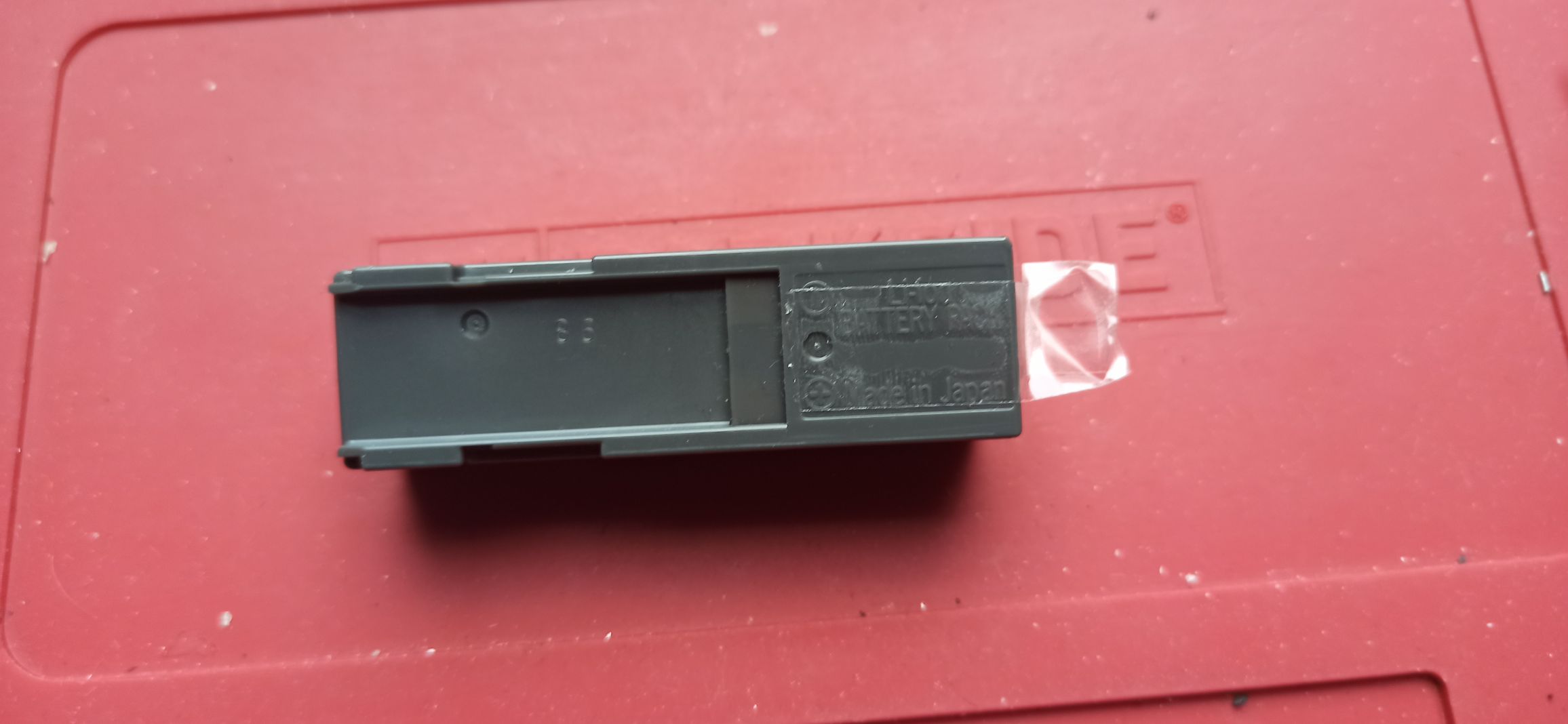
The LIP-12 is the battery pictured below.
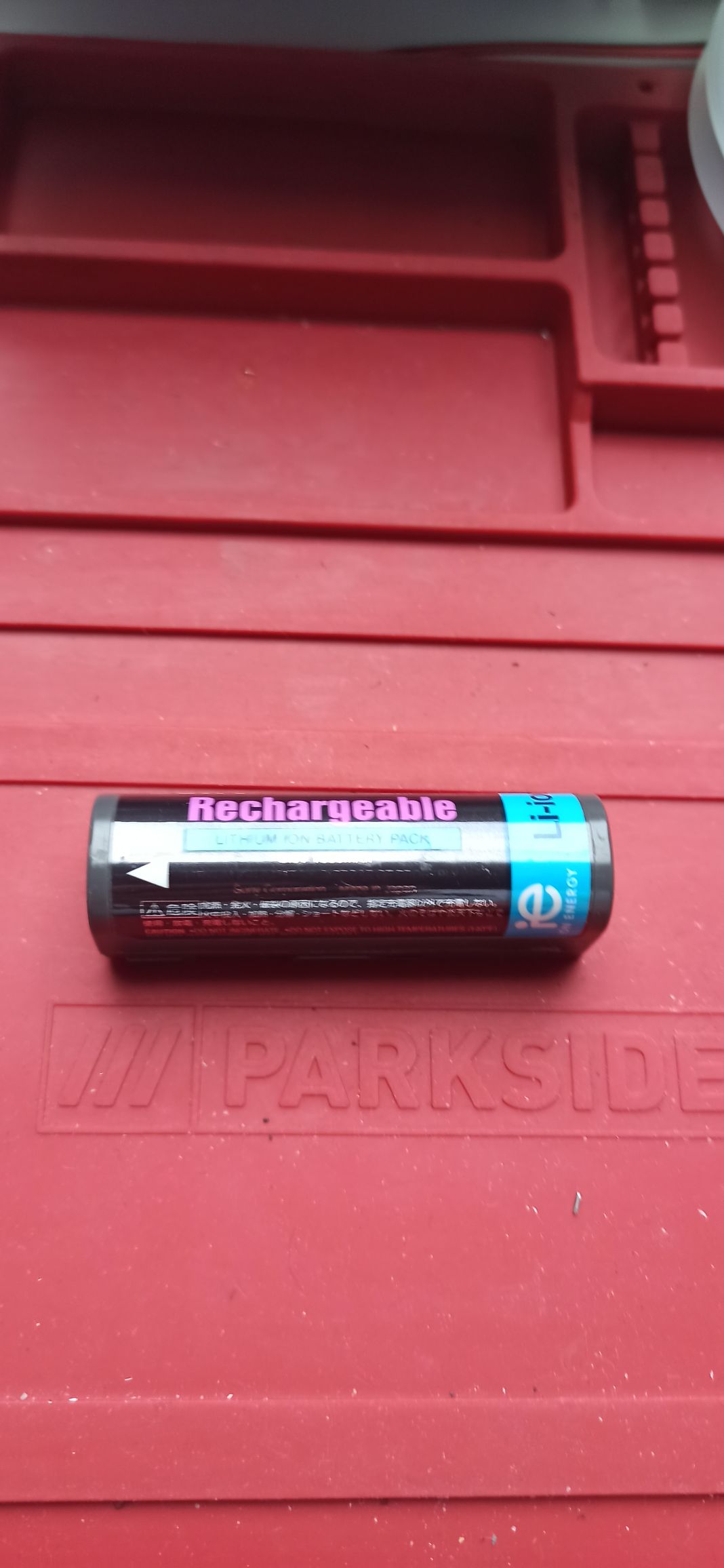
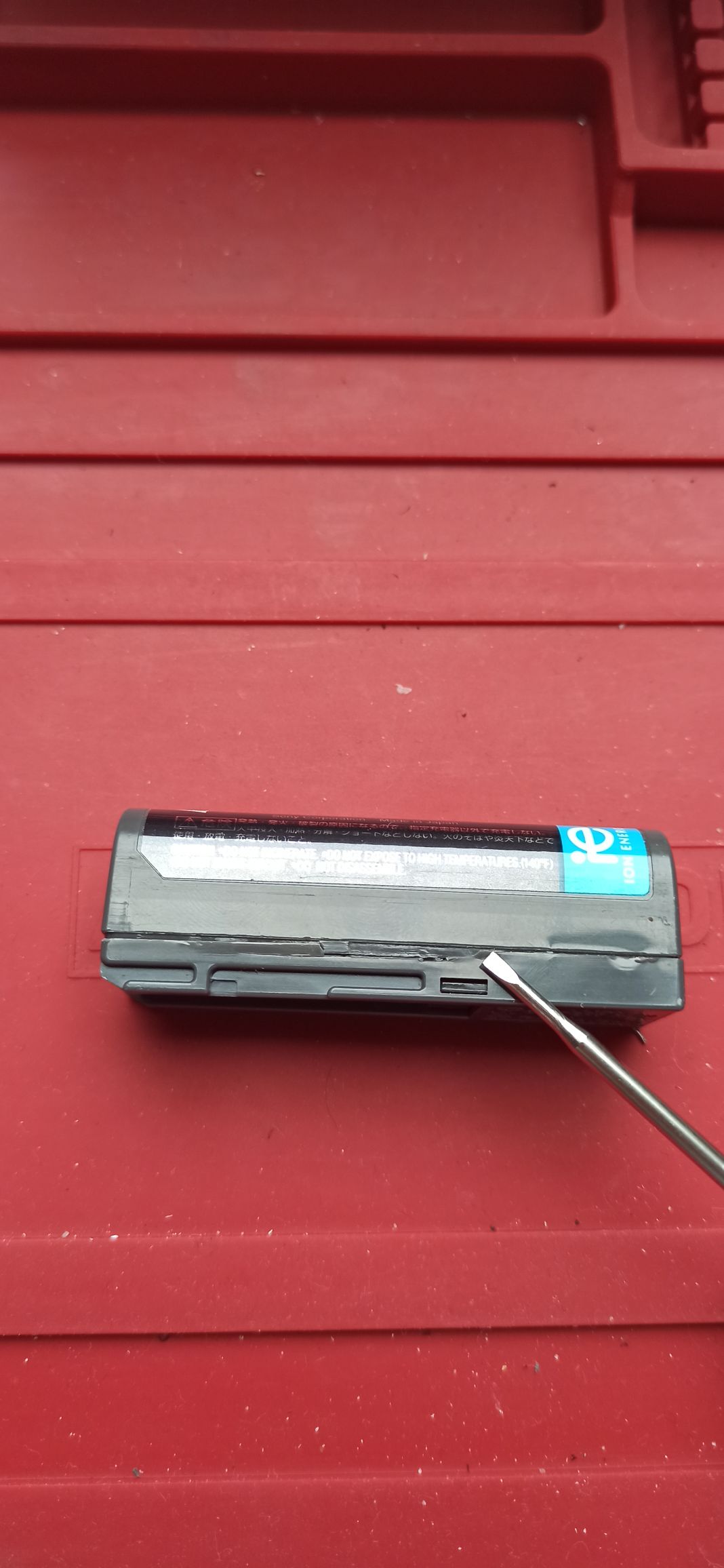
1. Pry the case open with a plastic pry tool. Take your time.
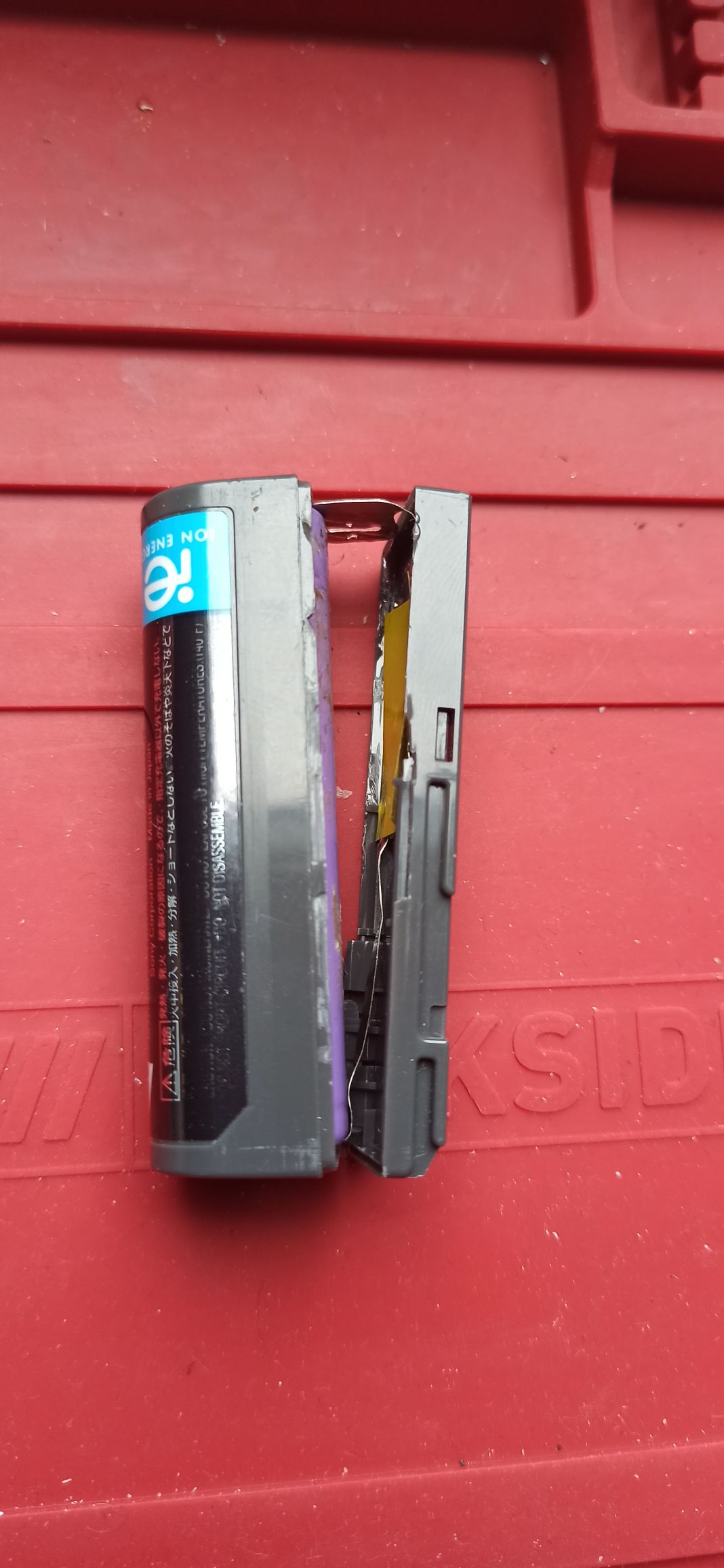
2. Carefully pull the two halves apart. The cell is glued in and needs a little careful leverage.
3. use pliers to carefully rip the tags off of the depleted 18650 battery. Bend the tabs in the correct position.
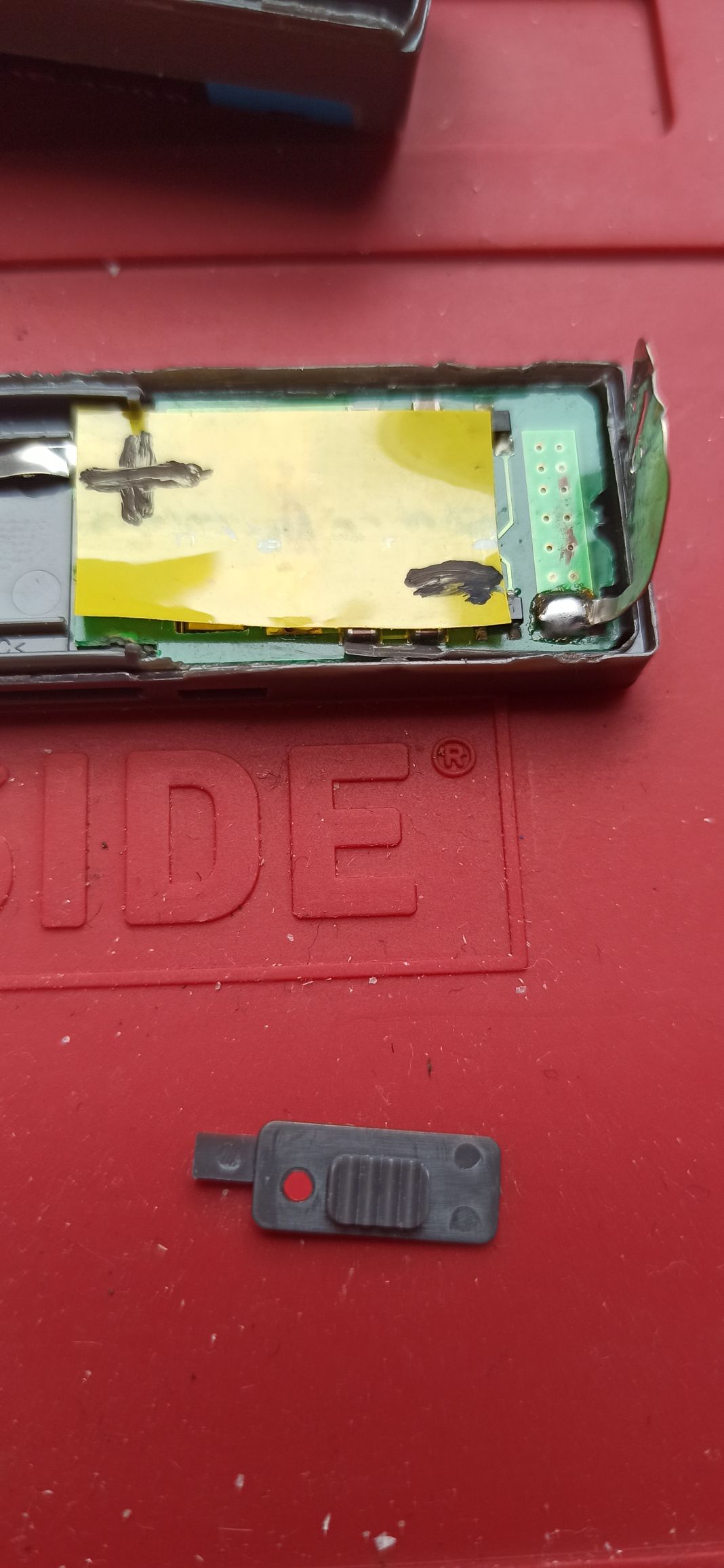
4. Place a charged battery in the correct polarity.
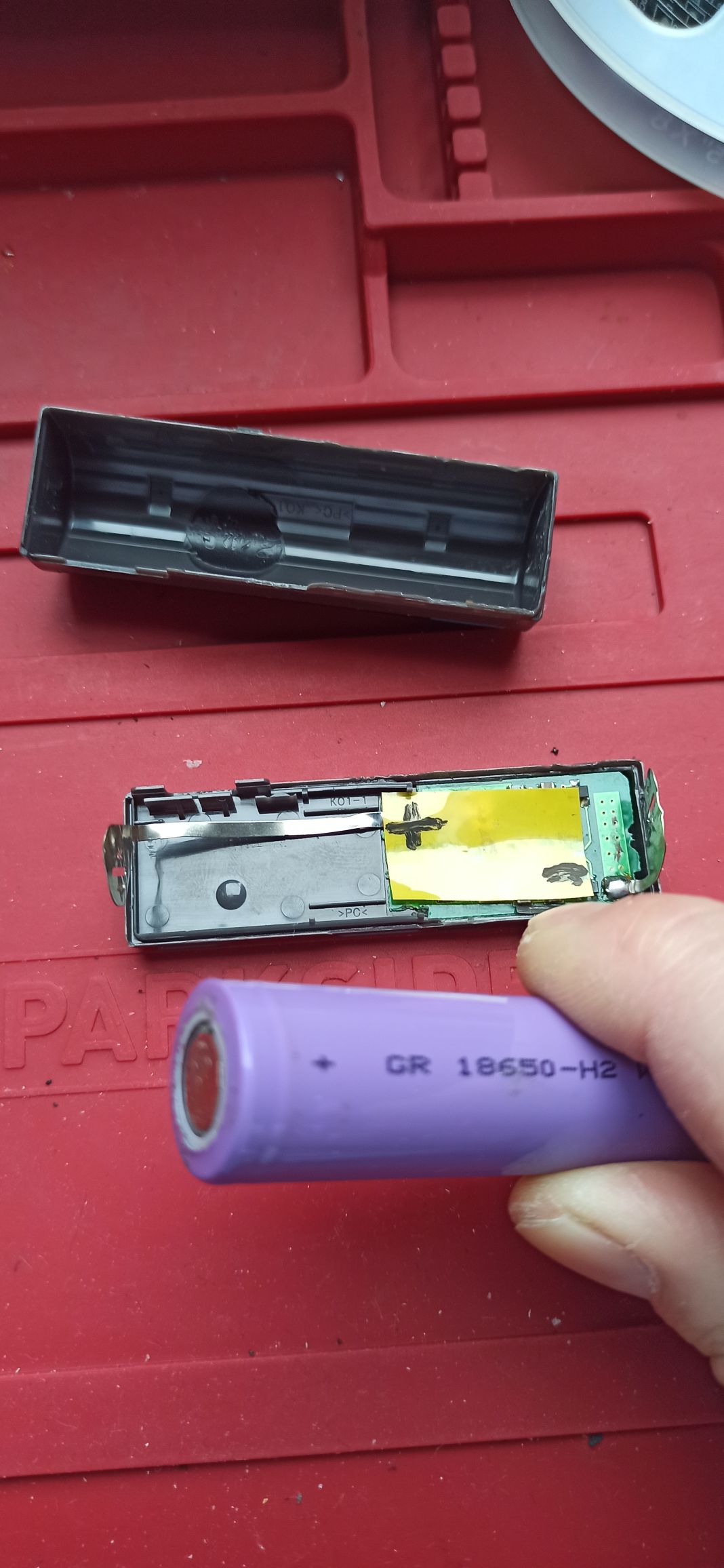
5. Carefully put the case together again. If separated carefully it is a neat friction fit. Use a little tape just in case.
6. Don't forget to add a tape tag to pull it out of the player easier.
Video guide
If you'd like to watch a video, this basically follows the same steps.