Source: MiniDisc Wiki contributors · September 3, 2026 snapshot · CC BY 4.0, except where otherwise credited.
Attribution and changes
Adapted from “Kenwood f-MD7”. Links, layout and file names normalized; missing database fields restored; remote embeds replaced with links. Manufacturer manuals and separately credited photographs retain their original attribution.
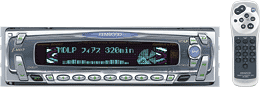
| Name | f-MD7 |
|---|---|
| Manufacturer | Kenwood |
| Released | 2001/03 |
| Device type | auto |
| Recorder | Player |
| MDLP | Yes |
| NetMD | No |
| Hi-MD | No |
| Radio | Yes - 76-90Mhz |
| Dimensions | 1-Din 178W x 50H x 160Dmm |
| Weight | 1600 |
| ATRAC ver | Not recorded |
| Battery | Not recorded Not recorded |
| Battery notes | Not recorded |
| Sidecar (depr) | Not recorded |
| Voltage | 12 |
| Power cable | Not recorded |
| Price (launch) | Not recorded |
| ¥52 500 | |
| - | |
| Inputs | RCA in |
| Outputs | RCA out, Speaker amplifier |
| Control | Not recorded |
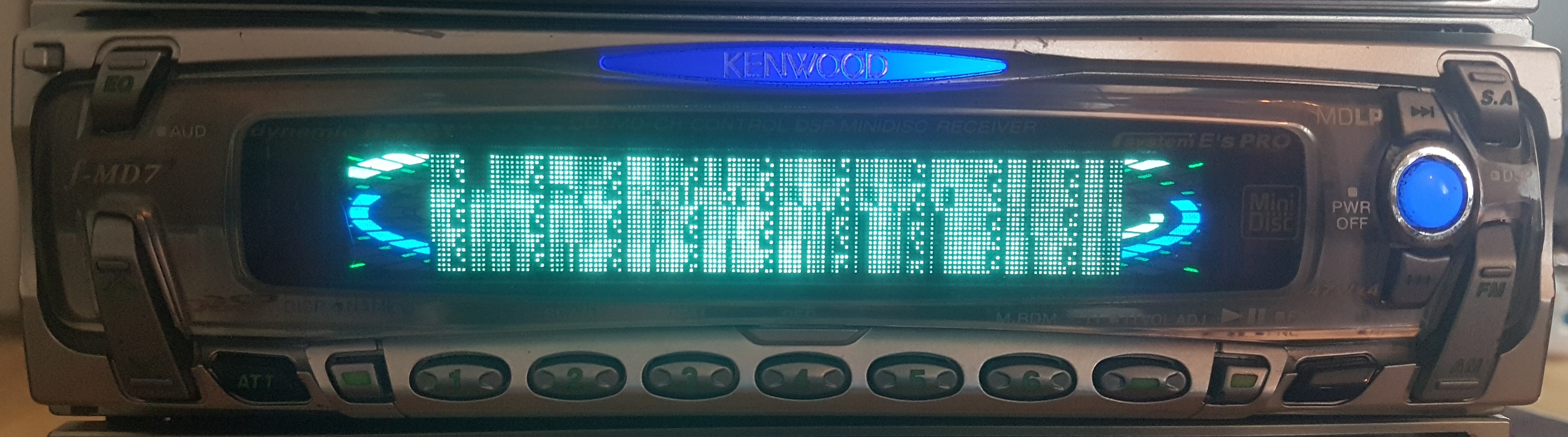
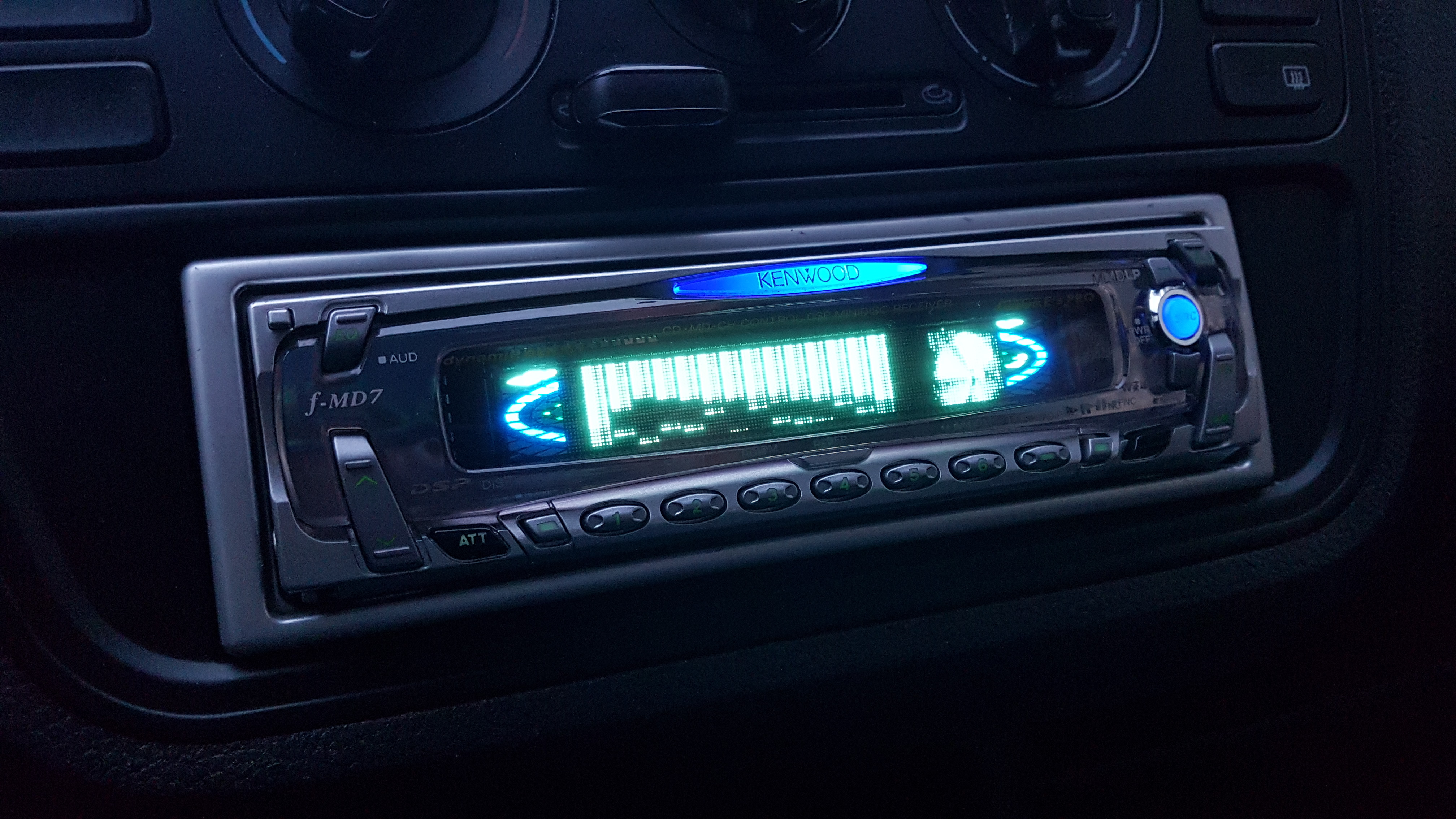
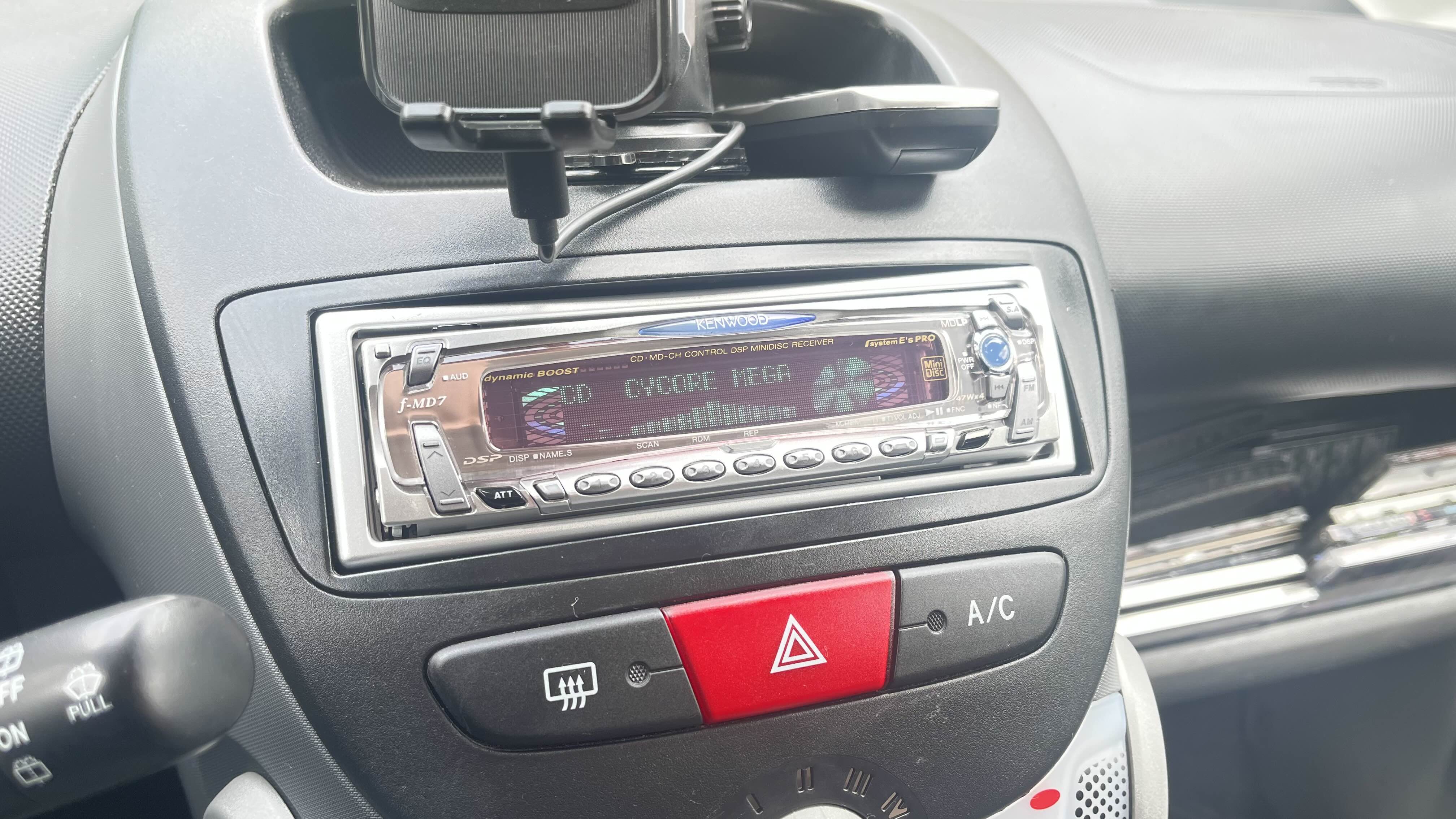
The f-MD7 together with the f-CD5/f-CD7 started the "feass" series. A series of Single Din head units manufactured by Kenwood, released and marketed alongside the high end "929" series. All feass units were master units that would feature a 13 pin terminal at the back, which could be use to connect an external DSP or changer. Later feass-MD adaptions were the f-MD77, f-MD99 and the f-MD07. All the higher spec feass units were equipped with an RCA Auxiliary Input. The AUX-IN would allow the user to feed a external audio signal into the head unit, that would be amplified and could be modified just like the other audio sources. The f-MD7 got 6-mode DSP options, 3 Band EQ settings and 7 different S.A. options. The input device display name can be switched between 6 different preset names.
The feass series was a different approach from Kenwood, aimed more towards a wider range of customers with a less sharp and more round up design. By being more affordable, having appealing visuals and offering an AUX-Input without needing to connect a secondary unit; the f-MD7 is a good choice for people lacking a second din slot. The feass series kept on till the mid 2000s and offered a variety of head unit receivers, ranging from MD to Cassette, CD and even DVD.
[General features]
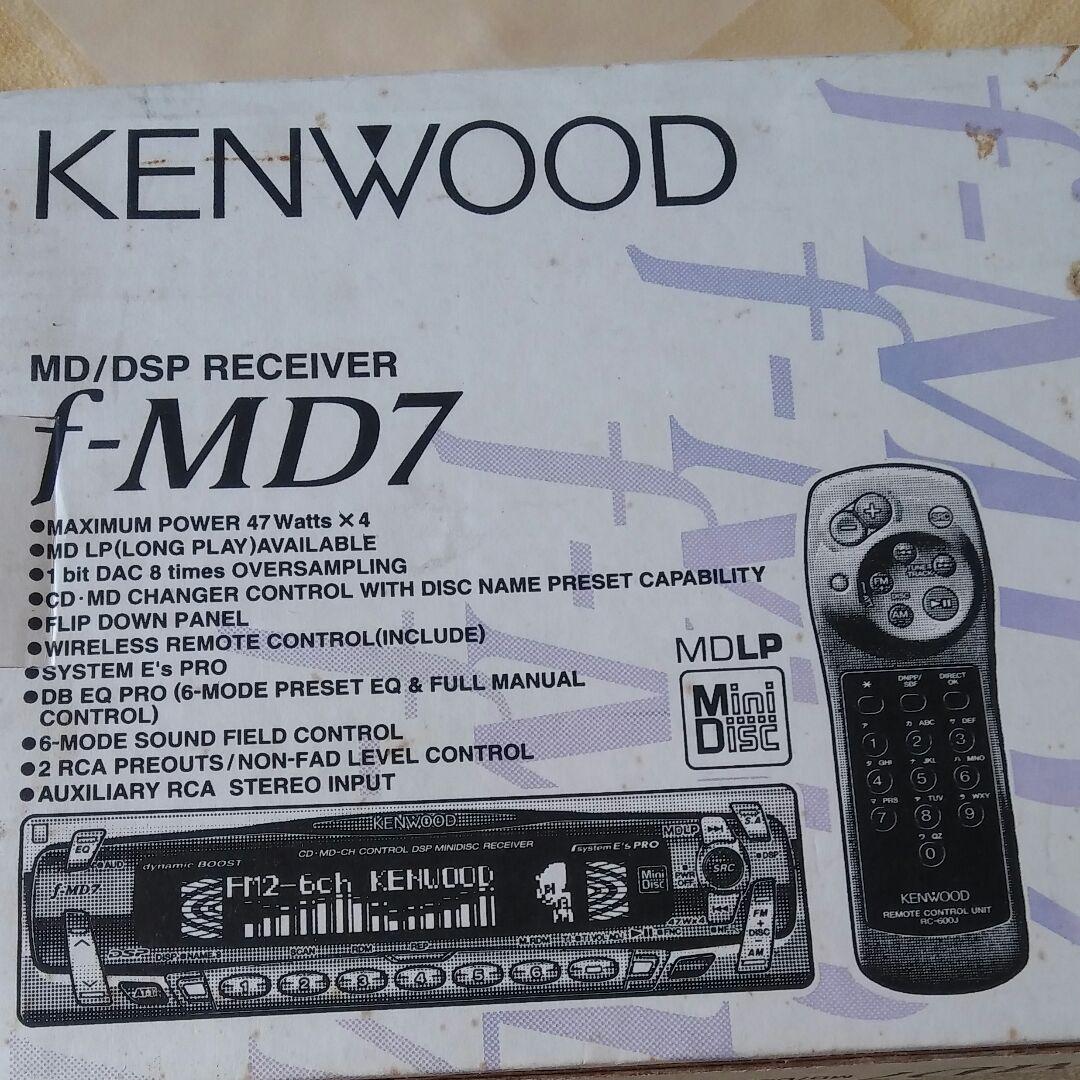
- MDLP compatible MD receiver
- 3D moving picture display
- 7 S.A. options
- Multitasking LSI typeQ
- 3-Band EQ settings
- 6-Mode Easy-DSP
- Electronic Volume, Balance and Fader Audio Control
- 3 State NAVI MUTE
- Built-in 47W x 4 high power amplifier
- Equipped with System E's PRO
- 1.6V high voltage RCA2 preouts (front, rear/non-fading)
- RCA AUX input terminal
- MZ-Bus changer control terminal
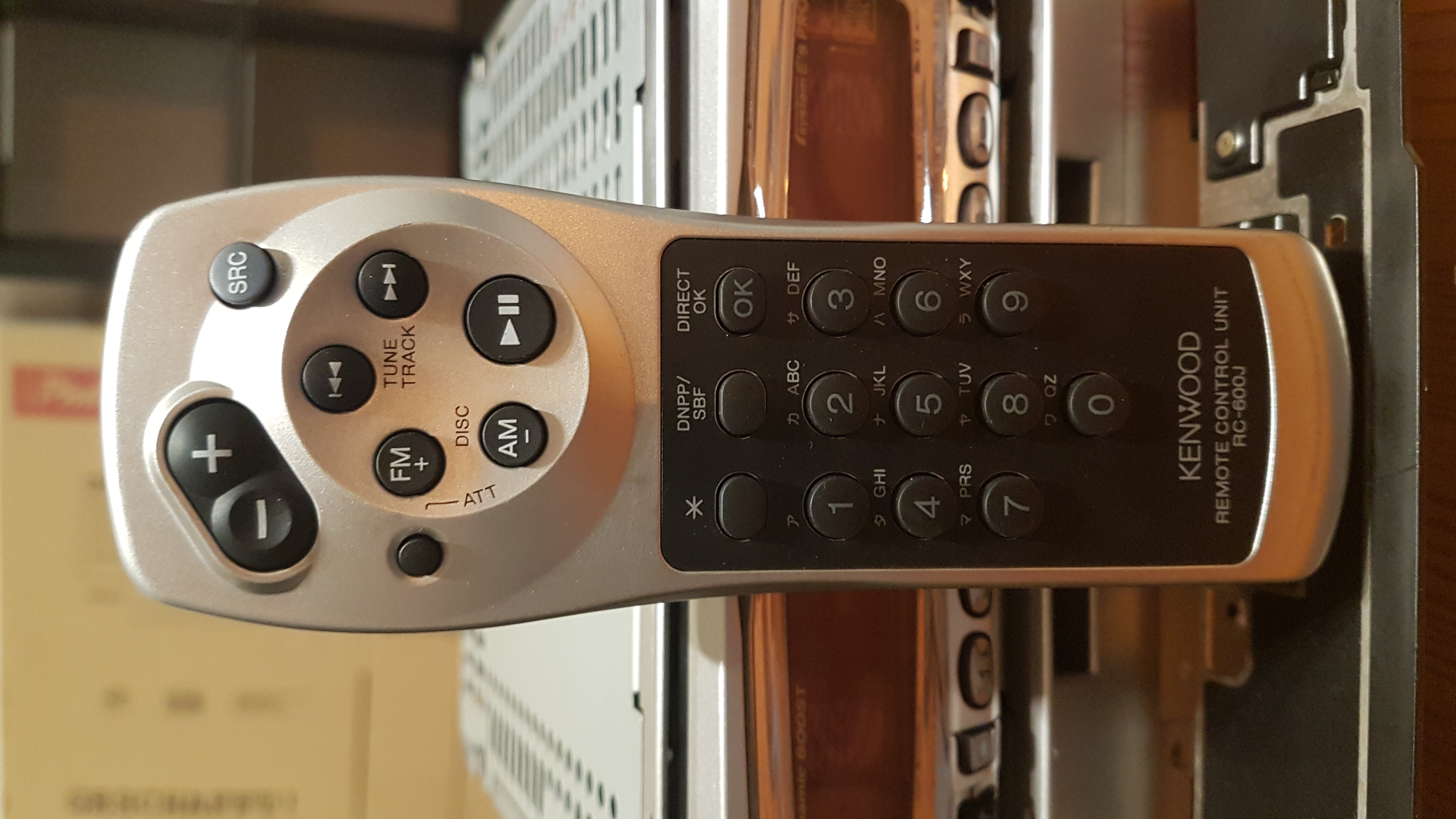
- Infrared Remote Control Unit
[MD department]
- Frequency response: 20Hz to 20kHz (±1dB)
- S/N ratio: 90dB (1kHz)
- Dynamic range: 90dB
- Stereo Separation: 85dB (1kHz)
[FM part]
- Receiving frequency range: 76.0MHz to 90.0MHz (100kHz steps)
- Practical sensitivity: 9.3dBf (0.8μV/75Ω)
- Frequency response: 30Hz to 15kHz (±3.0dB)
- Stereo Separation: 40dB (1kHz)
[AM section]
- Receiving frequency range: 522kHz to 1629kHz (9kHz steps)
- Sensitivity: 28dBμ
[Audio part]
- Maximum output: 47W x 4
- Rated output: 29W x 4 (4Ω, 1kHz, 10% THD)
- Pre-out level: 1600mV (CD/10KΩ)
[Common part]
- Power supply voltage: 14.4V (11-16V)
- Maximum current consumption: 10A
- Embedded dimensions: 178W x 50H x 160Dmm
- Mass: 1.6kg
[Gen 1 Sister Models]
- f-CD7: Japanese CD version
- f-CD5: Japanese CD version (no MP3 compatibility)
- Z828: US CD version
- Z727: US CD version (no MP3 compatibility)
- KDC-Z828/Z828MP: EU CD version
- KDC-Z727: EU CD version (no MP3 compatibility)
- f-VD9: Japanese DVD version
- Z910DVD: US DVD version
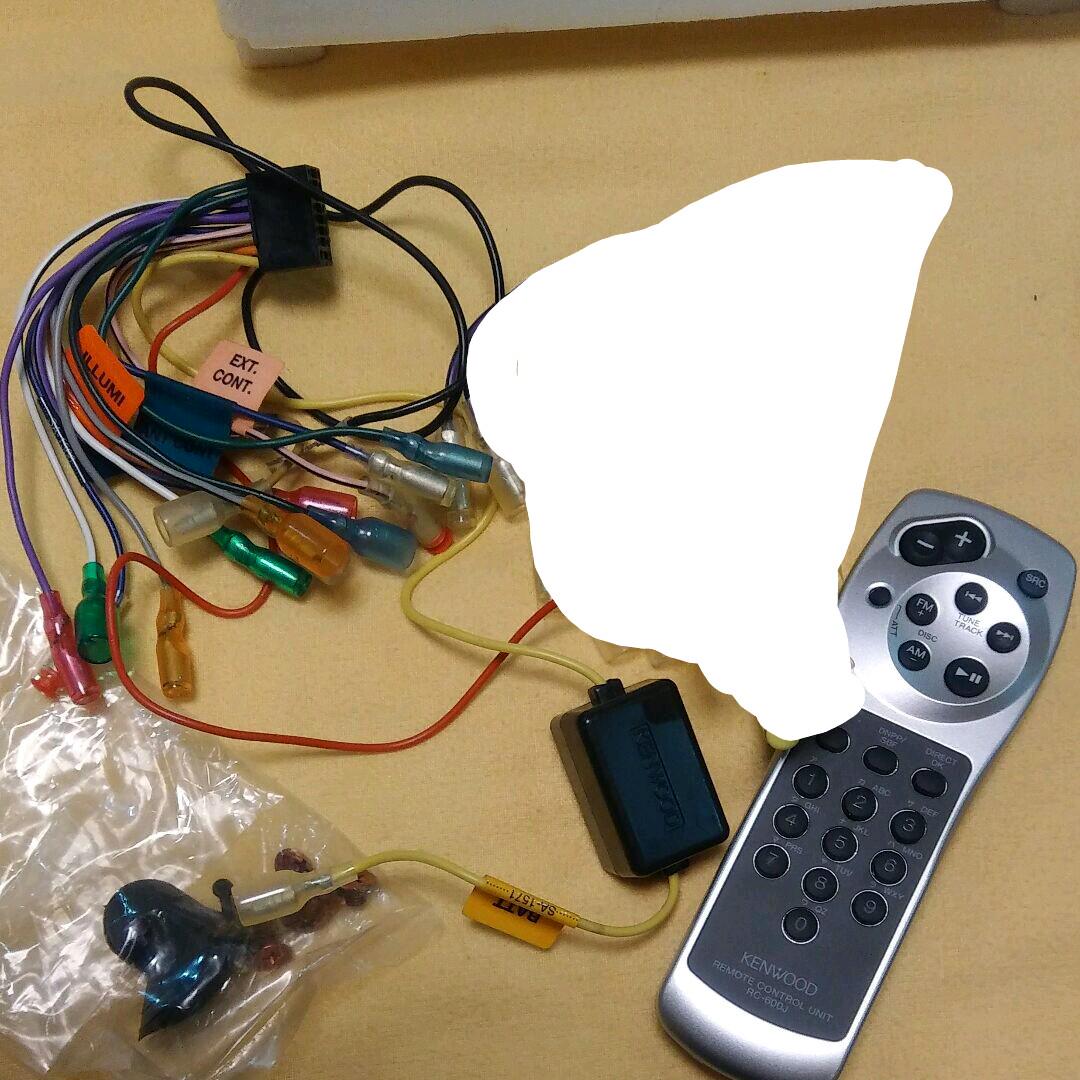
Remote: RC-600J
Content adapted from: Kenwood Press Release Kenwood Press Release (MiniDisc Wiki mirror) Kenwood Product Page Kenwood Product Page (MiniDisc Wiki mirror) Minidisc.org av.watch
Manuals
Repair
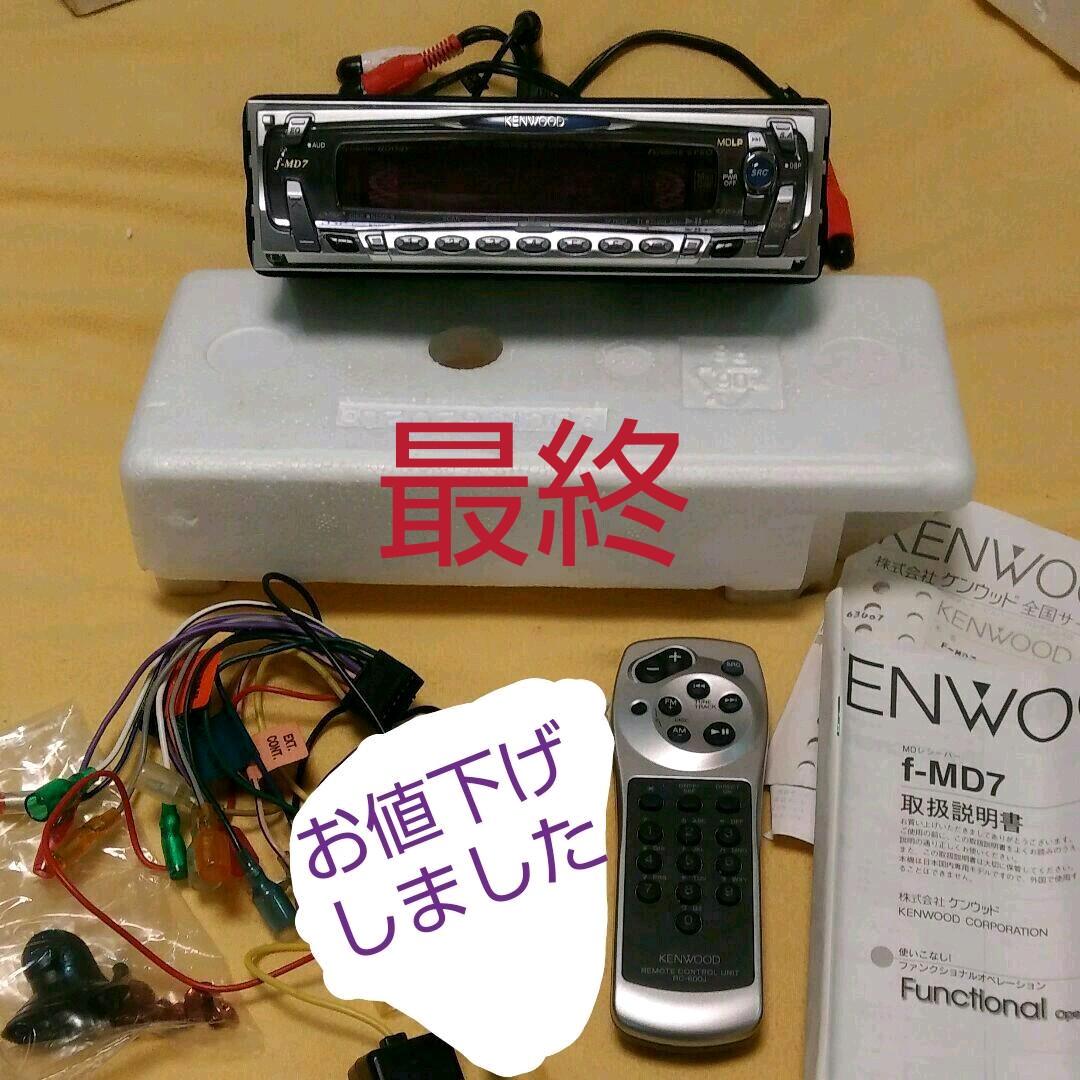
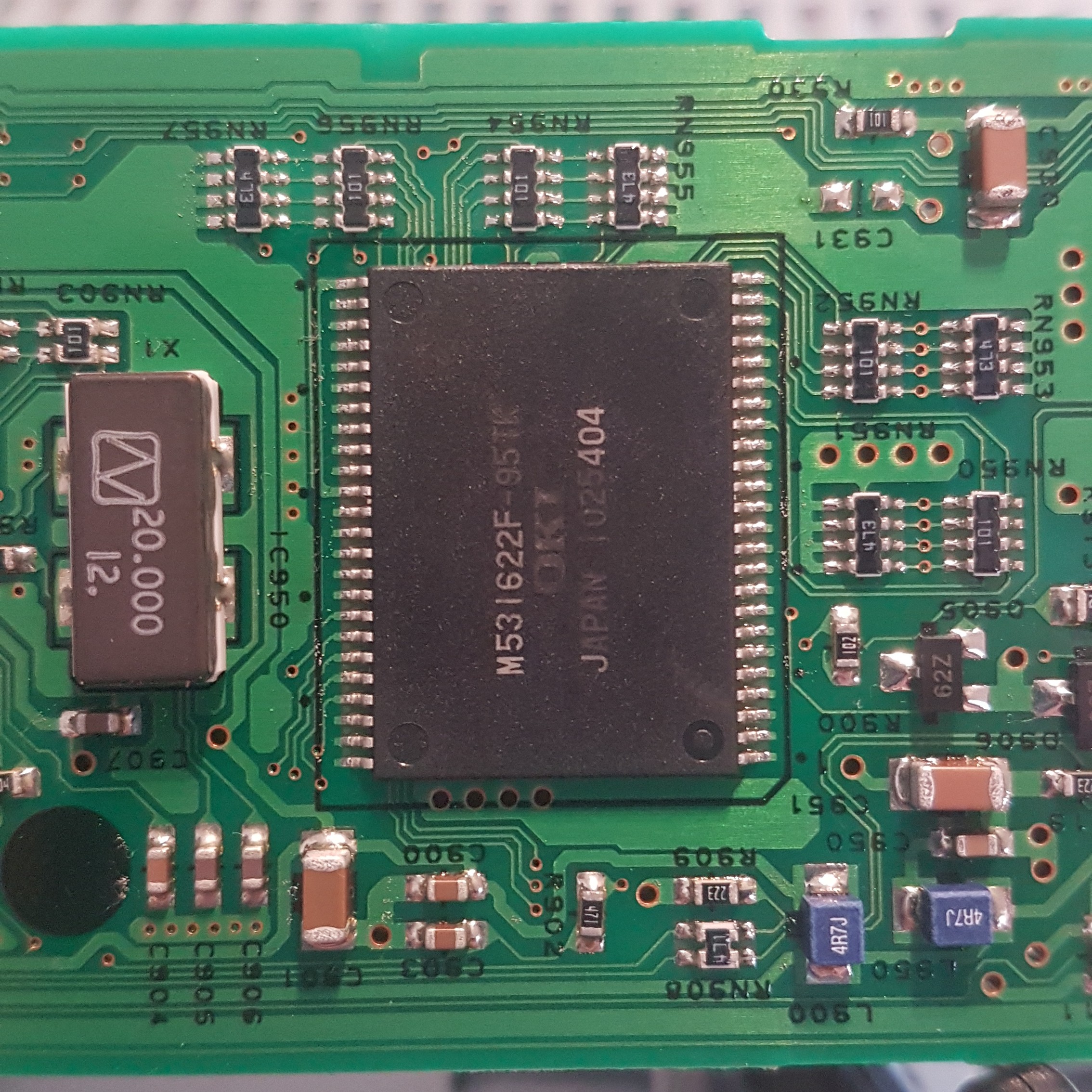
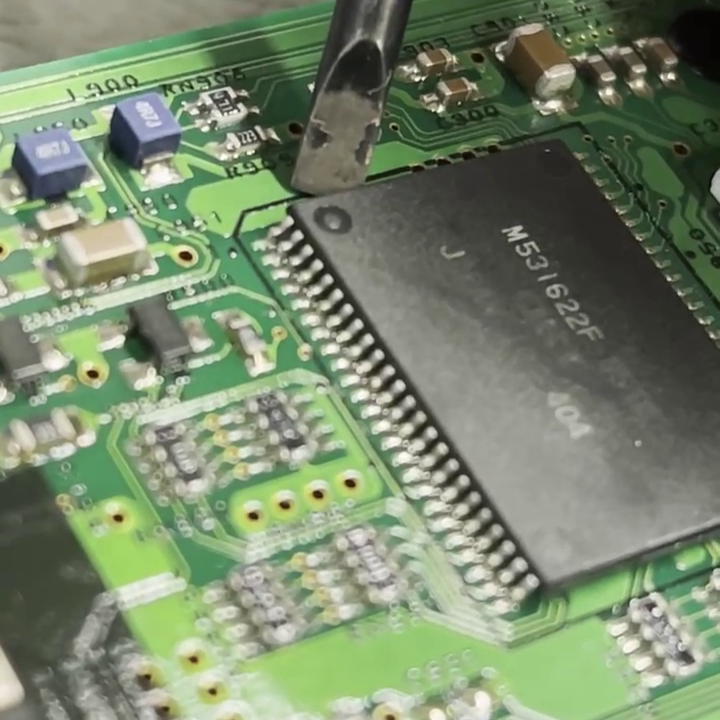
A lot of f-MD7 units struggle with display problems. The issue is caused by the IC950 ROM chip, which develops dry joints by repeatedly putting force on the faceplate. Affected by this problem are all images and animations. To fix the display issues, the chip needs to be reflown. The chip is located behind the VFD display, inside the removable faceplate. To access the chip, the faceplate needs to be detached and opened by loosing two screws and clips on each side.
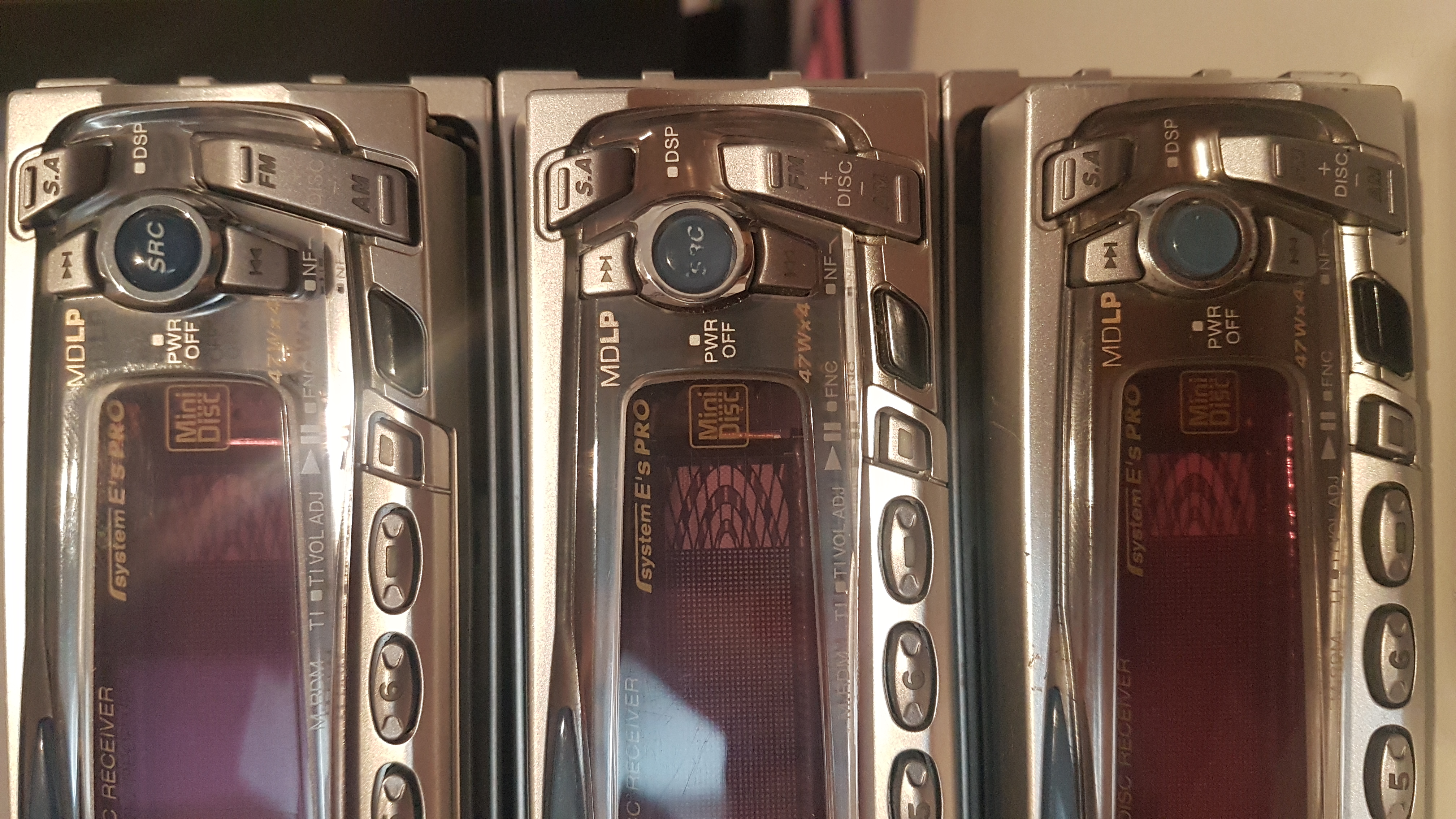
Heavily used units are affected sooner by this problem, so when looking for a unit to buy, it's recommended to watch out for worn buttons and scratches. Easy to spot is the blue source button, which tends to lose the "SRC" written on it. The other buttons lose their silver finish when pressed a lot.
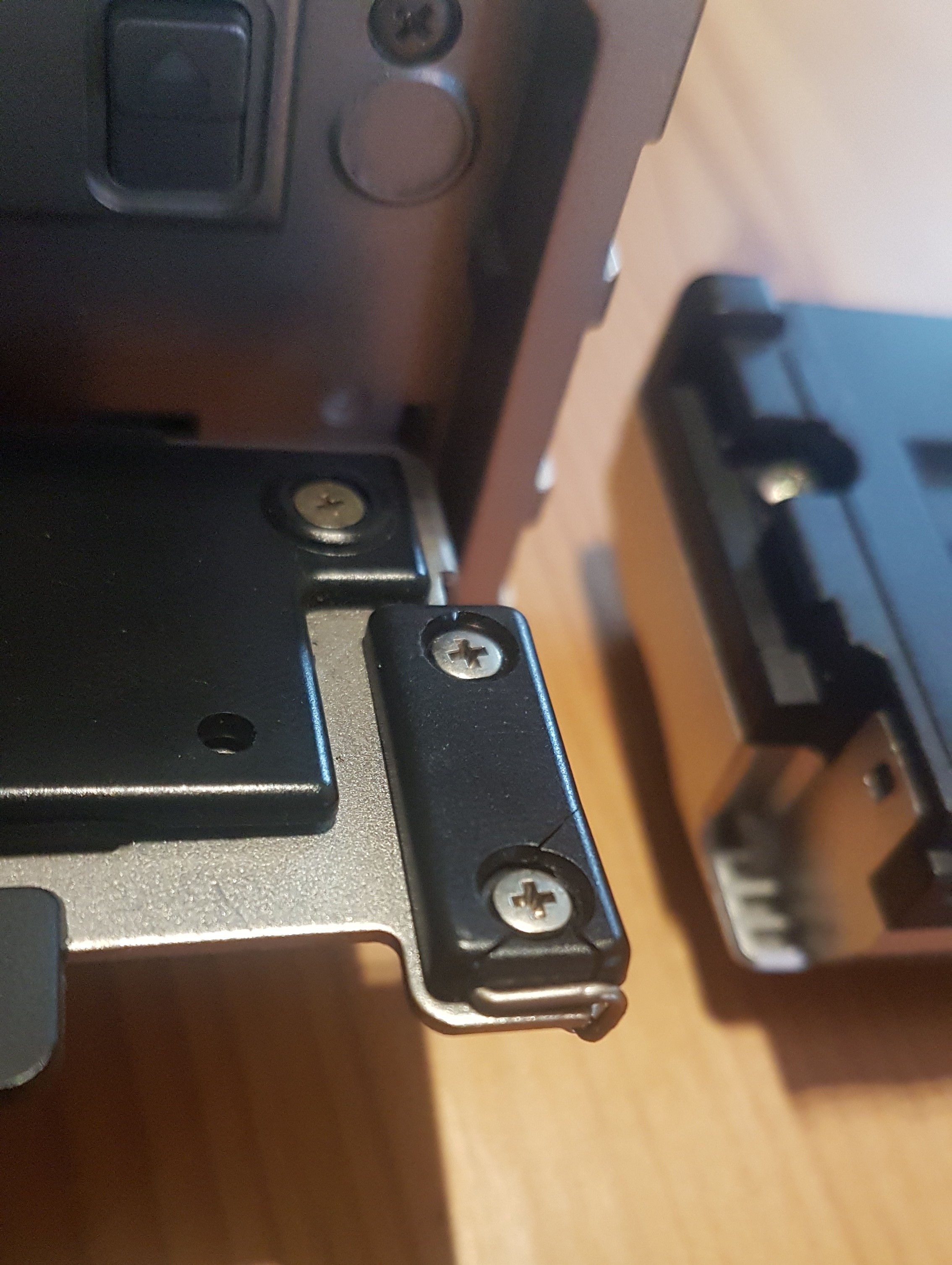
Another common issue with the f-MD7 is the component 243. It is a black piece of plastic that is part of the clipping mechanism that holds the faceplate in position. It tends to crumble and break. It needs to be glued, plastic soldered or replaced entirely for the faceplate to function.
* Pictures of the above mentioned chip, differences in condition and the plastic piece are documented in the "Photos" section.
* Everything mentioned above also goes for the sister models of the f-MD7.
Bluetooth Modding
Even though the f-MD7 used to be quite up to date with the ability to connect many different devices via the auxiliary input, today's standards look a little bit different with the introduction of Bluetooth audio in car sound systems. If there is interest in a nice MiniDisc head unit, but still wanting the option of listening to music via Bluetooth, this section will cover just that.
The easiest method is to connect an third-party all in one Bluetooth adapter to the 13 pin terminal at the back of the unit. Not all of the third-party adapters out there provide the same audio and build quality. When wanting more freedom in the parts being used, going for a separate Bluetooth receiver board is an option too. The recommended way would be to use the AUX input so that the Bluetooth input source name can be changed and also still having the option to use the 13 pin terminal to connect a DSP or changer.
There are many different third-party sellers for Bluetooth boards. They usually run on 5 volts, which can either be taken from the head unit itself, which does mainly run on 5V too, or a 12V to 5V converter. When using a converter, it is recommended to use the ignition wire (Red) to prevent having a permanent consumer connected to the battery. For connecting the audio output from the Bluetooth board to the RCA input of the head unit, two male RCA jacks or an adapter cable is needed. When using the 13 pin terminal as an input, an adapter cable like the "Kenwood CA-C1AUX" will be needed too.
Regardless of which input is being used, the decoded audio will be treated just like any other source and runs through all equalizers and analyzers.
Photos
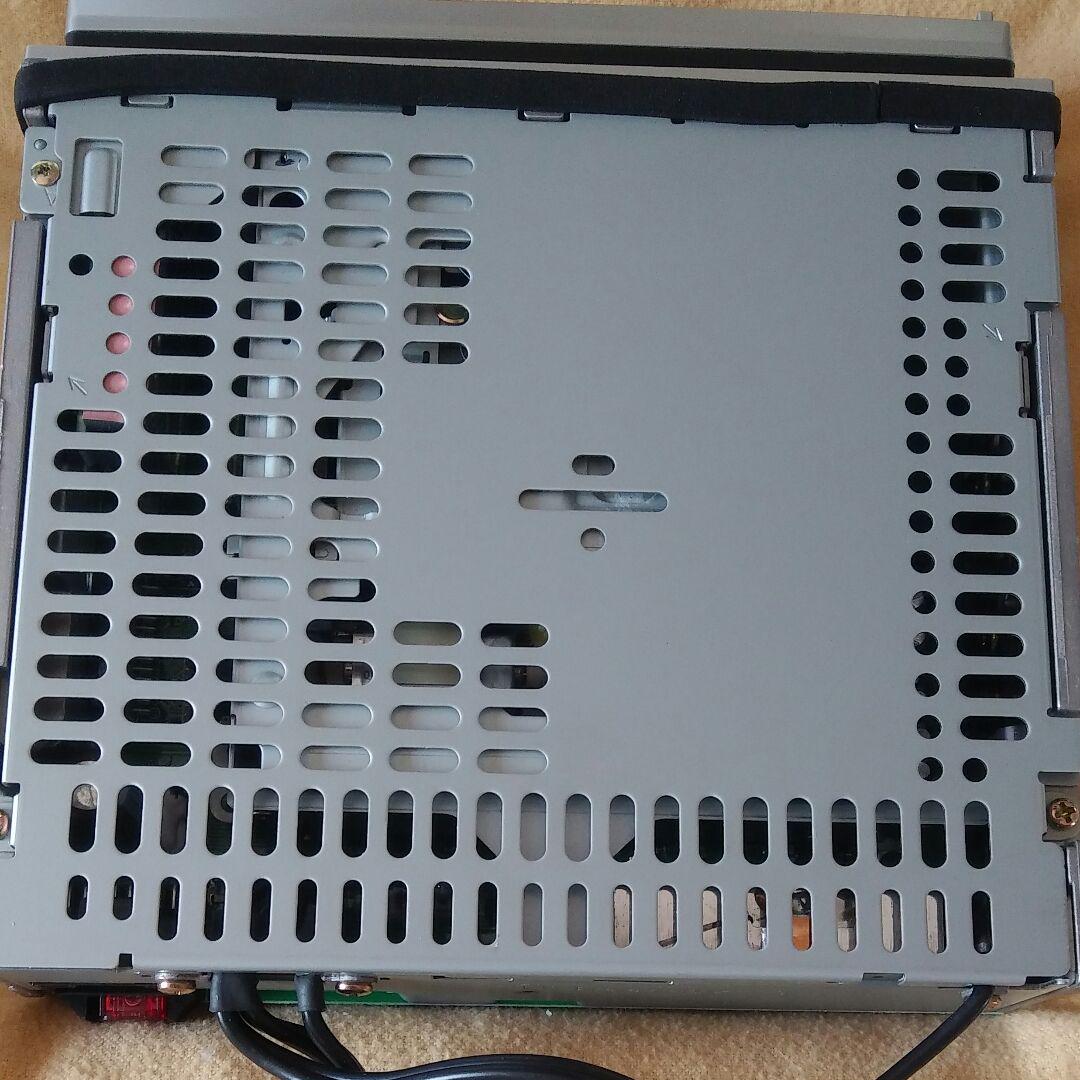
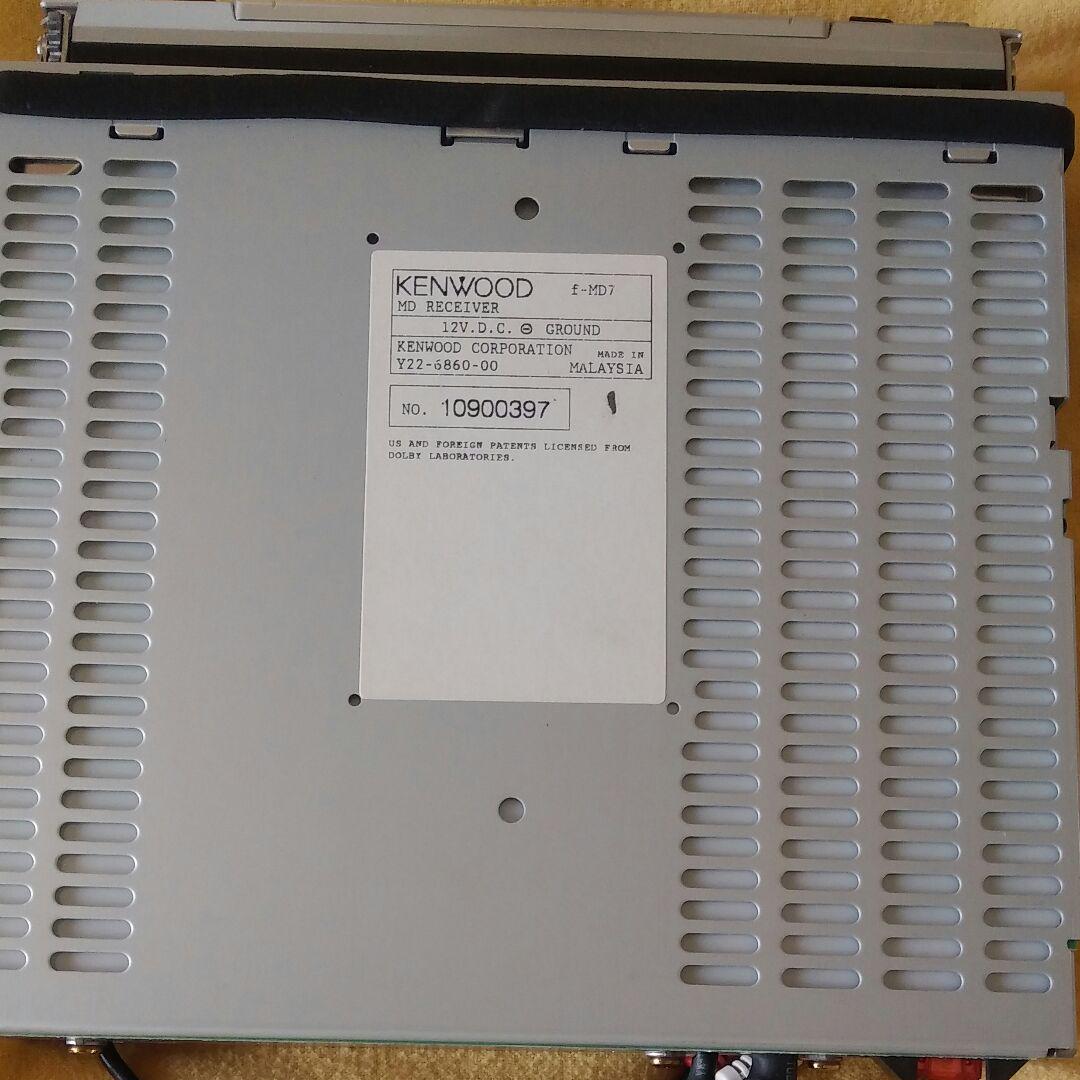
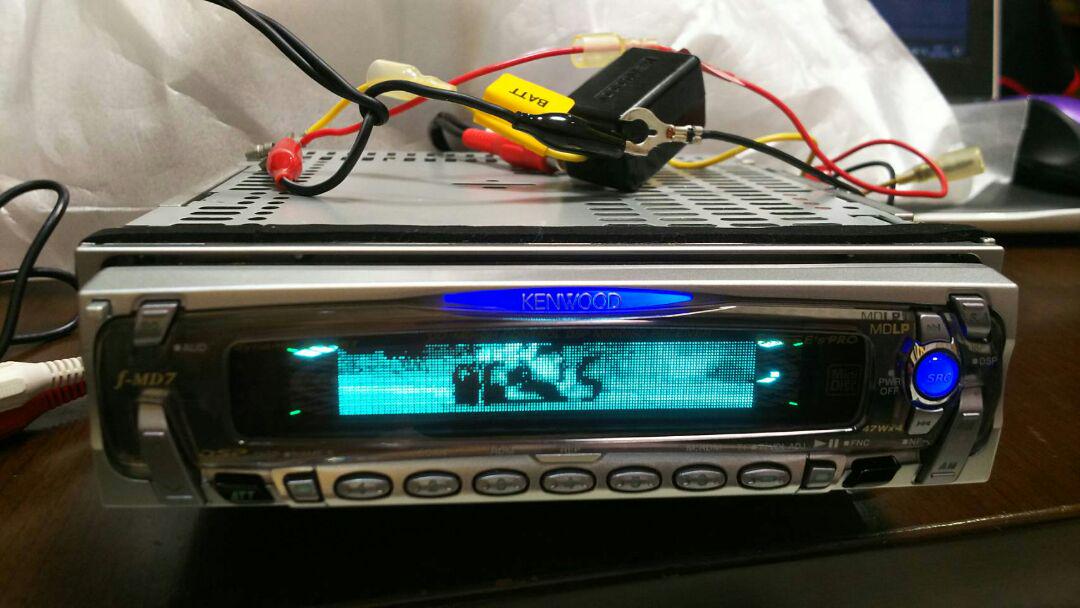
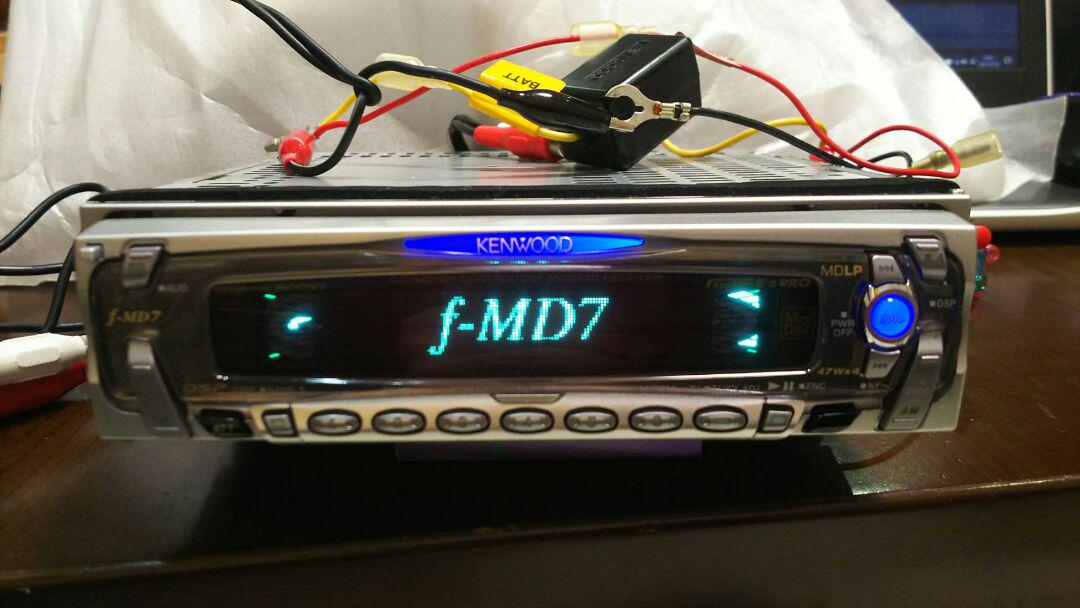
Have photos or data to add? Edit the page! We do not accept contributions via email.