Source: MiniDisc Wiki contributors · September 3, 2026 snapshot · CC BY 4.0, except where otherwise credited.
Attribution and changes
Adapted from “Sony NAV-E900 / NAV-E600”. Links, layout and file names normalized; missing database fields restored; remote embeds replaced with links. Manufacturer manuals and separately credited photographs retain their original attribution.
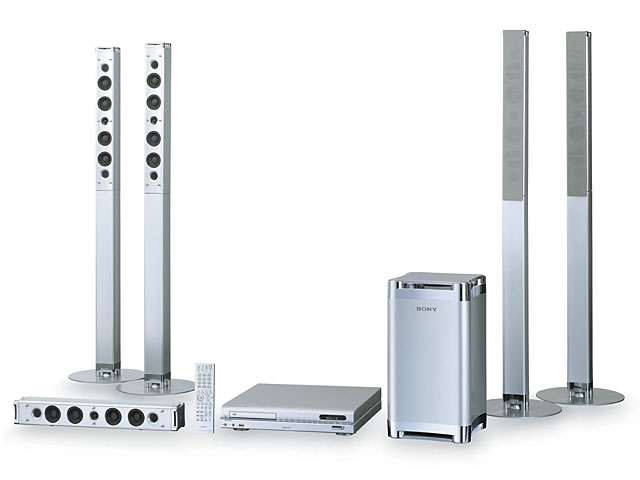
| Name | NAV-E900 / NAV-E600 |
|---|---|
| Manufacturer | Sony |
| Released | 2003/06 |
| Device type | bookshelf |
| Recorder | Recorder |
| MDLP | Yes |
| NetMD | Yes |
| Hi-MD | No |
| Radio | Not recorded |
| Dimensions | Width 217 x Height 402 x Depth 217mm |
| Weight | 7500 |
| ATRAC ver | Not recorded |
| Battery | Not recorded Not recorded |
| Battery notes | Not recorded |
| Sidecar (depr) | Not recorded |
| Voltage | 100 |
| Power cable | Not recorded |
| Price (launch) | Not recorded |
| Not recorded | |
| - | |
| Inputs | CD |
| Outputs | Not recorded |
| Control | Not recorded |
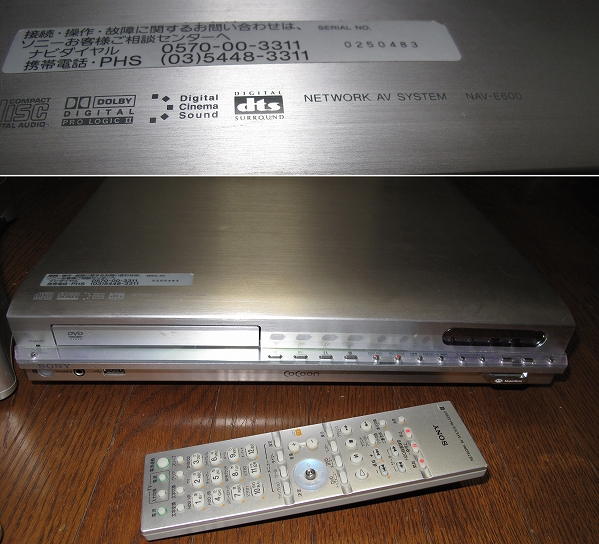
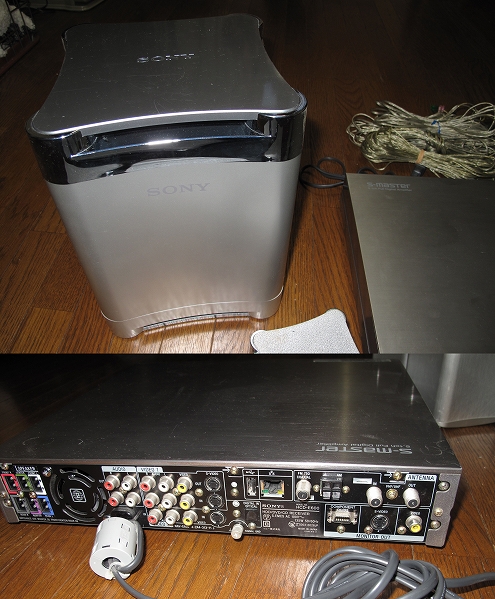
Not an MD device, but is capable of controlling the MZ-N10 over a USB connection and uploading tracks to it.
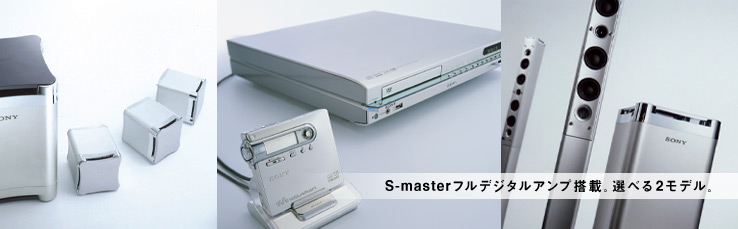
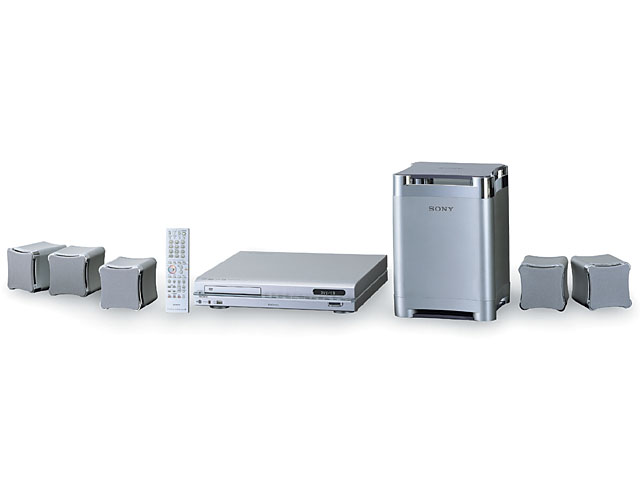
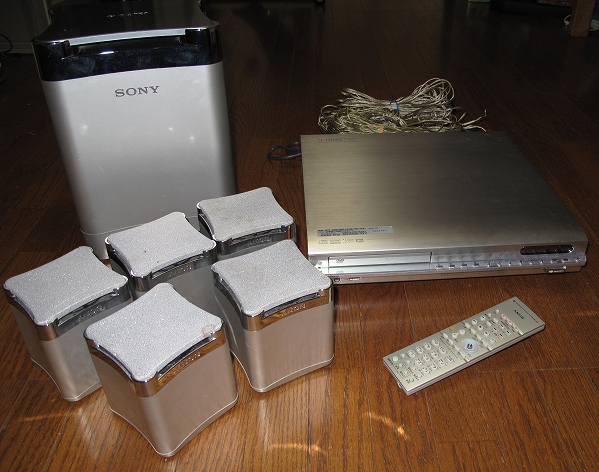
"Connect a Net MD device* to the USB port on the main unit, select your favorite songs, and transfer them to the MD at high speed (checkout). and transfer them to the MD at high speed (checkout). Registered song title data is also recorded directly to the MD. In addition, with the Magic Gate-compatible Memory Stick slot, music can be exported to a Magic Gate Memory Stick for enjoyment with Clie or other portable devices. Check out or edit your music while viewing it on the TV screen. Checkout and editing can be done while viewing the TV screen, allowing for smooth operation. You can check out and edit your music while viewing it on the TV screen, allowing for smooth operation. You can easily take the music you want to listen to now from your music collection and enjoy it on your portable devices. You can easily take the music you want to listen to from your collection and enjoy it outdoors."
Content adapted from: AV.Watch Sony Spec Page Sony Press Release
Manuals
Repair
Photos
Have photos or data to add? Edit the page! We do not accept contributions via email..
Additional specifications and references
| Web Md | No |
|---|---|
| Manual | other |
| Region | Japan |