Source: MiniDisc Wiki contributors · September 3, 2026 snapshot · CC BY 4.0, except where otherwise credited.
Attribution and changes
Adapted from “Sony MZ-N707”. Links, layout and file names normalized; missing database fields restored; remote embeds replaced with links. Manufacturer manuals and separately credited photographs retain their original attribution.
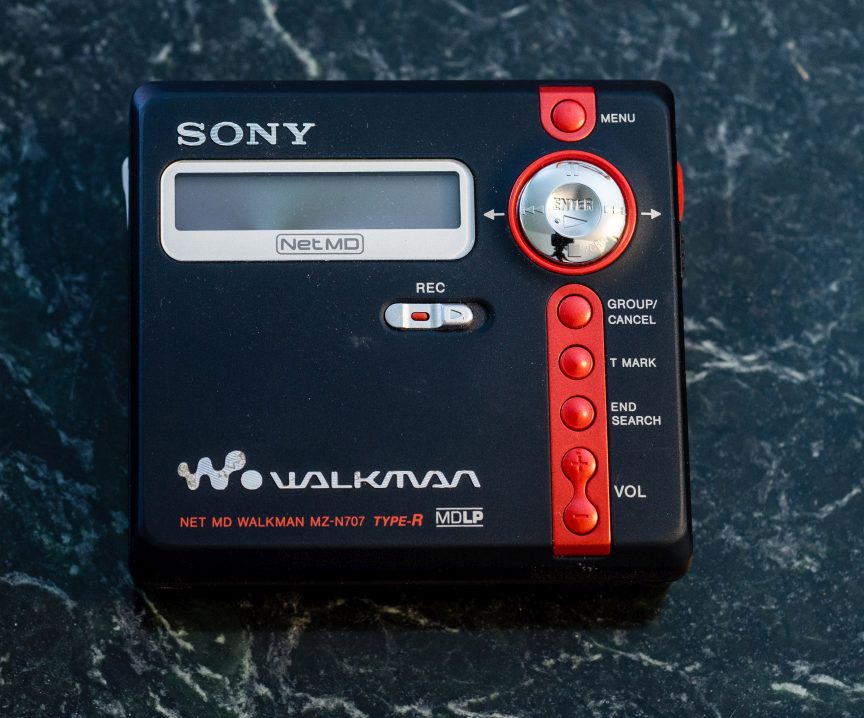
| Name | MZ-N707 |
|---|---|
| Manufacturer | Sony |
| Released | 2002/03 |
| Device type | portable |
| Recorder | Recorder |
| MDLP | Yes |
| NetMD | Yes |
| Hi-MD | No |
| Radio | No |
| Dimensions | 81 × 74.4 × 27.7 mm |
| Weight | 116g |
| ATRAC ver | Type-R |
| Battery | Not recorded AA |
| Battery notes | Not recorded |
| Sidecar (depr) | No |
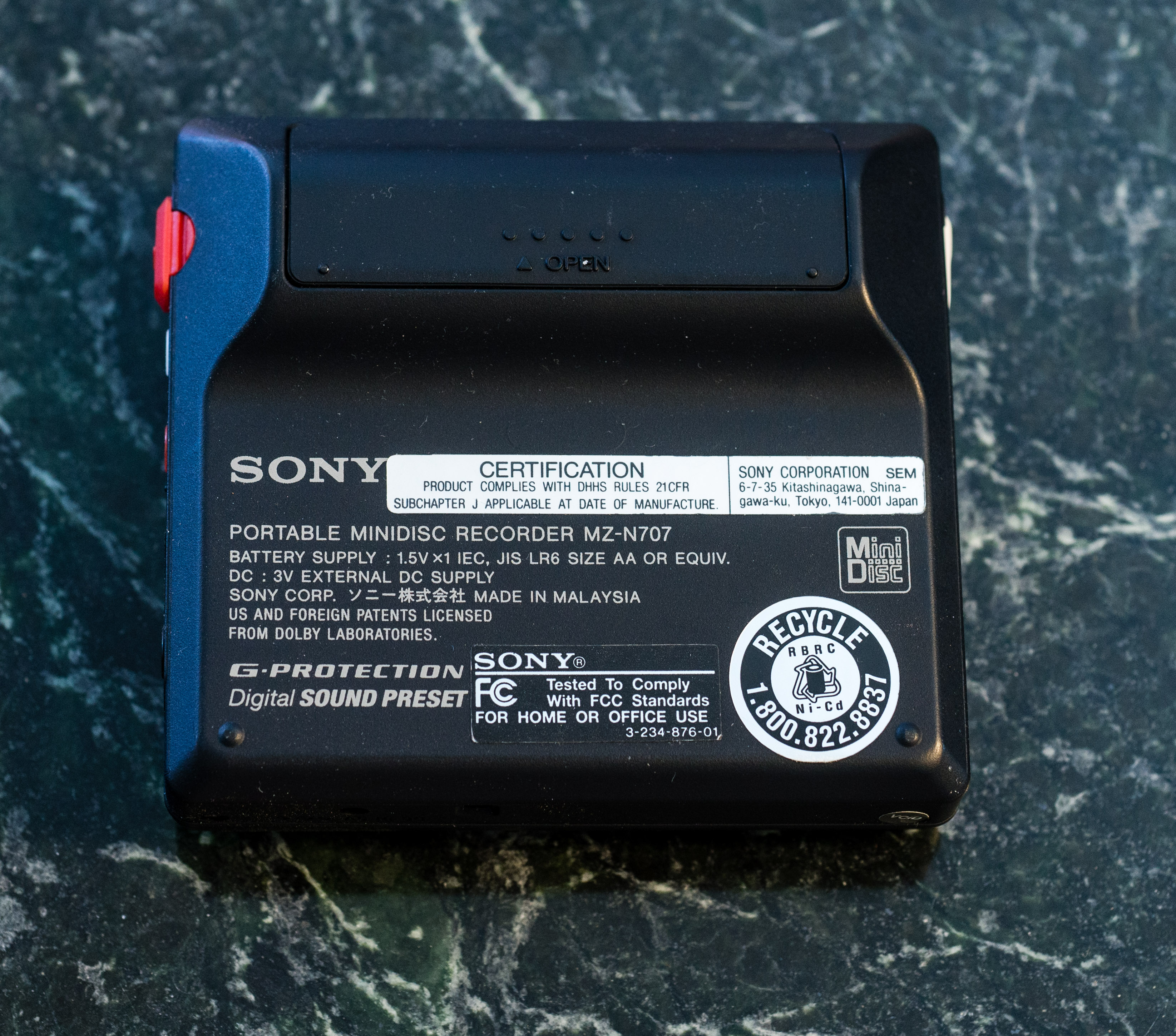
| Voltage | 3 |
| Power cable | Center positive |
| Price (launch) | $250 |
| ¥30 000 | |
| - | |
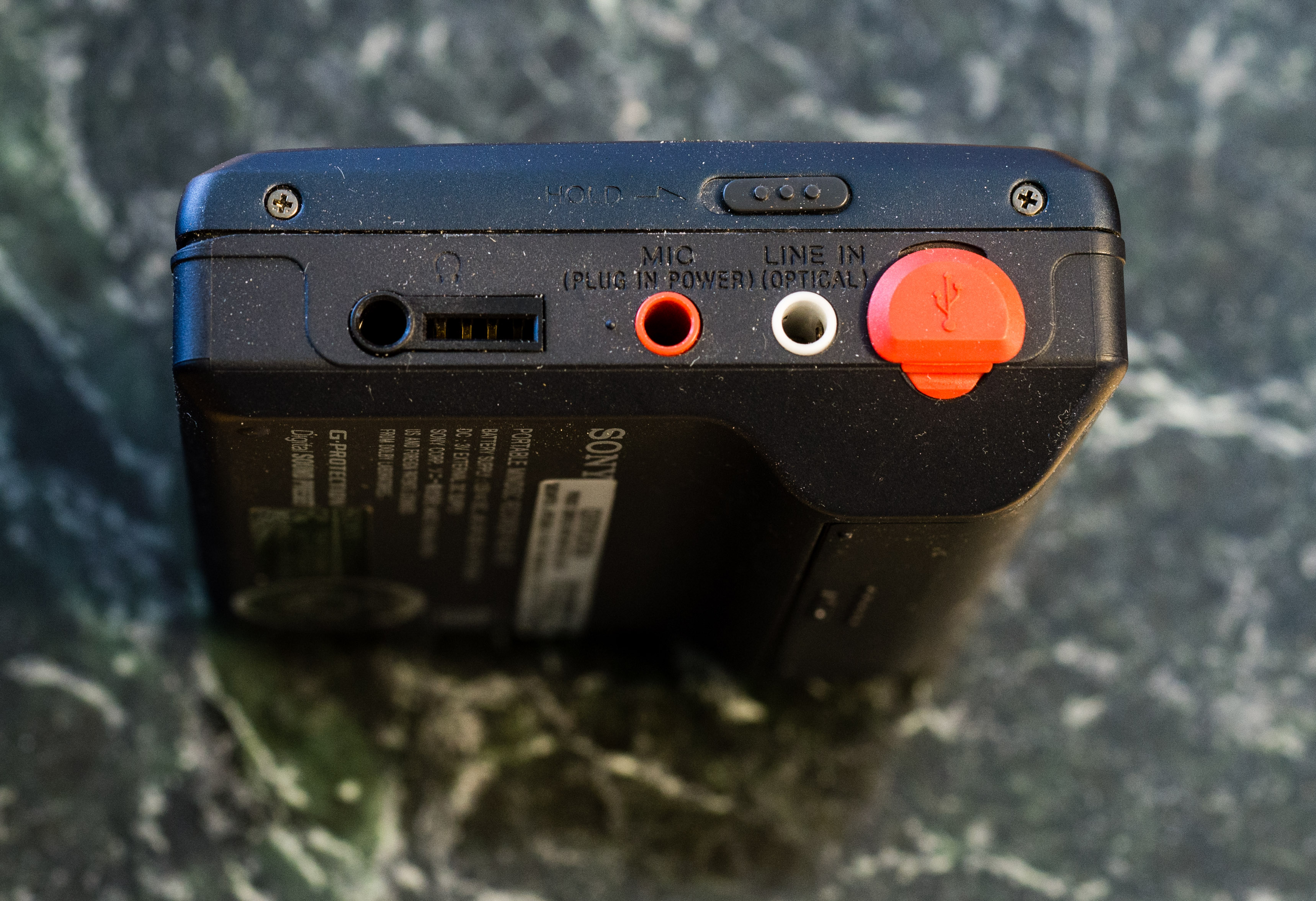
| Inputs | 3.5mm line in (optical multi), 3.5mm microphone |
| Outputs | 3.5mm headphone |
| Control | Remote (Sony), USB Mini-B |
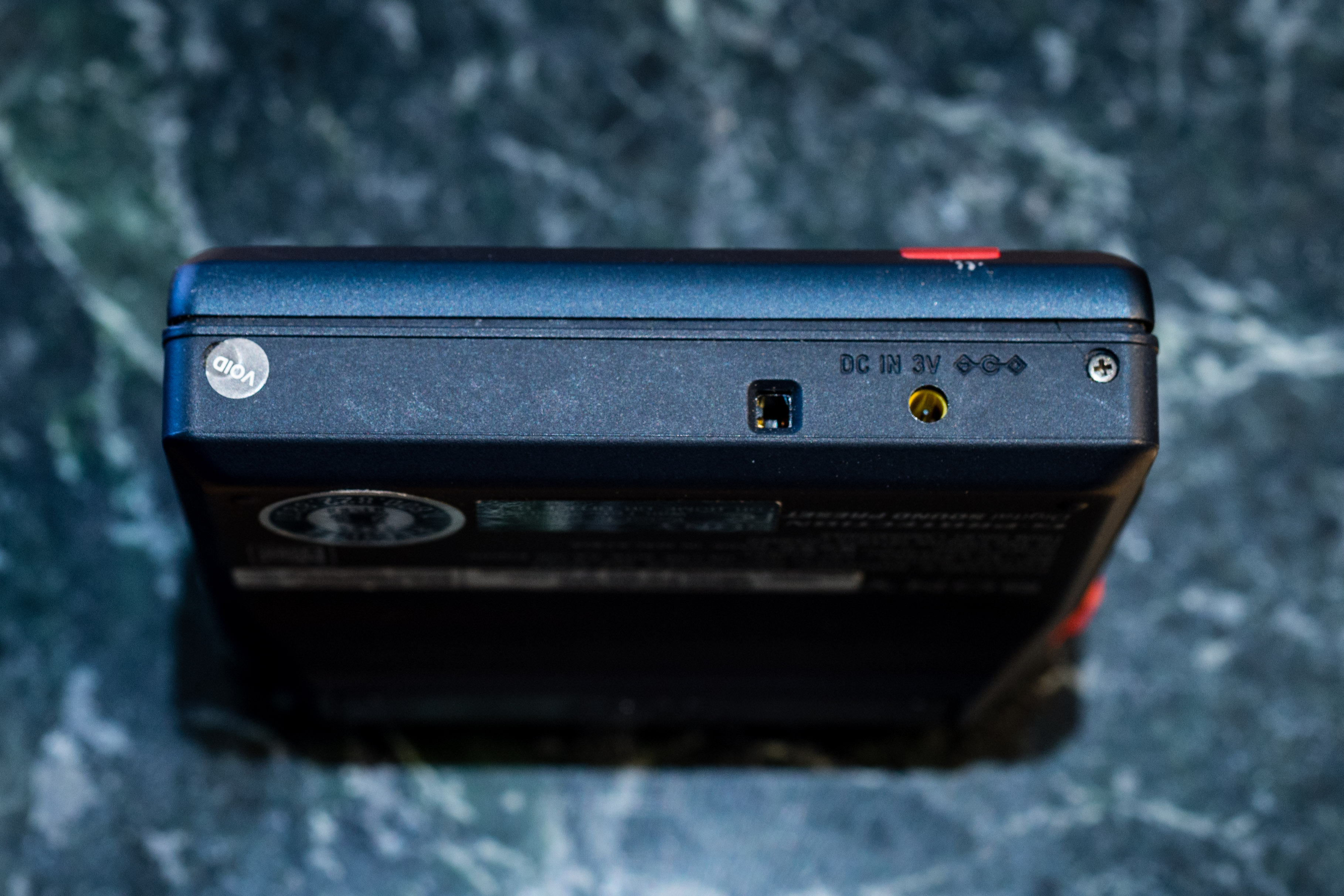
Highly recommended as a beginner device due to ease of use with NetMD and internal power sourced from an AA battery. Shipped with a charging dock, but the player itself has its own built-in barrel charger port. Barrel charger dimension is 2.35 x 0.7mm. Replacement chargers work but make sure they output 3V.
Works without issue on modern Windows 10 PCs using WebMiniDisc/PlatinumMD and Zadig driver.
You can also use it with the old Sonicstage and OpenMG programs using the 64bit drivers.
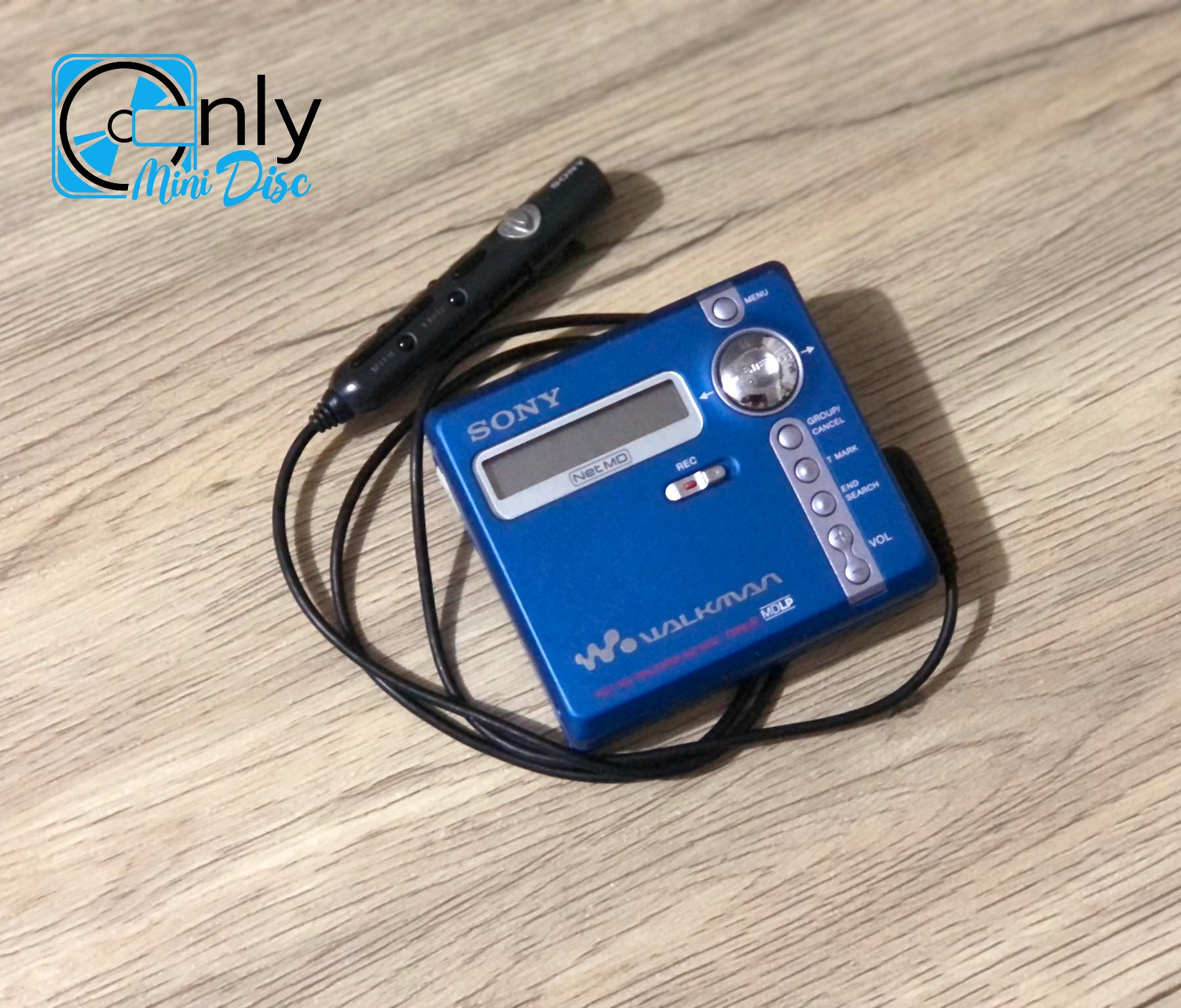
Originally shipped with the remote RM-MZ4R, but confirmed working with RM-MC10L and RM-MC11EL.
A Note on "dead" units that don't power up:
- Some users have reported an odd power-issue (sometimes related to battery terminal corrosion) where the unit does not appear to power up either under battery or dc power. If tilted a bit, however, the LCD appears to be getting some power as it will be visible powering back off. First step would be to clean off the battery corrosion (lemon juice or white vinegar, followed by isopropyl alcohol to clean everything up). Afterward, from the FB Minidisc Repair group, user Andre Ho suggested the following:
- “I have got two of these and it's seems to be that if left unused for a while the fail to turn on. Keep lighting the display up by pressing any button on remote or unit and mix it up with the mains current eventually it will turn on but It took mine nearly 45 minutes of doing that and just as I was about to give up it lit up. Also try a rechargeable battery in the unit and leave it in the charge stand if you have one that also worked for me. Good luck.”
- Note - This may not be a permanent fix and the issue may re-emerge, though it's reported that the same "fix" can revive the player. Obviously, the continued presence of the issue indicates other power issues to diagnose / resolve.
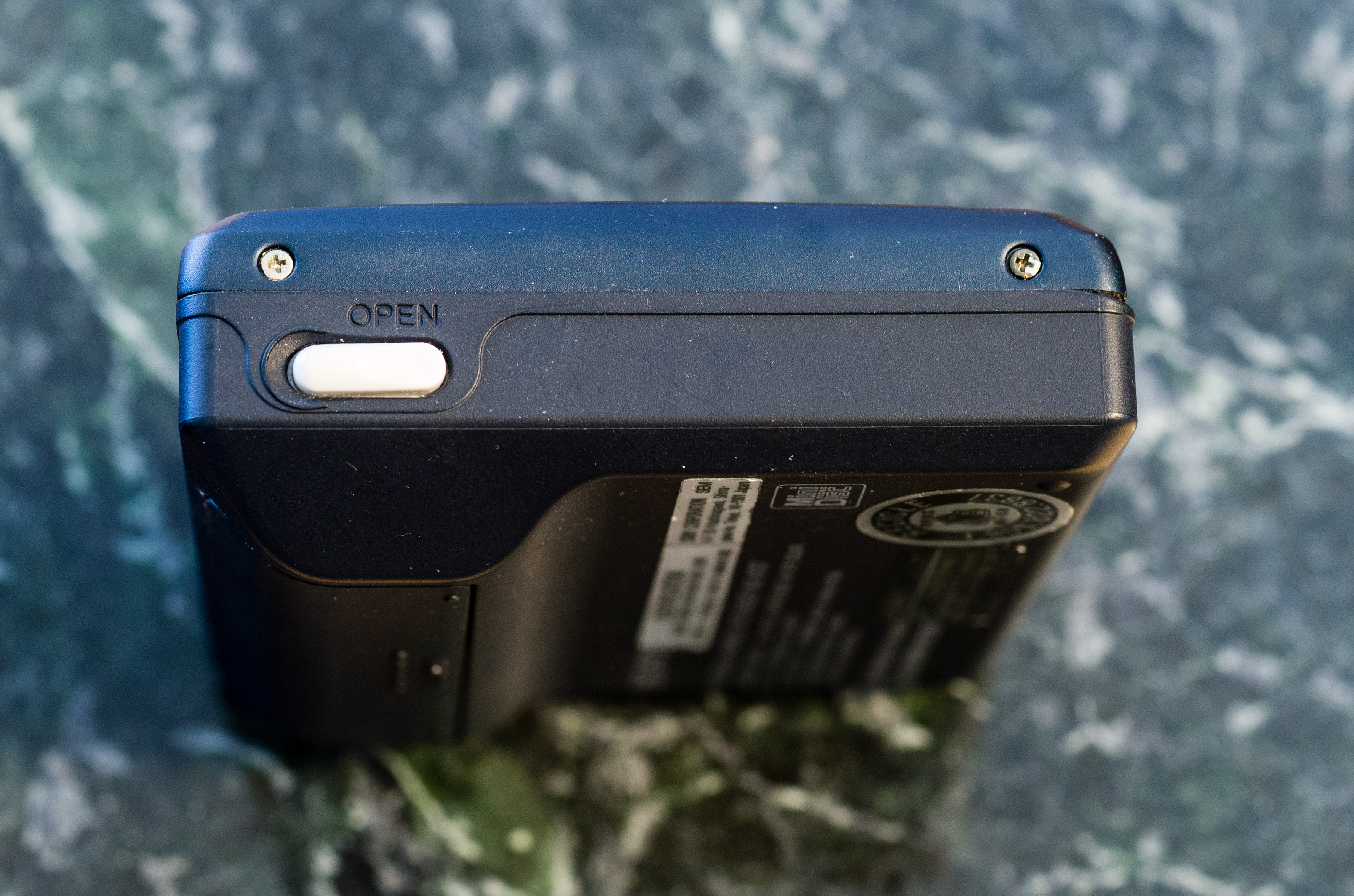
- This may be related to the door open switch disconnecting, as a few reports online on reddit suggest the player may not be sensing the door being closed. The display will power on if the door isn't closed, but won't display anything, it can be woken by the buttons, and there is a separate switch that is triggered when the open door button is pressed, which causes the display to light up when the door is open or closed. But, if the actual door open switch is disconnected or dirty, the player will always assume it's open, and will never operate. Debris inside, as well as one of the legs losing contact with the solder pad, would cause this issue to appear temporarily
** Potential Write-head failure **
Similar to the MZ-N1, you may notice skipping during recording, recording silence instead of audio, or the unit failing to write anything to the disc at all (for example, if you started with a blank disc, recorded it in this unit, and then ejected the disc or put the disc into another machine, and the disc is still blank).
You may need to do the Write head repair.
Before doing the write-head repair, especially if your unit is also struggling playing discs, you may want to do basic maintenance such as cleaning and re-lubing the machine.
Content adapted from: MZ-N707 Minidisc.org Page
Search for the MZ-N707 on eBay The MiniDisc Wiki may receive a commission for this affiliate link.
Manuals
Photos
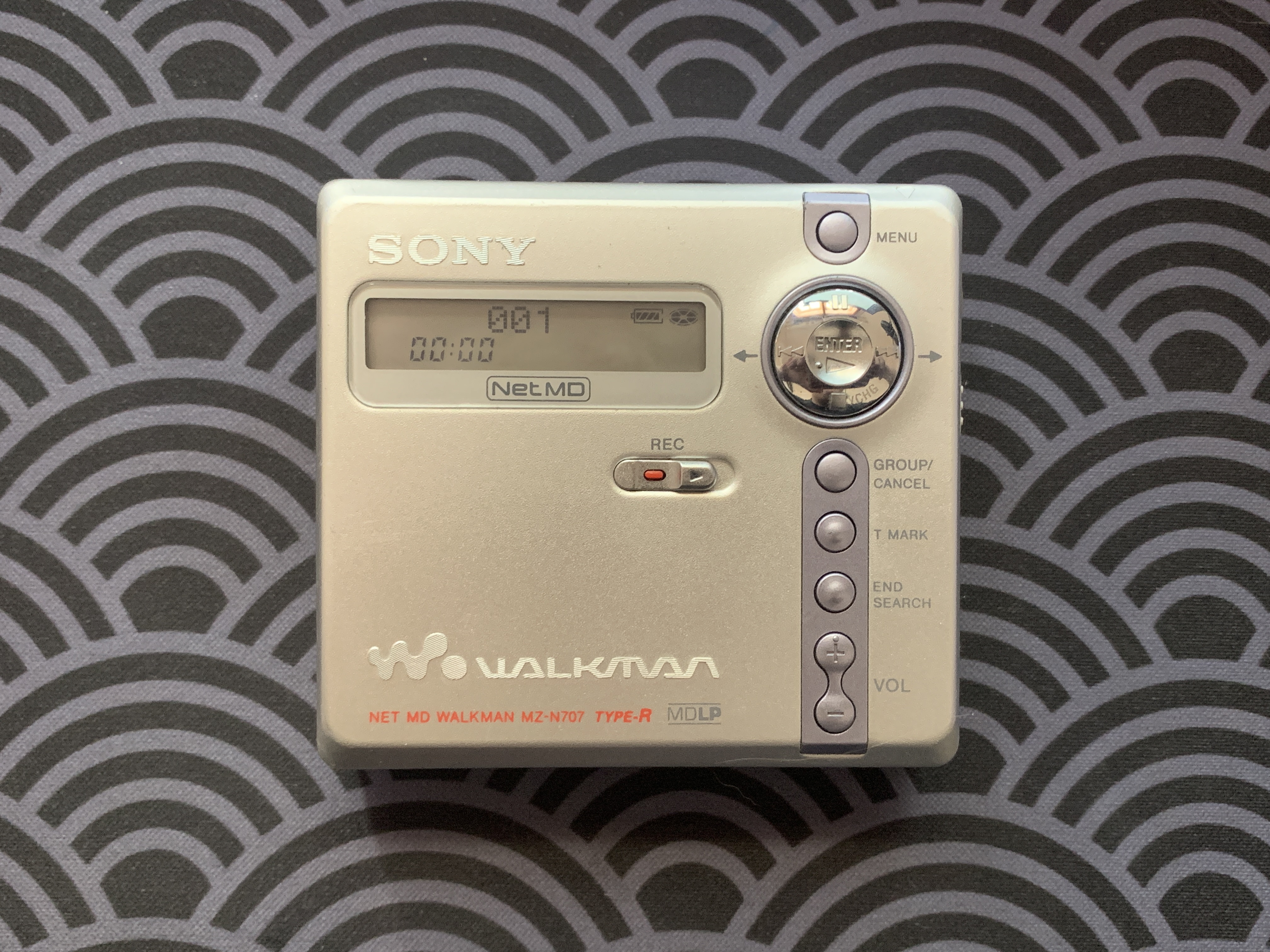
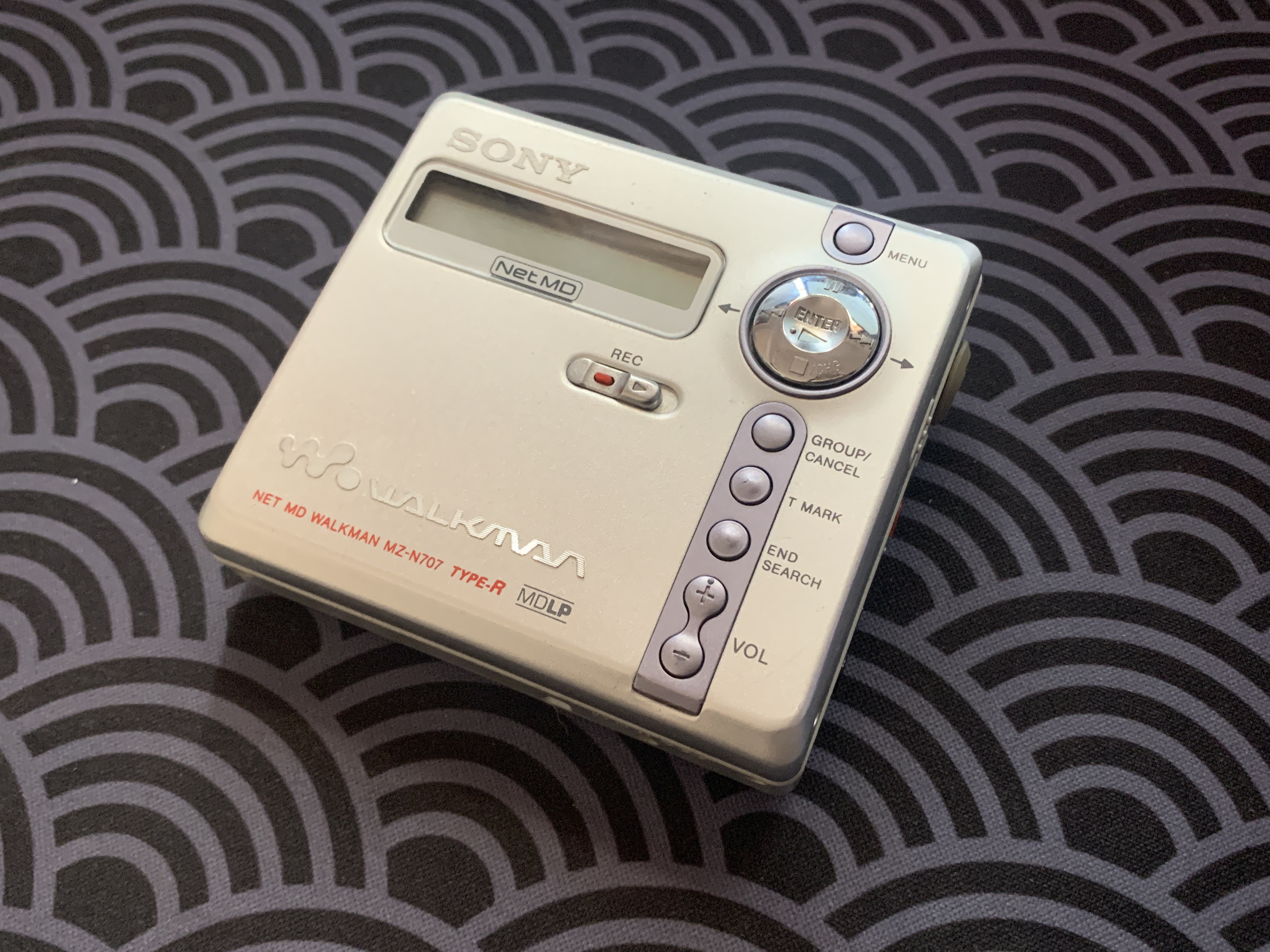
Have photos or data to add? Edit the page! We do not accept contributions via email..