Source: MiniDisc Wiki contributors · September 3, 2026 snapshot · CC BY 4.0, except where otherwise credited.
Attribution and changes
Adapted from “Using Web MiniDisc offline”. Links, layout and file names normalized; missing database fields restored; remote embeds replaced with links. Manufacturer manuals and separately credited photographs retain their original attribution.
Using Web MiniDisc offline
Electron WMD
Electron WMD is a standalone desktop version of Web MiniDisc Pro by the same developer. It can be found at this GitHub link.
Browser app
Web MiniDisc Pro can also be installed locally as a web app. This means it can be run without an internet connection or opening a web browser.
On Windows with Microsoft Edge, click the "3 blocks and plus" icon next to the Favorites "star" icon:
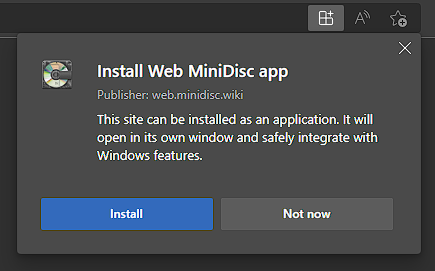
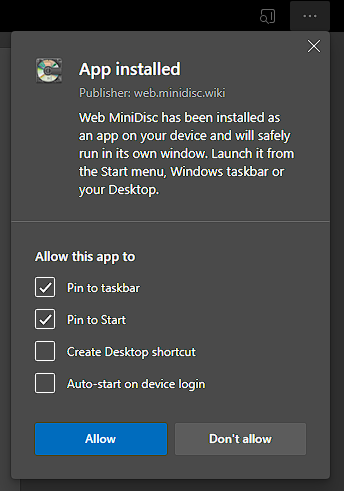
Choose "install" - the app is now available in your Start or Apps menu.
These directions should apply to Linux or MacOS systems as well.